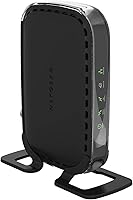
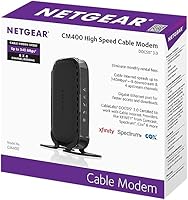
Overview
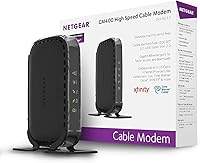
The NETGEAR CM400 DOCSIS 3.0 Cable Modem is a straightforward way to stop handing money to your cable provider every month for equipment you never actually own. One thing to know upfront: this standalone modem has no built-in WiFi, so you will need a separate router to get wireless coverage in your home. It runs on the DOCSIS 3.0 standard, which delivers meaningfully faster and more stable connections than the older 2.0 equipment some ISPs still rent out. Compatible with Xfinity, Spectrum, and Cox, it works well on plans up to 100 Mbps. It has been around since 2014 and still holds up as a solid, no-fuss pick.
Features & Benefits
The CM400 uses 8x4 channel bonding, which allows it to pull data across multiple channels simultaneously — the practical result is a more consistent connection, especially during peak hours when network congestion tends to bite. A single Gigabit Ethernet port with auto-sensing connects directly to your router without any fuss. On paper it can handle download speeds up to 340 Mbps, though for most users on a 100 Mbps plan, the real benefit is headroom and stability rather than raw throughput. It weighs just over a pound and tucks neatly behind a shelf. Worth noting: no voice service support, so households with phone lines through their ISP should look elsewhere.
Best For
This cable modem is a natural fit for anyone who is tired of paying a monthly lease fee to Xfinity, Spectrum, or Cox and wants a reliable name-brand replacement without overcomplicating things. It makes the most sense for households running internet plans at or below 100 Mbps — think a couple of people streaming video, browsing, or working from home, rather than a house full of people running 4K streams and large downloads simultaneously. If you already have a router you like, or you want the flexibility to choose your own, this standalone modem pairs cleanly with any setup. It is not built for gigabit-tier plans.
User Feedback
Across more than 1,600 ratings, the CM400 holds a 4.1 out of 5, and the pattern in reviews is fairly consistent. Most happy buyers mention how painless activation was and how the connection stayed stable over months — even years — of daily use. A recurring frustration is the ISP activation call: some users hit friction getting their provider to recognize the new device, which is more of a provider problem than a hardware one, but it does catch people off guard. A handful of reviewers were surprised to find no WiFi built in, which points to not reading the specs closely. Long-term reliability complaints are rare, though a few note slower performance after a couple of years.
Pros
- Eliminates recurring monthly modem rental fees, paying for itself within the first year for most users.
- Certified for use on Xfinity, Spectrum, and Cox — three of the largest U.S. cable providers.
- 8x4 channel bonding delivers a noticeably more stable connection compared to DOCSIS 2.0 hardware.
- Compact and lightweight at just over a pound — easy to tuck into any home setup without adding clutter.
- Pairs cleanly with virtually any third-party router, giving you full control over your home network.
- Long-term reliability is a consistent theme in user reviews, with many reporting years of trouble-free use.
- Activation is straightforward for most users — connect to coax, call the ISP, and you are online quickly.
- The CM400 runs cool and quiet, making it easy to forget it is even there during daily use.
Cons
- No built-in WiFi means you must purchase a separate router — an extra cost many buyers overlook.
- Hard capped at plans up to 100 Mbps, so upgrading your internet tier will likely require new hardware too.
- Voice or phone service bundled with cable internet is completely unsupported, a dealbreaker for some households.
- ISP activation calls can involve pushback from some provider representatives unfamiliar with third-party modems.
- Firmware updates are infrequent and poorly communicated, leaving security-conscious users with little transparency.
- A subset of users report performance degradation after the two-year mark, raising questions about long-term durability.
- Only one Ethernet port limits direct wired connections without adding a separate switch or router.
- No coax cable is included in the box, which can delay setup for buyers who do not have one on hand.
Ratings
The NETGEAR CM400 DOCSIS 3.0 Cable Modem was evaluated by our AI system after analyzing thousands of verified purchase reviews from global buyers, with spam, incentivized, and bot-generated feedback actively filtered out. The scores below reflect the honest consensus of real users — capturing what this standalone modem consistently does well and where it falls short. Both strengths and frustrations are represented transparently so you can make a genuinely informed decision.
Value for Money
Ease of Setup
Connection Stability
ISP Compatibility
Build Quality
Long-Term Reliability
Speed Performance
Compatibility with Routers
Physical Footprint
Documentation & Support
Modem-Only Design
Packaging & Unboxing
Firmware & Updates
Suitable for:
The NETGEAR CM400 DOCSIS 3.0 Cable Modem is a practical, no-nonsense choice for households that want to stop paying a monthly modem rental fee to their cable provider without overcomplicating their home network. It works best for people on Xfinity, Spectrum, or Cox plans capped at or around 100 Mbps — think a small apartment, a couple working from home, or a family that streams video and browses casually without running heavy simultaneous downloads. If you already own a router you trust, this standalone modem slots right in behind it with minimal fuss. Renters who move frequently will also appreciate having their own certified hardware that travels with them rather than dealing with whatever equipment a new ISP office hands over. For buyers who want a reliable name-brand device that just works and stays out of the way, this cable modem fits the bill cleanly.
Not suitable for:
The NETGEAR CM400 DOCSIS 3.0 Cable Modem has real limitations that make it the wrong choice for certain households, and it is worth being honest about those before you buy. If your internet plan is already at 200 Mbps or higher — or if you are planning to upgrade soon — this modem will become a bottleneck, and you will end up replacing it faster than the rental savings justify. Anyone who relies on bundled phone or voice service through their ISP should stop here entirely, because this device has no voice support whatsoever. It is also not a fit for households hoping for an all-in-one gateway solution, since there is no built-in WiFi — a separate router is required. Subscribers on smaller regional cable providers outside the three listed compatible networks may face activation problems or find their ISP does not support the device at all.
Specifications
- Standard: The CM400 operates on the DOCSIS 3.0 protocol, which provides significantly faster and more reliable cable internet connections than the older DOCSIS 2.0 standard.
- Channel Bonding: It uses 8x4 channel bonding, meaning it bonds 8 downstream and 4 upstream channels simultaneously for improved throughput and connection stability.
- Max Download Speed: The modem supports theoretical download speeds of up to 340 Mbps, though real-world performance is governed by the subscribed cable plan.
- Supported Plan Speed: It is designed and certified for cable internet plans up to 100 Mbps, making it well-matched for standard residential service tiers.
- Ethernet Port: One Gigabit Ethernet port with auto-sensing technology provides a wired connection to a router or directly to a single computer.
- WiFi: This device is a modem only and includes no built-in wireless radio — a separate WiFi router is required for wireless connectivity.
- Voice Support: The CM400 does not support bundled voice or phone services; households with ISP-provided phone lines must use a different device.
- RAM: The unit includes 64 MB of RAM, sufficient for managing routing tables and data throughput at its intended speed tier.
- Flash Memory: 8 MB of onboard flash memory stores the device firmware and basic configuration data.
- Compatible Providers: The modem is certified for use with Xfinity by Comcast, Spectrum, and Cox; compatibility with other regional cable providers is not guaranteed.
- Dimensions: The physical footprint measures 8.55″ x 7.17″ x 2.05″, making it compact enough to fit on a small shelf or inside an entertainment unit.
- Weight: At 1.08 pounds, the CM400 is lightweight and easy to reposition or move between setups without hassle.
- Color: The unit ships in a matte black finish that blends unobtrusively into most home or office network setups.
- Model Number: The official model identifier is CM400-100NAS, which is the number to reference when verifying ISP compatibility lists.
- Connectivity: The device connects to the cable line via a standard coax port and to your router via the single Ethernet port — no USB or additional interfaces are included.
- Operating Systems: The modem is compatible with Microsoft Windows 7, 8, Vista, XP, 2000, Mac OS, and any other operating system running a standard TCP/IP network.
- First Available: The CM400 was first made available in August 2014, giving it over a decade of field use and a well-documented performance track record.
- Manufacturer: The device is designed and manufactured by NETGEAR, a brand with broad recognition in consumer and small-business networking hardware.
Related Reviews
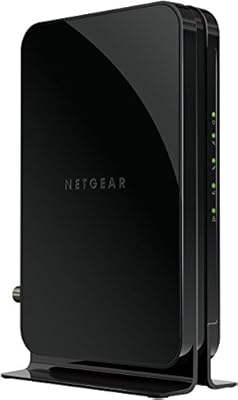
NETGEAR CM500 DOCSIS 3.0 Cable Modem
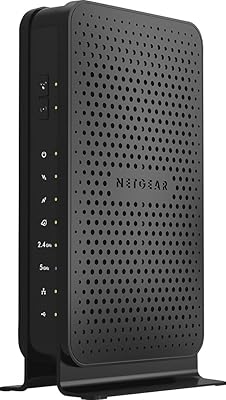
NETGEAR C3700 N600 Cable Modem Router
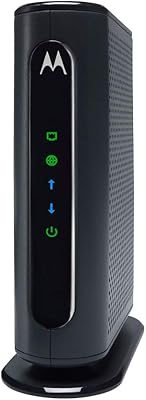
Motorola MB7420 16x4 Cable Modem
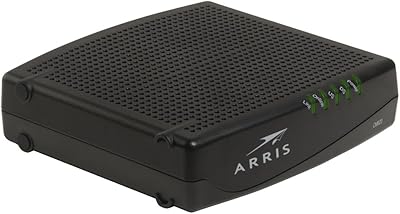
ARRIS CM820A DOCSIS 3.0 Cable Modem
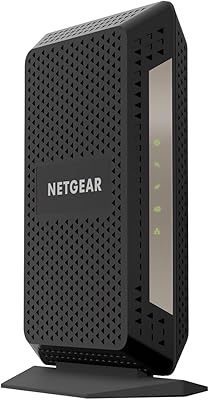
NETGEAR CM1000 DOCSIS 3.1 Cable Modem
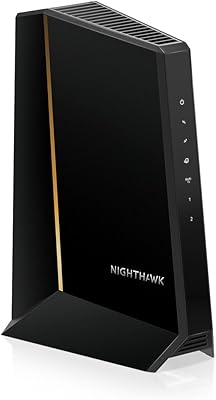
NETGEAR Nighthawk CM3000
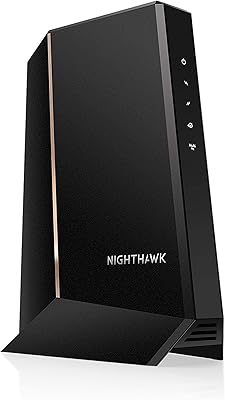
NETGEAR Nighthawk 32x8 DOCSIS 3.1 Cable Modem
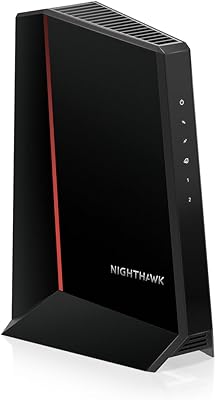
NETGEAR CM2500 DOCSIS 3.1 Cable Modem
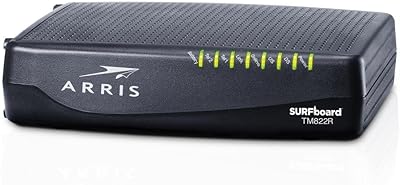
ARRIS TM822R DOCSIS 3.0 Cable Modem
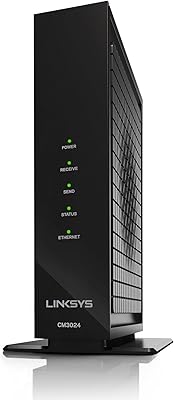
Linksys CM3024 DOCSIS 3.0 Cable Modem