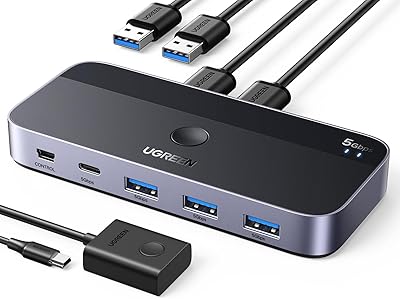
MLEEDA USB-C 2-Computer KVM Switch


Overview
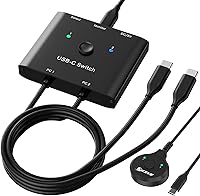
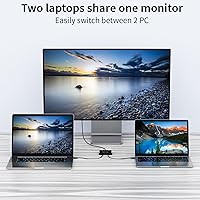
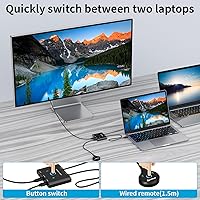
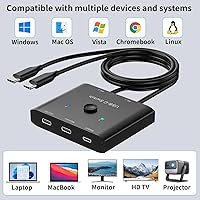
The MLEEDA USB-C 2-Computer KVM Switch is a compact little box that solves a genuinely annoying desk problem: sharing one monitor between two laptops without constantly swapping cables. It supports up to 8K@60Hz and 4K@120Hz video output, and ships with USB-C cables already in the box. Switching between machines uses a physical button on the unit or a wired remote — both included. One important caveat upfront: this two-computer switch requires that your laptops support USB-C Alt DP mode. Also, it is explicitly not compatible with MacBook Pro, so that needs to be on your radar before you buy. If your machines qualify, setup is straightforward.
Features & Benefits
The spec list here is genuinely impressive for this price tier. Video tops out at 8K@60Hz — a ceiling most people won't hit, since you'd need a matching display and cable — but 4K@120Hz is the more realistic sweet spot, and it handles that well. Data transfer runs at 10Gbps, which keeps external drives and USB peripherals moving quickly. The 100W pass-through charging is a real convenience; both laptops stay powered without needing extra adapters on your desk. It works driver-free on Windows, Mac OS, and Linux, and cooperates with most Thunderbolt 3 devices. Connect it to a USB-C docking station and you can also expand to dual monitors.
Best For
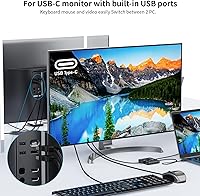
This USB-C KVM switch is a natural fit for anyone juggling two computers on the same desk — a personal laptop and a work machine, for instance — who wants to stop unplugging cables every time they switch. It also suits home office or studio setups built around a single high-res USB-C monitor. Power users who want video output, fast data transfer, and charging in one cable will find the setup genuinely tidy. That said, this is largely a Windows and Linux solution. MacBook Pro users are explicitly not supported, and even other Mac laptops require Alt DP mode, so verifying compatibility before ordering is essential.
User Feedback
Buyers of the MLEEDA switcher tend to report a smooth experience when their laptops are genuinely compatible — the plug-and-play setup draws consistent praise, and the wired remote is more appreciated than you'd expect, especially when the unit is tucked behind a monitor. Build quality earns good marks too; the compact aluminum body feels solid for its size. Complaints cluster around two areas: compatibility surprises, where some laptops fail to play nicely even when Alt DP is technically supported, and occasional signal instability at higher resolutions. The bundled USB-C cables work but aren't remarkable. For most users in compatible setups, the one-year replacement warranty provides a reasonable safety net.
Pros
- Lets two laptops share one monitor without touching a single cable during switches.
- 100W pass-through charging keeps both machines powered from a single USB-C connection.
- Driver-free setup means Windows and Linux users are up and running in minutes.
- The wired remote is a practical bonus when the unit is tucked out of reach behind a monitor.
- Works with most Thunderbolt 3 laptops despite not being a certified Thunderbolt device.
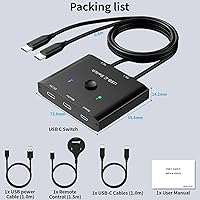
- USB-C cables are included in the box, so there is no immediate need to source extras.
- Supports dual-monitor expansion when paired with a compatible USB-C docking station.
- Compact aluminum build feels solid and takes up almost no desk real estate.
- 10Gbps data transfer keeps external drives and peripherals performing at full speed.
- One-year replacement warranty provides a meaningful safety net for early hardware issues.
Cons
- MacBook Pro is completely unsupported — no workaround exists, and this rules out a huge audience.
- Alt DP mode requirement is easy to overlook and causes a disproportionate share of returns.
- Bundled USB-C cables are functional at best and may need upgrading for stable high-res output.
- Button switching can become inconsistent after extended use, with occasional missed inputs reported.
- Video signal flickers at higher resolutions when switching between machines are not uncommon.
- Dual-monitor expansion on Mac OS requires two identical displays, which limits setup flexibility.
- Support response times have been slow for users needing compatibility diagnosis help.
- The wired remote cable is short, restricting placement options in wider desk arrangements.
- Shared bandwidth means simultaneous 4K output and heavy data transfer can cause minor bottlenecks.
- No wireless or software-based switching option exists for users who prefer a fully cable-managed desk.
Ratings
The ratings below for the MLEEDA USB-C 2-Computer KVM Switch were generated by AI after analyzing verified global user reviews, with spam, incentivized, and bot-driven feedback actively filtered out. Scores reflect the full picture — what buyers consistently praise and where real frustrations show up — so you can make a genuinely informed decision before purchasing this two-computer switch.
Compatibility Range
Video Output Quality
Switching Reliability
Pass-Through Charging
Data Transfer Speed
Build Quality
Setup & Ease of Use
Docking Station Integration
Wired Remote Usability
Thunderbolt 3 Support
Included Accessories
Value for Money
Warranty & Support
Suitable for:
The MLEEDA USB-C 2-Computer KVM Switch is purpose-built for anyone who runs two laptops on a single desk and is tired of swapping cables every time they need to switch machines. It's a particularly strong fit for professionals who keep a personal laptop and a work-issued machine side by side — think freelancers, hybrid workers, or developers who want one clean monitor setup serving both computers. Home office users with a single high-resolution USB-C display will get the most out of it, especially if they also want to consolidate charging into that same connection. Pairing it with a USB-C docking station unlocks even more utility, enabling dual-monitor expansion and shared peripherals like a keyboard and mouse across both machines. Windows and Linux users with laptops that support USB-C Alt DP mode will find this two-computer switch delivers a genuinely tidy, low-friction desk setup.
Not suitable for:
The MLEEDA USB-C 2-Computer KVM Switch has a hard compatibility wall that will stop certain buyers completely: MacBook Pro users are explicitly not supported, and that is a dealbreaker with no workaround. Even Mac users on other models need to confirm their machine supports USB-C Alt DP mode before purchasing, which is not a given across all hardware generations. Anyone expecting true Thunderbolt-certified performance — including daisy-chaining or PCIe tunneling — will find this USB-C KVM switch falls short, as it cooperates with Thunderbolt 3 devices without being a native Thunderbolt product. Users who need to connect more than two computers will also need to look elsewhere, since this switch is strictly a two-machine solution. Finally, buyers who regularly push 8K output should be aware that achieving it requires both a compatible 8K display and a certified high-bandwidth cable — neither of which ships in the box.
Specifications
- Video Output: Supports up to 8K@60Hz, 4K@120Hz, and 1080P@165Hz output via USB-C Alt DisplayPort mode.
- Data Transfer: Delivers 10Gbps data transfer speed using the USB 3.1 Gen 2 standard for fast peripheral and storage performance.
- Power Delivery: Provides up to 100W pass-through charging to keep connected laptops powered without requiring a separate adapter.
- Connected Computers: Supports exactly two host computers connected simultaneously, with one active output at a time.
- Switching Method: Switching between computers is done via a physical button on the unit or the included wired remote control.
- Host Requirement: Each connected laptop must support USB-C Alt DP (Alternative DisplayPort) mode for video output to function.
- Compatible OS: Works driver-free on Windows, Mac OS, and Linux operating systems without requiring any software installation.
- Thunderbolt 3: Compatible with most Thunderbolt 3-equipped devices, though it is not a native or certified Thunderbolt switch.
- MacBook Pro: Explicitly not compatible with MacBook Pro models; no workaround is available for this limitation.
- Dimensions: Measures 1.77 x 1.77 x 0.47 inches, making it one of the most compact USB-C KVM switches in its category.
- Weight: Weighs 4.94 ounces, light enough to sit on a desk or mount behind a monitor without additional support.
- Build Material: Enclosure is constructed from aluminum, providing a rigid, heat-dissipating body despite the compact footprint.
- Included Cables: Ships with USB-C cables in the box, allowing immediate setup without purchasing additional accessories.
- Docking Station: Supports connection to a USB-C docking station, enabling shared keyboard, mouse, and additional display outputs.
- Dual Monitor: Dual-monitor expansion is supported when used in combination with a compatible USB-C docking station with HDMI or DisplayPort outputs.
- LED Indicator: An onboard LED indicator shows which of the two connected computers is currently active.
- Plug-and-Play: Requires no driver installation on supported operating systems; the switch is recognized automatically upon connection.
- Warranty: Covered by a one-year warranty that includes unit replacement rather than repair-only service.
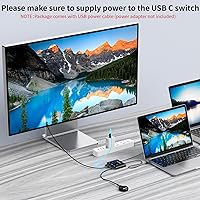
- Power Source: Requires a USB cable connection to power the switch itself, separate from the pass-through charging it provides to host laptops.
- Ultrawide Support: Supports ultrawide screen resolutions including 3440x1440, in addition to standard 16:9 display formats.
Related Reviews
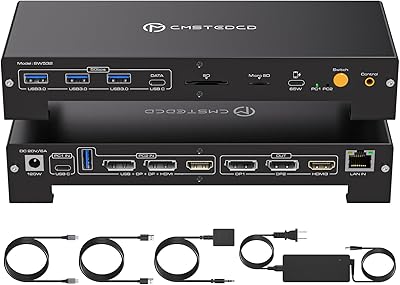
CMSTEDCD SW532 KVM Docking Station
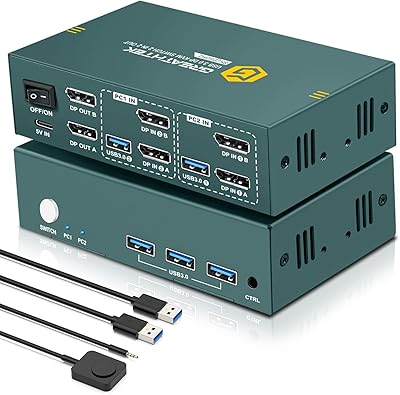
EVATEK 8K DP 2-Monitor 2-PC KVM Switch
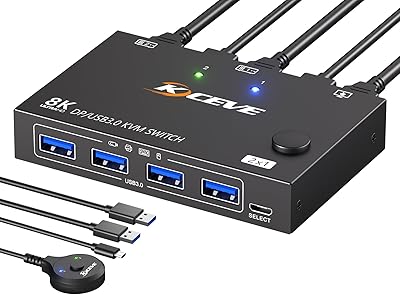
MLEEDA 201DPA DisplayPort KVM Switch
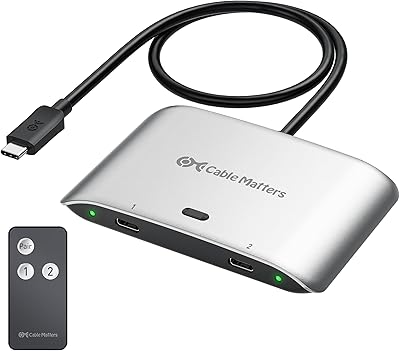
Cable Matters 20Gbps USB-C Switch 201352
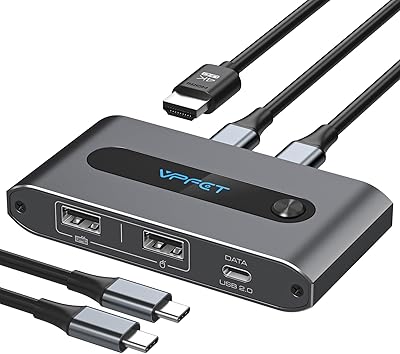
AILVLVNG SW520 2-Port USB-C KVM Switch
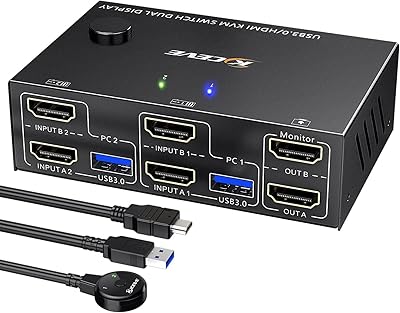
Camgeet KVM202AS Dual Monitor KVM Switch
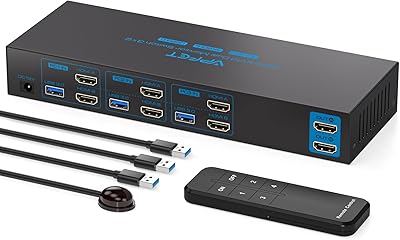
AILVLVNG SW330 Dual Monitor KVM Switch
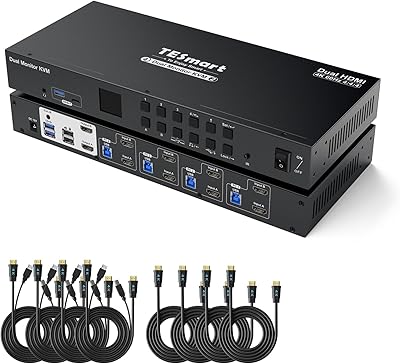
TESmart HKS402-P23 Dual Monitor KVM Switch
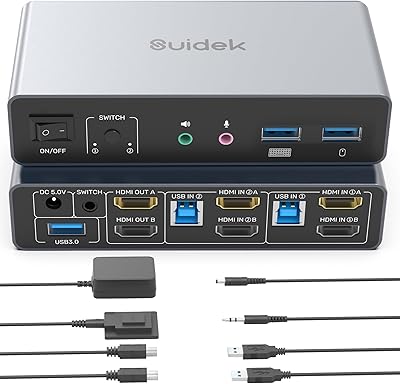
SUIDEK SJW-KM202B Dual Monitor KVM Switch
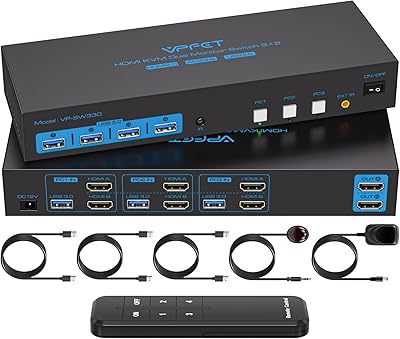
CMSTEDCD SW330 Dual Monitor KVM Switch