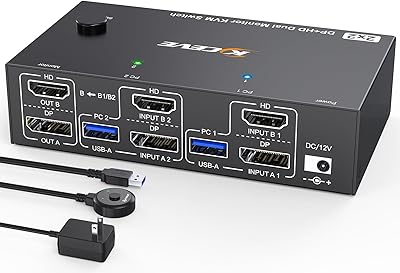
EVATEK 8K DP 2-Monitor 2-PC KVM Switch
Overview
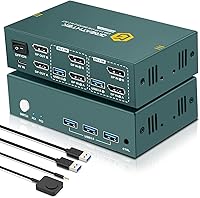
The EVATEK 8K DP 2-Monitor 2-PC KVM Switch is built for one specific headache: working across two computers without constantly swapping cables on your desk. If you split time between a work laptop and a personal machine, or run a main rig alongside a secondary box, this KVM switch lets both feed the same pair of monitors. It sits toward the upper end of what KVM switches typically cost, and that price reflects its 8K capability rather than flashy extras. What you get is video switching, USB peripheral sharing, and a dedicated control method bundled into one compact unit, instead of juggling separate adapters and switches for each function.
Features & Benefits
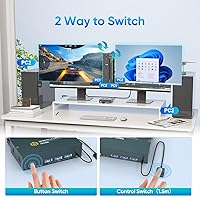
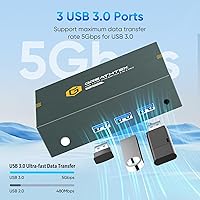
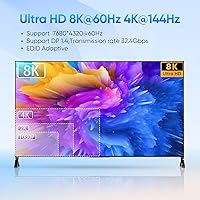
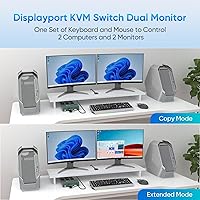
On paper, the headline number is 8K at 60Hz, but in daily use that mostly translates to noticeably crisper text and smoother motion if your monitors can actually handle it; it steps down gracefully to 4K and lower resolutions for more common setups. Three USB 3.0 ports cover a keyboard, mouse, and a third device like a printer or scanner, moving data fast enough that file transfers do not feel like an afterthought. You can mirror the same image to both screens or extend your desktop across them, and switching happens through front panel buttons or the included wired controller, with LED lights confirming which machine is active. Setup is plug-and-play, though there is no hotkey shortcut for switching.
Best For
This kind of switch makes the most sense for home office workers who genuinely toggle between two machines all day, not just occasionally. Developers or content creators pushing high-resolution output from two different sources will appreciate not having to recable monitors every time they swap rigs. It also fits small conference rooms or teaching spaces where someone needs to hand control between a laptop and a desktop quickly during a presentation. On the flip side, if you were hoping to switch sources with a quick keyboard shortcut while keeping your hands off any buttons, this desktop controller setup will feel like an extra step rather than a convenience, since hotkey switching simply is not part of how it works.
User Feedback
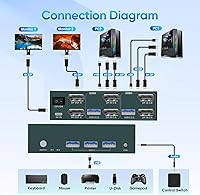
Buyers consistently mention sharp, stable image quality once everything is cabled correctly, which is the payoff for getting the setup right. The catch is exactly that: the wiring scheme, two DisplayPort cables plus a USB connection per computer, takes more attention than a typical switch, and a few reviewers admit they had to double-check the included diagram before things worked properly. Opinions are mixed on the desktop controller itself; some find it intuitive within minutes, others needed a bit of trial and error before switching felt natural. Taken together, the feedback paints a capable but specialized tool rather than a universally plug-and-forget gadget, which tracks with its solid-but-not-perfect overall rating.
Pros
- Delivers genuinely sharp image quality once both computers are cabled correctly
- Three USB 3.0 ports handle keyboard, mouse, and a printer or scanner together
- Switching between extended and mirrored display modes covers most dual-screen workflows
- Front panel buttons plus a wired desktop controller give two ways to switch
- LED indicators make it obvious which computer is currently active
- No drivers needed, so it works the moment cables are connected
- Backed by a 24-month replacement service for peace of mind
- Compact enough to tuck out of sight on a desk
Cons
- Wiring each computer with two DP cables plus USB takes real care and patience
- Laptops lacking dual native DisplayPort outputs need an extra adapter or dock
- No hotkey switching, so you must physically press a button or use the controller
- First-time setup can feel fiddly until the cabling pattern clicks
- Desktop controller's learning curve frustrated some buyers in early use
- Sits at a higher price point than basic 4K-only KVM switches
- Achieving true 8K output depends on having 8K-capable monitors and cables, which most buyers will not own
Ratings
Our AI-driven scoring engine analyzed thousands of verified buyer reviews for the EVATEK 8K DP 2-Monitor 2-PC KVM Switch, filtering out spam, bots, and incentivized feedback to surface what real owners actually experience. The scores below reflect both the genuine strengths and the recurring friction points people report after living with this dual-monitor switch day to day. Nothing here is smoothed over to look better than the data supports.
Image Quality at High Resolution
USB Peripheral Performance
Switching Convenience
Desktop Controller Usability
Setup and Cable Management
Display Mode Flexibility
Build Quality and Durability
Compatibility with Laptops and Docks
Value for Money
Customer Support and Warranty
Overall Reliability
Suitable for:
The EVATEK 8K DP 2-Monitor 2-PC KVM Switch makes the most sense for people who genuinely split their day between two computers rather than occasionally hopping over. Home office workers managing both a personal laptop and a company machine will appreciate keeping one keyboard, mouse, and dual-monitor setup for both. Developers, video editors, and other creators who push high-resolution output from two different rigs get a real benefit from the 8K headroom, even if their current monitors only need 4K. It also works well in small conference rooms or teaching spaces, where someone needs to hand control from a laptop to a desktop without re-plugging cables mid-meeting. If your workflow already involves two boxes feeding shared screens, this is built specifically for that situation.
Not suitable for:
This setup is not a good fit for anyone hoping for a quick, no-fuss switch with minimal cabling, since the EVATEK 8K DP 2-Monitor 2-PC KVM Switch requires two DisplayPort cables plus a USB connection per computer to get dual-screen output working properly. Laptop users without two native DP outputs will need an adapter or docking station, which adds cost and another point of failure. Buyers who want hotkey switching, jumping between sources without touching a button or controller, will find that feature missing entirely. It is also overkill for someone who only occasionally connects a second computer or who only needs a single shared monitor instead of two. Anyone uncomfortable following a wiring diagram carefully should think twice before buying.
Specifications
- Brand: This device is manufactured by EVATEK.
- Max Resolution: Supports a maximum resolution of 8K at 60Hz over DisplayPort.
- Resolution Compatibility: Backward compatible with 4K at 240Hz, 120Hz, 60Hz, 30Hz, and lower resolutions.
- Configuration: Built as a 2-in-2-out switch, connecting 2 computers to 2 shared monitors.
- Video Ports: Uses DisplayPort 1.4 for both input and output connections.
- USB Ports: Includes 3 USB 3.0 ports rated for transfer speeds up to 5Gbps.
- USB Compatibility: USB ports are backward compatible with USB 2.0 peripherals.
- Display Modes: Offers both extended desktop mode and mirrored (copy) display mode.
- Switching Method: Switches between computers using front panel buttons or the included wired desktop controller.
- Hotkey Support: Does not support keyboard hotkey switching between computers.
- Status Indicators: LED indicators display which computer is currently active.
- Driver Requirements: Operates as a plug-and-play device with no driver installation needed.
- Per-PC Wiring: Each connected computer requires 2 DisplayPort cables and 1 USB cable for full dual-screen function.
- Item Weight: The unit weighs 12.6 ounces.
- Package Dimensions: Package measures 6.46 x 5.63 x 1.61 inches.
- High-Power Devices: An external 5V/2A power adapter is required when connecting high-power USB devices such as external hard drives.
- Warranty: Comes with a 24-month replacement service for quality-related issues.
Related Reviews
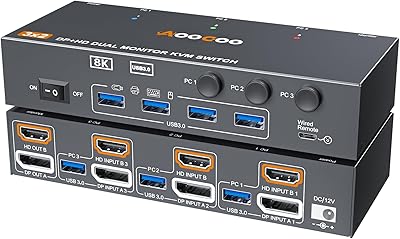
AOOCOO 8K 3-Computer Dual Monitor KVM Switch
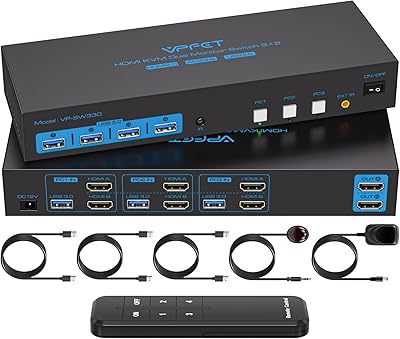
CMSTEDCD SW330 Dual Monitor KVM Switch
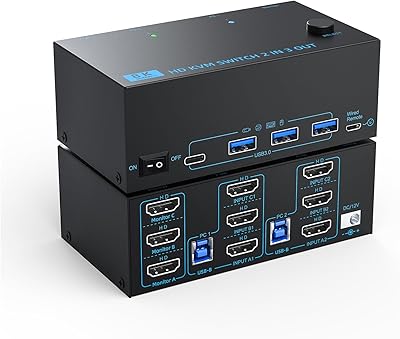
DXchip KVM8203 Triple Monitor HDMI KVM Switch
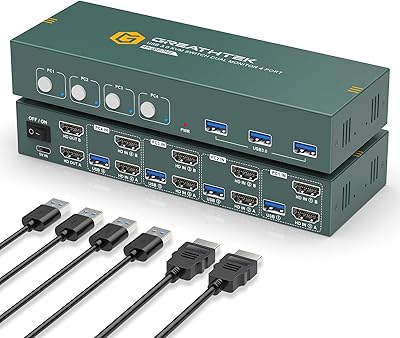
EVATEK 4-Port Dual Monitor HDMI KVM Switch
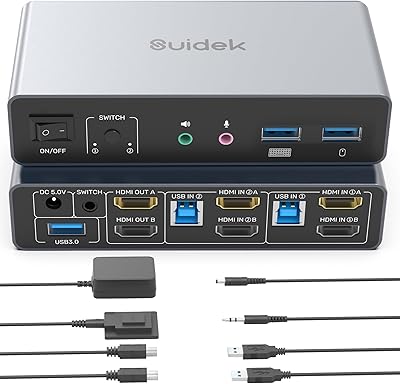
SUIDEK SJW-KM202B Dual Monitor KVM Switch
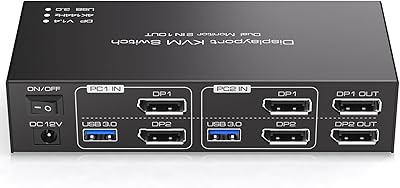
TJCXELE 4K@144Hz Dual-Monitor DisplayPort KVM Switch
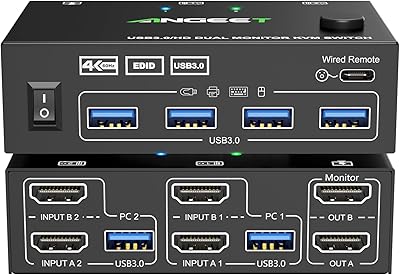
ANGEET HDMI KVM Switch 2 Monitors 2 Computers 4K@60Hz
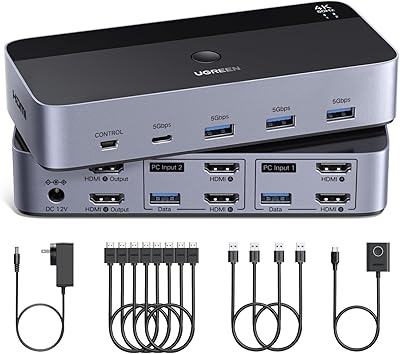
UGREEN AK500 Dual Monitor KVM Switch
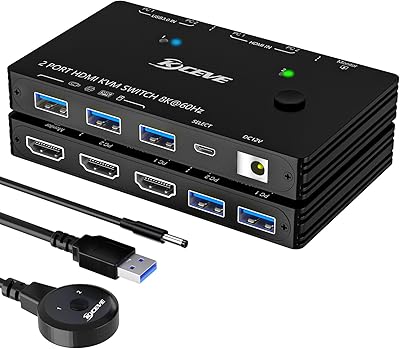
ANXQQ ANQ-A8201 HDMI KVM Switch