UGREEN USB 3.0 Switch 15705
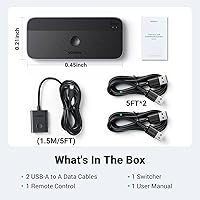

Overview
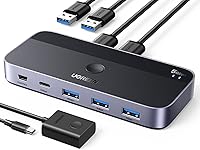
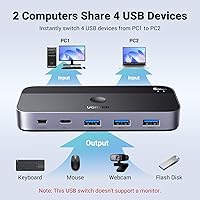
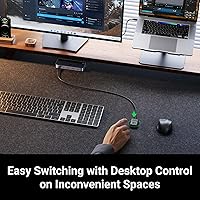
The UGREEN USB 3.0 Switch 15705 is a compact peripheral-sharing device that lets two computers access up to four USB devices without ever touching a cable. It sits in the mid-range price tier — practical for a home-office setup, affordable enough to make sense without much deliberation. The box includes two USB-A to USB-A cables and a wired remote controller, so you can tuck the unit away and switch machines from wherever you are sitting. One thing worth stating clearly upfront: no video output. This is not a KVM switch and will not share a monitor between two computers. Strictly data and peripherals.
Features & Benefits
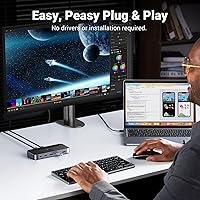
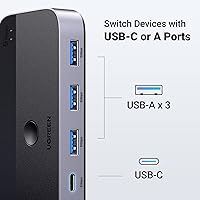
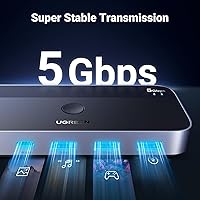
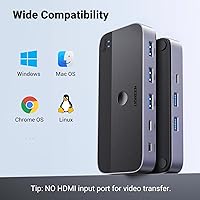
The port layout is thoughtfully done: one USB-C output and three USB-A outputs, which covers most peripheral mixes without needing adapters on the device side. Data transfer runs at 5Gbps over USB 3.0, with full backward compatibility for older USB 2.0 gear. If you plan to run an external hard drive or a power-hungry headset, there is an optional USB-C power input — just know a 5V 2A adapter is not included and needs to be sourced separately. Switching between computers is either a button press on the unit itself or a click of the remote. Setup is driver-free across Windows, macOS, Chrome OS, and Linux.
Best For
This USB switcher makes the most sense for people running two machines side by side — a work laptop and a personal desktop being the classic pairing. If you share a keyboard, mouse, and maybe a printer or external drive between both, this two-PC sharing hub cuts out the daily cable-swapping ritual entirely. It also suits anyone who finds software-based sharing solutions unreliable or too fiddly to maintain. Mac users should be aware: if your machine has only USB-C ports, you will need a USB-C to USB-A adapter alongside the included cable — a USB-C to USB-A cable alone will not work with this switch.
User Feedback
Most buyers find the UGREEN switch easy to get running in under five minutes, and the wired remote consistently earns praise for letting people hide the unit and still switch computers without reaching for it. Reliability during normal use gets positive marks across the board. On the flip side, users running multiple wireless 2.4GHz devices — dongles for a wireless keyboard and mouse, for instance — sometimes report interference; this is a known industry limitation, not a flaw unique to this unit. A few reviewers also flag that devices can disconnect after waking from sleep until power-saving settings are disabled. Minor friction, but worth knowing before buying.
Pros
- Switching between two computers takes a single button press — no cable unplugging involved.
- The wired remote lets you hide the switch entirely and still control it from across the desk.
- Plug-and-play setup works across Windows, macOS, Chrome OS, and Linux without installing any drivers.
- The mixed port layout — one USB-C plus three USB-A outputs — handles most real-world peripheral combinations without adapters.
- 5Gbps USB 3.0 speeds make transferring large files between machines via a shared drive genuinely fast.
- Both a physical button and a remote controller are included, giving you two practical ways to switch.
- Compact enough to disappear behind a monitor or under a desk shelf without cluttering the workspace.
- USB 2.0 backward compatibility means older peripherals work without needing replacement.
- The included 1.5m cables are long enough for most standard desk configurations right out of the box.
Cons
- No power adapter is included, yet high-draw devices like external HDDs need one to stay stable.
- Wireless 2.4GHz peripherals can interfere with each other when multiple dongles are connected simultaneously.
- USB devices may disconnect after a computer wakes from sleep until power-saving settings are manually adjusted.
- Mac users with USB-C-only ports need a separate adapter not mentioned prominently before purchase.
- Only four output ports total — power users sharing five or more devices will run out of room quickly.
- Connecting a downstream USB hub to expand capacity degrades signal quality and is officially unsupported.
- The remote controller feels lightweight and inexpensive, which stands out on an otherwise functional unit.
- At 1.5m, the included cables may fall just short for desks where the two computers sit farther apart.
Ratings
The UGREEN USB 3.0 Switch 15705 has been scored by our AI system after processing thousands of verified purchase reviews from global buyers, with spam, bot submissions, and incentivized feedback actively filtered out. The ratings below reflect a honest cross-section of real daily use — including the aspects users consistently praise and the friction points that show up repeatedly across different setups. Both sides of the experience are represented transparently.
Ease of Setup
Switching Reliability
Remote Controller Convenience
Wireless Device Compatibility
Port Selection & Layout
Data Transfer Speed
Power Supply Situation
Build Quality
Cable Quality & Length
Compatibility Across Operating Systems
Value for Money
Desk Space & Form Factor
Sleep and Wake Behavior
Multi-Device Stability
Suitable for:
The UGREEN USB 3.0 Switch 15705 is a strong fit for anyone who runs two computers at the same desk and is tired of unplugging and replugging the same keyboard, mouse, or printer multiple times a day. Home-office professionals juggling a work laptop and a personal desktop will get the most out of it — the ability to flip between machines in one click genuinely reduces friction across a full workday. Creative users who transfer large files between two systems via a shared external drive will also appreciate the 5Gbps throughput, which keeps those transfers fast and predictable. The included wired remote is particularly useful for users who like a tidy desk, since it lets you hide the switch out of sight and still control it from a comfortable position. If you use wired peripherals and work across Windows, macOS, Chrome OS, or Linux — sometimes even a mix — this two-PC sharing hub handles cross-platform setups without any driver headaches.
Not suitable for:
The UGREEN USB 3.0 Switch 15705 is the wrong tool if you need to share a monitor between two computers — it has no video output of any kind and will not replace a proper KVM switch for display sharing. Users who rely heavily on multiple 2.4GHz wireless peripherals should think carefully before buying, since running several wireless USB dongles through the same switch can cause interference and dropout, which is frustrating to diagnose if you do not know what to look for. Mac users whose machines have only USB-C ports will need to source an additional USB-C to USB-A adapter before this switch will even connect — the included cables are USB-A only, and a USB-C to USB-A cable alone will not work. Anyone needing to share more than four devices simultaneously will also hit a hard limit, and connecting a USB hub downstream to extend the port count is not recommended as it degrades performance. Finally, if you plan to connect power-hungry devices like external hard drives, budget for a separate 5V 2A USB-C power adapter — the switch does not come with one, and running high-draw devices without it leads to instability.
Specifications
- Brand: Manufactured by Ugreen Group Limited under the UGREEN brand.
- Model Number: The device carries the official model number 15705.
- Dimensions: The switch unit measures 4.8 x 2.1 x 0.7 inches, making it compact enough to hide behind a monitor or under a desk shelf.
- Weight: The full package weighs 11.99 oz, including the switch, cables, and remote controller.
- Material: The unit is constructed from a combination of ABS plastic and aluminum for a balance of lightness and desk durability.
- Computer Inputs: Two USB-A ports accept connections from up to two host computers simultaneously.
- Peripheral Outputs: Four output ports are provided: one USB-C and three USB-A, supporting a broad range of modern and legacy peripherals.
- Transfer Speed: Supports USB 3.0 data transfer at up to 5Gbps and is fully backward compatible with USB 2.0 devices.
- Switching Modes: Two switching methods are available: a physical button on the unit and a wired remote controller included in the box.
- Included Cables: Two USB-A to USB-A cables, each 1.5m (approximately 5ft) in length, are included for connecting the two host computers.
- Remote Cable Length: The wired remote controller connects to the switch via a 1.5m cable, providing flexible placement options on a desk.
- Power Input: An optional USB-C power port accepts a 5V 2A adapter (not included) to stabilize operation when high-draw devices are connected.
- Video Support: This switch has no HDMI or video output of any kind and does not support monitor or display sharing between computers.
- OS Compatibility: Plug-and-play compatible with Windows, macOS, Chrome OS, and Linux without requiring any driver installation.
- Wireless Limitation: Multiple 2.4GHz wireless USB dongles connected simultaneously may experience interference, an industry-wide limitation not unique to this device.
- Hub Compatibility: Connecting the switch through a downstream USB hub is not supported and will degrade signal quality and switching reliability.
- Date Available: The product was first listed for sale on August 13, 2023.
- Package Contents: The box includes one USB switch unit, two USB-A to USB-A cables, and one wired remote controller.
Related Reviews

KCEVE KC-303X Triple Monitor KVM Switch
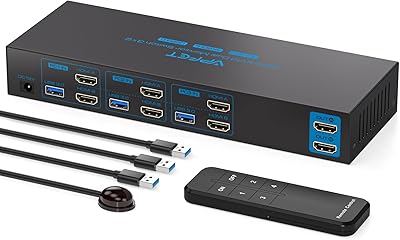
AILVLVNG SW330 Dual Monitor KVM Switch

ikuai 3.5″ USB 3.0 Hard Drive Enclosure
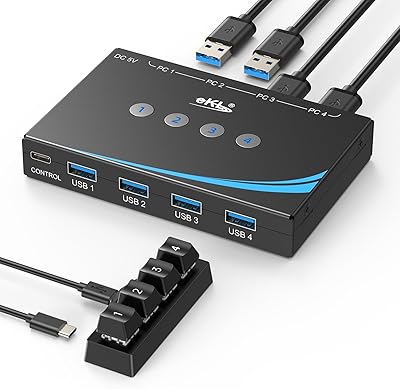
eKL EKL-04UR 4-Port USB 3.0 Switch
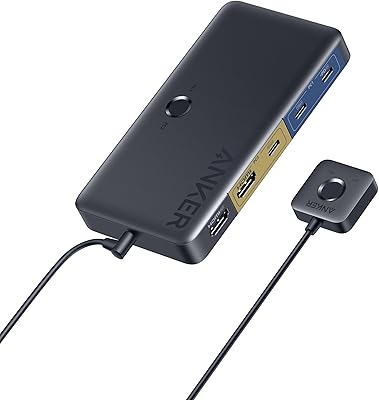
Anker A83K8 4K HDMI KVM Switch
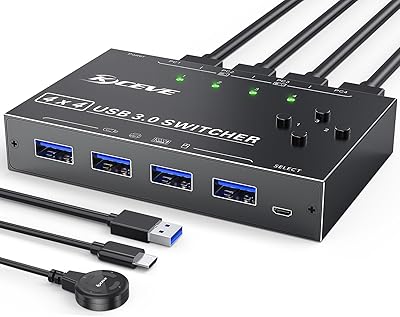
MLEEDA 4-Port USB 3.0 KVM Switch
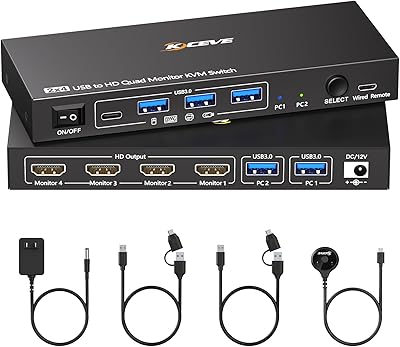
Camgeet 204UH Quad Monitor KVM Switch
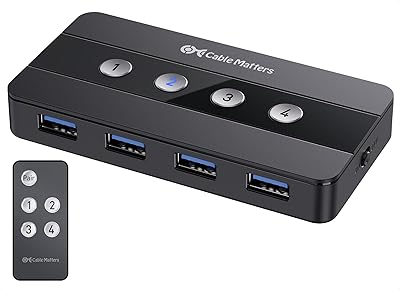
Cable Matters 4-Port USB 3.0 KVM Switch

Steetek STK-S7415H 4-Port HDMI KVM Switch