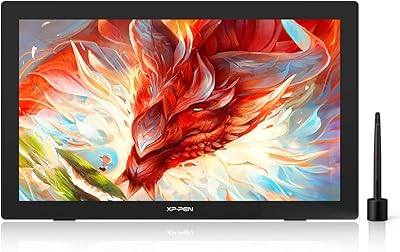
XP-Pen Star G640 6x4 Graphics Tablet

Overview
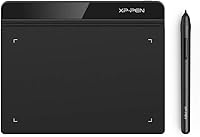
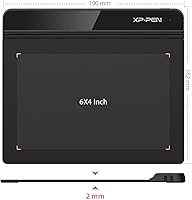
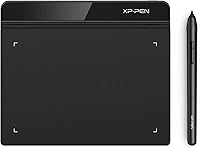
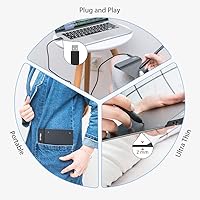
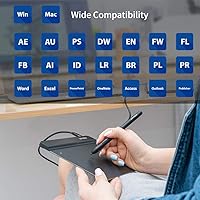
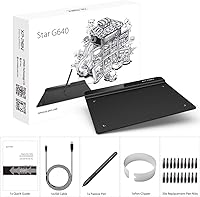
The XP-Pen Star G640 6x4 Graphics Tablet sits in a crowded entry-level market, but it holds its own better than most competitors at this price tier. XP-Pen has spent years building a credible reputation as a genuine Wacom alternative, and the Star G640 reflects that effort — solid construction, real functionality, no obvious corners cut. The active drawing area measures 6 by 4 inches, which sounds reasonable on paper but feels compact once you are actually working. At just 2mm thick and under 7 ounces, it slips into any bag without adding bulk. It runs on Windows, macOS, and Chromebook. Just keep expectations grounded: this is a starter or secondary tablet, not a replacement for a professional studio setup.
Features & Benefits
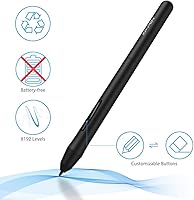
The battery-free PN01 stylus is one of this drawing tablet's most practical advantages — no charging, no added weight, and no dead-pen panic mid-session. It delivers 8192 levels of pressure sensitivity, which in practice means your strokes can shift from hairline-thin to broad and confident depending on how firmly you press. That responsiveness matters for sketching and lettering, even at the beginner level. Setup is straightforward: plug in via USB and the tablet is recognized almost instantly. The driver software lets you remap the pen buttons and adjust pressure curves — a small but genuinely useful layer of customization. It also works across Zoom, Google Jamboard, and Microsoft Office apps, making it versatile beyond illustration.
Best For
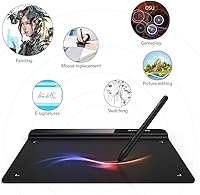
The Star G640 earns its keep in a few specific situations. Students and teachers who rely on Google Classroom or Zoom will find it far more expressive than scribbling with a mouse. It is also a legitimate tool for the OSU! gaming community, where low-latency pen input genuinely matters — this is one of the tablet's strongest audiences, not a side note. Chromebook users have slim pickings in this price range, and XP-Pen's entry-level tablet fills that gap well. For anyone just starting out with digital drawing or painting, it is a low-risk way to find out whether a graphics tablet suits your workflow before spending significantly more. Remote workers handling annotated presentations will appreciate it too.
User Feedback
With over 20,000 ratings and a 4.3-star average, the Star G640 has a track record worth taking seriously. Most buyers highlight quick, hassle-free setup, the natural feel of the stylus, and solid build quality at this price point. The OSU! community tends to be especially enthusiastic, with competitive players reporting consistent, low-latency response. That said, the criticisms are worth knowing. The 6x4 active area catches some buyers off guard — it genuinely is smaller than it sounds, particularly if you work on a large display. The driver interface is functional but dated. macOS users on newer system versions have occasionally encountered driver compatibility issues, though most resolve them with an updated driver install. Long-term durability after a year of heavy daily use draws more mixed feedback.
Pros
- The battery-free stylus means you never get interrupted mid-session by a dead pen.
- Plug-and-play USB setup gets you drawing or annotating in under five minutes on Windows.
- Chromebook support is rare at this price point and works reliably for Google Workspace tools.
- At 2mm thin and 6 ounces, the Star G640 fits in any bag without adding noticeable weight.
- Pressure sensitivity is refined enough for beginners to produce expressive, varied line work.
- OSU! players consistently rate pen latency and responsiveness as genuinely competitive.
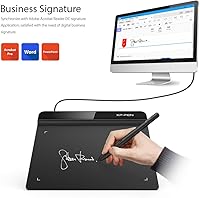
- Compatible with Zoom, PowerPoint, and Google Jamboard out of the box — no extra configuration needed.
- Nearly 21,000 global ratings with a 4.3-star average gives strong confidence in consistent quality control.
- Driver software allows pressure curve and button remapping customization for users who want more control.
Cons
- The 6x4 inch active area is smaller in practice than most buyers picture — measure it before you buy.
- Driver software looks outdated and is not intuitive, especially for users new to graphics tablets.
- macOS users may face a non-functional tablet period after major Apple OS updates until a driver patch arrives.
- Pen nibs wear down faster than expected with heavy daily use on the tablet surface.
- No protective sleeve or case is included, leaving the surface exposed during transport.
- The USB cable is not braided and shows wear after repeated coiling in a bag.
- Long-term durability after a year of intensive daily drawing sessions is inconsistent across user reports.
- Pressure sensitivity at the lightest touch end of the range can feel imprecise with default driver settings.
- Some less mainstream creative applications require manual driver tweaking to unlock full pen functionality.
Ratings
The XP-Pen Star G640 6x4 Graphics Tablet has been scored by our AI system after analyzing thousands of verified global buyer reviews, with spam, incentivized posts, and bot activity filtered out before any scoring was applied. The results reflect a clear-eyed picture of where this drawing tablet genuinely delivers and where real users have run into frustration. Both sides of that story are represented honestly in the categories below.
Value for Money
Pen Performance
Pressure Sensitivity
Active Area Size
Build Quality & Durability
Ease of Setup
Driver Software Quality
Portability
Compatibility & App Support
OSU! Gaming Performance
Pen Ergonomics
macOS Compatibility
Chromebook Support
Surface Texture & Drawing Feel
Suitable for:
The XP-Pen Star G640 6x4 Graphics Tablet is a strong match for anyone who needs a capable, no-fuss input device without spending serious money. Students taking online classes will get real mileage out of it for annotating slides, signing forms, and collaborating on digital whiteboards like Google Jamboard — especially since it works natively with Chromebook, which many schools rely on. Educators who present remotely and want a more expressive alternative to a mouse for marking up documents or drawing diagrams live on Zoom will find it handles those tasks reliably. The OSU! rhythm gaming community is another genuine fit: the compact active area and low-latency response align well with what that game demands, and many players specifically choose this size. Beginners curious about digital illustration who are not ready to commit to a premium tablet will find it a low-risk starting point that teaches them whether a graphics tablet actually suits their creative workflow.
Not suitable for:
If you are a working professional illustrator, concept artist, or retoucher who depends on a graphics tablet as your primary daily tool, the XP-Pen Star G640 6x4 Graphics Tablet is unlikely to meet your expectations for the long haul. The 6x4 inch active area, while fine for focused tasks, becomes a real constraint when mapping to a large monitor — the hand-to-screen ratio forces either cramped movements or constant active-area resizing in the driver. Artists who prefer a pen with substantial weight and a textured grip will find the slim, lightweight stylus underwhelming by comparison to what premium competitors offer. macOS users who keep their systems updated to the latest releases should also factor in the recurring driver lag that follows major Apple OS updates — it is manageable, but it is a pattern. Anyone expecting a tablet that feels as refined as a Wacom Intuus Pro at a fraction of the price will be disappointed; this is a starter device, and the driver software in particular makes that clear.
Specifications
- Active Area: The drawing surface measures 6 x 4 inches, providing a compact but functional workspace suitable for annotation, sketching, and rhythm gaming.
- Dimensions: The tablet body measures 7.5 x 6.5 x 0.1 inches, making it one of the slimmest options available in the entry-level graphics tablet category.
- Thickness: At just 2mm thin, the tablet sits nearly flat on any desk surface and slides effortlessly into a standard laptop sleeve or bag pocket.
- Weight: The tablet weighs 6 oz, light enough to carry daily without adding meaningful bulk to a student bag or work backpack.
- Stylus Model: Included stylus is the PN01 battery-free pen, which draws power passively from the tablet surface and requires no charging or batteries at any point.
- Pressure Levels: The PN01 stylus supports 8192 levels of pressure sensitivity, allowing line weight and opacity to respond to how firmly or lightly the pen contacts the surface.
- Connectivity: The tablet connects via a standard USB cable with plug-and-play recognition on compatible operating systems, requiring no wireless pairing or Bluetooth setup.
- OS Support: Compatible operating systems include Windows 7 and later, macOS 10.10 and later, and ChromeOS — covering the majority of consumer and educational computing environments.
- App Compatibility: Works with Zoom, Microsoft Word, PowerPoint, OneNote, Google Jamboard, Google Keep, Google Canvas, and OSU!, among other stylus-compatible applications.
- Driver Features: The XP-Pen driver software allows users to remap the two pen side buttons, adjust pressure sensitivity curves, and configure the active area mapping to match their monitor setup.
- Surface Texture: The drawing surface features a matte finish that provides moderate friction, giving the pen a paper-like resistance that aids control for beginners transitioning from traditional media.
- Brand: Manufactured by XP-Pen, a brand with over a decade of experience producing consumer and professional-grade graphics input devices as a direct competitor to Wacom.
- Model Series: The tablet belongs to XP-Pen's Star series, which is the brand's entry-level line designed to balance core drawing functionality with accessibility for new users.
- Sales Rank: The tablet holds a top-three position in the Computer Graphics Tablets category on Amazon, reflecting sustained commercial performance over multiple years on the market.
- User Rating: Carries a 4.3-out-of-5 average rating derived from over 20,960 verified global reviews, placing it among the most-rated products in its category.
- Pen Buttons: The PN01 stylus includes two programmable side buttons that can be assigned to common functions such as right-click, undo, or eraser toggle via the driver software.
- Nib Replacement: The tablet comes with a small number of replacement nibs in the box, as nibs are consumable components that wear down gradually with regular use on the tablet surface.
- Color Option: The standard retail version is available in a matte black finish, which resists visible smudging and blends with most desk setups and laptop color schemes.
Related Reviews
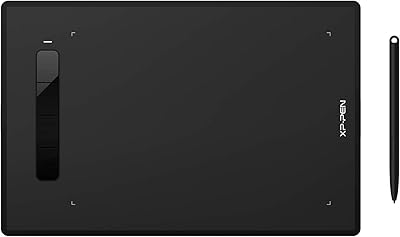
XP-Pen Star G960S Graphics Drawing Tablet
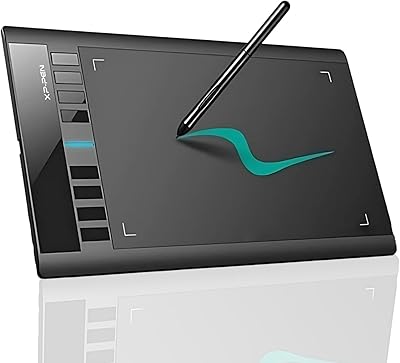
XP-Pen Star03 V2 Drawing Tablet
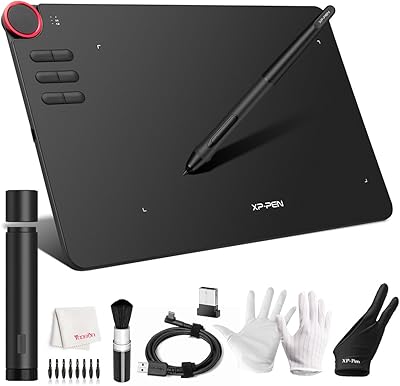
XP-Pen Deco 03 Drawing Tablet
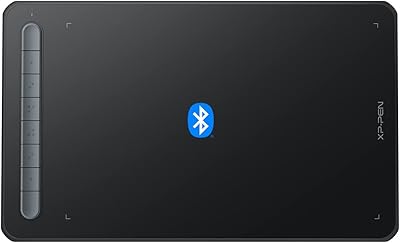
XP-Pen Deco MW Wireless Drawing Tablet
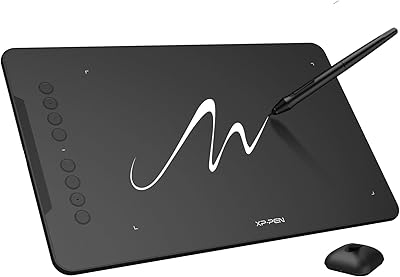
XP-Pen Deco 01 V3 Drawing Tablet
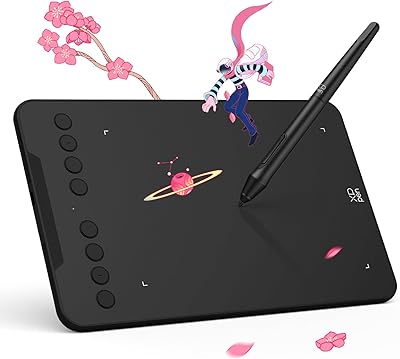
XP-Pen Deco Mini7 V2 Drawing Tablet
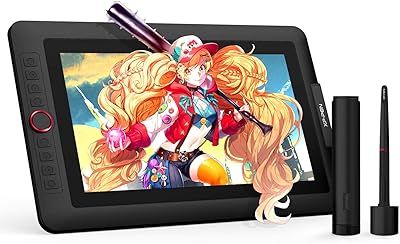
XP-Pen Artist 13.3 Pro Drawing Display Tablet
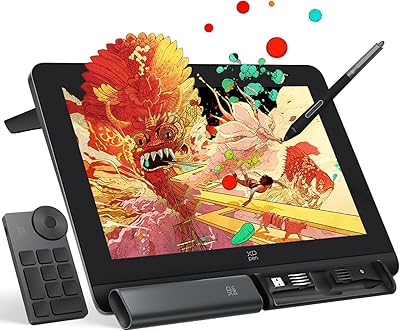
XP-Pen Artist Pro 14 Gen2 Pen Display
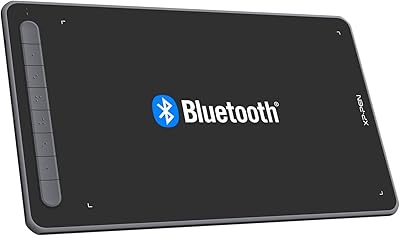
XP-Pen Deco LW Wireless Drawing Tablet