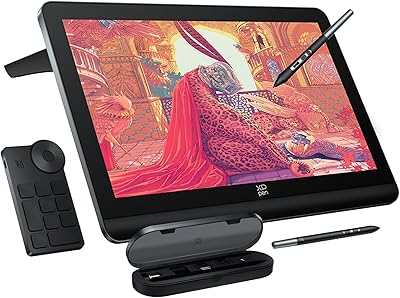
XP-Pen Deco 03 Drawing Tablet
Overview
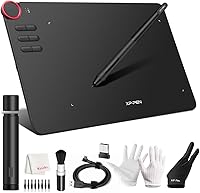
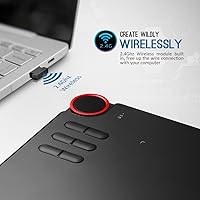
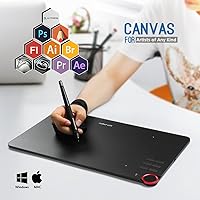
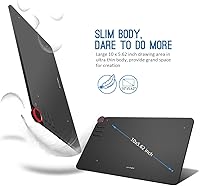
The XP-Pen Deco 03 Drawing Tablet sits comfortably in the mid-range category, targeting hobbyists and semi-professional artists who want more than a basic entry-level pad without spending Wacom Intuos Pro money. Its 10 x 5.62-inch active area gives you genuine room to work — noticeably more breathing space than smaller budget tablets that feel cramped after an hour. What really sets this wireless drawing tablet apart at this price tier is the 2.4G wireless connection, cutting the cord without demanding a premium. It works out of the box with Windows, macOS, and Chrome OS, and plays nicely with Photoshop, Clip Studio, Krita, and most other popular creative tools. Solid value, with a few caveats worth knowing.
Features & Benefits
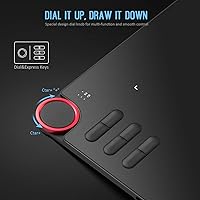
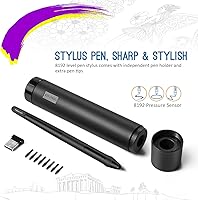
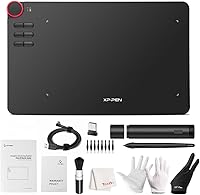
The pen experience is where the Deco 03 genuinely earns its keep. It uses a battery-free passive stylus with 8192 levels of pressure sensitivity, meaning your light sketching strokes and heavy inking lines both register accurately without swapping batteries mid-session. Tilt support up to 75 degrees lets you shade naturally, almost like working with a real pencil. The multi-function red dial is a standout — spin it to scroll, zoom, or adjust brush size on the fly. Six programmable express keys handle your most-used shortcuts. The surface texture adds just enough friction to feel tactile rather than slippery, and the driver software lets you fine-tune pressure curves per application, which dedicated artists will appreciate.
Best For
This wireless drawing tablet hits a sweet spot for a fairly specific type of creator. If you are an illustrator or concept artist who has outgrown a small starter tablet and wants wireless freedom without the sticker shock of top-tier options, this XP-Pen tablet deserves serious consideration. Design and animation students will appreciate the all-day reliability and wide software compatibility — no hunting for drivers or worrying whether your go-to app is supported. Photo editors who rely on pressure-sensitive brushes will find the dial genuinely useful for non-destructive adjustments. Left-handed artists are explicitly supported via driver settings, which is still rarer than it should be at this price range.
User Feedback
Owner sentiment around the Deco 03 is broadly positive, with most praise landing on pen accuracy and wireless reliability — people consistently report that the connection stays stable during long sessions with no noticeable lag. The dial also gets genuine appreciation once users learn to configure it. The friction, however, tends to arrive at setup: driver installation can be fussy, particularly on newer macOS versions or after system updates, and some users report needing to reinstall before everything works correctly. Battery life in wireless mode is respectable for most, though heavy users recharge more often than expected. Surface wear and pen nib erosion are noted over time — worth keeping spare nibs on hand if you draw daily.
Pros
- The battery-free pen never needs charging, so you can draw for hours without interruption.
- 8192 levels of pressure sensitivity gives expressive line work that holds up even in detailed illustration.
- The 2.4G wireless connection stays stable and responsive across long drawing sessions.
- A genuinely useful multi-function dial reduces reliance on keyboard shortcuts while working.
- Six programmable express keys can be customized per application, speeding up real workflows.
- The textured surface adds enough resistance to feel natural without wearing down pen nibs too aggressively at first.
- Compatible with Windows, macOS, and Chrome OS right out of the box, covering most creative setups.
- Left-handed mode is properly supported in both hardware orientation and driver settings.
- The active drawing area is generously sized for this price bracket, giving artists real room to sketch.
- USB-C wired fallback means you are never truly stuck if the wireless battery runs low mid-session.
Cons
- Driver installation can be frustrating, especially after macOS updates — budget time for troubleshooting.
- The dial has a learning curve, and initial configuration is not as intuitive as it should be.
- Wireless battery life is adequate but can feel short during marathon creative sessions.
- The drawing surface shows visible wear over months of daily use, dulling the original texture.
- Pen nibs erode faster than expected with heavy use, so keeping spares on hand is a practical necessity.
- Software compatibility quirks with specific app versions occasionally surface without warning after system updates.
- The overall build feels slightly plasticky compared to higher-end competitors at twice the price.
- No touch input support, which some artists coming from competing tablets may miss.
- The bundled driver interface looks dated and is less polished than what Wacom users are accustomed to.
- At 2.2 pounds with a large footprint, this XP-Pen tablet is not the most travel-friendly option available.
Ratings
The scores below reflect an AI-driven analysis of verified global user reviews for the XP-Pen Deco 03 Drawing Tablet, with spam, bot-submitted, and incentivized feedback actively filtered out before scoring. Each category captures the honest consensus from thousands of real buyers — hobbyists, students, and working creatives — covering both what this wireless tablet does well and where it genuinely falls short.
Pen Accuracy & Pressure
Wireless Reliability
Driver & Software Setup
Multi-Function Dial
Active Area Size
Build Quality
Surface Texture & Feel
Pen Nib Longevity
Programmable Express Keys
Tilt Sensitivity
Software Compatibility
Battery Life (Wireless)
Left-Handed Support
Value for Money
Suitable for:
The XP-Pen Deco 03 Drawing Tablet is a strong match for hobbyists and intermediate digital artists who want a meaningful step up from a cramped entry-level pad without committing to professional-tier pricing. Students enrolled in illustration, animation, or graphic design programs will find the broad software compatibility reassuring — it works with the tools taught in most courses without needing workarounds. The wireless mode is genuinely practical for creators who work in cluttered desk setups or prefer to draw from the couch occasionally. Photo editors and retouchers will get real mileage from the pressure-sensitive pen when dodging, burning, or masking in Photoshop, and the programmable dial makes repetitive adjustments faster. Left-handed artists are also well-served here, which is a detail many competing tablets at this price tier still overlook.
Not suitable for:
If you are a professional illustrator or animator who depends on a tablet for client work every day, the Deco 03 may leave you wanting more polish — particularly around driver stability and long-term surface durability. Users deeply embedded in the Wacom ecosystem, accustomed to its mature driver suite and pen feel, may find the transition to XP-Pen software requires patience. Anyone who refuses to troubleshoot occasional driver hiccups after OS updates should probably look elsewhere, as this is a recurring theme in long-term owner reports. The XP-Pen Deco 03 Drawing Tablet also lacks a display, so buyers specifically seeking a screen-integrated drawing experience need to look at a different product category entirely. Finally, ultra-portability-focused users may find the 2.2-pound weight and 13.8-inch footprint a bit bulky for frequent travel.
Specifications
- Active Area: The drawing surface measures 10 x 5.62 inches (254 x 159mm), providing ample workspace for detailed illustration and photo editing.
- Pen Technology: The included stylus uses passive electromagnetic technology, requiring no battery or charging to operate.
- Pressure Sensitivity: The pen registers 8192 levels of pressure, allowing highly nuanced variation between light sketching strokes and heavy inking lines.
- Tilt Support: The stylus supports up to 75 degrees of tilt recognition, enabling natural shading and brushwork similar to traditional media.
- Connectivity: The tablet connects via 2.4G wireless using an included USB dongle, with a USB-C wired mode available as a fallback or charging option.
- Report Rate: The tablet reports input at up to 266 reports per second, ensuring responsive and accurate pen tracking during fast strokes.
- Express Keys: Six programmable physical buttons are built into the tablet body and can be assigned to custom shortcuts on a per-application basis via the driver.
- Input Dial: A multi-function rotary dial positioned at the top-left corner handles scrolling, zooming, canvas rotation, and brush-size adjustments.
- OS Compatibility: The tablet is compatible with Windows 7, 8, 10, and 11, macOS 10.8 and above, and Chrome OS.
- Power (Wireless): In wireless mode, the tablet is powered by a built-in 3.7V lithium-ion battery that charges via USB-C.
- Power (Wired): When connected via USB-C cable, the tablet draws DC 5V power directly from the host computer.
- Power Consumption: The tablet consumes under 0.5W during normal operation, making it energy-efficient for extended creative sessions.
- Dimensions: The full unit measures 13.8 x 8.5 x 0.3 inches, offering a large footprint with an exceptionally slim profile.
- Weight: The tablet weighs 2.2 pounds, which is typical for a mid-size drawing tablet in this category.
- Surface Texture: The drawing surface has a paper-like matte texture designed to provide natural stylus resistance and reduce slippage during use.
- Handedness: The tablet and its driver software fully support both right-handed and left-handed users, with the layout and shortcuts adjustable accordingly.
- Certifications: The Deco 03 carries FCC, CE, CCC, and RoHS certifications, confirming compliance with major international safety and environmental standards.
- Software Support: The tablet is compatible with popular creative applications including Photoshop, Illustrator, Clip Studio Paint, Krita, SAI, GIMP, and Sketchbook, among others.
Related Reviews
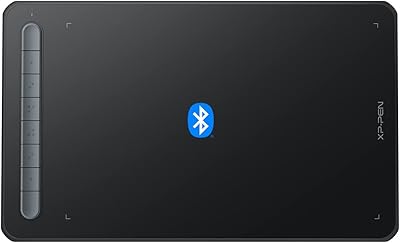
XP-Pen Deco MW Wireless Drawing Tablet
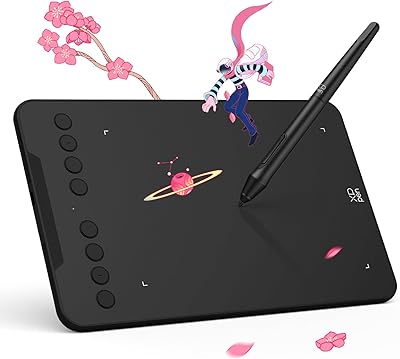
XP-Pen Deco Mini7 V2 Drawing Tablet
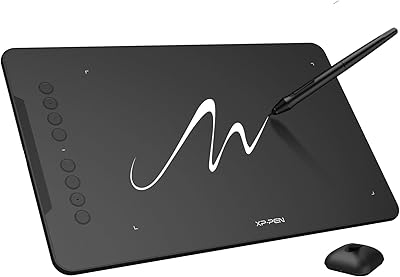
XP-Pen Deco 01 V3 Drawing Tablet
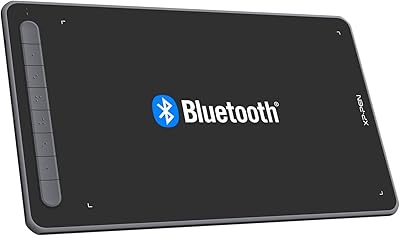
XP-Pen Deco LW Wireless Drawing Tablet
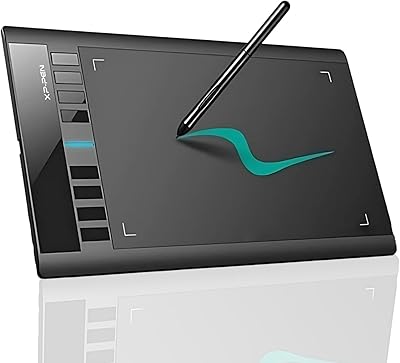
XP-Pen Star03 V2 Drawing Tablet
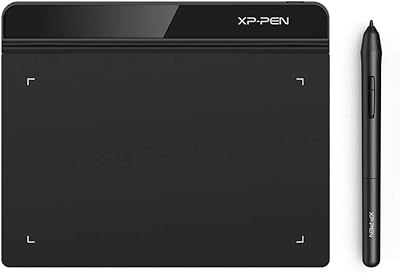
XP-Pen Star G640 6x4 Graphics Tablet
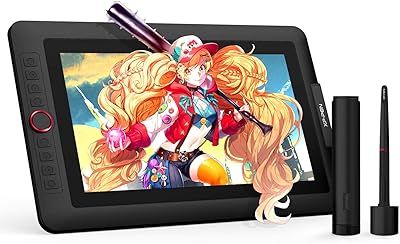
XP-Pen Artist 13.3 Pro Drawing Display Tablet
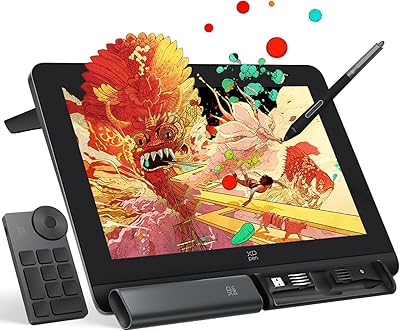
XP-Pen Artist Pro 14 Gen2 Pen Display
XP-Pen Artist 24 FHD 23.8-inch Pen Display