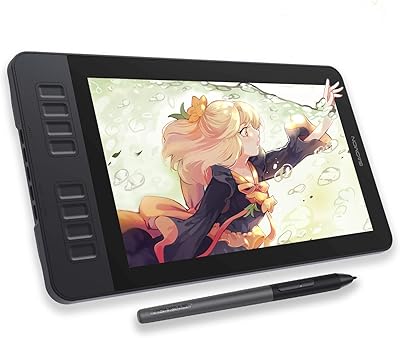
XENX P3-1060B 10x6 Drawing Tablet
Overview
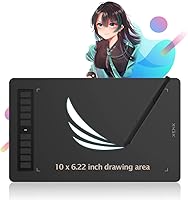
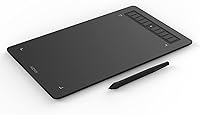
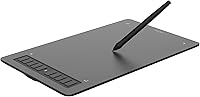
The XENX P3-1060B 10x6 Drawing Tablet enters a crowded market dominated by Wacom and Huion, but it does something those brands rarely do at this price — give you a genuinely large active area. At 10 by 6.22 inches of usable drawing space, you get real room to work without constantly feeling cramped. XENX is not a household name, and that is worth acknowledging upfront. What it offers is a capable, honest tool that works across Mac, Windows, and Android without demanding extra setup. For the price, that kind of cross-platform flexibility is hard to argue with.
Features & Benefits
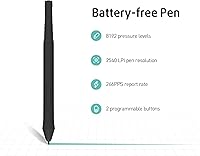
The pen is probably the highlight. It requires no battery, which sounds minor until you realize you never have to interrupt a drawing session to swap a cell or fidget with a charging port. With 8192 pressure levels — now standard in this tier, so not a differentiator alone — the real story is the 266 coordinate reports per second, which keeps line quality tight and responsive during fast strokes. The drawing surface has a subtle texture, offering enough resistance to feel deliberate rather than slippery. Ten programmable shortcut keys sit along the tablet edge, and the driver lets you save settings per app, which is a genuinely useful touch. Ten extra nibs come included right out of the box.
Best For
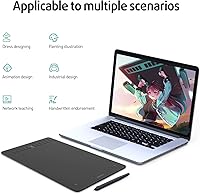
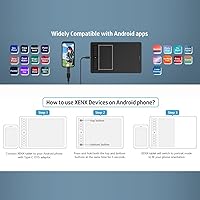
This drawing tablet makes the most sense for digital art beginners who want more workspace than a compact tablet provides, without spending significantly more. Design and animation students will appreciate having a reliable daily driver that handles Photoshop, Illustrator, and Clip Studio without complaint. OSU players specifically tend to gravitate toward larger active areas for better cursor control, and this graphics tablet suits that use case well. If you are coming from a mouse-based workflow and want something approachable, the setup process is straightforward enough to not feel like a barrier. Android compatibility via the included OTG adapter also makes it a practical option for artists who prefer working without a desktop or laptop entirely.
User Feedback
Across roughly 192 ratings, the XENX tablet holds a 4.0 out of 5, which reflects a buyer base that is largely satisfied but not without reservations. The most consistent praise centers on build quality for the price and how smoothly the Android connection works right out of the box — something buyers clearly did not expect to be a strong point. On the other side, driver issues on Windows come up more than once, particularly around installation quirks and occasional lag after system updates. A few buyers also flag the tablet's light physical weight as a durability concern, though others see it as a comfort advantage. No deal-breakers, but worth knowing before you buy.
Pros
- The 10 by 6.22-inch active area is unusually spacious for this price range, giving artists real room to work.
- The battery-free pen means zero interruptions mid-session — no charging, no dead stylus surprises.
- Ten programmable shortcut keys with per-app saving genuinely speeds up multi-application workflows.
- Android plug-and-play works reliably with the included OTG adapter — no extra purchases needed.
- The textured drawing surface has a satisfying paper-like feel that makes long sessions more comfortable.
- Ten replacement nibs in the box provides months of backup without needing to order accessories separately.
- Mac setup is quick and largely trouble-free, often taking under fifteen minutes from unboxing to drawing.
- The pen reports 266 coordinates per second, keeping fast gestural strokes clean and lag-free.
- At under 13 ounces, this graphics tablet is light enough to use comfortably on a lap or small desk.
- Compatible with Windows 7 and later, Mac OS 10.12 and later, and Android 6.0 — unusually broad coverage.
Cons
- Driver installation on Windows can be unreliable, with some users experiencing failures or resets after system updates.
- No carry case or protective sleeve is included, which is a real gap given the lightweight plastic construction.
- The pressure curve defaults feel off for many experienced artists and require manual adjustment in the driver to feel natural.
- Shortcut key mappings have been reported to reset unexpectedly following driver updates on Windows machines.
- The pen lacks a rubber grip section, which becomes noticeable during long drawing sessions on warm days.
- Linux is completely unsupported, excluding a meaningful portion of the creative community from using this tablet.
- Edge areas of the active surface can produce minor pen jitter, affecting precision inking close to the borders.
- The quick start guide does not cover advanced driver configuration, leaving shortcut setup largely to trial and error.
- Build materials feel noticeably budget-grade up close, and corner durability under daily transport is a legitimate concern.
- No Bluetooth option exists on Android — wired-only connectivity limits comfortable positioning in some setups.
Ratings
The XENX P3-1060B 10x6 Drawing Tablet scores below are generated by AI after systematically analyzing verified global user reviews, with spam, bot activity, and incentivized feedback actively filtered out. What remains is an honest cross-section of real buyer experiences — from hobbyist illustrators to daily OSU players — reflecting both where this graphics tablet genuinely delivers and where it falls short.
Active Area Size
Pen Performance
Drawing Surface Texture
Build Quality & Durability
Shortcut Keys & Customization
Driver Software Stability
Android Compatibility
Value for Money
Setup & Out-of-Box Experience
Pen Ergonomics
Portability
Pressure Sensitivity Accuracy
Report Rate & Latency
Compatibility Range
Suitable for:
The XENX P3-1060B 10x6 Drawing Tablet is a strong fit for anyone stepping into digital art who wants more working space than entry-level compact tablets typically offer. Hobbyist illustrators and students in design or animation programs will find the 10 by 6.22-inch active area genuinely comfortable for sketching, inking, and compositing without constantly feeling boxed in. OSU players in particular gravitate toward this size range, and the pen's responsiveness holds up well for that use case. If you are transitioning away from a mouse-based workflow and want something approachable that does not demand a steep learning curve, this graphics tablet sets up quickly and works reliably across Mac, Windows, and Android. Android users who want to draw without a laptop will also find the included OTG adapter makes the whole experience surprisingly straightforward right out of the box.
Not suitable for:
The XENX P3-1060B 10x6 Drawing Tablet is not the right tool for professional artists or serious illustrators who depend on rock-solid driver stability, particularly on Windows, where installation hiccups and post-update issues are a recurring complaint. If you plan to carry this tablet in a bag daily, the lightweight plastic build is a genuine concern — it is not designed to absorb the bumps of heavy commuting without some form of protective sleeve, which does not come included. Linux users are out of luck entirely, as there is no official support, and ChromeOS compatibility is unconfirmed. Artists who have already used mid-range Wacom or Huion tablets will likely find this drawing tablet a step down in build refinement and driver polish, not a lateral move. And if you need a tablet that will serve as a long-term professional investment rather than a capable starter tool, the budget-tier construction means you will probably be shopping again within a couple of years.
Specifications
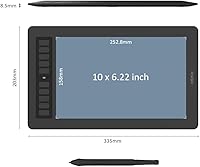
- Active Area: The drawing surface measures 10 x 6.22 inches, providing ample workspace for detailed illustration and comfortable hand movement across a range of artistic styles.
- Overall Dimensions: The tablet body measures 13.19 x 7.99 x 0.33 inches, keeping the footprint compact enough for most desks while housing a genuinely large active area.
- Weight: At 12.79 oz (362.5 g), this drawing tablet is light enough to reposition easily on a desk but not so heavy that it shifts during use.
- Pen Technology: The included stylus is fully battery-free, meaning it draws power passively from the tablet surface with no charging or battery replacement ever required.
- Pressure Levels: The pen supports 8192 levels of pressure sensitivity, which is the current industry standard at this price tier and sufficient for nuanced line weight and opacity control.
- Report Rate: The pen transmits 266 coordinate and pressure data points per second, keeping line rendering tight and accurate even during fast, gestural strokes.
- Resolution: The tablet reads pen position at 2540 lines per inch, providing fine positional accuracy that holds up well for detailed inking and precision work.
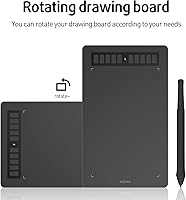
- Shortcut Keys: Ten programmable keys are built into the tablet surface, each configurable per application through the XENX driver software.
- Pen Side Buttons: The stylus includes two customizable side buttons, typically used for functions like eraser toggle, undo, or zoom depending on user preference.
- Connectivity: The tablet connects via USB Type-C, and the package includes both a USB cable and a USB Type-C OTG adapter for direct Android device connection.
- OS Compatibility: This graphics tablet is officially compatible with Mac OS 10.12 and later, Windows 7 and later, and Android 6.0 and later.
- Android Support: Android connectivity is plug-and-play using the included OTG adapter, with no additional driver installation required on supported Android versions.
- Replacement Nibs: The package includes 10 spare pen nibs along with a nib removal ring, providing a long supply of replacements before any additional purchase is needed.
- Package Contents: The box includes the tablet, battery-free pen, USB cable, USB Type-C OTG adapter, 10 replacement nibs, a nib removal ring, and a quick start guide.
- Model Number: The official model identifier is P3-1060B, manufactured by Xenx Technology Limited and first made available in January 2022.
- Market Rank: This drawing tablet holds a Best Sellers Rank of #772 in the Computer Graphics Tablets category on Amazon, based on verified sales data.
- User Rating: The tablet has earned an aggregate rating of 4.0 out of 5 stars from 192 verified global ratings at the time of this review.
Related Reviews
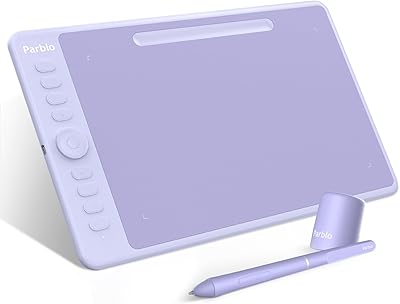
Parblo Intangbo M 10x6 Drawing Tablet
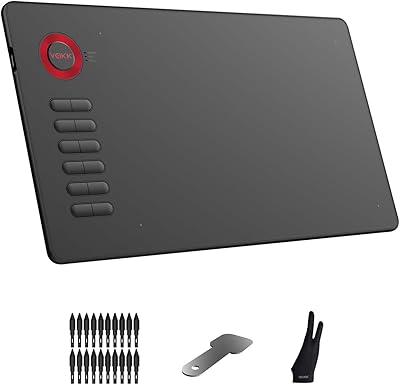
VEIKK A15 10x6 Drawing Tablet
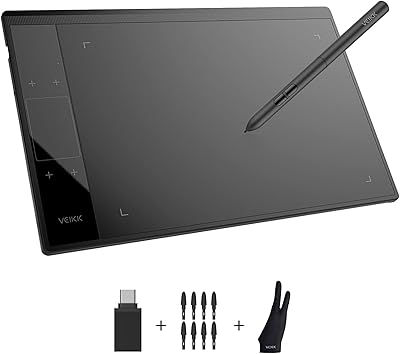
VEIKK A30 V2 Drawing Tablet
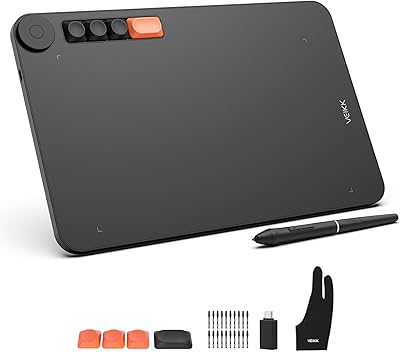
VEIKK Voila L 10x6 Graphics Drawing Tablet
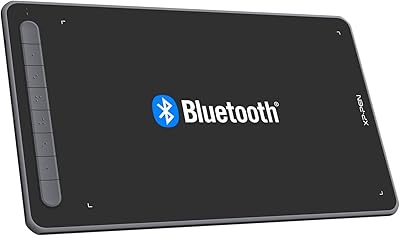
XP-Pen Deco LW Wireless Drawing Tablet
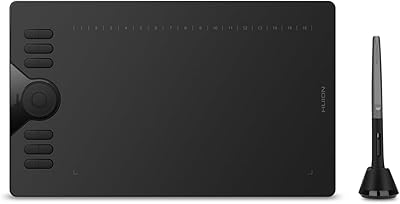
HUION HS610 Graphics Drawing Tablet
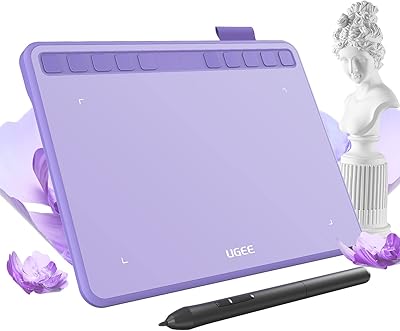
Ugee S640 Drawing Tablet
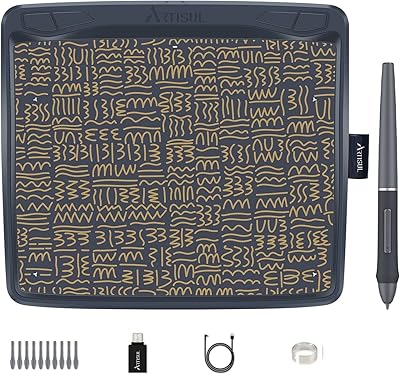
Artisul A801 Drawing Tablet
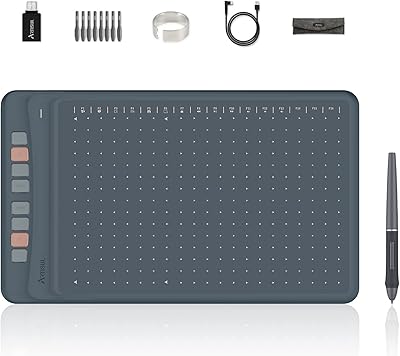
Artisul A1201 Drawing Tablet