VEIKK S640 6x4 Drawing Tablet

Overview
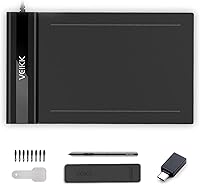
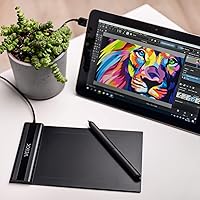
The VEIKK S640 6x4 Drawing Tablet is a compact, no-frills entry point aimed squarely at OSU! players and beginners dipping their toes into digital art. At just 2mm thin and 117 grams, it barely registers in a bag — and that's genuinely one of its strongest selling points. The built-in USB cable is a small but smart design decision that eliminates the classic lost-cable frustration. It also runs on Windows, Mac, Linux, Chrome OS, and most Android devices, which is broader compatibility than you would expect at this price tier. Just keep expectations grounded: this is a capable starter tool, not a replacement for a professional-grade setup.
Features & Benefits
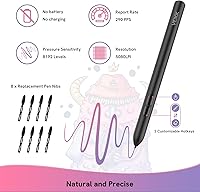
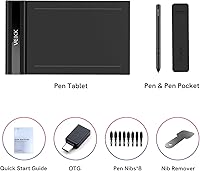
The P01 stylus is battery-free, which matters more than it sounds — no mid-session swaps, no battery hunting, just pick it up and draw. With 8192 pressure levels, it picks up subtle variations in how hard you press, giving brush strokes a natural feel even in entry-level software. The 290 PPS report rate keeps input latency low enough that OSU! players will notice the difference versus a standard mouse. A 6x4-inch active area gives you enough room to work without the tablet dominating your desk. Tilt recognition up to 60 degrees helps with angled brush techniques, and the package includes 8 spare nibs plus two OTG adapters — solid out-of-box value for the asking price.
Best For
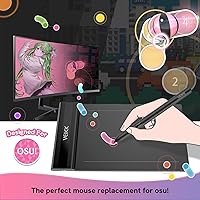
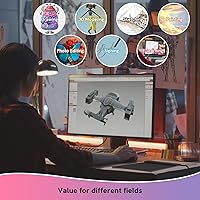
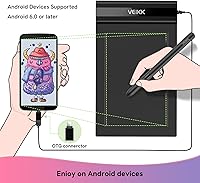
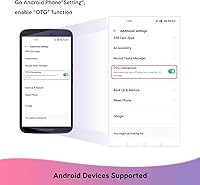
This drawing tablet punches above its weight for a specific crowd. OSU! players upgrading from a mouse will appreciate the low-latency input and the pen's responsive feel during fast, precise gameplay. Teachers and students who annotate slides or sketch diagrams during online sessions will find the slim profile and plug-and-play setup refreshingly straightforward. Hobbyists exploring Photoshop, SAI, or similar software for the first time get a capable introduction to pressure-sensitive drawing without a steep financial commitment. It also slips easily into a laptop bag, making it practical for anyone working across locations. Android users can connect via OTG — though Samsung devices are excluded, so check compatibility before purchasing.
User Feedback
Across more than 2,000 ratings, the VEIKK S640 holds a 4.2-star average — for this entry-level graphics tablet, that reflects a genuinely satisfied user base. OSU! players consistently praise the plug-and-play setup and how naturally the pen tracks during fast gameplay. Beginners frequently describe it as the confidence-building first tablet they needed. That said, the criticisms are worth noting: the absence of express keys frustrates users who develop more complex workflows over time. Driver hiccups on certain Linux or older Mac configurations come up occasionally. A handful of longer-term owners have flagged cable durability concerns after heavy daily use. Professional artists largely agree it was not designed for them, but most still acknowledge it delivers real value for casual and hobby use.
Pros
- Battery-free stylus means zero interruptions — no charging, no swapping, just consistent pen performance.
- 8192 pressure levels deliver genuine line variation that holds up well in beginner-to-intermediate drawing software.
- At 2mm thin and 117 grams, this drawing tablet is one of the most portable options in its price tier.
- The 290 PPS report rate keeps input lag low enough to satisfy most OSU! players upgrading from a mouse.
- Plug-and-play setup on Windows is fast and reliable — most users are drawing within minutes of unboxing.
- Eight replacement nibs and two OTG adapters included in the box add practical value from day one.
- Tilt recognition up to 60 degrees unlocks shading and angled brush techniques that budget rivals often skip.
- Broad OS support covers Windows, Mac, Linux, Chrome OS, and most Android devices via OTG connector.
- Left- and right-hand mode can be switched in the driver settings, making it genuinely accessible for both orientations.
- The one-year hardware warranty and lifetime free driver updates show a meaningful commitment to post-purchase support.
Cons
- No express keys means keyboard shortcuts must handle everything — a persistent friction point during longer sessions.
- The built-in USB cable cannot be replaced independently if it frays or loosens, which some long-term users have reported.
- Driver behavior on macOS and Linux is inconsistent enough that non-Windows users should verify compatibility before buying.
- Samsung Android devices are explicitly excluded from OTG compatibility, a limitation not prominently flagged at purchase.
- The drawing surface shows wear faster than expected under heavy daily use, particularly for high-volume OSU! players.
- No pen eraser end is included, which more experienced digital artists notice quickly after switching from mid-range styluses.
- Pressure sensitivity at the very light end of the range can feel slightly inconsistent during delicate, thin-line work.
- The active area, while adequate for casual use, feels cramped during detailed illustration work on a zoomed-out canvas.
Ratings
The VEIKK S640 6x4 Drawing Tablet has been scored across multiple categories by our AI system after analyzing thousands of verified global purchases, actively filtering out incentivized reviews, duplicate accounts, and suspicious rating patterns. What remains reflects honest, real-world buyer sentiment — the genuine highs and the frustrations people actually encountered. Both strengths and recurring pain points are represented transparently so you can make an informed call before buying.
Value for Money
Pen Performance
OSU! Gaming Suitability
Build Quality & Durability
Ease of Setup
Portability & Form Factor
Active Area Size
Driver & Software Stability
OS & Device Compatibility
Pressure Sensitivity Accuracy
Tilt Functionality
Left-Hand Usability
Accessories & In-Box Value
Online Teaching & Annotation Use
Long-Term Reliability
Suitable for:
The VEIKK S640 6x4 Drawing Tablet is a practical choice for a clearly defined set of buyers who know what they need and are not expecting a professional-grade tool. OSU! players upgrading from a mouse will find the low-latency input and battery-free pen tracking reliable enough to make a real difference in gameplay accuracy without spending much. Students and educators who annotate slides, sketch diagrams, or write on shared whiteboards during online sessions will appreciate how quickly it sets up and how little space it demands on a desk or in a bag. Hobbyist digital artists just starting out in software like Photoshop or SAI get a genuine introduction to pressure-sensitive drawing — enough to learn the fundamentals and decide whether digital art is worth investing in further. Left-handed users are also well-served here, since the orientation switch actually works reliably. Anyone who regularly moves between locations will value how effortlessly this entry-level graphics tablet fits into a laptop sleeve without adding noticeable weight.
Not suitable for:
The VEIKK S640 6x4 Drawing Tablet is not the right tool for buyers who are serious about illustration, concept art, or any workflow that depends on express keys and a large drawing surface. Professional and semi-professional artists will hit the ceiling of what this drawing tablet can offer fairly quickly — the modest active area, the absence of shortcut buttons, and the basic driver software are all limiting factors that become more frustrating as skill level increases. Users on Samsung Android devices should know upfront that OTG compatibility explicitly excludes their hardware, which is a dealbreaker if mobile use was part of the plan. Those on macOS or Linux should also approach with caution, since driver stability on non-Windows systems has been inconsistent enough to generate a pattern of complaints. Anyone expecting a cable they can replace independently if it wears out will be disappointed — the built-in design means a damaged cable is a more serious problem than it would be with a standard connection. If longevity under heavy daily use is a priority, this entry-level graphics tablet may require replacement sooner than a mid-range alternative would.
Specifications
- Active Area: The working surface measures 6x4 inches, providing enough room for comfortable sketching, annotation, and OSU! gameplay without overwhelming a standard desk setup.
- Overall Dimensions: The tablet body measures 8.58x5.12x0.35 inches, making it compact enough to fit inside most laptop sleeves and standard school bags.
- Thickness: At just 2mm thin, this is one of the slimmest graphics tablets available at its price tier, contributing directly to its portability.
- Weight: The tablet weighs 117g (6.3 oz), light enough that most users report forgetting it is in their bag during daily commutes.
- Pen Model: The included P01 stylus is a battery-free pen, meaning it draws power passively from the tablet surface and requires no charging or battery replacement.
- Pressure Sensitivity: The P01 stylus supports 8192 levels of pressure sensitivity, allowing for nuanced line weight variation in compatible drawing and illustration software.
- Tilt Support: The stylus recognizes tilt angles of up to 60 degrees, enabling more natural brush and shading techniques for users who angle their pen while drawing.
- Report Rate: The tablet operates at a report rate of 290 PPS (points per second), which contributes to low-latency input tracking during both drawing and rhythm game sessions.
- Connectivity: The tablet uses a built-in USB-A cable for wired connection to a host device, eliminating the need for a separate cable but also making cable replacement non-trivial.
- OS Support: Compatible with Windows 7 and later, Mac OS 10.12 and later, Chrome OS 88 and later, Linux, and Android 6.0 and above via OTG connector, with Samsung Android devices explicitly excluded.
- Express Keys: This tablet has no physical express keys or shortcut buttons on the body, so all software shortcuts must be managed via keyboard or driver software configuration.
- Hand Orientation: Both left-handed and right-handed orientation modes are supported and can be toggled through the driver settings panel without any hardware modification.
- In-Box Accessories: Each unit ships with 8 replacement pen nibs and 2 OTG adapters, covering both standard micro-USB and USB-C Android connection types.
- Warranty: VEIKK provides a 1-year limited hardware warranty covering manufacturing defects, with lifetime free driver updates supported through their official website.
- Driver Updates: VEIKK offers lifetime free driver updates via their official support portal, which helps maintain compatibility as host operating systems receive major version updates.
- Brand: The VEIKK S640 is manufactured by VEIKK, a brand specializing in affordable graphics input peripherals targeting beginner and hobbyist users.
- Best Sellers Rank: The tablet holds a ranking of number 153 in the Computer Graphics Tablets category on Amazon, reflecting strong sustained sales volume since its launch.
- First Available: This product was first listed for sale on July 20, 2020, and has remained in active production without discontinuation as of the latest available data.
Related Reviews
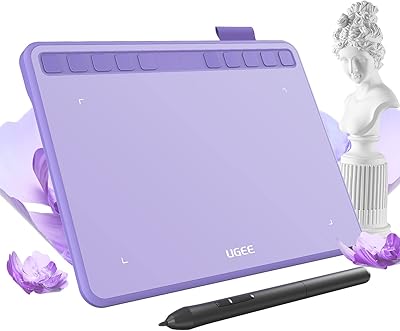
Ugee S640 Drawing Tablet
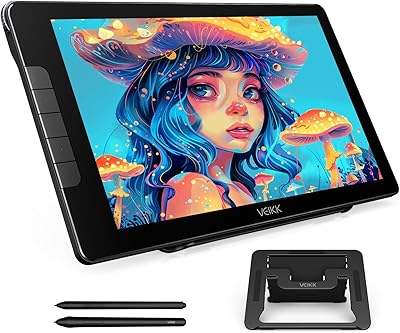
VEIKK Studio 16 15.6-inch Pen Display
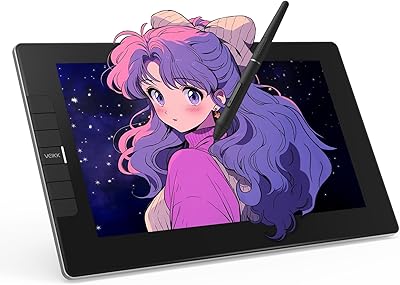
VEIKK VK1200 V2 11.6-inch Pen Display
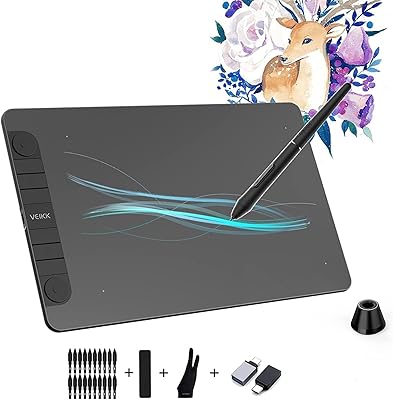
VEIKK VK1060PRO V2 Drawing Tablet
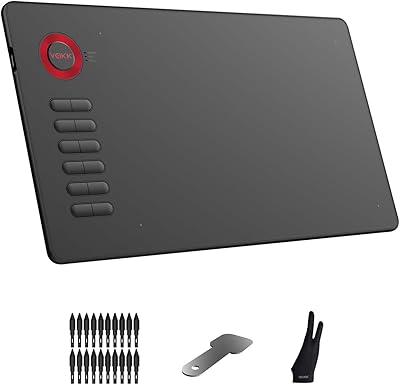
VEIKK A15 10x6 Drawing Tablet
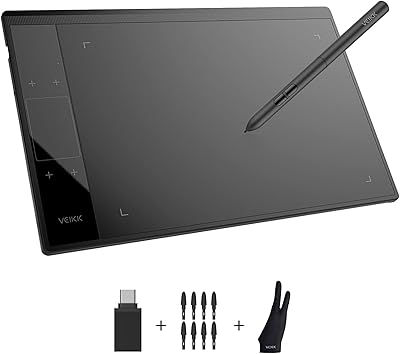
VEIKK A30 V2 Drawing Tablet
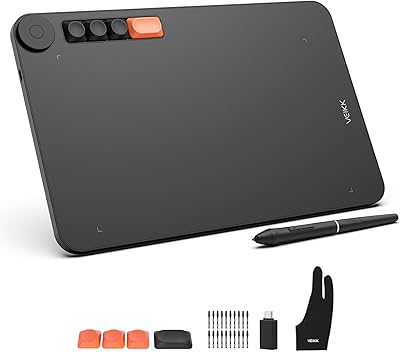
VEIKK Voila L 10x6 Graphics Drawing Tablet
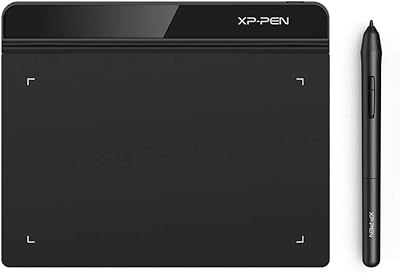
XP-Pen Star G640 6x4 Graphics Tablet
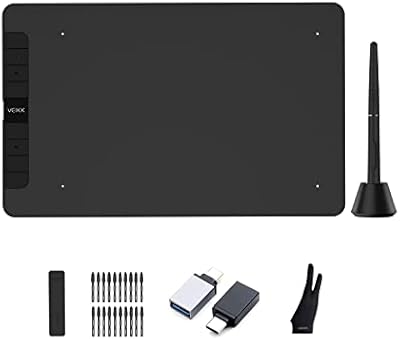
VEIKK VK1060 10x6 Inch Drawing Tablet