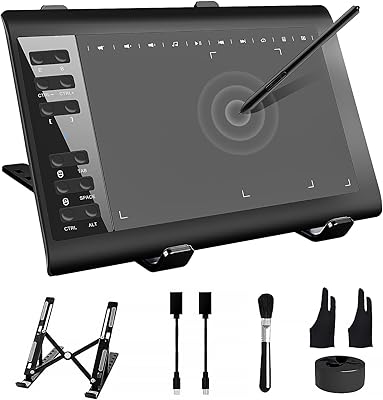
Ugee S640 Drawing Tablet
Overview
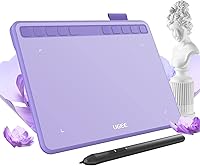
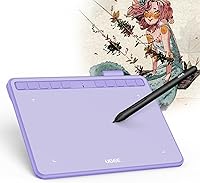
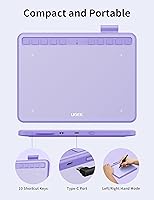
The Ugee S640 Drawing Tablet is a compact, affordable option that sits comfortably in the beginner-to-intermediate range of a crowded graphics tablet market. The slim purple design stands out on a desk, and the lightweight build makes it easy to slip into a bag without thinking twice. It works across Windows, Mac, Android, Chrome OS, and Linux, which is a wider compatibility net than many rivals at this price tier. That said, this is not a tool aimed at seasoned professionals — think of it as a solid first step, not a finish line.
Features & Benefits
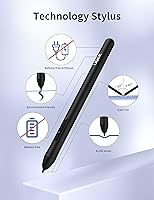
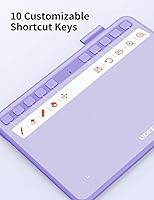
The 8192 pressure levels on the stylus translate to genuinely responsive line variation — thin sketching strokes and heavier shading both register cleanly in programs like Photoshop or Clip Studio Paint. The 60-degree tilt support adds a layer of realism when blocking in shapes or using brush tools that respond to pen angle. Since the stylus is battery-free, there is no mid-session dead-pen problem to worry about. The 10 shortcut keys are fully remappable and save real time once you dial in your workflow, while USB-C keeps the connection refreshingly simple.
Best For
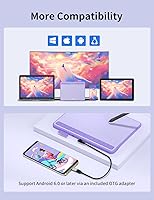
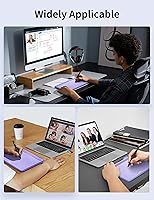
This drawing tablet makes the most sense for students and hobbyists who are getting serious about digital art but aren't ready to invest heavily in gear before committing to the hobby. Teachers and remote instructors will find it practical for annotating slides or writing on-screen during virtual lessons. Android compatibility is a genuine differentiator — this graphics pad connects to Android phones and tablets without needing a laptop. It also works well as a portable secondary surface for artists who already own a more powerful setup but want something light for travel or coffee shop sessions.
User Feedback
Across nearly 1,200 ratings, the Ugee S640 holds a 4.4-star average, and the overall sentiment is positive with some honest caveats worth flagging. Most buyers praise how quickly it gets running out of the box — plug in, install the driver, and you're drawing within minutes. On the critical side, users on certain Linux distributions or older Windows versions occasionally report driver installation friction, which matters given how many beginners this targets. Active area size suits smaller monitors well but can feel limiting on larger displays. Shortcut key customization software gets mixed reactions — it works, but the interface is not the most intuitive experience.
Pros
- Battery-free stylus means no mid-session interruptions — just pick it up and draw
- 8192 pressure levels deliver genuine line variation that supports real skill development
- Tilt support up to 60 degrees makes brush and pencil tools behave more naturally
- Works across Windows, Mac, Android, Chrome OS, and Linux — unusually broad for the price
- Android compatibility lets users draw on a smartphone or tablet without needing a laptop
- Ten remappable shortcut keys reduce keyboard reach once your workflow is dialed in
- USB-C connection is fast, reversible, and compatible with modern setups
- Anti-slip backing keeps the pad stable during fast or heavy-handed strokes
- Slim, lightweight design travels easily in a laptop bag or school backpack
- Strong 4.4-star rating across nearly 1,200 verified buyers reflects genuine satisfaction
Cons
- Driver installation can be frustrating on Linux, older macOS versions, and some Chrome OS configurations
- The shortcut key customization software feels dated and is not intuitive for absolute beginners
- Active area is too small for comfortable use with large monitors or wide-gesture drawing styles
- Plastic construction feels budget-grade and the USB-C port can loosen with repeated use over months
- No eraser end on the stylus forces artists to rely on software shortcuts for a common action
- The bundled USB-C cable feels flimsy and some buyers needed to replace it within months
- Surface texture gradually smooths out with heavy use, subtly changing the drawing feel over time
- No carrying case or protective sleeve is included, leaving the surface exposed during transport
- Shortcut key layout is awkward for left-handed users without manual software adjustment
- Tilt recognition becomes inconsistent at very shallow pen angles near the lower end of its range
Ratings
The Ugee S640 Drawing Tablet has been scored by our AI system after analyzing verified buyer feedback from thousands of global reviews, with spam, bot activity, and incentivized submissions actively filtered out. The result is an honest picture of where this graphics pad genuinely delivers for its target audience — and where it falls short. Both strengths and recurring frustrations are reflected transparently in the categories below.
Value for Money
Pressure Sensitivity Performance
Stylus Comfort & Usability
Build Quality & Durability
Driver & Software Setup
Active Area Size
Tilt Functionality
Shortcut Keys
Portability
Compatibility & Multi-Platform Support
Surface Texture & Drawing Feel
USB-C Connectivity
Software Compatibility (Art Apps)
Suitable for:
The Ugee S640 Drawing Tablet is a strong match for students, hobbyists, and anyone dipping their toes into digital art without wanting to commit serious money upfront. If you are taking your first structured steps in Photoshop, Krita, or Clip Studio Paint, the pressure-sensitive stylus and tilt support give you enough expressive range to actually learn and improve — without the hardware becoming the bottleneck. Teachers and remote instructors will find this graphics pad genuinely practical for annotating slides, marking up PDFs, or writing on-screen during virtual lessons. Android users in particular get real value here, since the ability to connect directly to a compatible smartphone or tablet opens up a portable creative workflow that most rivals at this price do not offer. Anyone who needs a lightweight, bag-friendly drawing surface for classroom commutes, coffee shop sessions, or travel will appreciate how little space and weight this tablet adds to an existing setup.
Not suitable for:
The Ugee S640 Drawing Tablet is not the right choice for professional illustrators, concept artists, or anyone whose income depends on reliable, polished hardware. The plastic build and budget-tier driver software are practical compromises that beginners will tolerate but experienced users will find limiting fairly quickly. If you work on a large monitor — 27 inches or bigger — the 6.5 x 4-inch active area will feel cramped and may require you to adopt an unnaturally compressed drawing style. Linux users and those on non-mainstream operating systems should be cautious, as driver support outside Windows and macOS is inconsistent and technical troubleshooting resources from UGEE are limited. Anyone expecting the pen feel and software refinement of an established premium brand will likely be disappointed, and buyers with a longer creative horizon would be better served saving for a step-up option rather than replacing this tablet within a year.
Specifications
- Active Area: The working surface measures 6.5 x 4 inches, providing a compact but functional drawing zone suited to small and mid-sized monitor setups.
- Overall Dimensions: The tablet body measures 8.66 x 6.69 x 5.12 inches, keeping the overall footprint small enough to fit comfortably on a shared desk or inside a laptop bag.
- Weight: The unit weighs 9.9 ounces, making it one of the lighter options in its category and practical for daily commuting or classroom use.
- Pressure Sensitivity: The stylus supports 8192 levels of pressure sensitivity, allowing nuanced control over line weight and brush opacity in compatible drawing software.
- Tilt Support: The pen recognizes tilt angles up to 60 degrees, enabling natural brush and pencil simulation when the stylus is held at an angle during shading or blending.
- Stylus Type: The included pen is a battery-free passive stylus, meaning it requires no charging and is always ready to use without any warm-up time.
- Shortcut Keys: Ten physical shortcut keys are built into the tablet surface, and all ten are fully remappable through the UGEE driver software to match individual workflow preferences.
- Connectivity: The tablet connects to host devices via a USB-C port, delivering a fast, reversible connection compatible with modern laptops, desktops, and Android devices.
- Compatible OS: The tablet officially supports Windows 7 and later, macOS 10.10 and later, Android 6.0 and later, Chrome OS 88 and later, and Linux distributions.
- Battery Life: The internal battery supports up to 10 hours of continuous use on a full charge, with a complete charge cycle taking approximately 2 hours via USB-C.
- Model Number: The official model designation is S640, with the purple color variant identified internally as S640-Lila by the manufacturer.
- Brand: This drawing tablet is manufactured and sold by UGEE, a China-based peripherals brand specializing in graphics tablets and display tablets for creative users.
- Color Variant: The reviewed unit is available in a purple colorway, which is the primary color option highlighted in the product listing for this model.
- Surface Texture: The drawing surface features a lightly textured finish designed to provide stylus friction that mimics the resistance of drawing on paper.
- Anti-Slip Backing: The underside of the tablet is fitted with anti-slip rubber pads to prevent the unit from shifting on smooth desk surfaces during active use.
- Driver Software: UGEE provides a proprietary driver application for Windows and macOS that enables pressure curve adjustment, shortcut key remapping, and tablet area configuration.
- Market Rank: At the time of data collection, the tablet held a Best Sellers Rank of number 84 in the Computer Graphics Tablets category on Amazon.
- First Available: The product was first listed for sale on February 10, 2023, placing it among the more recent budget tablet releases in the UGEE lineup.
Related Reviews
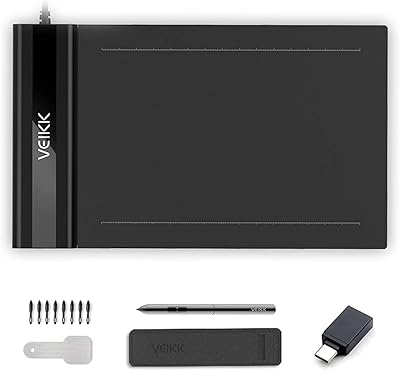
VEIKK S640 6x4 Drawing Tablet
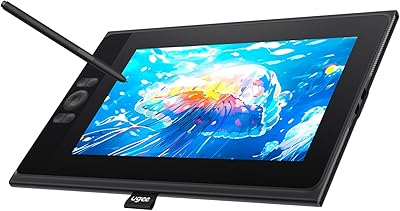
UGEE UE12 11.6-inch Pen Display Tablet
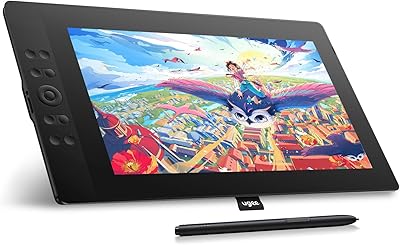
UGEE UE16 15.4-inch Pen Display
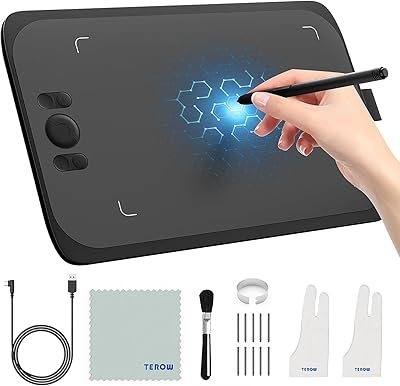
UGEE M808 10x6 Inch Drawing Tablet
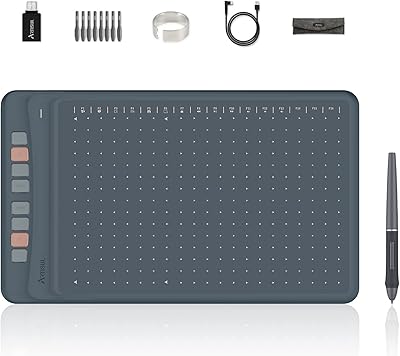
Artisul A1201 Drawing Tablet
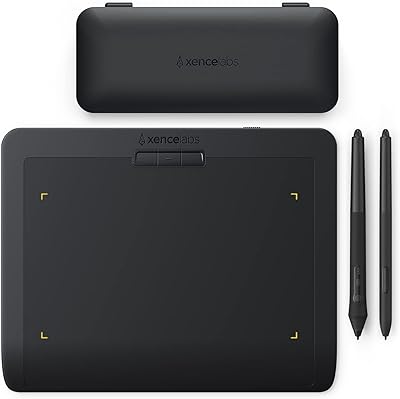
XENCELABS Pen Tablet Small Drawing Tablet
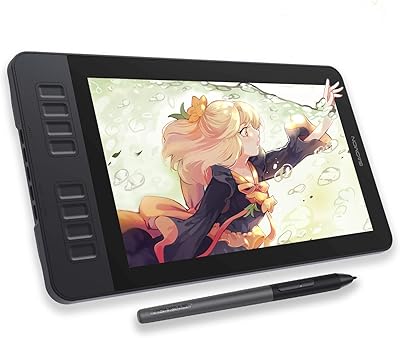
GAOMON PD1161 11.6-inch Pen Display Tablet
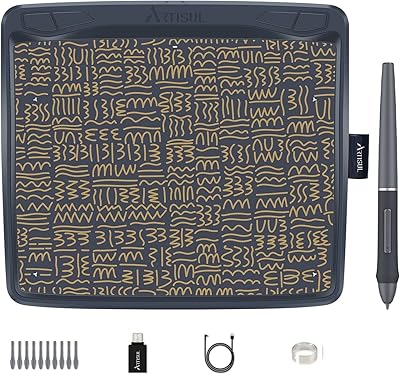
Artisul A801 Drawing Tablet
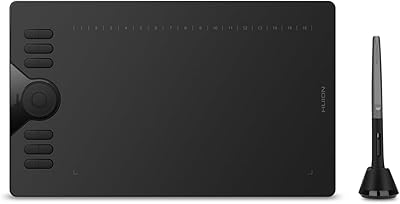
HUION HS610 Graphics Drawing Tablet