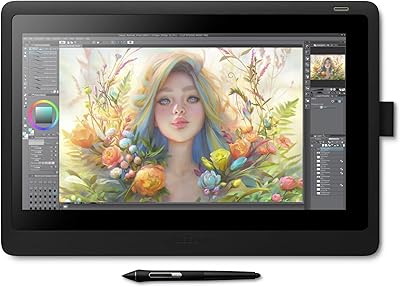
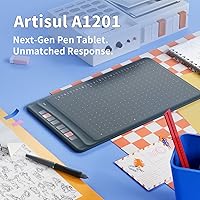
Artisul A1201 Drawing Tablet
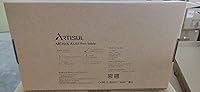
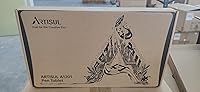
Overview
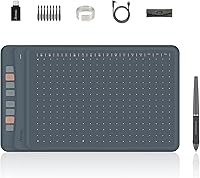
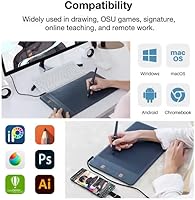
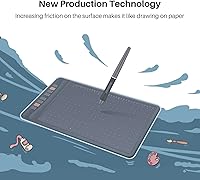
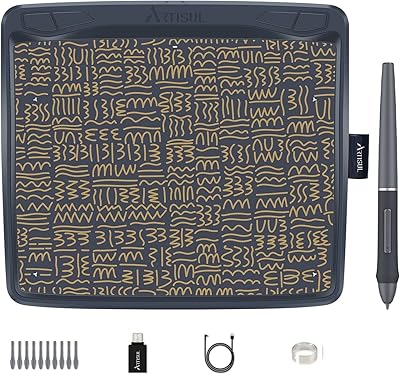
The Artisul A1201 Drawing Tablet manages to do something genuinely rare at its price point: offer a 10x6-inch active area without cutting corners on core functionality. Most tablets in this range trim the work surface to save costs, so the generous canvas here is a real differentiator. It connects via USB and runs on Windows, macOS, and Android phones, covering most users without any ecosystem headaches. The build feels light but reasonably solid, and the box includes everything needed to start drawing immediately. Designed with beginners, students, and online teachers in mind rather than professional illustrators, the whole experience is deliberately approachable from the moment you plug it in.
Features & Benefits
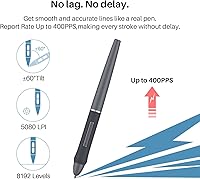
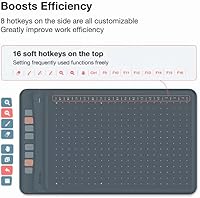
What stands out when you actually pick up the pen is how naturally it responds. The battery-free stylus never needs charging, and the 60-degree tilt support lets you angle it while sketching shadows without the cursor drifting off target. With 8192 pressure levels, moving from a hairline stroke to a thick brushstroke feels organic rather than mechanical. The 400 PPS report rate keeps things tight during fast gestures, which OSU players will appreciate. Eight physical shortcut keys are genuinely useful once mapped, and the additional 16 driver-level hotkeys give users room to build a real workflow without constantly reaching back to the keyboard.
Best For
This drawing tablet hits a sweet spot for anyone exploring digital art without committing to a Wacom-level investment. Students get a capable annotation tool that works in Zoom or Teams without fuss, and teachers can write naturally on slides during live sessions. Android compatibility is a genuine bonus for users who want pen input without a laptop nearby. Left-handed users are covered too, with a driver-based rotation mode that repositions the shortcut keys to the correct side. If you are a professional illustrator expecting a dial wheel, wireless operation, or studio-grade driver polish, this pen tablet will probably leave you wanting more.
User Feedback
Buyers consistently praise the large active surface and pen accuracy, noting that strokes track cleanly even during fast movements. Windows users tend to get up and running without much friction at all. macOS users, though, sometimes report needing extra steps with driver permissions before everything clicks into place — a minor but recurring complaint worth knowing about. Compared to entry-level Wacom alternatives, many buyers feel this drawing tablet offers more surface area at a lower cost, though a handful mention that Wacom driver refinement is noticeably more polished. Surface texture feedback is generally positive, with no widespread reports of the drawing surface degrading after extended use.
Pros
- The 10x6-inch active area is unusually generous for a tablet in this price bracket.
- The battery-free stylus means one less device to charge during a busy workday.
- 8192 pressure levels produce smooth, natural line variation in Photoshop, Krita, and Clip Studio.
- Plug-and-play setup on Windows gets most users drawing within minutes of opening the box.
- The 60-degree tilt support adds genuine shading control that cheaper tablets simply do not offer.
- Eight physical shortcut keys are fully remappable, making repetitive tasks noticeably faster.
- Compatible with a wide range of creative software without needing per-app reconfiguration.
- Left-hand mode in the driver panel works reliably and is a thoughtful inclusion for lefties.
- Connecting to an Android phone extends use beyond the desk without any extra hardware.
- A one-year warranty and lifetime technical support provide reasonable peace of mind for new buyers.
Cons
- macOS driver installation regularly requires extra permission steps that frustrate new users.
- The active area shrinks considerably when connected to a phone, limiting mobile drawing usability.
- No wireless or Bluetooth mode means cable management is always part of the setup.
- The pen lacks a rubberized grip, which can feel slippery during long drawing sessions.
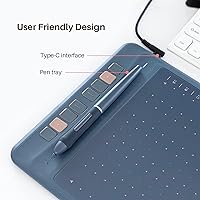
- No pen stand or holder is included in the box, so the stylus has nowhere safe to rest.
- The 16 driver-mapped hotkeys are inactive until the driver is fully installed and configured.
- Physical shortcut keys require a firmer press than expected, which slows rapid repeated use.
- Build finish shows fingerprints and light scuffs more readily than rubberized competitors.
- Pressure curve out of the box feels slightly stiff for very light strokes without manual driver adjustment.
- Some niche or older applications show inconsistent pressure recognition without extra configuration.
Ratings
The Artisul A1201 Drawing Tablet has been evaluated by our AI rating system after processing thousands of verified global buyer reviews, with spam, bot-generated, and incentivized submissions actively filtered out. The scores below reflect a balanced picture of where this pen tablet genuinely performs well and where real users have run into friction. Both its meaningful strengths and its honest limitations are represented transparently across every category.
Value for Money
Pen Performance
Active Area Size
Pressure Sensitivity
Driver & Software Setup
Shortcut Keys & Hotkeys
Tilt Support
Build Quality & Durability
Report Rate & Latency
Android Compatibility
Left-Hand Mode
Software Compatibility
Pen Ergonomics
Portability
Suitable for:
The Artisul A1201 Drawing Tablet is a strong match for anyone stepping into digital art for the first time and wanting a capable setup without spending heavily upfront. Students who need to annotate lecture notes, solve handwritten math problems, or sign documents digitally will find the large active area and responsive pen genuinely useful on a daily basis. Remote teachers and online tutors benefit especially from its compatibility with Zoom, PowerPoint, and similar tools, where writing naturally on screen makes lessons far more engaging than typing or using a mouse. OSU players looking for a low-latency, affordable input device will appreciate the 400 PPS report rate, which keeps cursor tracking tight even during fast-paced gameplay. Android users who want to occasionally use a drawing tablet without a laptop nearby have a rare option here, even if the mobile experience has its limits. Left-handed users are also well served, since the driver panel includes a rotation mode that repositions the shortcut keys without any hardware compromise.
Not suitable for:
The Artisul A1201 Drawing Tablet is not the right tool for professional illustrators or designers who depend on driver stability, wireless freedom, or advanced hardware features like a touch dial for intuitive zoom and brush-size control. If your primary machine runs macOS and you are not comfortable navigating driver permissions or troubleshooting software installs, the setup experience may test your patience before you get to actual drawing. Users who plan to use this pen tablet primarily connected to an Android phone should know that the active area shrinks significantly in mobile mode, which makes detailed illustration work feel constrained. Anyone expecting the build finish or driver refinement of an entry-level Wacom will notice the difference, particularly in how the software handles edge cases across different applications. Buyers who need wireless operation for a clean desk setup will also need to look elsewhere, since this tablet connects exclusively via USB with no Bluetooth option available.
Specifications
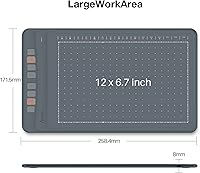
- Active Area: The working surface measures 10x6 inches when connected to a PC or laptop, and reduces to approximately 161.5x90.8mm when used with a mobile phone.
- Overall Dimensions: The tablet body measures 349.3x207.8x8mm, keeping it slim enough to slide into most standard laptop bags without added bulk.
- Weight: The unit weighs 569.5g (1.26 lb), making it light enough for transport between locations without being uncomfortably flimsy in hand.
- Pen Model: The included stylus is the P62-G battery-free pen, which requires no charging and draws power passively through electromagnetic resonance with the tablet surface.
- Pressure Sensitivity: The pen supports 8192 levels of pressure sensitivity, enabling fine gradations between hairline strokes and fully weighted brushwork across compatible applications.
- Tilt Support: The stylus recognizes tilt angles up to 60 degrees, allowing shading and side-of-nib techniques similar to those used with a traditional pencil or charcoal.
- Report Rate: The tablet operates at a 400 PPS (points per second) report rate, which keeps cursor tracking responsive during fast strokes and quick directional changes.
- Resolution: The drawing surface resolves input at 5080 LPI (lines per inch), capturing fine positional detail accurate enough for precise illustration and handwriting work.
- Shortcut Keys: Eight physical programmable keys are located along the tablet edge, with an additional 16 hotkey functions accessible through the driver software after installation.
- Connectivity: The tablet connects via a wired USB cable; there is no wireless or Bluetooth option available in this model.
- OS Compatibility: Supported operating systems include Windows 7 through 11, macOS 10.12 and later, and Android 6.0 and later for smartphone connectivity.
- Software Support: The tablet is compatible with major creative applications including Photoshop, Illustrator, Clip Studio Paint, Krita, SAI, Corel Painter, and Manga Studio, among others.
- Left-Hand Mode: Left-handed orientation is supported through the driver panel, where users can activate a rotation mode that repositions shortcut keys to the right side after physically rotating the tablet 180 degrees.
- Warranty: The tablet is covered by a one-year manufacturer warranty and includes free lifetime technical support for driver and software-related assistance.
- Pen Nib Type: The P62-G stylus uses a standard replaceable nib, and replacement nibs are typically available through Artisul directly or via third-party accessory listings.
- Driver Requirement: Full functionality, including the 16 driver-mapped hotkeys and left-hand mode, requires the Artisul driver to be downloaded and installed from the manufacturer website.
Related Reviews
Artisul A801 Drawing Tablet
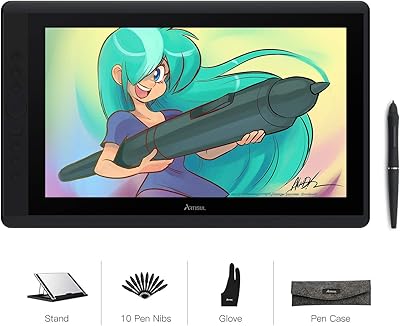
Artisul D16 15.6-inch Pen Display
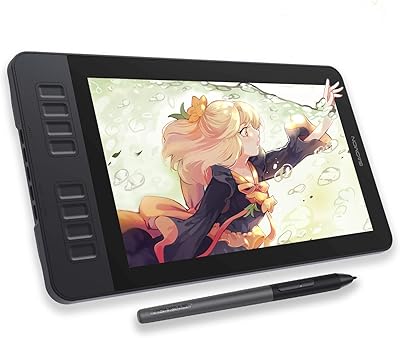
GAOMON PD1161 11.6-inch Pen Display Tablet
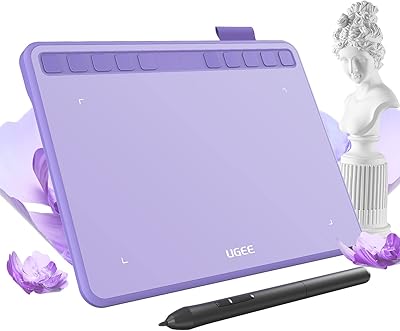
Ugee S640 Drawing Tablet
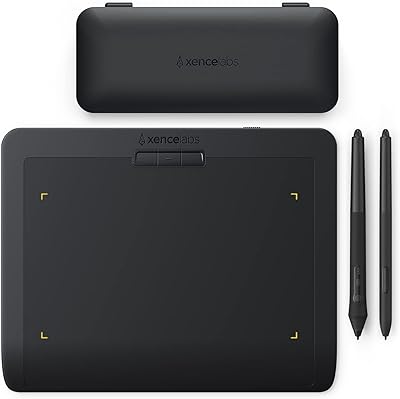
XENCELABS Pen Tablet Small Drawing Tablet
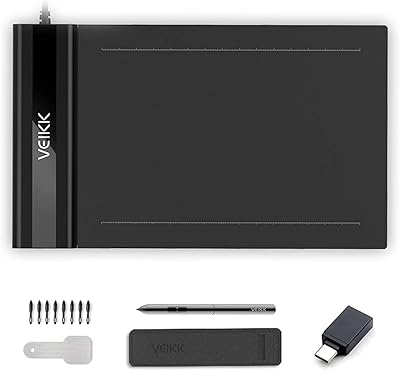
VEIKK S640 6x4 Drawing Tablet
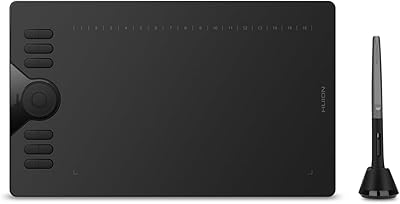
HUION HS610 Graphics Drawing Tablet
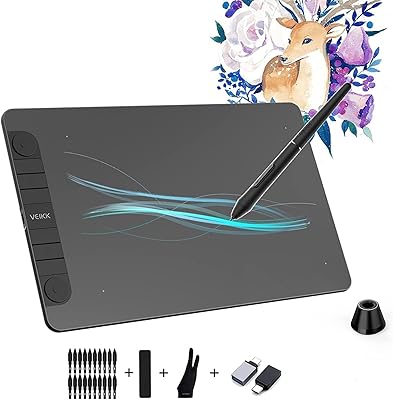
VEIKK VK1060PRO V2 Drawing Tablet
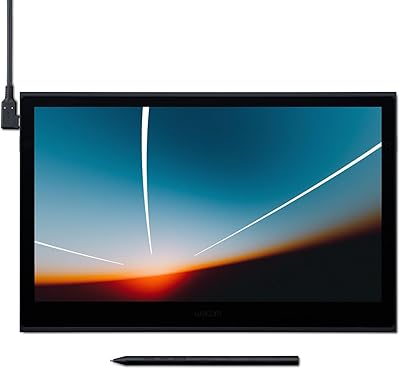
Wacom Movink 13 OLED Pen Display