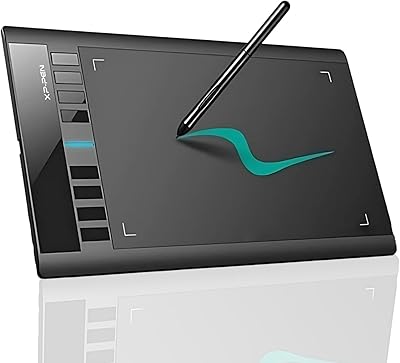
XENCELABS Pen Tablet Medium Graphic Tablet

Overview
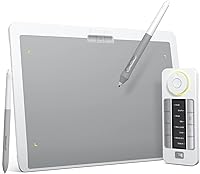
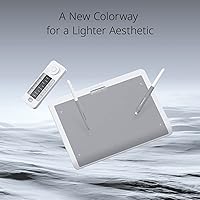
The XENCELABS Pen Tablet Medium Graphic Tablet enters a market long dominated by Wacom, and it arrives with a clear sense of purpose. This is not a budget entry point — it is a serious tool aimed at working illustrators, designers, and dedicated hobbyists who spend real hours at their desk. The medium active area hits a practical sweet spot: large enough to support natural arm movements without consuming your entire workspace. The Nebula White colorway is a genuine design decision, appealing to creatives who prefer a lighter, cleaner aesthetic. What really separates this from comparable options is that the Quick Keys remote ships in the box — a peripheral most competitors charge extra for.
Features & Benefits
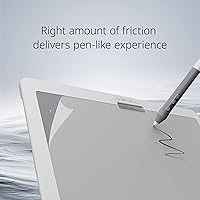
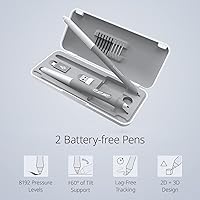
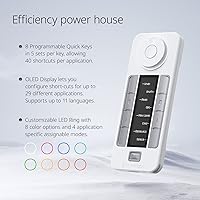
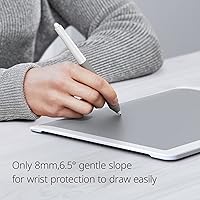
At just 8mm thin with a subtle 6.5° slope, the Medium Bundle SE is noticeably comfortable to rest your wrist on during long illustration sessions. The frosted active surface deserves special mention — it has a genuine paper-like grain that makes strokes feel grounded rather than slippery, which cheaper tablets simply cannot replicate. You get two battery-free pens in the box: a slimmer pen for detail work and a thicker-barreled option for broader strokes, each with its own button layout. Pressure sensitivity sits at 8192 levels with 5080 LPI resolution, so thin-to-thick line variation feels responsive and natural. The Quick Keys remote offers 40 programmable functions across five application profiles, with a small OLED display confirming your active assignment at a glance.
Best For
This drawing tablet is genuinely built for people who work, not just dabble. Digital illustrators and concept artists who live inside keyboard shortcuts will appreciate having the Quick Keys remote within arm's reach rather than hunting the keyboard. It integrates tightly with Adobe, Corel, and Autodesk pipelines, and the driver officially supports Linux — a real advantage for users who have historically been overlooked by the major brands. The white hardware also appeals to designers who run a clean, minimal desk setup. Worth noting: this is a desk-first device. At 4.4 pounds with a footprint that fills a workspace, it is not something you casually pack for travel. Professionals stepping up from entry-level tablets will feel the quality difference immediately.
User Feedback
Owners of this Xencelabs tablet consistently point to the pen feel and build quality as standout strengths — the hardware itself rarely draws complaints. The bundled Quick Keys remote earns high praise; buyers routinely describe it as something that should come standard with every professional tablet. On the critical side, surface texture wear comes up with some regularity among heavy users, suggesting the frosted coating has a finite lifespan under daily use. The driver software, while steadily improving, is still considered less polished than Wacom's established ecosystem — worth factoring in if rock-solid stability matters to your workflow. Wireless performance, however, consistently earns positive marks for low latency. The overall 4.4-star rating reflects a strong product with a narrow, honest set of rough edges.
Pros
- Two physically distinct battery-free pens ship in the box, covering both detail-focused and gestural drawing styles without extra purchases.
- The frosted active surface delivers a genuine paper-like resistance that makes stroke control feel natural and grounded.
- Quick Keys remote with OLED display keeps 40 programmable shortcuts within reach, reducing reliance on keyboard hunting mid-session.
- Wireless performance is consistently praised for low latency that holds up reliably during active illustration work.
- Active Linux driver support makes this drawing tablet a rare professional option for users on that platform.
- The 6.5° slope and slim 8mm profile reduce wrist fatigue noticeably during long drawing sessions.
- Per-application shortcut profiles mean the Quick Keys remote adapts to your full software toolkit, not just one program.
- Build quality and finish feel premium and durable, with a design that looks intentional rather than utilitarian.
- The medium active area maps comfortably to widescreen monitor proportions for natural arm-movement drawing.
- Strong 4.4-star average rating across a large verified review base reflects consistent real-world satisfaction.
Cons
- Driver software is less mature than Wacom's ecosystem, with occasional post-update instability requiring manual recalibration.
- Surface texture wears down with heavy daily use, and replacement sheets add to the total cost of ownership over time.
- At 4.4 pounds, the tablet is heavier than its slim profile suggests, making it impractical for portable or lap use.
- The Quick Keys remote requires its own charging routine, adding a second device to manage in your workspace.
- Tilt sensitivity response is less refined than pen pressure, which matters for artists relying on tilt-heavy brush engines.
- Multi-monitor mapping occasionally resets after driver updates, forcing users to reconfigure their display layout.
- Initial setup on Linux or non-standard system configurations takes noticeably more effort than on mainstream Windows or macOS.
- The driver interface is functional but not intuitively organized, creating a steeper learning curve for first-time users.
- Wireless connectivity can drop in environments with heavy 2.4GHz interference, requiring a fallback to wired mode.
- The slim pen barrel causes grip fatigue for some users with larger hands during extended illustration sessions.
Ratings
The XENCELABS Pen Tablet Medium Graphic Tablet earns its standing as a serious professional tool, and the scores below reflect exactly that — generated by AI after analyzing thousands of verified global user reviews, with spam, bot-submitted, and incentivized feedback actively filtered out. Across every category, both the genuine strengths and the real friction points are represented without softening. If you are considering this drawing tablet as a long-term studio investment, this breakdown gives you an honest, ground-level picture of what working users actually experience.
Pen Precision & Pressure Sensitivity
Surface Texture & Drawing Feel
Quick Keys Remote Usability
Build Quality & Physical Design
Software & Driver Stability
Wireless Performance & Latency
Value for Money
Pen Ergonomics & Two-Pen Bundle
Active Area Size
Compatibility & Software Integration
Portability
Setup & Initial Configuration
Display Monitor Mapping
Tilt Recognition
Suitable for:
The XENCELABS Pen Tablet Medium Graphic Tablet is built for people who take their creative work seriously — whether that means a full-time illustration career or a dedicated personal practice that demands professional-grade tools. Digital artists who spend long hours in Adobe Photoshop, Illustrator, Clip Studio Paint, or Autodesk Maya will find the pen precision and shortcut-focused workflow genuinely accelerate how they work rather than just matching what they already have. The bundled Quick Keys remote is a particular advantage for anyone whose process relies heavily on application shortcuts, since it keeps both hands in the creative zone rather than hunting a keyboard. Linux users deserve a specific callout here: this drawing tablet is one of the few professionally positioned options with actively maintained Linux driver support, which is a meaningful practical benefit that most competing brands still overlook. Designers and illustrators upgrading from budget or mid-range tablets — and frustrated by mushy pressure curves or plasticky surfaces — will notice the quality difference quickly. If you run a clean, minimal desk setup and care about hardware aesthetics, the Nebula White finish also integrates naturally into a considered workspace without looking like an afterthought.
Not suitable for:
The XENCELABS Pen Tablet Medium Graphic Tablet is not the right call for buyers who are just testing the waters with digital art for the first time — the investment level only makes sense if you already know you will use it consistently and seriously. Anyone hoping to work portably should look elsewhere: at 4.4 pounds with a substantial footprint, this is a desk-bound tool, and expecting comfortable lap or commute use will lead to disappointment. Buyers who prioritize rock-solid, zero-friction driver stability above all else should honestly consider whether Wacom's more mature software ecosystem is worth the trade-off, since Xencelabs still has ground to cover on that front despite real progress. If your workflow sits outside the mainstream creative software stack — niche animation tools, specialized industrial design applications — compatibility should be verified before purchasing rather than assumed. Artists who depend heavily on tilt-based brush engines may also find the tilt sensitivity less refined than they expect at this tier. Finally, buyers expecting the frosted surface to remain pristine indefinitely should factor in that heavy daily use will gradually dull the texture, and eventual surface replacement is a real part of long-term ownership.
Specifications
- Active Area: The drawing surface measures 262.4 x 147.4 mm, providing ample space for natural arm-movement illustration without occupying excessive desk real estate.
- Tablet Dimensions: The full tablet body measures 320.5 x 232.85 x 8 mm, with an ultrathin 8mm profile that keeps the workspace footprint minimal and unobtrusive.
- Slope Angle: A built-in 6.5° incline is integrated into the tablet body to reduce wrist strain during extended drawing and design sessions.
- Item Weight: The tablet weighs 4.4 pounds, making it a stable desk-bound device rather than a lightweight portable option.
- Pressure Sensitivity: Both included stylus pens support 8192 levels of pressure sensitivity, enabling fine gradations between light sketch strokes and heavy ink-like marks.
- Pen Resolution: Pen input is captured at 5080 lines per inch (LPI), delivering precise positional accuracy for detailed linework and tight vector control.
- Stylus Type: Two battery-free stylus pens are included: a slim-barreled pen and a thicker-barreled pen, each with a distinct button layout to suit different drawing techniques.
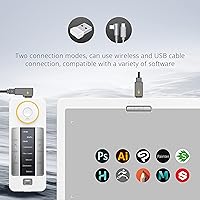
- Connectivity: The tablet supports both wireless connection and USB-C wired connection, allowing users to switch based on workspace preference or latency requirements.
- Compatible OS: Official driver support covers Windows, Windows 11 ARM, macOS, and Linux, making it one of the broader compatibility profiles available in its category.
- Quick Keys: The bundled Quick Keys remote offers 40 programmable shortcut functions organized across 5 independent application profiles, configurable per software environment.
- Quick Keys Display: An OLED screen on the Quick Keys remote shows the active key assignment for each button in real time, eliminating the need to memorize shortcut layouts.
- Quick Keys Battery: The Quick Keys remote delivers up to 30 hours of continuous use per full charge, supporting extended work sessions without frequent interruption.
- Surface Material: The active drawing surface uses a specialized ultra-fine frosted texture that is non-slip and wear-resistant, designed to approximate the tactile feel of pen on paper.
- Colorway: This bundle is offered in Nebula White, a deliberate finish choice targeting creatives who prefer a lighter, cleaner aesthetic in their workspace hardware.
- Security Slot: A physical security slot is integrated into the tablet body, allowing the device to be cable-locked in shared studio or office environments.
- Power Source: The tablet itself is powered via USB connection, while the Quick Keys remote uses a built-in rechargeable lithium polymer battery included in the box.
- Best Sellers Rank: This drawing tablet holds a Best Sellers Rank of #130 in the Computer Graphics Tablets category on Amazon, reflecting sustained commercial relevance in its segment.
- Software Support: The driver is compatible with major creative applications including Adobe Suite, Corel Painter, Autodesk Maya, Max and Fusion 360, Toon Boom Harmony, and Foundry Nuke and Modo.
Related Reviews
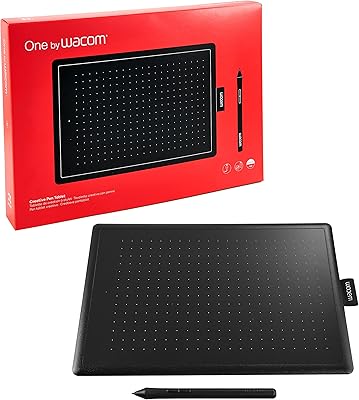
Wacom One CTL-672 Medium Pen Tablet
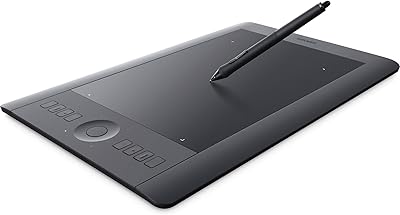
Wacom Intuos Pro Medium Pen Tablet
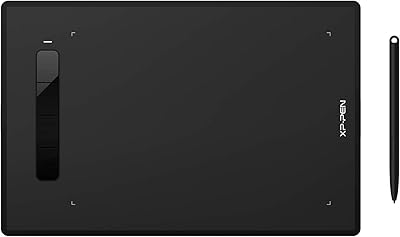
XP-Pen Star G960S Graphics Drawing Tablet
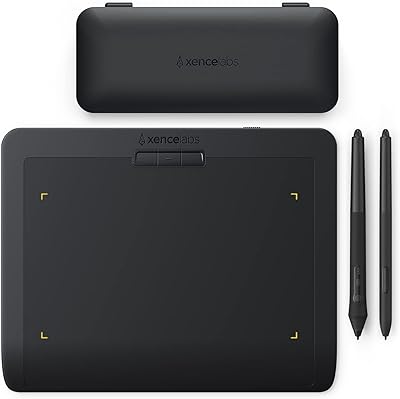
XENCELABS Pen Tablet Small Drawing Tablet
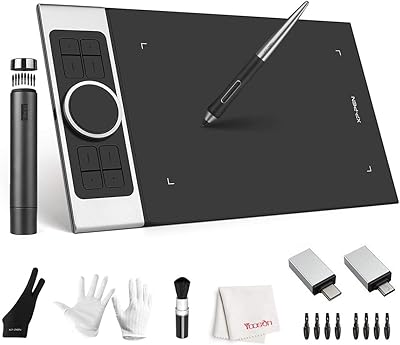
XP-Pen Deco Pro Medium Graphics Tablet
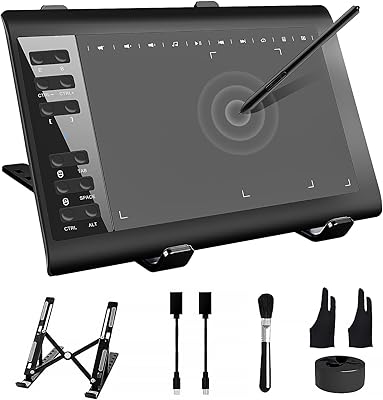
TeinenRon T1060 10x6 Inch Drawing Tablet
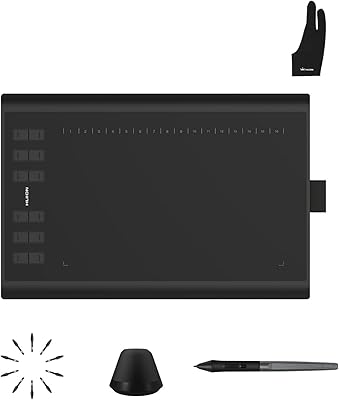
Huion Inspiroy H1060P Graphics Drawing Tablet
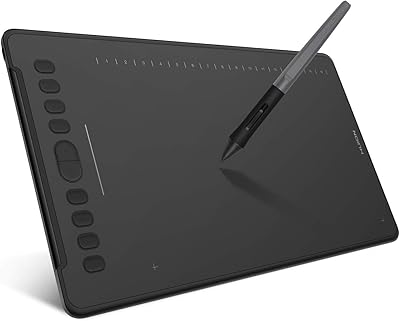
HUION Inspiroy H1161 Graphics Drawing Tablet
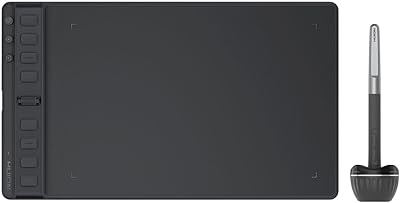
HUION Inspiroy 2 Medium Drawing Tablet