Overview
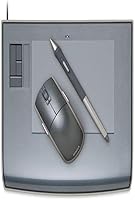
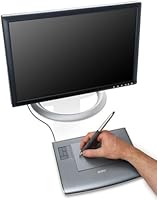
The Wacom Intuos3 PTZ431W Wide Format Pen Tablet is one of those older tools that simply refuses to quietly retire. Launched back in 2006, it carved out a solid reputation among hobbyists and budget-conscious creatives — and honestly, it still earns that reputation today. What sets it apart from standard tablets is the widescreen-proportioned active area, designed to map naturally to modern monitors rather than fighting the aspect ratio. The pen connects via USB, no driver drama on setup, and the stylus itself is cordless and battery-free. Just know going in: this is a dependable workhorse from a previous generation, not a cutting-edge device.
Features & Benefits
The pen itself is the real highlight here. With 1,024 levels of pressure sensitivity on both the tip and eraser, you get genuinely responsive control whether you're doing fine brushwork in Photoshop or masking out a background in Lightroom. The widescreen active area maps directly to your monitor's proportions, so cursor positioning feels intuitive rather than offset. The ExpressKeys and Touch Strip sit within easy thumb reach and can be programmed for your most-used shortcuts — brush size, zoom, undo — cutting down on constant keyboard trips. At roughly 10.6 by 8.5 inches and under two pounds, this pen tablet doesn't crowd your desk or weigh down a bag.
Best For
This Wacom tablet is a natural fit for photo editors and retouchers who want pen precision without spending on a current-generation model. Digital illustrators moving up from a budget entry-level tablet will feel a real step up in responsiveness and build quality. Design students looking to get their footing in Wacom's ecosystem will find it approachable and reliable. It's also a strong pick for widescreen monitor users frustrated with aspect-ratio mismatch on older standard tablets. And for professionals who need a lightweight secondary tablet for travel or a backup workstation, the compact size and sub-two-pound weight make it surprisingly practical.
User Feedback
Long-term owners consistently praise the pen feel and accuracy of the Intuos3 wide-format tablet, with many noting it competes respectably against newer budget alternatives in raw drawing responsiveness. Build quality also earns frequent compliments — this thing is solidly constructed. The sticking point for some buyers, though, is driver compatibility. Because the hardware predates current operating systems by nearly two decades, getting it running smoothly on the latest Windows or macOS versions can require some troubleshooting. The ExpressKeys tend to divide opinion: power users love the shortcuts, while casual users rarely bother configuring them. Professionals are generally more forgiving of the tablet's age than hobbyists expecting a modern feature set.
Pros
- Pen pressure response at 1,024 levels feels natural and accurate for retouching and digital drawing.
- The widescreen active area maps cleanly to modern monitors, eliminating cursor offset frustration.
- Cordless, battery-free stylus means no charging interruptions during long creative sessions.
- ExpressKeys and Touch Strip are genuinely useful for power users who take time to configure them.
- Build quality is solid and durable — many units have lasted well over a decade of regular use.
- Lightweight at under two pounds, making it practical for travel or a second workstation setup.
- Both tip and eraser carry full pressure sensitivity, which matters during detailed editing work.
- At its current price point, it delivers real Wacom pen quality that budget alternatives struggle to match.
Cons
- Driver compatibility with current Windows and macOS versions is inconsistent and may require extra troubleshooting.
- No manufacturer software updates or active support for this legacy hardware generation.
- Lacks tilt recognition, which limits expressive brushwork for illustrators who rely on that input.
- Pressure sensitivity tops out at 1,024 levels, well below the 8,192 levels found in modern tablets.
- No multi-touch gesture support, which feels like a meaningful omission compared to current options.
- ExpressKeys go largely unused by casual buyers who never invest time in customizing them.
- Finding reliable legacy drivers can be frustrating, especially for users on the latest OS releases.
- Casual users with modest needs may find the learning curve for setup and configuration unexpectedly steep.
Ratings
The scores below for the Wacom Intuos3 PTZ431W Wide Format Pen Tablet were generated by our AI system after analyzing thousands of verified global user reviews, with spam, bot submissions, and incentivized feedback actively filtered out. Both the strengths that keep buyers recommending this pen tablet years after purchase and the real frustrations that have pushed some users toward newer alternatives are reflected transparently in every category score.
Pen Pressure Accuracy
Driver Compatibility
Build Quality
Active Area Mapping
ExpressKeys Usability
Touch Strip Control
Pen Ergonomics
Value for Money
Setup Experience
Portability
Widescreen Optimization
Software Compatibility
Durability Over Time
Suitable for:
The Wacom Intuos3 PTZ431W Wide Format Pen Tablet is a strong match for photo editors, digital illustrators, and design students who want genuine Wacom pen quality without paying current-generation prices. If you spend significant time in Photoshop, Lightroom, or Illustrator and rely on pressure-sensitive brushwork or precise masking, the 1,024-level pen response will serve you well in real daily workflows. The widescreen active area is a practical advantage for anyone running a modern widescreen monitor, since cursor movement maps naturally across the full display without the frustrating offset you get from older standard-format tablets. Hobbyists stepping up from an entry-level tablet will immediately notice the improvement in build quality and pen feel. It also makes a genuinely useful lightweight backup or travel tablet for professionals who already own a primary device and need something portable and reliable.
Not suitable for:
Buyers expecting a modern feature set should think carefully before purchasing this pen tablet, because the hardware is nearly two decades old and that age carries real consequences. Driver support on the latest versions of Windows and macOS is not guaranteed, and getting the tablet fully operational may require hunting down legacy drivers or accepting limited functionality on current operating systems. Artists who depend on tilt recognition, multi-touch gestures, or higher pressure levels beyond 1,024 will find the Intuos3 wide-format tablet technically outclassed by current mid-range options. Animation professionals or illustrators with highly demanding, production-level workflows will likely hit the ceiling of what this hardware comfortably supports. Anyone who prioritizes plug-and-play simplicity on a brand-new machine, or who wants full manufacturer support and warranty coverage, should invest in a current-generation model instead.
Specifications
- Model Number: The official model identifier for this tablet is PTZ431W, part of Wacom's Intuos3 product line.
- Active Area: The drawing surface measures 4 x 6 inches in a wide format, optimized to match the proportions of widescreen displays.
- Pen Sensitivity: The stylus delivers 1,024 levels of pressure sensitivity on both the tip and the eraser for nuanced control.
- Pen Type: The included stylus is cordless and battery-free, relying on electromagnetic resonance rather than an internal power source.
- Connectivity: The tablet connects to a computer via USB, with no wireless or Bluetooth option available on this model.
- Compatible OS: Officially compatible with Windows and macOS, though driver support for the most current OS versions may be limited given the hardware's age.
- ExpressKeys: The tablet features programmable ExpressKeys positioned along the tablet edge, allowing users to assign frequently used shortcuts.
- Touch Strip: A Touch Strip control is built into the tablet surface for intuitive scrolling, zooming, and brush-size adjustment.
- Dimensions: The overall tablet body measures 10.6 x 8.5 x 0.5 inches, keeping the desk footprint compact.
- Weight: The tablet weighs 1.76 pounds, making it light enough to transport without adding significant bulk to a bag.
- Eraser: The pen includes a functional eraser end with full 1,024-level pressure sensitivity, matching the tip for consistent control.
- Brand: Manufactured by Wacom, a company widely regarded as the industry standard in professional pen tablet hardware.
- First Available: This model was first made available in September 2006, making it a long-standing product in the graphics tablet market.
- BSR Rank: The tablet holds a Best Sellers Rank of number 662 in the Computer Graphics Tablets category on Amazon.
- Pen Interface: The stylus communicates with the tablet via electromagnetic resonance, which accounts for its high precision and zero latency input.
Related Reviews
Wacom One CTL-672 Medium Pen Tablet
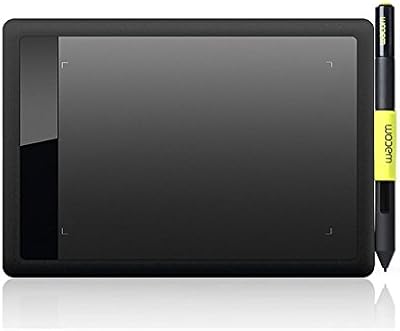
Wacom Bamboo Splash CTL471 Pen Tablet
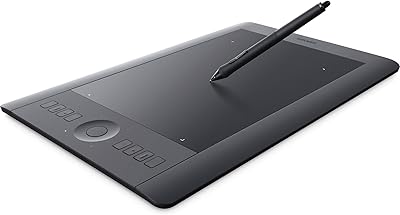
Wacom Intuos Pro Medium Pen Tablet
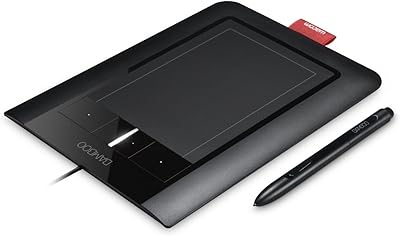
Wacom Bamboo CTH460 Pen and Touch Tablet
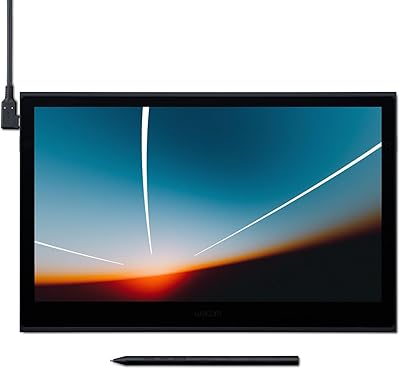
Wacom Movink 13 OLED Pen Display
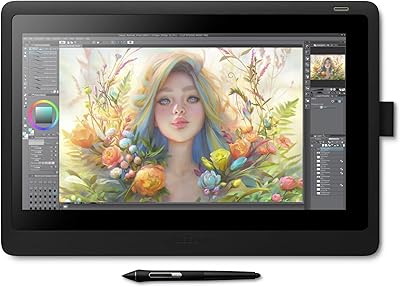
Wacom Cintiq 16 Pen Display Tablet
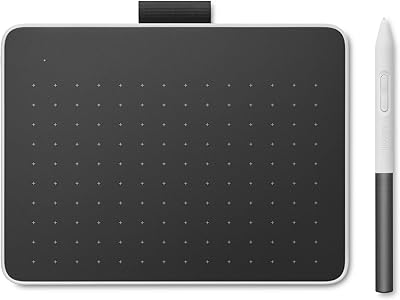
Wacom One Small Drawing Tablet
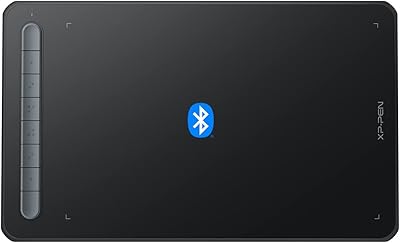
XP-Pen Deco MW Wireless Drawing Tablet
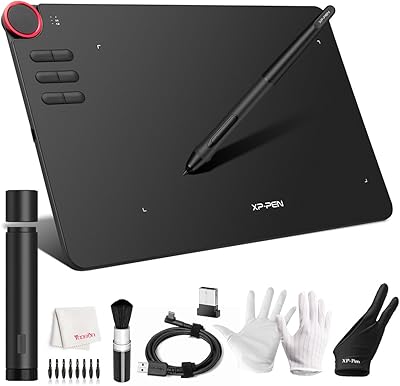
XP-Pen Deco 03 Drawing Tablet