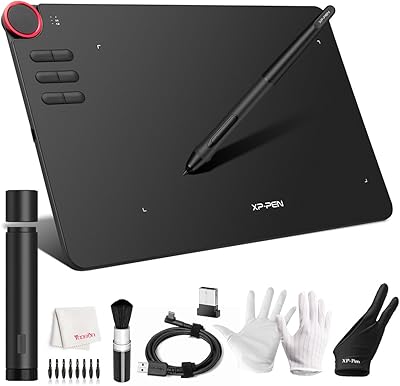
Wacom Bamboo Splash CTL471 Pen Tablet
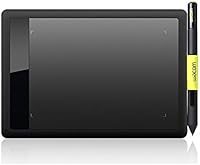
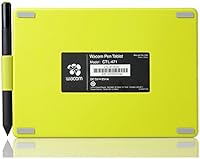
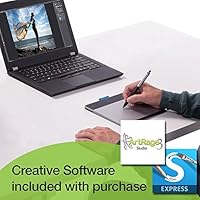
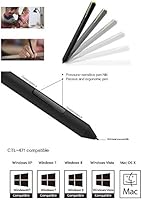
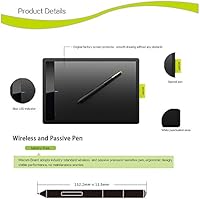
Overview
The Wacom Bamboo Splash CTL471 Pen Tablet has been around since 2010, and its staying power says something real about what it gets right. This is not a tool for professionals chasing pixel-perfect precision on large canvases — it is a well-built starter tablet aimed squarely at hobbyists, students, and anyone curious about digital drawing. Its footprint is compact enough to sit comfortably on a cluttered desk, and the slim profile (11 x 6.8 x 0.4 inches) makes it easy to slide into a bag. Connectivity is USB only, and official OS support skews toward older Windows versions, so checking compatibility before buying is worth the extra minute.
Features & Benefits
The battery-free stylus is one of those things you appreciate immediately — no fumbling for a charge, no mid-session interruptions. It offers 1024 levels of pressure sensitivity, which translates to genuine line variation when you sketch or paint: press lightly for a hairline, lean in for a thick stroke. The active drawing area measures 5.8 x 3.6 inches, which is tight but workable for annotation and casual illustration. Setup is refreshingly uncomplicated; plug it in and it is ready in seconds. The pen itself sits comfortably in hand, balanced well enough that extended drawing sessions do not leave your wrist protesting.
Best For
This Wacom starter tablet makes the most sense for people just stepping into digital art — think high school students sketching character designs, educators annotating PDFs during remote lessons, or hobbyists who want to try painting in Procreate-style apps without committing serious cash. It also works well for anyone moving from a mouse-based workflow who wants a more natural, pen-driven experience. That said, if you are already comfortable on a mid-size tablet and considering a step up, the compact active area will likely feel restrictive. This is a tool with a specific sweet spot, and it delivers confidently within it.
User Feedback
With a 4.2-star average across nearly 1,000 verified reviews, the Bamboo Splash has clearly earned its reputation. Buyers frequently highlight the pen responsiveness as a genuine standout — surprising given the accessible price tier. Many point out how quick the setup is, with zero fuss getting started. On the other side, a handful of experienced artists note that the drawing surface feels cramped once you develop more confident strokes, and a few long-term owners have run into driver hiccups after upgrading to newer Windows versions. Importantly, most critical reviews come not from people who found it broken, but from those who simply outgrew it — which is, honestly, a decent sign for a beginner-oriented tablet.
Pros
- The battery-free stylus means you never have to stop mid-session to charge or swap batteries.
- 1024 levels of pressure sensitivity deliver genuine line variation — light strokes feel light, heavy strokes feel intentional.
- Setup takes under a minute; plug it in and it is ready to use with no driver installation headaches in most cases.
- The slim, compact body fits easily on a small desk without crowding your workspace.
- Works with major creative software including Photoshop, Illustrator, and Clip Studio Paint right out of the box.
- The pen is well-balanced and comfortable to hold, reducing hand fatigue during longer drawing or annotation sessions.
- A proven track record since 2010 with nearly 1,000 community reviews and a strong 4.2-star average rating.
- Ideal entry point for anyone testing the pen tablet experience before committing to a more expensive device.
Cons
- The 5.8 x 3.6-inch active area feels restricting for detailed illustration or anyone accustomed to a larger drawing surface.
- Official OS compatibility is limited to older Windows versions, which can cause driver issues on modern systems.
- No wireless option — the USB-only connection means you are always tethered to your computer.
- Not compatible with the Wacom Wireless Accessory Kit, so there is no upgrade path to cut the cord.
- The entry-level pressure sensitivity ceiling of 1024 levels may feel limiting if you eventually move to more advanced tablets.
- Some long-term owners report degraded pen responsiveness over time with heavy daily use.
- The product has not been updated since its original release, so it lacks modern features found on current-generation tablets.
- No express keys or programmable shortcut buttons on the tablet body, which slows down workflow compared to newer models.
Ratings
The scores below were generated by AI after analyzing hundreds of verified buyer reviews for the Wacom Bamboo Splash CTL471 Pen Tablet from global marketplaces, with spam, bot-generated, and incentivized feedback actively filtered out. This Wacom starter tablet has been on the market long enough to accumulate a genuinely representative cross-section of opinions — from enthusiastic beginners to frustrated power users — and both the strengths and the friction points are reflected transparently in these ratings.
Pen Feel & Responsiveness
Active Area Size
Ease of Setup
OS & Software Compatibility
Build Quality & Durability
Portability
Stylus Ergonomics
Value for Money
Out-of-Box Experience
Pressure Sensitivity Range
Driver Stability
Desk Footprint
Learning Curve
Longevity & Upgrade Path
Suitable for:
The Wacom Bamboo Splash CTL471 Pen Tablet was built for people taking their first real steps into digital creativity, and it shows. Students who need to sketch diagrams, annotate lecture slides, or practice hand-lettering will find it a genuinely useful desk companion. Hobbyist illustrators who want to experiment with digital painting in apps like Photoshop or Clip Studio Paint without spending heavily can get a lot of mileage out of this tablet. It is also a solid pick for educators and remote workers who regularly mark up documents or draw on-screen during presentations — the plug-and-play setup means there is no technical overhead standing between you and getting to work. Anyone making the jump from a mouse to a pen-based workflow will notice an immediate improvement in control and comfort.
Not suitable for:
The Wacom Bamboo Splash CTL471 Pen Tablet is not the right choice for artists who have already developed a serious digital practice. The 5.8 x 3.6-inch active area is workable for casual use, but anyone who draws with large, sweeping arm movements or works on intricate, detail-heavy compositions will find it cramped within a few sessions. Professional illustrators, concept artists, and graphic designers who depend on a tablet daily should look at Wacom's Intuos Pro line or a comparable mid-to-large format alternative. Mac users and those running recent versions of Windows should also verify driver compatibility carefully before buying, as official support targets older Windows environments and some users have encountered friction after OS upgrades. If you need wireless freedom or plan to use the tablet alongside a second monitor setup, the limitations here will likely frustrate you sooner than later.
Specifications
- Brand: Manufactured by Wacom, a long-established leader in pen tablet hardware for creative professionals and hobbyists.
- Model: CTL471, part of the Bamboo Splash series, designed as an entry-level drawing tablet for casual and beginner users.
- Active Area: The drawing surface measures 5.8 x 3.6 inches, suitable for basic illustration, sketching, and document annotation.
- Pressure Levels: The stylus supports 1024 levels of pressure sensitivity, enabling natural variation between light and heavy strokes during drawing or painting.
- Pen Type: Includes a battery-free, ergonomic stylus that requires no charging and is designed to reduce hand fatigue during extended use.
- Connectivity: Connects to a computer via a single USB 2.0 port with no wireless option available on this model.
- Dimensions: The tablet body measures 11 x 6.8 x 0.4 inches, making it slim enough to store flat in a bag or slide under a monitor.
- Color: Available in a black and green accent finish that distinguishes the Bamboo Splash from other models in the Bamboo lineup.
- Resolution Support: Supports screen resolutions up to 1920x1080, covering standard HD display configurations used by most desktop and laptop setups.
- USB Ports: Includes one USB 2.0 port for connection, requiring a single available port on the host computer.
- Compatible OS: Officially supported on Windows XP SP2, SP3, and Vista; users on newer Windows versions should verify current driver availability via Wacom's website.
- Software Support: Compatible with popular creative applications including Adobe Photoshop, Illustrator, and Clip Studio Paint, among other stylus-aware software.
- Wireless Kit: This model is not compatible with the Wacom Wireless Accessory Kit (ACK40401), and no wireless upgrade path is available for the CTL471.
- Product Series: Part of Wacom's Bamboo line, which was positioned as an accessible, consumer-focused range below the professional Intuos series.
- Release Date: First made available in November 2010, establishing it as a proven, long-running product with a substantial user base and review history.
- Market Rank: Ranked #508 in the Computer Graphics Tablets category on Amazon, reflecting consistent sales performance over its product lifetime.
- Community Rating: Holds an average rating of 4.2 out of 5 stars based on approximately 905 verified buyer reviews.
- Manufacturer Status: Listed as not discontinued by the manufacturer, though the product predates current-generation Wacom offerings by more than a decade.
Related Reviews
Wacom One CTL-672 Medium Pen Tablet
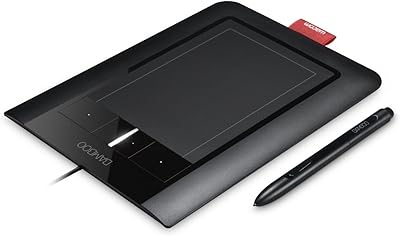
Wacom Bamboo CTH460 Pen and Touch Tablet
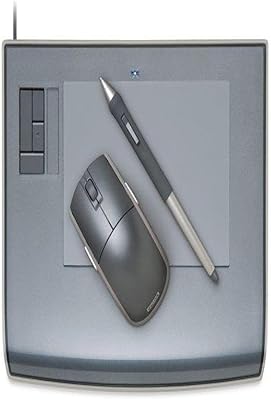
Wacom Intuos3 PTZ431W Wide Format Pen Tablet
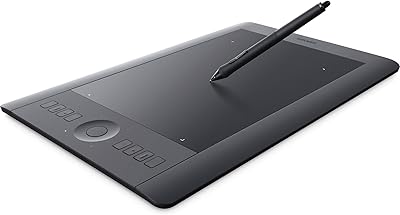
Wacom Intuos Pro Medium Pen Tablet
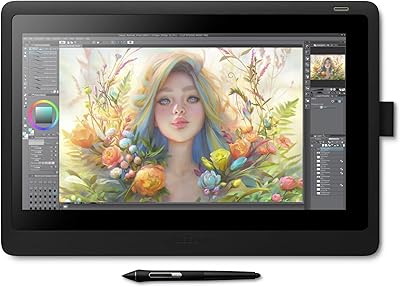
Wacom Cintiq 16 Pen Display Tablet
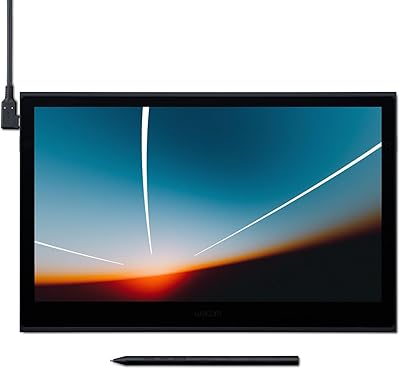
Wacom Movink 13 OLED Pen Display
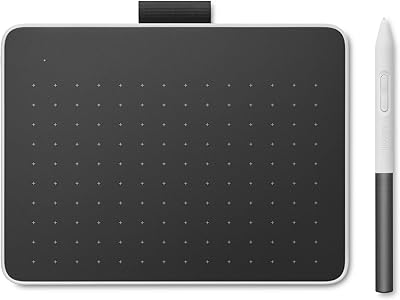
Wacom One Small Drawing Tablet
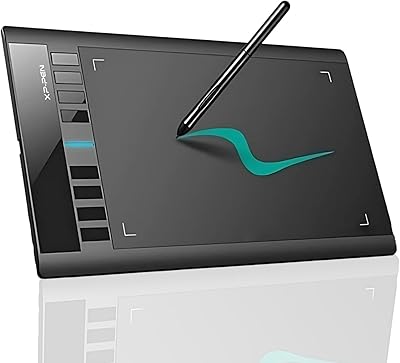
XP-Pen Star03 V2 Drawing Tablet
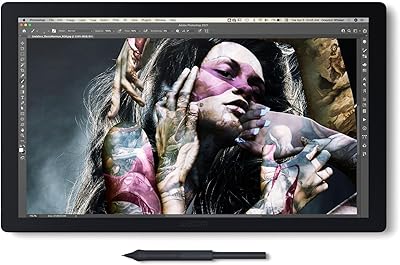
Wacom Cintiq Pro 17 Pen Display