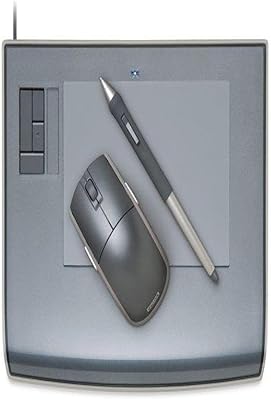
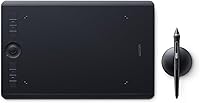
Wacom Intuos Pro Medium Pen Tablet

Overview
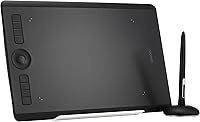
The Wacom Intuos Pro Medium Pen Tablet sits firmly in Wacom's professional tier — this is not a starter device you pick up on a whim. Released in January 2017, the PTH-660 still holds its ground for working creatives who demand precision over novelty. One important caveat worth knowing upfront: this listing is a Japan import, which means it ships without an international warranty. If something goes wrong, you're largely on your own. First-time tablet users should also expect a real adjustment period — building muscle memory with a pen tablet takes time, patience, and deliberate practice.
Features & Benefits
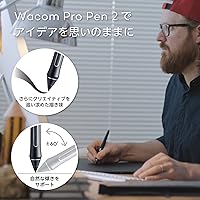
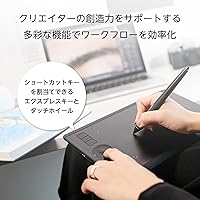
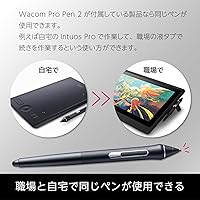
With pressure sensitivity at 8192 levels, this Wacom Pro tablet translates the lightest touch into a hairline and a firm press into a bold, confident stroke — a distinction that matters deeply in illustration and photo retouching. The Pro Pen 2 adds tilt recognition, so hatching and shading behave much like they would with a real pencil. Bluetooth connectivity keeps the desk clean, though experienced users will tell you that wired mode stays the more reliable choice for latency-critical work. The multi-touch surface handles zoom and pan gestures smoothly, and the customizable ExpressKeys let you map shortcuts without lifting the pen.
Best For
The Intuos Pro Medium hits a practical sweet spot in terms of active area — large enough for detailed work, compact enough to travel with. It suits illustrators, concept artists, and photo editors who spend serious hours at the desk and want ergonomic pen input that reduces wrist fatigue compared to a mouse. Professionals moving away from traditional media will find this pen tablet rewards deliberate, practiced technique. The Bluetooth option also appeals to anyone building a cable-free workspace. That said, this is not the right pick for someone just dipping a toe into digital art — the depth of features and the price point both assume a committed, skilled user.
User Feedback
The general consensus among experienced buyers is that pen accuracy and build quality are genuinely impressive — this feels like a tool built to last, not a disposable peripheral. Long-term users report the tablet holding up well through years of daily creative work. On the flip side, driver installation trips up a meaningful number of people, especially on macOS after system updates, and Bluetooth stability can vary noticeably across OS versions. The Japan-import aspect adds real risk: buyers occasionally report packaging differences and, critically, no warranty coverage if hardware issues arise. For anyone purchasing from outside Japan, that should factor heavily into the final call.
Pros
- 8192 levels of pressure sensitivity deliver genuinely expressive, nuanced line control for illustration and painting.
- Pro Pen 2 tilt recognition mimics the natural feel of a real pencil or brush during detailed work.
- The medium active area strikes a smart balance between usable workspace and portability.
- Bluetooth connectivity keeps the desk clean and cable-free for creative professionals who value an organized workspace.
- Customizable ExpressKeys and Touch Ring let experienced users map critical shortcuts and speed up repetitive workflows.
- Multi-touch gesture support handles zoom, pan, and rotate intuitively without reaching for the keyboard.
- Build quality is consistently praised by long-term users — this pen tablet is built to survive years of heavy daily use.
- Dual connectivity options mean you can switch to wired mode whenever you need rock-solid, low-latency performance.
- The PTH-660 remains highly competitive in accuracy and responsiveness even measured against newer releases.
Cons
- Sold as a Japan import with no international warranty, leaving buyers with little protection if hardware fails.
- Wacom driver installation is a recurring frustration, especially after major macOS system updates.
- Bluetooth performance can be inconsistent across operating systems and is not recommended for latency-sensitive work.
- The steep price point is hard to justify for anyone without a serious, committed creative practice.
- First-time tablet users face a genuine learning curve that can take weeks to overcome before productivity improves.
- Packaging and documentation may differ from international retail versions due to the Japan-import origin.
- No manufacturer warranty support outside Japan creates real risk if you purchase through third-party import listings.
- The 2017 hardware generation means some software integrations and firmware features lag behind current Wacom models.
Ratings
The scores below reflect an AI-driven synthesis of verified buyer reviews for the Wacom Intuos Pro Medium Pen Tablet, gathered from global markets and actively filtered to remove incentivized, bot-generated, and outlier feedback. Each category is scored independently, weighing both the depth of praise and the frequency of genuine complaints to give you an honest, complete picture. Strengths are credited where they are earned, and recurring pain points are not softened.
Pen Accuracy & Sensitivity
Build Quality & Durability
Bluetooth Connectivity
Driver & Software Experience
Multi-Touch Gesture Support
ExpressKeys & Touch Ring
Tilt Recognition
Active Area Size
Ergonomics & Comfort
Portability
Warranty & Import Risk
Value for Money
Unboxing & Packaging
Compatibility & OS Support
Suitable for:
The Wacom Intuos Pro Medium Pen Tablet is built for creative professionals who depend on precise, expressive pen input as a core part of their daily workflow. Illustrators and digital painters will get the most out of its 8192 levels of pressure sensitivity, which translates directly into more natural, controlled line work across any brush-heavy application. Photo retouchers and graphic designers who spend long hours at a desk will also appreciate the ergonomic advantage of a pen over a mouse, particularly for detailed masking and compositing tasks. The medium active area is a practical choice for professionals who occasionally need to pack up and work from different locations without sacrificing a usable drawing surface. Artists moving away from paper and pencil will find this pen tablet rewards their existing muscle memory in ways that a mouse simply never could. The optional Bluetooth mode is a genuine bonus for anyone who prioritizes a clean, uncluttered desk setup.
Not suitable for:
The Wacom Intuos Pro Medium Pen Tablet is a poor match for anyone who is just beginning to explore digital art and has not yet committed to learning the craft seriously. The learning curve is real — coordinating hand movements on a tablet surface while watching a screen takes deliberate practice, and the investment only makes sense if you plan to use it consistently. Casual users who want a tablet for occasional note-taking or light sketching will find both the feature depth and the price tier far beyond what their use case demands. Budget-conscious buyers should also weigh the Japan-import status carefully: this listing carries no international warranty, so if hardware issues arise after purchase, you have very limited recourse. Users on macOS who frequently update their operating system should know that Wacom driver compatibility has historically lagged behind major system updates, which can disrupt an otherwise smooth workflow. Anyone expecting Bluetooth to perform identically to a wired connection for high-speed or latency-sensitive work may also find the wireless mode falls short of their expectations.
Specifications
- Model Number: This tablet carries the official model designation PTH-660, the medium variant in the Intuos Pro line released in January 2017.
- Dimensions: The tablet measures 13.31 x 8.62 x 0.31 inches, giving it a slim, low-profile form factor suited for desk and travel use.
- Weight: At 1.54 pounds, the tablet is light enough to reposition easily on a desk without feeling insubstantial in build.
- Active Area: The medium active drawing area provides a workspace that balances detailed illustration work with practical portability for professionals on the move.
- Pressure Sensitivity: The Pro Pen 2 delivers 8192 levels of pressure sensitivity, enabling a wide range of stroke weights from the lightest sketch line to a full, heavy mark.
- Tilt Recognition: The included Pro Pen 2 supports full tilt recognition, allowing the tablet to detect pen angle for more natural shading and hatching techniques.
- Connectivity: The tablet supports both Bluetooth wireless and USB wired connection, giving users the flexibility to choose based on workflow and latency requirements.
- Multi-Touch: The active surface supports multi-touch gestures including pinch-to-zoom, rotate, and pan, functioning similarly to a precision trackpad.
- ExpressKeys: Eight customizable ExpressKeys are built into the tablet body, allowing users to map application shortcuts for faster, pen-in-hand workflow.
- Touch Ring: A central Touch Ring supports four programmable modes, typically used for brush size adjustment, zoom, canvas rotation, and scroll control.
- Battery: One Lithium Ion battery is required and included in the package to power the wireless Bluetooth functionality.
- Compatible OS: The tablet is designed for use with Windows and macOS; Android compatibility is referenced in the product listing but is not the primary intended platform.
- Manufacturer: This tablet is manufactured by Wacom Co., Ltd., based in Japan, under the Wacom brand established as the industry standard for professional pen input.
- Import Status: This listing is a Japan domestic import and does not include an international manufacturer warranty, which buyers outside Japan should factor into their purchase decision.
- Release Date: The PTH-660 was first made available in January 2017 as part of Wacom's updated Intuos Pro lineup for that model year.
- Market Rank: This tablet holds a Best Sellers Rank of approximately #774 in the Computer Graphics Tablets category on Amazon, reflecting sustained buyer interest.
- Pen Technology: The tablet is compatible with the Pro Pen 2, which uses electromagnetic resonance technology and requires no battery in the pen itself.
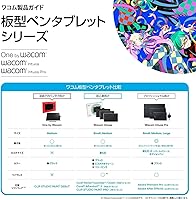
- Size Tier: The PTH-660 occupies the medium size tier in the Intuos Pro range, positioned between the compact small and the large studio-oriented model.
Related Reviews
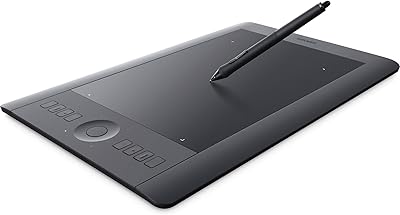
Wacom Intuos Pro Medium Pen Tablet
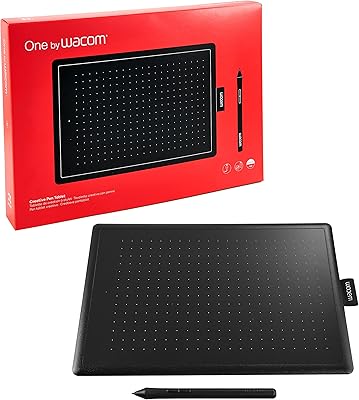
Wacom One CTL-672 Medium Pen Tablet
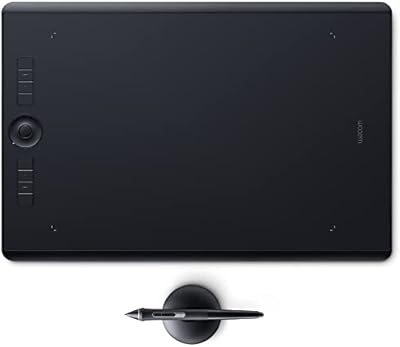
Wacom Intuos Pro Large Drawing Tablet
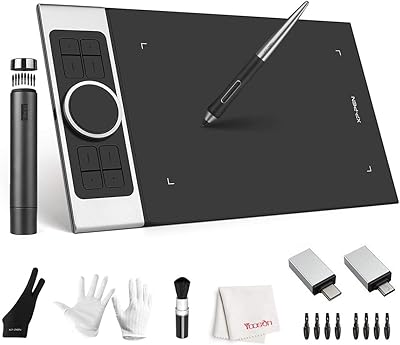
XP-Pen Deco Pro Medium Graphics Tablet
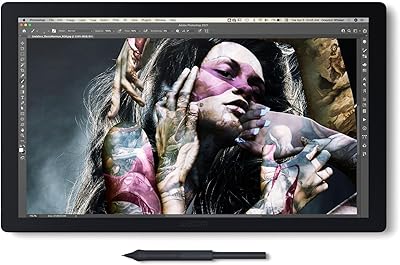
Wacom Cintiq Pro 17 Pen Display
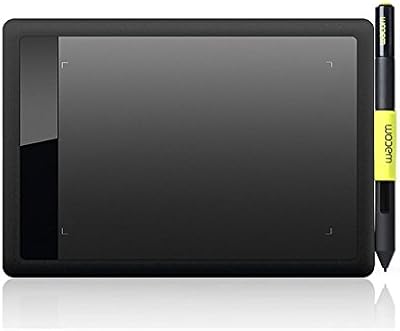
Wacom Bamboo Splash CTL471 Pen Tablet
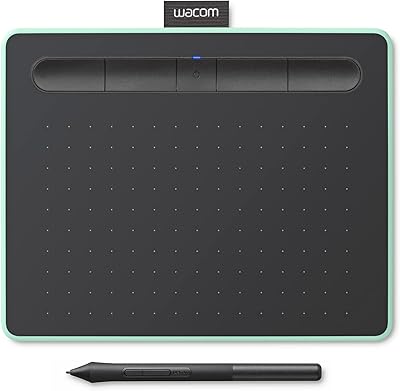
Wacom Intuos Small Bluetooth Graphics Tablet
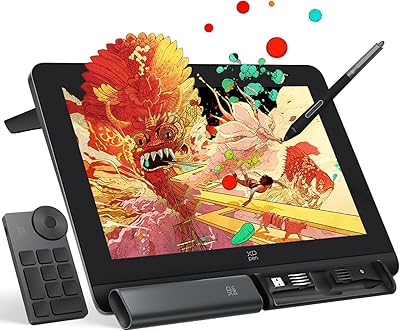
XP-Pen Artist Pro 14 Gen2 Pen Display
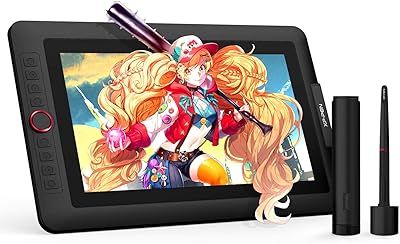
XP-Pen Artist 13.3 Pro Drawing Display Tablet