Wacom Intuos Pro Large Drawing Tablet

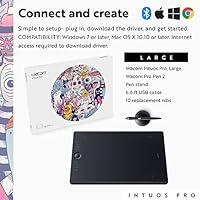
Overview
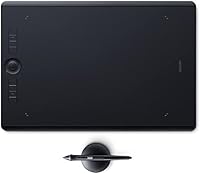
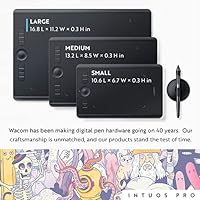
The Wacom Intuos Pro Large Drawing Tablet has held its ground as one of the most capable professional graphics tablets on the market since its 2017 release. Wacom has built trust with creative professionals for decades, and the Intuos Pro line sits at the top of their non-display tablet range. What sets this version apart from the medium and small variants is the 12.1 x 8.4 inch active area — a genuinely spacious surface that changes how you work. If you draw with long, confident strokes or split your workflow across two monitors, that extra real estate matters. Casual hobbyists may find it more tablet than they need, but for working professionals, it fits.
Features & Benefits
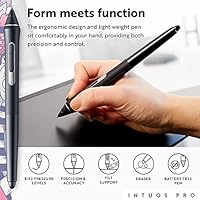
The Pro Pen 2 is the centerpiece here, and it earns its reputation. With 8192 levels of pressure sensitivity and genuine tilt recognition, it responds the way a real brush or pencil does — light passes feel light, heavy strokes feel heavy. Crucially, it runs without a battery, so there are no interruptions mid-session. The six customizable ExpressKeys and Touch Ring let you assign your most-used shortcuts — zoom, brush size, layer switches — directly to the tablet edge, keeping your eyes on the canvas. Bluetooth connectivity keeps the desk clean, with USB as a reliable fallback, and multi-touch gestures let you pan and zoom naturally without reaching for a mouse.
Best For
This Wacom tablet is built with working professionals in mind. Illustrators and concept artists who need precise pen control over large compositions will feel at home immediately. Graphic designers handling photo retouching or detailed layout work in Photoshop or Illustrator benefit from the generous active area — less hand cramping, more natural movement. Artists moving from traditional media tend to appreciate the large format because it mirrors drawing on a real sketchpad. That said, desk space is a genuine consideration. The Intuos Pro Large is not a tablet you tuck away easily, and frequent travelers or those working in compact setups will likely find the medium variant a more practical everyday fit.
User Feedback
Among long-term users, pen accuracy consistently draws praise — many describe it as the closest thing to drawing on paper they have found in a digital tool. Build quality also holds up well over years of heavy use, and nibs last longer than most users expect. Where things get more nuanced is driver software: a meaningful number of users have encountered compatibility hiccups after macOS or Windows updates, which can disrupt a session at the worst time. The touch surface divides opinion sharply — some rely on it daily, others disable it permanently. On price, the consensus is clear: professionals consider it worthwhile, but hobbyists often question whether the premium investment matches their actual usage.
Pros
- The Pro Pen 2 delivers industry-leading pressure sensitivity that translates directly into more expressive, controlled linework.
- Battery-free pen design means no charging interruptions during long creative sessions.
- The 12.1 x 8.4 inch active area is genuinely spacious — a real advantage for large-canvas work and dual-monitor setups.
- Six customizable ExpressKeys and a Touch Ring let you keep shortcuts at your fingertips without leaving the canvas.
- Bluetooth connectivity keeps the workspace clean, with USB available as a reliable fallback.
- Build quality holds up exceptionally well under years of daily professional use.
- Tilt recognition adds a natural dimension to brush and pen tools in applications that support it.
- The included accessory set — pen stand, ten replacement nibs, and USB cable — covers everything needed from day one.
- Per-application driver profiles allow deep customization tailored to each piece of creative software.
Cons
- Driver updates frequently cause compatibility breakdowns on both Windows and macOS, requiring reinstallation at inconvenient times.
- The large footprint is impractical for small desks, often competing for space with a full-size keyboard.
- Multi-touch palm rejection is unreliable enough that many professional users disable the touch surface entirely.
- Initial ExpressKey and driver configuration has a steep learning curve that slows down early productivity.
- Heavy-handed artists go through nibs faster than expected due to the textured surface material.
- Bluetooth connectivity can drop intermittently in wireless-dense environments, forcing a switch back to USB.
- No carrying case is included, which feels like an oversight for a tablet this size and price.
- Left-handed users find the pen button placement less accessible in mirrored orientation.
- The quick start guide is too minimal for new users, who are effectively pointed toward online resources to get started.
Ratings
The Wacom Intuos Pro Large Drawing Tablet earns its place among the most respected professional drawing tablets available, and the scores below reflect exactly that — strengths and shortcomings alike. Our AI analyzed thousands of verified global buyer reviews, actively filtering out incentivized, bot-generated, and duplicate feedback to surface what real working artists and designers consistently report. The result is a transparent, balanced picture of where this drawing tablet genuinely delivers and where it asks you to compromise.
Pen Accuracy & Pressure Response
Active Area Size
Build Quality & Durability
Driver Software & Compatibility
ExpressKeys & Touch Ring Customization
Wireless Connectivity
Multi-Touch Gesture Support
Value for Money
Setup & Out-of-Box Experience
Pen Ergonomics & Feel
Surface Texture & Nib Wear
Compatibility with Creative Software
Portability & Form Factor
Included Accessories
Suitable for:
The Wacom Intuos Pro Large Drawing Tablet is purpose-built for creative professionals who depend on their tools to keep up with demanding, deadline-driven work. Illustrators and concept artists working on complex compositions will immediately appreciate how the large active surface reduces the need to constantly reposition their hand — strokes feel proportional and natural rather than cramped. Graphic designers spending hours in Photoshop or Illustrator doing detailed retouching, masking, or layout refinement will find the precision of the Pro Pen 2 genuinely changes how controlled their work feels. Digital painters transitioning from traditional media are a particularly strong fit, since the spacious drawing area and pressure response closely approximate working on a real sketchpad. Anyone running a large monitor or a dual-display setup will also get more out of this drawing tablet than they would from the medium variant, since the active area scales more comfortably to wider screen real estate.
Not suitable for:
The Wacom Intuos Pro Large Drawing Tablet is a serious professional investment, and buyers who do not match that profile are likely to find it more frustrating than rewarding. Hobbyists, students, or part-time creators who draw occasionally will struggle to justify the premium price against their actual usage, and the medium-sized Intuos Pro delivers essentially the same pen performance at a lower cost and in a more manageable footprint. Anyone working from a small desk will quickly find that this Wacom tablet crowds out keyboard space and leaves little room for anything else. Frequent travelers or artists who need a portable setup are not the target audience here — the large dimensions make it impractical to move regularly, and it always requires a connected computer to function. Users who have had persistent driver issues on their system in the past should also be cautious, as software compatibility problems following OS updates are a documented and recurring concern with this drawing tablet.
Specifications
- Active Area: The drawing surface measures 12.1 x 8.4 inches, providing ample space for large-canvas illustration and dual-monitor workflows.
- Overall Dimensions: The tablet body measures 16.9 x 11.3 x 0.1 inches, making it one of the larger non-display tablets in its category.
- Weight: The unit weighs 2.86 pounds, which is relatively light for its size but still best suited to a fixed desk setup.
- Pen Model: Includes the battery-free Pro Pen 2, which requires no charging and is ready to use at any time without interruption.
- Pressure Sensitivity: The Pro Pen 2 supports 8192 levels of pressure sensitivity, enabling precise control over stroke weight and opacity in compatible software.
- Tilt Recognition: The pen supports tilt recognition, allowing brush and pencil tools in supported applications to respond to the angle of the pen relative to the surface.
- ExpressKeys: Six fully customizable ExpressKeys are built into the tablet body and can be programmed per application using the Wacom driver.
- Touch Ring: One programmable Touch Ring is included, commonly used to control brush size, zoom level, or canvas rotation depending on the active profile.
- Multi-Touch: The active surface supports multi-touch gestures for panning, zooming, and rotating the canvas in a manner similar to trackpad navigation.
- Connectivity: The tablet connects via Bluetooth Classic for wireless use or via a 6.6 ft USB cable for a wired, low-latency connection.
- Bluetooth Standard: Wireless connectivity uses Bluetooth Classic for desktop pairing and Bluetooth 4.2 LE for paper mode compatibility with mobile devices.
- Compatible OS: Fully supported on Windows 7 or later and macOS X 10.10 or later; internet access is required to download the necessary driver.
- Model Number: The official model number is PTH860, which identifies this as the large variant of the 2017 Intuos Pro line.
- Release Year: This tablet was first made available in December 2016 and represents the 2017 generation of the Intuos Pro series.
- Included Accessories: The box includes the Pro Pen 2, a pen stand with nib storage, ten replacement nibs, a 6.6 ft USB cable, and a quick start guide.
- Power Source: The tablet itself uses a built-in rechargeable Lithium Polymer battery for wireless operation; the pen is battery-free and requires no power source.
- Pen Side Switches: The Pro Pen 2 features two customizable side switches that can be assigned to frequently used shortcuts directly through the driver software.
- Surface Texture: The tablet surface has a light tooth texture designed to simulate the resistance of paper, which contributes to nib wear over time.
Related Reviews
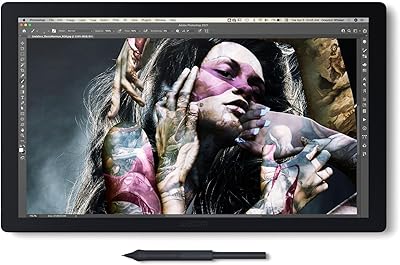
Wacom Cintiq Pro 17 Pen Display
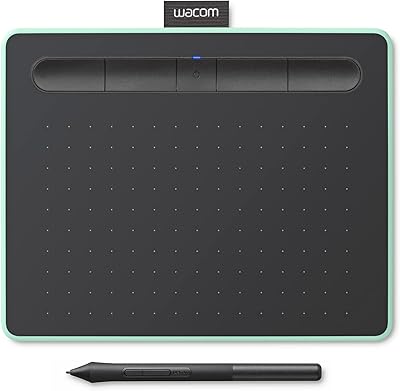
Wacom Intuos Small Bluetooth Graphics Tablet
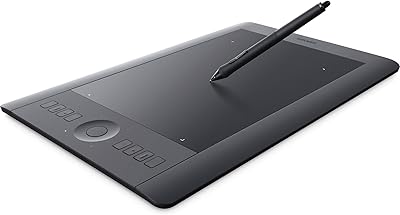
Wacom Intuos Pro Medium Pen Tablet
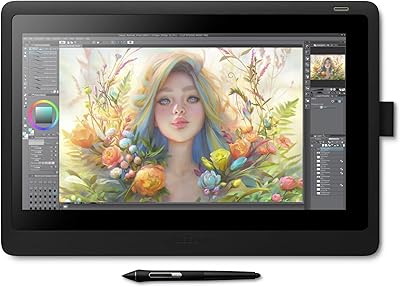
Wacom Cintiq 16 Pen Display Tablet
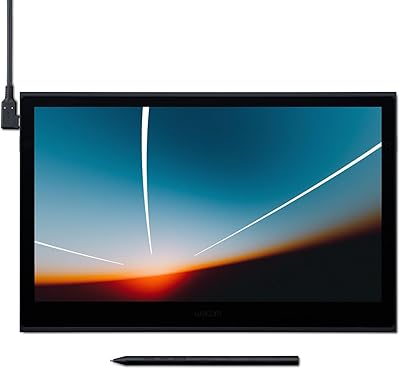
Wacom Movink 13 OLED Pen Display
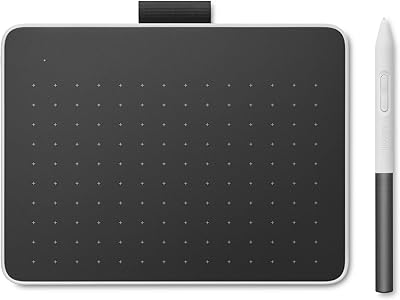
Wacom One Small Drawing Tablet
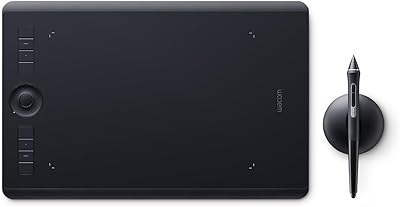
Wacom Intuos Pro Medium Pen Tablet
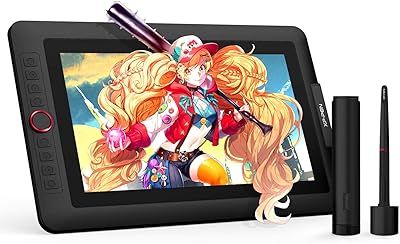
XP-Pen Artist 13.3 Pro Drawing Display Tablet
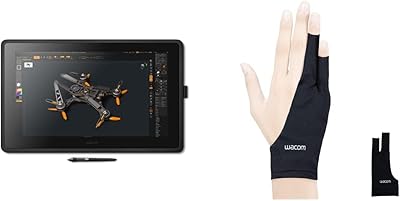
Wacom Cintiq 22 21.5-inch Pen Display