

Overview
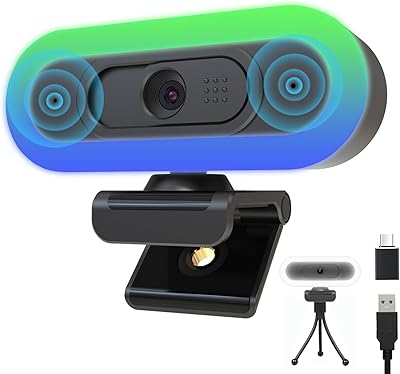
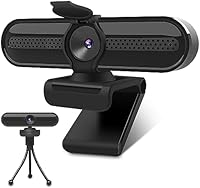
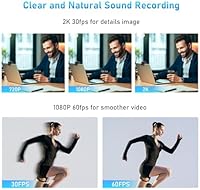
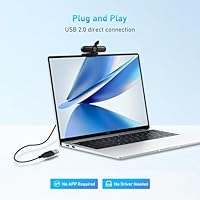
The VIZOLINK W4DS 2K Webcam arrived in early 2024 as a straightforward, no-fuss option for remote workers, students, and casual streamers who want better-than-average video without spending much. It offers two resolution modes worth knowing about: 2K at 30fps when you want crisp, detailed imagery, and 1080p at 60fps when smoother motion matters more — useful for fast-paced presentations or live content. Setup is entirely plug-and-play, meaning you just connect the USB cable and you are live, no driver hunting required. A privacy cap and a small tripod are included in the box, which feels like a genuine value-add rather than a token gesture.
Features & Benefits
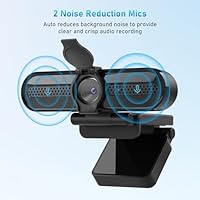
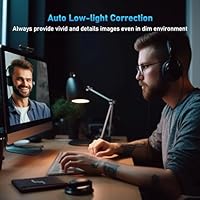
The autofocus is one of those things you stop noticing after a while — which is exactly the point. It keeps you sharp without requiring you to fidget with settings mid-call. The dual noise-cancelling microphones are a legitimate highlight; they use a dedicated audio chip to cut keyboard clatter and room echo, with a rated pickup range of around 6 meters. Auto white balance and exposure adjustment handle tricky lighting reasonably well, though they will not perform miracles in a very dark room. The 78-degree field of view is wide enough for most desk setups, and broad platform compatibility — Zoom, Teams, OBS, and more — means this streaming camera will work wherever you already are.
Best For
This webcam makes the most sense for people making the jump from a built-in laptop camera for the first time. If you are sitting in back-to-back video meetings and your colleagues keep asking you to turn on your camera, this is a solid, low-effort fix. It also suits students and remote learners who need something dependable for virtual classes without overthinking the purchase. Budget streamers who want sharper-than-720p footage will find the 1080p/60fps mode practical for smooth, watchable content. Where it is less compelling: anyone relying heavily on microphone quality for podcasting or professional recordings will likely want a dedicated mic. The quick USB setup makes it especially appealing for people who bounce between multiple machines regularly.
User Feedback
Across buyer reviews, the VIZOLINK camera sits at 4.2 stars — a respectable score that reflects genuine satisfaction rather than manufactured enthusiasm. Most positive feedback centers on image clarity and sharpness, with people pleasantly surprised by how much better their video looks compared to a laptop's built-in camera. Easy setup is another consistent praise point. On the flip side, some buyers report that the microphone, while functional, underdelivers in louder environments — the noise cancellation helps but is not flawless. A few reviewers also flag the build quality as feeling lightweight, which is to be expected at this price point. The included tripod gets mixed notices: handy for desk use, but not especially sturdy for angled positioning.
Pros
- Immediate visible upgrade over any built-in laptop camera, with noticeably sharper and more natural-looking video.
- Two resolution modes give you flexibility: choose detail-rich 2K for static presentations or smooth 1080p at 60fps for motion-heavy content.
- Plug-and-play USB setup means zero driver installation — you are on your next call within seconds.
- Dual noise-cancelling microphones do a decent job filtering keyboard clatter and background hum in typical home office environments.
- Autofocus keeps you sharp even if you lean back or shift around during a call, without any manual adjustments.
- Broad compatibility covers virtually every major OS and video platform, including Zoom, Teams, OBS, and FaceTime.
- The included tripod adds positioning flexibility that most competing webcams in this tier do not bundle.
- The privacy cap is a practical touch — it also keeps dust off the lens when not in use.
- At this price point, the 78-degree wide-angle view handles solo and small-group setups without feeling cramped.
- A 4.2-star average across a meaningful volume of reviews suggests this webcam consistently meets expectations for its intended audience.
Cons
- Build quality feels lightweight and plastic-heavy, which may not inspire confidence during daily handling.
- The bundled tripod is functional but not sturdy — angled or elevated positions can feel unstable.
- Microphone performance in louder environments, like open-plan offices or shared spaces, is noticeably weaker than the specs suggest.
- Low-light auto exposure helps, but results in darker or messier rooms still come out soft and noisy.
- No USB-C adapter is included, which is inconvenient for newer laptops that have dropped full-size USB-A ports.
- The 6-meter microphone pickup range is optimistic — real-world performance tends to drop off past 2 to 3 meters.
- VIZOLINK is a relatively new brand with limited long-term reliability data, which may concern buyers thinking about durability over time.
- No companion software is available for fine-tuning color, exposure, or zoom, leaving you dependent on whatever your video platform offers.
Ratings
The scores below reflect an AI-driven analysis of verified global buyer reviews for the VIZOLINK W4DS 2K Webcam, with spam, bot submissions, and incentivized feedback actively filtered out before any scoring was applied. Every category captures what real users consistently praised or complained about, so you will find both the genuine strengths and the honest shortcomings represented here. Nothing has been softened to protect the brand.
Video Clarity
Low-Light Performance
Microphone Quality
Autofocus Reliability
Setup & Ease of Use
Build Quality
Included Tripod
Privacy Cap
Frame Rate Smoothness
Platform Compatibility
Value for Money
Wide-Angle Coverage
Noise Cancellation Effectiveness
Suitable for:
The VIZOLINK W4DS 2K Webcam is a strong fit for anyone who spends significant time on video calls but does not want to invest heavily in camera equipment. Remote and hybrid workers who rely on Zoom, Teams, or Google Meet daily will notice an immediate improvement over a built-in laptop camera, with sharper detail and more natural color reproduction. Students recording coursework, attending virtual lectures, or presenting remotely will appreciate how little setup is involved — plug in the USB and it just works. Budget-conscious streamers who want smoother, higher-resolution footage for casual content creation will find the 1080p at 60fps mode particularly useful for keeping motion clean. It also makes practical sense for anyone who hot-desks or switches between machines regularly, since the plug-and-play nature removes all the friction of driver installations and software configuration.
Not suitable for:
The VIZOLINK W4DS 2K Webcam is not the right tool for buyers who need professional-grade audio capture alongside their video. If you are recording a podcast, producing client-facing video content, or broadcasting in a loud environment, the built-in microphones will likely fall short — you would need a dedicated external mic to compensate. Videographers or content creators who shoot in challenging lighting conditions, such as dimly lit studios or backlit setups, may find the auto exposure adjustments insufficient compared to what mid-range or premium webcams offer. The physical build quality is modest for the price tier, so buyers who prioritize a solid, premium-feeling device will probably be disappointed. Anyone needing 4K resolution, a wide field of view beyond 78 degrees, or advanced software controls like background replacement at a hardware level should look at higher-end options.
Specifications
- Brand: Manufactured by VIZOLINK, a consumer electronics brand that entered the webcam market in early 2024.
- Model: The specific model designation for this camera is W4DS.
- Max Resolution: Supports 2K resolution at 30fps for detailed, sharp video capture.
- Alt Resolution: Also supports 1080p at 60fps for smoother motion during fast-paced presentations or live streaming.
- Sensor Type: Uses a CMOS image sensor, which is standard for webcams in this price tier.
- Field of View: Offers a 78-degree wide-angle field of view, suitable for solo users and small shared desk setups.
- Autofocus: Equipped with continuous autofocus that adjusts automatically when the subject moves, requiring no manual input.
- Microphones: Features two built-in microphones paired with a dedicated noise-cancellation chip to reduce echo, keyboard noise, and ambient sound.
- Mic Range: Rated pickup range for the dual microphones reaches up to 6 meters under ideal conditions.
- Connectivity: Connects via a standard USB-A cable with plug-and-play recognition across all supported operating systems.
- Video Format: Captures and outputs video in MPEG-2 format.
- Audio Format: Supports YUV and MJPEG audio formats for broad compatibility with recording and streaming software.
- OS Support: Compatible with Windows 7, 8, and 10, macOS, Chrome OS, and Android 7.0 or higher.
- Accessories: Ships with a detachable tripod stand and a physical privacy cap that also serves as a dust cover for the lens.
- Weight: The camera unit weighs 5.9 oz, making it lightweight enough for portable or multi-desk use.
- Dimensions: Package dimensions measure 4.88 x 3.11 x 2.44 inches, keeping storage and portability straightforward.
- White Balance: Includes automatic white balance adjustment to maintain accurate color reproduction across different lighting environments.
- Auto Exposure: Built-in auto exposure control helps compensate for low-light conditions without manual brightness adjustments.
Related Reviews
Dobuhont D90-2K Webcam
PixelForge 2K Webcam
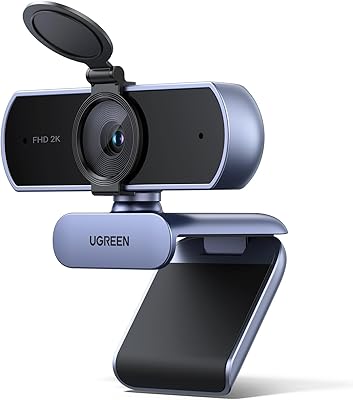
UGREEN 25442 2K Webcam
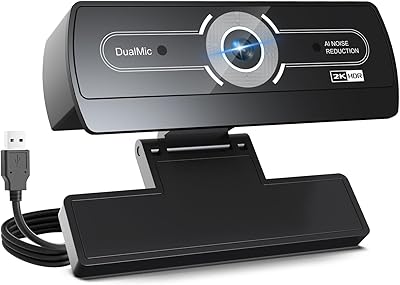
XOCLON 2K Webcam
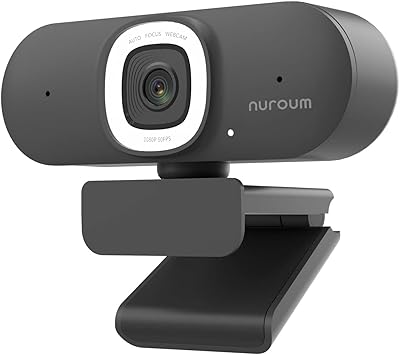
NUROUM V15AFL 2K Autofocus Ring Light Webcam
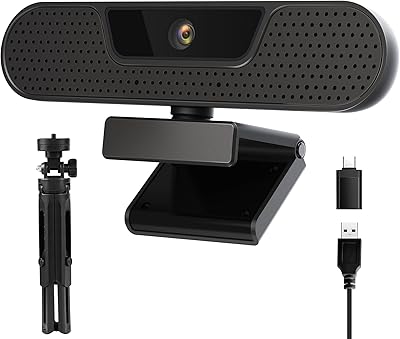
VIZOLINK W8GS 4K Webcam
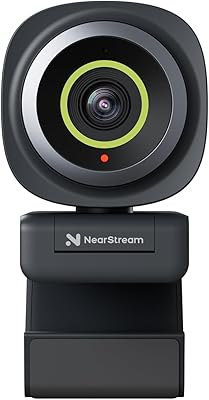
NearStream V02AF
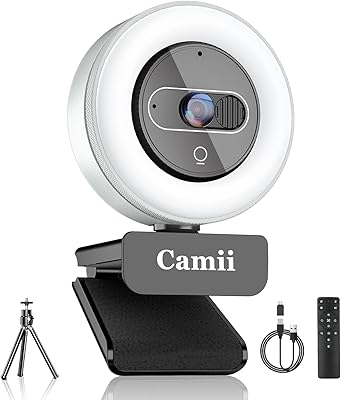
Camii C-4K-001 4K Webcam
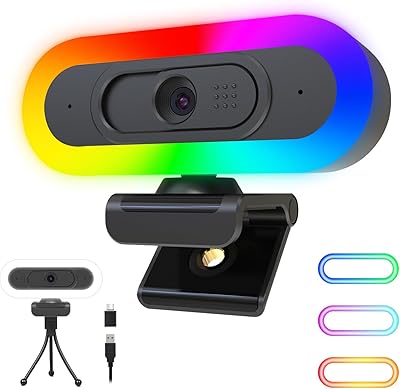
ToLuLu 2K RGB LED Streaming Webcam