ROCWARE RC08 2K Webcam
Overview
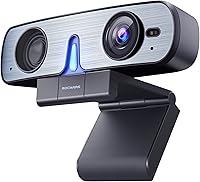
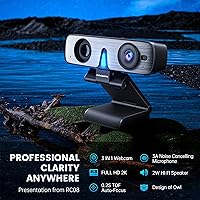
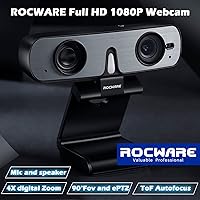
The ROCWARE RC08 2K Webcam takes a practical approach to the cluttered home-office desk problem by packing a camera, microphone, and speaker into one compact unit that sits quietly on top of your monitor. At just over four inches wide, it barely registers as a presence, yet it handles everything a typical remote worker needs for daily calls. No driver installation is required — plug in the USB cable and it works, which matters more than people admit when you are juggling a busy morning schedule. Its strong Amazon ranking and solid buyer ratings suggest this all-in-one camera has found a real audience among practical, no-fuss users.
Features & Benefits
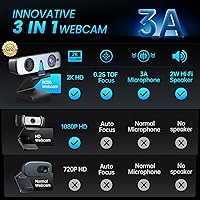
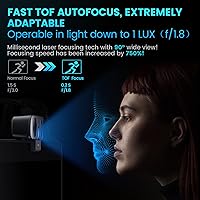
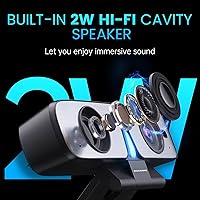
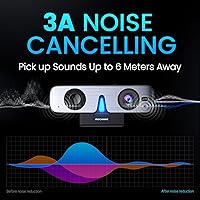
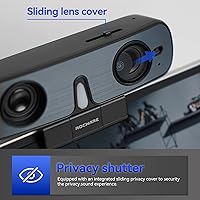
The RC08 shoots at 2K resolution, and the difference over a standard 1080p built-in laptop camera is genuinely visible — faces look sharper, text on whiteboards behind you is actually readable. The ToF autofocus reacts fast enough that leaning forward to grab a coffee does not leave you a blurry smear for three seconds. The 3A microphone algorithm does a respectable job cutting down keyboard clatter and background noise. The built-in speaker is a 2-watt unit — fine for personal listening during a one-on-one call, but do not expect it to fill a room. The integrated privacy cover slides cleanly and, crucially, cannot fall behind your desk.
Best For
This all-in-one camera fits best in a compact home office or dorm room where adding a separate speakerphone simply is not practical. Remote professionals who spend their days on Zoom or Teams calls will appreciate having decent audio handled without extra cables or devices. It also suits tutors, online instructors, and vertical-platform creators who need portrait-mode video without buying a dedicated studio rig. If you travel between workspaces frequently, the lightweight build and single USB connection make packing and unplugging genuinely quick. For anyone stepping up from a mediocre built-in laptop camera, the quality jump is noticeable without a steep investment.
User Feedback
Buyers consistently praise the audio side of the RC08 — the combination of a cleaner microphone and a usable built-in speaker is the feature that earns the most appreciation in reviews. Build quality is generally described as solid for the price, though some users note the mount feels less sturdy on thinner monitor bezels. A recurring concern involves bright or backlit environments, where the image can wash out more than expected. The 4X digital zoom gets mixed remarks — it works, but heavy cropping at maximum zoom softens the picture noticeably. Autofocus in genuinely dim rooms draws occasional complaints, suggesting the low-light performance is better described as decent rather than exceptional.
Pros
- All-in-one design eliminates the need for a separate microphone and desktop speaker.
- Noticeably sharper video than a standard built-in laptop camera, especially in well-lit conditions.
- Autofocus reacts quickly enough for normal desk movement without leaving you blurry on screen.
- The noise-reduction microphone handles keyboard noise and background hum well during calls.
- Built-in privacy cover is attached to the body, so it cannot be misplaced or lost.
- Single USB cable setup works instantly on Windows and macOS with no driver installation.
- Portrait and landscape mode switching adds flexibility for tutors and vertical-platform creators.
- Compact enough to sit on a monitor without adding meaningful visual bulk to your workspace.
- Lightweight build makes it easy to pack for users who move between offices or travel regularly.
Cons
- Image quality degrades noticeably in backlit or high-contrast lighting environments.
- Maximum 4X digital zoom introduces visible softness, undermining the 2K resolution advantage.
- No companion app means zero control over exposure, color balance, or zoom beyond platform defaults.
- The monitor mount clip struggles to grip securely on modern ultra-thin or curved-screen bezels.
- Low-light autofocus can hunt and hesitate in genuinely dim rooms, contrary to marketing emphasis.
- Fixed, non-detachable cable means a frayed wire requires replacing the entire unit.
- Speaker volume is insufficient for anything beyond a quiet personal workspace or small desk setup.
- No carry case or lens protection is included, leaving the camera exposed during travel or storage.
Ratings
The ROCWARE RC08 2K Webcam earns a well-rounded but honest assessment here — our AI-generated scores are based on analysis of verified global buyer reviews, with spam, bot activity, and incentivized feedback actively filtered out. What remains reflects real daily use across home offices, dorm rooms, and remote work setups worldwide. Both the genuine strengths and the friction points buyers run into are transparently captured in the scores below.
Video Clarity
Autofocus Performance
Built-in Speaker
Microphone Quality
Low-Light Performance
Build Quality
Privacy Cover Design
EPTZ Zoom
Plug-and-Play Setup
Portrait and Landscape Modes
Desk and Monitor Compatibility
Cable and Connectivity
Value for Money
Software and App Support
Portability and Travel Use
Suitable for:
The ROCWARE RC08 2K Webcam is a strong fit for remote professionals who spend a meaningful chunk of their workday on video calls and want to clean up their desk without buying three separate devices. If your home office or dorm room is already crowded with a monitor, laptop, and peripheral clutter, the built-in speaker and noise-reduction microphone remove two items from your shopping list in one purchase. It works particularly well for people upgrading from a built-in laptop camera who want noticeably sharper video without committing to a high-end webcam budget. Tutors, online instructors, and creators who occasionally need portrait-mode output for vertical platforms will also find genuine utility in the orientation flexibility. Anyone who hot-desks across multiple locations or travels regularly will appreciate that setup requires nothing more than plugging in a single USB cable — no software, no drivers, no fuss.
Not suitable for:
The ROCWARE RC08 2K Webcam is not the right tool for buyers whose priority is best-in-class video quality above everything else. If you regularly present in front of bright windows or high-contrast backgrounds, the image handling in challenging light conditions may frustrate you — dedicated optical systems at a similar or slightly higher price point will serve you better in those scenarios. Streamers, podcasters, or content creators who need precise control over exposure, white balance, and color grading will bump into the absence of any companion software fairly quickly. The built-in speaker, while convenient, is a 2-watt personal-use unit — if you are hoping to replace even a modest desktop speaker setup or need audio that carries across a larger room, it will fall short. Users with ultra-thin or curved monitors may also find the mount grip unreliable over time, and anyone who values repairability should know that a fixed, non-detachable cable means a single point of failure for the whole device.
Specifications
- Resolution: Captures video at 2K (2560×1440) at 30fps, with a fallback mode of 1080p at 30fps for platforms that cap at Full HD.
- Image Sensor: Uses a 1/2.8-inch CMOS sensor with 2.07 megapixels, which provides a meaningful resolution step above standard 1080p webcam sensors.
- Autofocus System: Time-of-Flight (ToF) autofocus with a rated response time of approximately 0.2 seconds, designed to track subject movement without extended refocus delays.
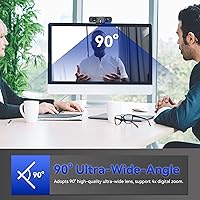
- Field of View: 90-degree diagonal field of view, wide enough to capture a full upper-body frame at a typical monitor-top seating distance.
- Digital Zoom: 4X electronic pan-tilt-zoom (EPTZ) allows digital cropping and repositioning without physically moving the camera.
- Microphone: Single built-in microphone utilizing a 3A noise-reduction algorithm to suppress background sounds such as keyboard clicks, HVAC noise, and ambient office chatter.
- Speaker: Integrated 2-watt speaker tuned by Harman, intended for personal-distance audio output during video calls without a separate audio device.
- Video Codec: Supports YUY2, MJPEG, and H.264 video codec formats, providing compatibility across a wide range of conferencing and recording applications.
- Connectivity: USB 2.0 connection with plug-and-play support — no driver installation is required on any supported operating system.
- Privacy Cover: Built-in integrated slide cover is permanently attached to the camera body, physically blocking the lens when closed.
- Orientation Modes: Supports both landscape (horizontal) and portrait (vertical) output orientations, switchable by physically rotating the camera body.
- Dimensions: Measures 4.06 inches long by 1.06 inches wide by 1.18 inches tall, designed to sit on top of a standard monitor bezel.
- Weight: Weighs 8.8 ounces including the monitor clip mount, making it light enough to travel without adding significant bag weight.
- OS Compatibility: Compatible with Windows XP (SP2 and SP3), Windows Vista, 7, 8, 10, and 11, as well as macOS, with no additional software required.
- Aperture: Fixed maximum aperture of f/2.8, which determines how much light the sensor can capture under low-illumination conditions.
- Focal Length: Fixed focal length of 2.8mm, optimized for the short working distances typical of a desktop or monitor-mounted webcam setup.
- Audio Format: Captures and outputs audio in PCM format, which is the standard uncompressed audio encoding used by most conferencing platforms.
- Mounting: Includes a clip-style monitor mount designed to attach to the top of flat-panel monitors and laptop screens of standard thickness.
Related Reviews
Dobuhont D90-2K Webcam
XOCLON 2K Webcam
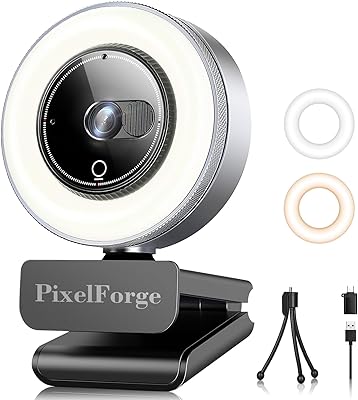
PixelForge 2K Webcam
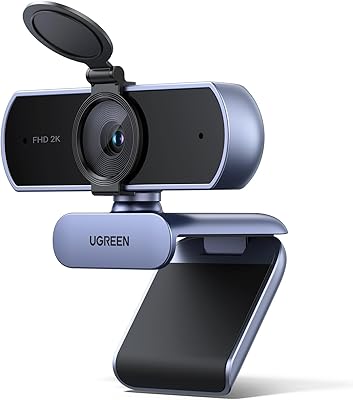
UGREEN 25442 2K Webcam
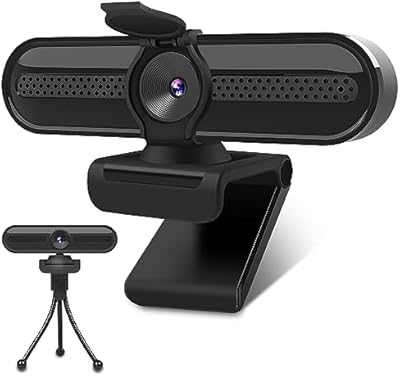
VIZOLINK W4DS 2K Webcam
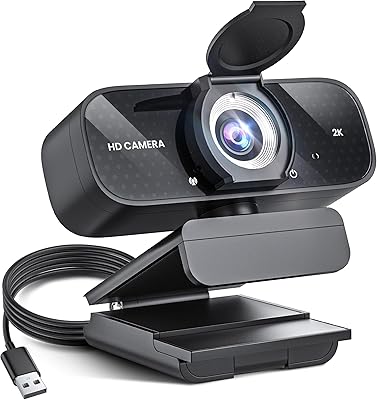
TRAUSI TW-06 2K HD Webcam
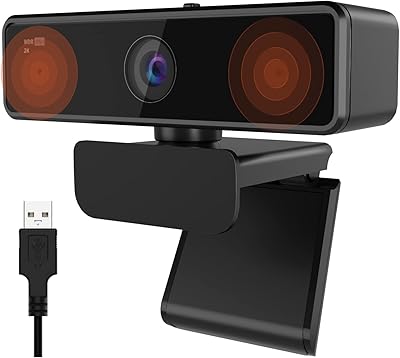
NUROUM V11 2K Webcam
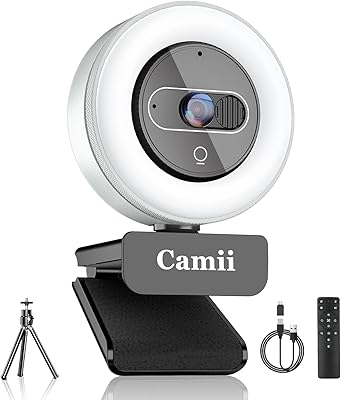
Camii C-4K-001 4K Webcam
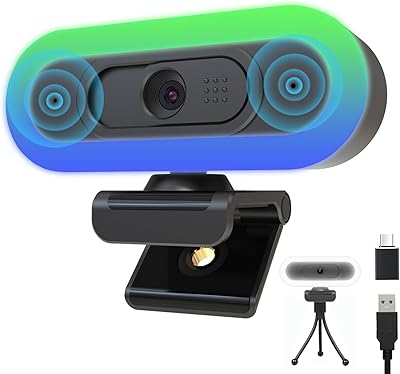
Hrayzan W4LS 2K Webcam