




Overview
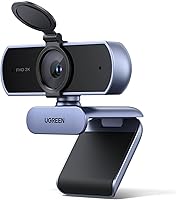
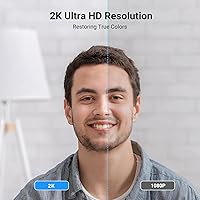
The UGREEN 25442 2K Webcam launched in September 2024 and has quietly climbed to #369 in Amazon's webcam category — not bad for a camera that has been on the market less than a year. UGREEN has built its reputation on reliable, no-fuss accessories at accessible prices, and this webcam fits that mold. The jump from standard 1080p to 2K is more noticeable than you might expect — faces appear sharper in calls, fine details hold up better, and the image carries less of that smeared, over-compressed look. Still, be clear-eyed about what this is: a solid everyday camera, not a replacement for professional broadcast gear.
Features & Benefits
The 4MP CMOS sensor does real work in decent lighting — edges stay defined, autofocus responds naturally when you shift in your seat, and the automatic light adjustment keeps the image from looking washed out as conditions change. In true low-light, though, the sensor struggles; that is an honest limitation worth knowing upfront. The 80° field of view suits solo users well without making background objects look distorted. The dual noise-cancelling mics outperform most built-in webcam microphones and cover a surprisingly wide pickup range, though anyone who cares deeply about audio should still pair this with a dedicated mic. Setup is plug and play — USB-A in, and you are running on Windows, macOS, or Linux without touching a driver.
Best For
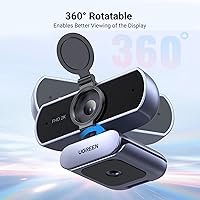
This 2K USB camera is a strong fit for remote workers who are tired of looking blurry or backlit on video calls but do not want to spend heavily on a Logitech Brio or similar premium option. Students and teachers doing online sessions will appreciate the sharper image and the microphones that reduce keyboard and room noise during lectures. Entry-level streamers who want better visual quality without configuring software or buying additional hardware will find the plug-and-play setup refreshing. The compact footprint and 360° rotation make it easy to position on any monitor or laptop lid. If you frequently use shared computers or step away from your desk, the physical privacy cover is a small but genuinely useful detail.
User Feedback
The UGREEN 25442 sits at 4.3 stars, and the sentiment behind that score is fairly consistent: buyers are satisfied with the image clarity upgrade over their old webcam, impressed that it required zero configuration, and pleasantly surprised by how well the microphones perform for routine calls. Where the criticism lands is equally predictable. The 30FPS cap is fine for standard video calls but feels limiting for those hoping to do smooth motion capture or gaming streams. A handful of reviewers note that low-light performance drops off noticeably, and a few mention the cable length could be more generous. Compared to similarly priced Logitech models, most buyers feel this UGREEN webcam holds its own, especially on image sharpness.
Pros
- Noticeably sharper image than most laptop webcams, making a real difference on video calls.
- Autofocus works reliably without manual tweaking, even when you shift position mid-call.
- Automatic light adjustment handles changing room conditions better than expected at this price level.
- Dual noise-cancelling mics outperform the built-in microphones on most laptops and monitors.
- Physical privacy cover is a small but genuinely thoughtful inclusion for security-conscious users.
- Plug-and-play USB-A connection works immediately on Windows, macOS, and Linux without any driver installation.
- 360-degree rotation makes positioning flexible across monitors, laptops, and tripods.
- Compact aluminum build feels solid and takes up minimal space on a cluttered desk.
- Broad platform compatibility covers Zoom, Teams, Skype, and FaceTime out of the box.
- Strong value for the price tier, particularly when compared to pricier Logitech alternatives with similar specs.
Cons
- Hard 30FPS cap makes fast motion look choppy — a real drawback for streamers or action-heavy recordings.
- Low-light performance drops off noticeably in dim rooms without supplemental lighting.
- Built-in microphones, while decent for calls, are not a substitute for a proper dedicated microphone.
- USB-A only connector is an inconvenience for users with modern laptops that lack full-size USB ports.
- The 80-degree field of view is fine for solo use but feels narrow for multi-person desk setups.
- Cable length has been flagged by some buyers as shorter than ideal for flexible desk arrangements.
- No companion software means there are no manual controls for exposure, saturation, or zoom adjustment.
- Image quality degrades faster than premium competitors once lighting conditions become suboptimal.
Ratings
The scores below reflect an AI-driven analysis of verified global buyer reviews for the UGREEN 25442 2K Webcam, with spam, incentivized submissions, and bot activity actively filtered out before scoring. Each category is weighted against real-world usage patterns reported by remote workers, students, and content creators across multiple platforms. Both the standout strengths and the genuine frustrations are represented transparently so you can make a well-informed decision.
Image Clarity
Low-Light Performance
Autofocus Speed
Microphone Quality
Ease of Setup
Build Quality
Field of View
Privacy Features
Frame Rate Performance
Platform Compatibility
Mounting Versatility
Value for Money
Cable Length
Noise Cancellation Accuracy
Suitable for:
The UGREEN 25442 2K Webcam is a practical choice for anyone who has been limping along with a built-in laptop camera and wants a meaningful upgrade without committing to a high-end price tag. Remote workers who spend their days on Zoom, Teams, or Skype calls will notice the difference immediately — faces are sharper, skin tones are more accurate, and colleagues will stop asking if you are calling from a potato. Students and educators doing live online sessions benefit from the autofocus and wider field of view, which together remove the need to constantly reposition the camera mid-call. Entry-level content creators who want cleaner video for casual streaming or recording will find this 2K USB camera gets the job done with minimal setup friction. It also makes sense for anyone privacy-conscious who shares a desk or a machine, since the physical lens cover is a simple but effective safeguard.
Not suitable for:
If you are a serious streamer, videographer, or content creator who cares about smooth motion or cinematic quality, the UGREEN 25442 2K Webcam will frustrate you — the 30FPS ceiling is a hard limit, and fast movement can look choppy in ways that matter on camera. Anyone who frequently works in dim rooms or relies on a ring light setup should also temper expectations, because low-light performance is one of the more noticeable weak spots of this camera. Podcast hosts or anyone who needs broadcast-quality audio should treat the built-in microphones as a convenience fallback rather than a primary solution, and budget separately for a dedicated microphone. If your workflow depends on USB-C connectivity — increasingly common on modern laptops and monitors — this camera requires either an adapter or a rethink, since it ships with a USB-A connector only. Power users who want 60FPS, 4K output, or advanced software control are firmly in the wrong product tier here.
Specifications
- Resolution: Captures video at 2K quality (2560×1440) at 30 frames per second, delivering noticeably sharper footage than standard 1080p webcams.
- Sensor: Uses a 4MP ultra-high sensitivity CMOS image sensor designed to capture fine detail and maintain image clarity in well-lit conditions.
- Field of View: Offers an 80° diagonal field of view, well-suited for solo framing without introducing the distortion common in ultra-wide lenses.
- Focus System: Features continuous autofocus with automatic exposure adjustment, so the image stays sharp and balanced without any manual tuning.
- Microphones: Equipped with dual built-in noise-cancelling microphones that can pick up voice from up to 3 meters away while reducing ambient background noise.
- Connector Type: Connects via a standard USB-A 2.0 plug, compatible with virtually any desktop or laptop that includes a full-size USB port.
- Compatibility: Works natively with Windows, macOS, and Linux operating systems, and integrates without configuration on Zoom, Skype, Microsoft Teams, and FaceTime.
- Mounting Options: Ships with a universal clip that fits monitors, laptop screens, and TVs, and also supports standard tripod mounting with full 360° rotation.
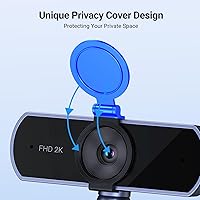
- Privacy Cover: Includes a built-in physical slide cover that fully blocks the camera lens when not in use, providing a hardware-level privacy safeguard.
- Dimensions: Measures 3.2 x 1.9 x 1.85 inches, making it compact enough to sit unobtrusively on top of most monitors without obstructing the screen.
- Weight: Weighs 6.7 ounces, which is light enough for a monitor clip to hold securely without stressing the screen bezel over time.
- Material: The camera housing is constructed from aluminum, contributing to a more durable and premium feel compared to all-plastic webcams in the same price range.
- Color: Available in a neutral grey finish that blends with most monitor bezels and desk setups without drawing attention.
- Driver Requirement: Fully plug-and-play with no driver installation required; the operating system recognizes it automatically upon connection.
- Release Date: First made available in September 2024, making it a relatively recent addition to the consumer webcam market.
Related Reviews
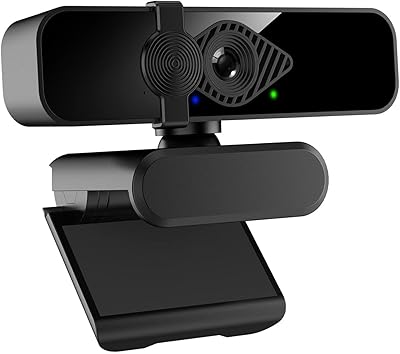
Dobuhont D90-2K Webcam
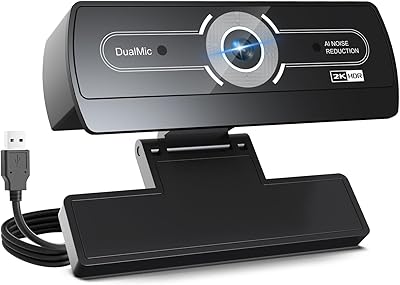
XOCLON 2K Webcam
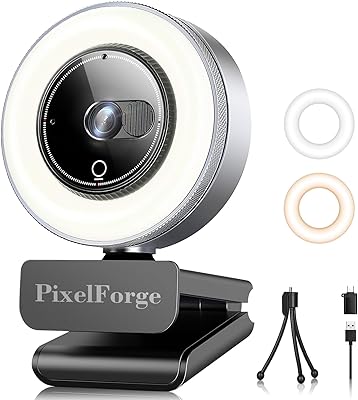
PixelForge 2K Webcam
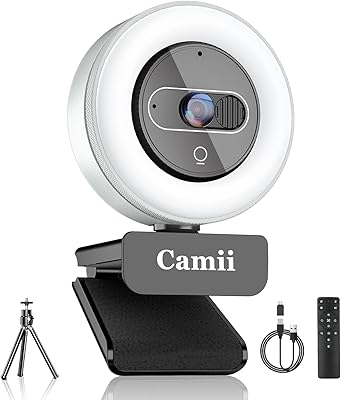
Camii C-4K-001 4K Webcam
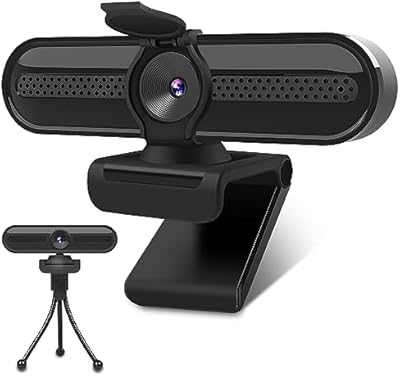
VIZOLINK W4DS 2K Webcam
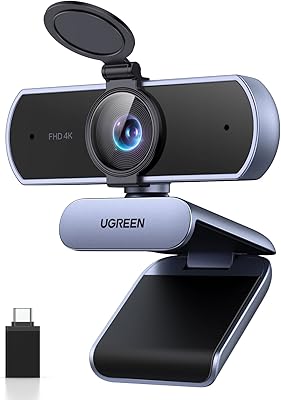
UGREEN 65381 4K Webcam
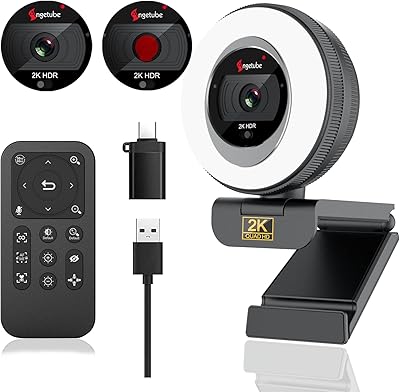
Angetube 863Plus
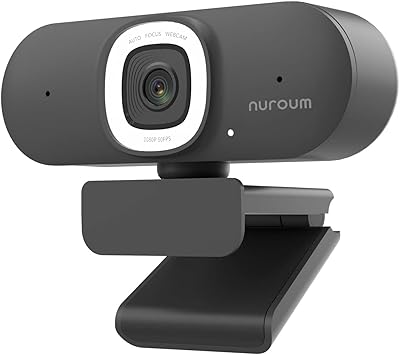
NUROUM V15AFL 2K Autofocus Ring Light Webcam
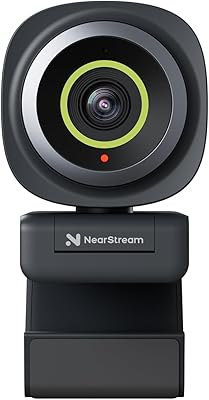
NearStream V02AF