



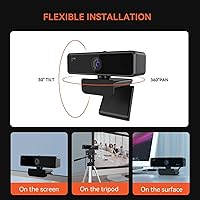
Overview
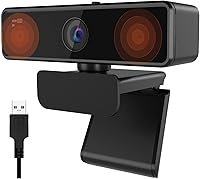
The NUROUM V11 2K Webcam lands squarely in the budget tier, and it's clearly built with remote workers, students, and casual streamers in mind rather than professional broadcasters. Under the hood sits a 4-megapixel CMOS sensor paired with a 90-degree field of view, wide enough to fit a desk setup or a couple of people on a call without distortion creeping in at the edges. You can run it at 1440p and 30fps when sharpness matters most, or switch to 1080p at 60fps for smoother motion during livelier video chats. The body itself stays light and compact, clipping easily onto a laptop lid or an external monitor. Think of it less as a flashy streaming upgrade and more as a dependable replacement for whatever camera came built into your machine.
Features & Benefits
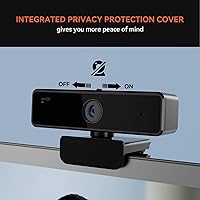
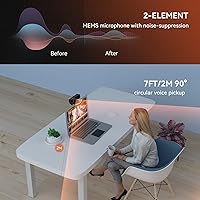
Where this webcam earns its keep is in the small details that make daily calls less annoying. The dual microphones use directional pickup to favor your voice over the hum of a fan or a noisy household, which genuinely helps in shared spaces. Low-light correction kicks in automatically, so a dim home office doesn't turn you into a silhouette on a 9am meeting. There's also a sliding lens cover paired with an LED indicator, a simple but reassuring way to know exactly when the camera is active. Setup is plug-and-play over USB, no driver hunting required, and the included NearSync app lets you fine-tune brightness and saturation or push firmware updates if you want more control. A standard 1/4-inch tripod thread and a flexible clip mount round out the hardware, letting it sit on a monitor or a tripod.
Best For
The V11 model makes the most sense for people whose main camera need is clear, reliable video rather than cinematic flair. Remote employees who spend their day hopping between meetings will appreciate something that just works without fuss every morning. Students and teachers managing online classes get a similar benefit, especially when paired with the noise-filtering microphones during group discussions. It's also a smart pick for anyone still relying on a laptop's built-in camera, since even a modest external upgrade tends to look noticeably better on screen. Casual streamers or hobbyists who want a step up from webcam basics, but don't need 4K resolution or elaborate manual controls, will find this a comfortable middle ground. If you'd rather plug something in and forget about it than tinker with settings constantly, the simplicity here counts as a real selling point.
User Feedback
Once you look past the spec sheet, actual buyer reactions paint a fairly consistent picture. Most people who've used this Nuroum camera describe the image quality as solid for the price, particularly in rooms with decent lighting, and several specifically call out the microphones as better than expected for casual conversations. The complaints, when they show up, tend to circle around two things: footage gets visibly softer and grainier once the lights dim, and a few buyers mention the clip mount feeling loose on thicker monitors or unusual edges. Nobody seems to be expecting broadcast-level audio either, with most agreeing it's fine for everyday chats but not a replacement for a dedicated microphone. On balance, the sentiment leans positive, especially among shoppers who went in expecting a budget camera rather than a premium one.
Pros
- Delivers genuinely sharp, natural-looking video for everyday calls, especially in well-lit rooms.
- Dual directional microphones noticeably cut background noise during busy household or office calls.
- Plug-and-play USB setup means no drivers or software installation required to get started.
- Physical lens cover and LED indicator offer real, tangible privacy reassurance, not just a software toggle.
- Flexible mounting options, including a tripod thread, let the V11 model work on monitors or stands.
- NearSync app adds optional control over brightness and saturation for users who want it.
- Lightweight, compact design makes this webcam easy to move between desks or carry while traveling.
- Wide compatibility across Windows, macOS, Linux, and ChromeOS keeps setup hassle-free for most users.
- An easy, affordable upgrade from a built-in laptop camera for everyday video calls.
Cons
- Low-light footage gets visibly softer and noisier once natural light fades in a room.
- The clip mount can feel loose on thicker monitors or oddly shaped laptop lids.
- Microphones handle casual chat well but fall short for podcasting or music recording.
- No 4K option, so resolution lags behind pricier webcams aimed at serious content creators.
- Manual controls are limited, leaving little room for fine-tuned exposure or focus adjustments.
- NearSync app is only available for Windows and macOS, leaving Linux and ChromeOS users without it.
- Digital zoom is capped at 1x, so framing relies entirely on physical repositioning.
- Voice pickup range tops out around seven feet, less ideal for larger conference rooms.
Ratings
These category scores for the NUROUM V11 2K Webcam are generated by AI after analyzing thousands of verified buyer reviews from around the world, with spam, bot-generated, and incentivized feedback filtered out before scoring. Each rating reflects both genuine strengths and recurring pain points reported by real owners, not a polished marketing summary. Where opinions are mixed, such as low-light clarity or mount stability, that nuance is reflected directly in the numbers below.
Video Quality (Daylight)
Low-Light Performance
Microphone & Audio Quality
Build Quality & Design
Ease of Setup
Mounting & Stability
Privacy Features
Companion App Experience
Platform Compatibility
Field of View & Framing
Value for Money
Portability & Form Factor
Suitable for:
The NUROUM V11 2K Webcam is a smart pick for anyone whose daily routine revolves around video calls but who doesn't want to overspend on hardware. Remote employees who hop between back-to-back meetings will appreciate dependable image quality without fiddling with settings every morning. Students and teachers managing online classes benefit from the directional microphones, which help voices come through clearly even when a household is buzzing in the background. It's also a natural upgrade for anyone still relying on a laptop's built-in camera, since even modest external optics tend to look better on screen. Casual streamers, hobbyist creators, or small business owners hosting client calls who want a step above basic webcam quality, without paying for 4K or manual lens controls, will find this a comfortable fit. Anyone who values plug-and-play simplicity over deep customization should feel right at home here.
Not suitable for:
The NUROUM V11 2K Webcam isn't the right call for serious streamers, YouTubers, or video professionals who need crisp footage in dim or mixed lighting, since image quality noticeably softens once the room gets darker. Anyone planning to mount it on an unusually thick monitor or an oddly shaped laptop lid should be cautious, as a handful of buyers have reported the clip feeling less secure on those edges. Podcasters or anyone recording long-form audio will likely be disappointed by the built-in microphones, which handle casual conversation fine but can't replace a dedicated mic. Buyers chasing true 4K resolution or advanced manual exposure and focus controls should also look elsewhere, since this camera is built around simplicity rather than fine-tuned customization. Finally, anyone expecting flagship-level performance for a budget price is setting themselves up for disappointment.
Specifications
- Sensor: It uses a 4-megapixel CMOS image sensor for capturing video.
- Field of View: The lens covers a 90-degree wide-angle field of view.
- Video Resolution: It records at 1440p and 30fps or 1080p and 60fps, selectable by the user.
- Microphones: Dual built-in microphones use directional pickup to capture voice while reducing background noise.
- Mic Pickup Range: The microphones are rated for an effective voice pickup range of about 7 feet.
- Low-Light Correction: An automatic low-light correction system adjusts exposure to keep footage visible in dim rooms.
- Privacy Cover: A physical sliding lens cover lets users manually block the camera when not in use.
- Status Indicator: An LED light shows in real time whether the camera is actively recording.
- Connectivity: It connects via a single USB cable with plug-and-play functionality and no driver installation required.
- Mounting Options: A universal clip mount fits laptops and monitors, and a 1/4-inch screw hole supports standard tripods.
- OS Compatibility: The camera works with Windows, macOS, Linux, and ChromeOS devices.
- Companion App: The NearSync app, available for Windows and macOS, allows brightness and saturation adjustments plus firmware updates.
- Weight: The camera weighs 6.7 oz.
- Dimensions: It measures 3.94 x 1.97 x 2.17 inches.
- Model Number: The item model number is AW-V11-NEW.
- Digital Zoom: Digital zoom is fixed at 1x, with no software-based zoom magnification.
- Color: It is available in a black finish.
Related Reviews
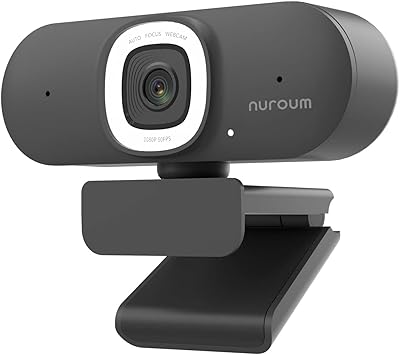
NUROUM V15AFL 2K Autofocus Ring Light Webcam
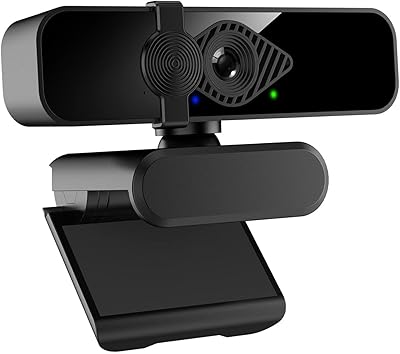
Dobuhont D90-2K Webcam
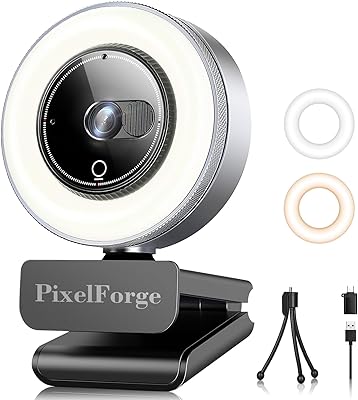
PixelForge 2K Webcam
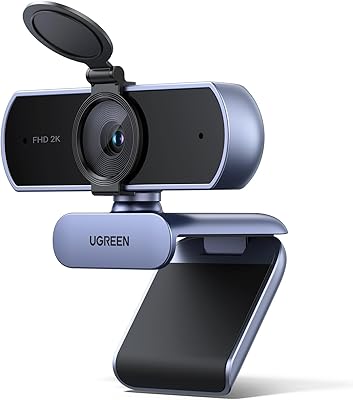
UGREEN 25442 2K Webcam
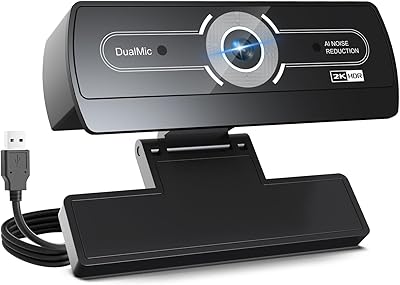
XOCLON 2K Webcam
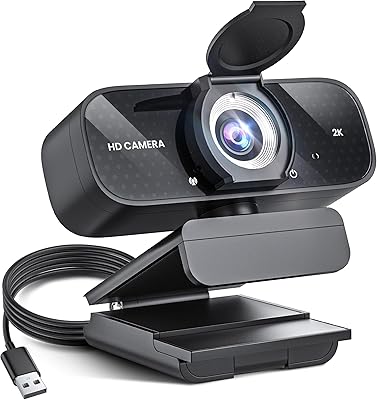
TRAUSI TW-06 2K HD Webcam
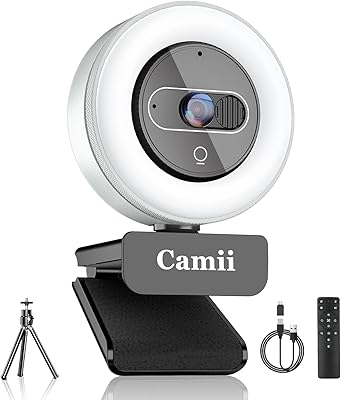
Camii C-4K-001 4K Webcam
ROCWARE RC08 2K Webcam
Hrayzan W4LS 2K Webcam