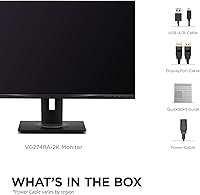
Overview
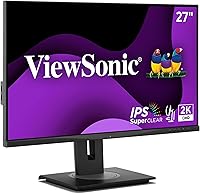
The ViewSonic VG2748A-2K 27-inch QHD Monitor sits in an interesting spot — it's a mid-range office display that goes beyond sharp visuals by packing in a suite of smart wellness features you don't typically find at this price. The IPS panel runs at 2560x1440, a meaningful clarity upgrade over standard 1080p without the GPU demands of 4K. What sets this ViewSonic monitor apart isn't just image quality — it's the ambient light sensor and intelligent modes designed around how people actually work all day. The quick-release stand with carrying handle is a genuinely practical touch, and broad connectivity via DisplayPort, HDMI, mini DP, and a USB hub rounds out the package.
Features & Benefits
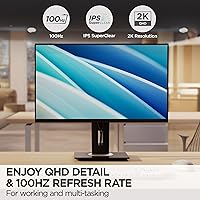
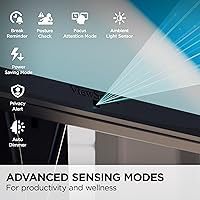
The QHD IPS panel with its matte anti-glare coating makes a real difference during long days at a screen — text stays crisp, colors are consistent, and you're not fighting reflections from a window behind you. The 100Hz refresh rate keeps things fluid during fast document switching or light photo editing. But the real story is the seven smart sensing modes. Auto screen dimming adjusts brightness as room lighting changes, which feels surprisingly natural once you stop noticing it. Posture alerts and break reminders are a welcome addition for anyone guilty of hunching over a keyboard for hours. Flicker-Free and Blue Light Filter support make long sessions noticeably easier on the eyes.
Best For
This ergonomic office display is a strong fit for professionals who clock long hours at a desk and genuinely care about posture and eye health — not just image specs. Remote workers who want their setup to feel a bit smarter will appreciate the wellness features. If you're still running 1080p and want noticeably sharper text without jumping to 4K, the QHD resolution delivers a clear upgrade. The versatile input options — HDMI, DisplayPort, mini DP, and USB hub — make it easy to switch between a laptop and desktop. That said, dedicated gamers and professional color graders will likely find better-suited alternatives at this price point.
User Feedback
Buyers are generally positive about the VG2748A-2K, with frequent praise for stand build quality and out-of-box panel sharpness. The ergonomic adjustments — especially height and pivot — come up repeatedly as highlights. Smart dimming earns genuine appreciation from those who work near windows, with most finding the ambient sensor responsive enough to feel useful rather than distracting. Where opinions split is on the wellness software: some users find posture and break reminders genuinely helpful, while others disable them within days. A handful of reviewers flag the on-screen display menu as less intuitive than expected. Color accuracy is consistently rated solid for office work, though not reference-grade for creative professionals.
Pros
- QHD resolution makes text and fine details noticeably sharper than typical 1080p office monitors.
- The matte IPS panel handles bright office environments well, with minimal glare and consistent color across wide viewing angles.
- Ambient light sensor auto-dimming works reliably and reduces the need to manually adjust brightness throughout the day.
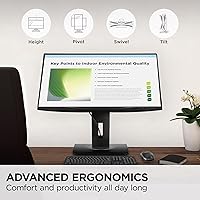
- Full ergonomic adjustability — height, tilt, swivel, and pivot — makes it genuinely easy to dial in a comfortable position.
- The quick-release stand with a built-in carrying handle is a practical, uncommon feature for shared or mobile office setups.
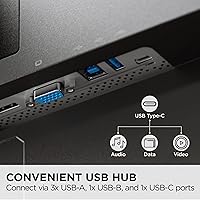
- Built-in USB hub keeps desk cable clutter manageable, especially useful when connecting multiple peripherals daily.
- Flicker-Free technology and Blue Light Filter make extended sessions noticeably less tiring on the eyes.
- Broad connectivity — HDMI, DisplayPort, mini DP — means it works across a wide range of laptops, desktops, and Macs without adapters.
- Privacy alert and posture check modes add a layer of workplace wellness that most monitors in this class simply do not offer.
- Buyers consistently report the out-of-box image quality is solid for productivity work without needing manual calibration.
Cons
- The on-screen display menu has a steeper learning curve than expected, with several buyers finding navigation unintuitive.
- Wellness features like posture alerts and break reminders can feel intrusive, and some users disable them fairly quickly.
- No adaptive sync support limits appeal for anyone who occasionally games or watches fast-motion content.
- At 15.5 pounds, this ergonomic office display is heavier than many competitors, which matters if portability is a priority.
- Color accuracy, while acceptable for general office tasks, does not meet the standards expected by photographers or video editors.
- The ambient light sensor, though generally well-regarded, can occasionally overreact in environments with rapidly shifting light.
- Smart feature software has drawn occasional complaints about quirks and inconsistent behavior after firmware changes.
- Only available in black, which limits options for users building a specific aesthetic in their workspace.
Ratings
The ViewSonic VG2748A-2K 27-inch QHD Monitor has been evaluated by our AI system after analyzing verified global buyer reviews, with spam, bot activity, and incentivized submissions actively filtered out to ensure the scores reflect genuine ownership experiences. Ratings span both what this ergonomic office display does exceptionally well and where real users ran into frustration — nothing is glossed over.
Image Clarity
Ergonomic Stand
Smart Wellness Features
Eye Comfort
Connectivity
OSD & Menu Navigation
Build Quality
Setup Experience
Color Accuracy
Refresh Rate Performance
Value for Money
Ambient Light Sensor
Privacy Alert Feature
Desk Footprint
Suitable for:
The ViewSonic VG2748A-2K 27-inch QHD Monitor is purpose-built for people who spend most of their working day in front of a screen and want their hardware to actively support their health, not just display content. Office professionals will find the combination of full ergonomic adjustability — height, tilt, swivel, and pivot — and the ambient light sensor genuinely useful for day-long comfort. Remote workers who deal with variable room lighting or shared spaces will appreciate the auto-dimming and privacy alert features, which address real practical concerns rather than being novelty additions. The QHD resolution is a meaningful upgrade for anyone still on 1080p, making text noticeably sharper for reading documents or coding without the performance cost of running 4K. Multi-device users switching between a MacBook and a desktop PC will also find the diverse input options and built-in USB hub make daily transitions far less cumbersome.
Not suitable for:
The ViewSonic VG2748A-2K 27-inch QHD Monitor is not the right pick for everyone, and it is worth being upfront about where it falls short. Competitive gamers will find the 100Hz refresh rate and lack of adaptive sync support underwhelming compared to gaming-focused alternatives at a similar price. Color-critical professionals — photographers, video editors, or graphic designers who need factory-calibrated accuracy and wide color gamut coverage — should look at displays specifically built for that workflow. Buyers who find on-screen menu navigation frustrating may have a learning curve, as the OSD has drawn criticism for being less intuitive than expected. Those who are indifferent to wellness features or already have a high-quality ergonomic stand may also find they are paying for functionality they will never use.
Specifications
- Screen Size: The display measures 27 inches diagonally, providing ample workspace for multitasking without requiring an ultrawide footprint.
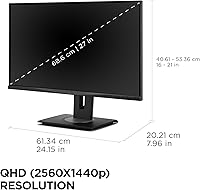
- Resolution: Native resolution is 2560x1440 QHD, delivering noticeably sharper text and detail compared to standard 1080p office monitors.
- Panel Type: IPS panel technology ensures consistent, accurate colors and wide viewing angles of approximately 178 degrees horizontally and vertically.
- Refresh Rate: The panel supports a 100Hz refresh rate, which benefits fluid document scrolling, multitasking, and light creative workflows.
- Aspect Ratio: Standard 16:9 widescreen aspect ratio, compatible with virtually all modern operating systems and content formats without letterboxing.
- Surface Finish: Matte anti-glare coating minimizes reflections from ambient light sources, making it practical in bright home and office environments.
- Ergonomics: The stand supports tilt, swivel, pivot, and height adjustment, allowing users to configure the display precisely for their seated or standing position.
- Smart Features: Seven intelligent sensing modes include ambient light auto-dimming, screen privacy alert, posture check, and scheduled break reminders via a built-in sensor suite.
- Eye Care: Flicker-Free backlight technology and a Blue Light Filter mode are included to reduce eye strain during extended daily use.
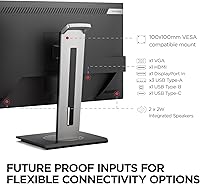
- Connectivity: Input options include HDMI, DisplayPort, Mini DisplayPort, and a USB hub, supporting a wide range of laptops, desktops, and Mac systems.
- USB Hub: The integrated USB hub allows peripheral devices to be connected directly through the monitor, reducing cable clutter on the desk.
- Stand Design: The quick-release stand attaches and detaches tool-free and includes a built-in carrying handle for easy relocation between workstations.
- Dimensions: With the stand attached, the monitor measures 7.96 x 24.15 x 21.01 inches (D x W x H), fitting comfortably on standard office desks.
- Weight: Total unit weight including the stand is 15.5 pounds, which is on the heavier side for a 27-inch monitor but reflects solid build quality.
- Color Options: The monitor is available in a single Black finish with a clean, professional aesthetic suited to most office environments.
- Compatibility: Works with Windows PCs, macOS systems, and a broad range of laptops without requiring proprietary adapters for standard connections.
- VESA Mount: The quick-release stand is compatible with standard VESA mounting, allowing users to switch to a third-party arm or wall mount if preferred.
- Release Date: This model became available in May 2025, making it a relatively recent addition to ViewSonic's VG-series office monitor lineup.
Related Reviews
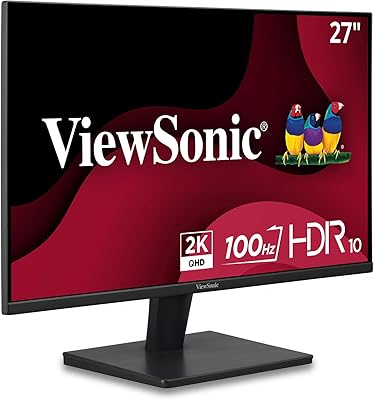
ViewSonic VS2725-2K 27-inch QHD Monitor
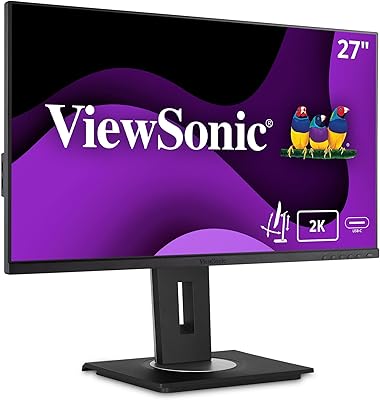
ViewSonic VG2756A-2K 27-inch Docking Monitor
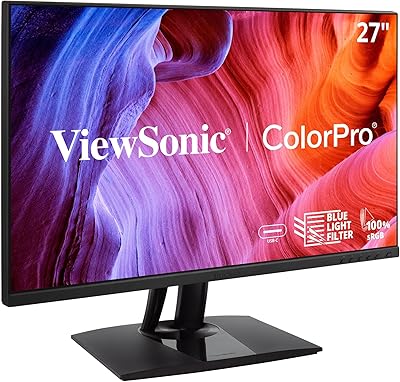
ViewSonic VP2756-2K 27-inch QHD IPS Monitor
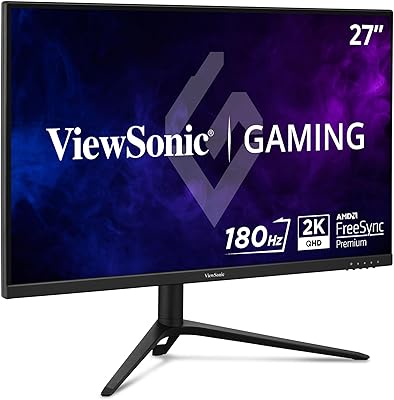
ViewSonic VX2728J-2K 27-inch Gaming Monitor
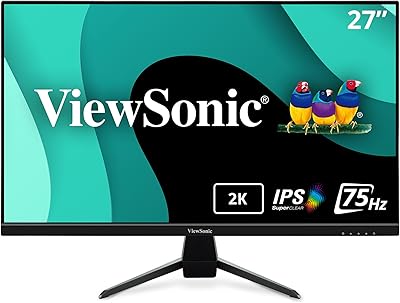
ViewSonic VX2767U-2K 27-inch 1440p IPS Monitor
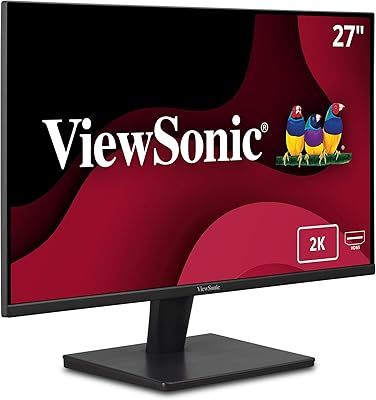
ViewSonic VA2715-2K-MHD 27-inch QHD Monitor
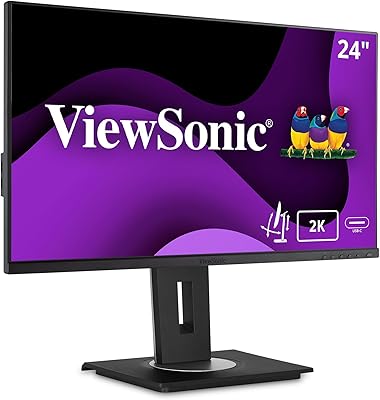
ViewSonic VG2455-2K 24-inch QHD IPS Monitor
Gawfolk GF270L 27-inch QHD Gaming Monitor
BenQ EW2790Q 27-inch QHD Monitor