

Overview
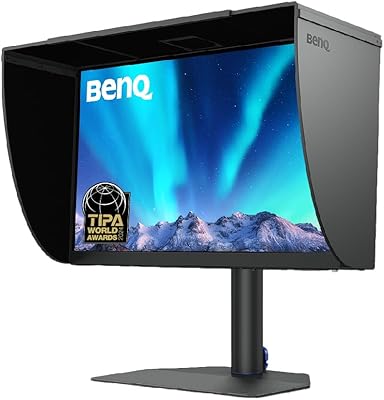
The BenQ EW2790Q 27-inch QHD Monitor arrived in early 2025 and has already built a solid reputation, pulling in over 4,800 ratings at a 4.4-star average. This BenQ display stands out partly because of its clean white finish — a rare choice in a category dominated by matte black slabs. It's designed for home office users and casual creatives who want one screen that handles spreadsheets, video calls, light photo work, and an occasional binge without compromise. Don't expect a professional color suite or a high-refresh gaming rig; the EW2790Q is a thoughtful all-rounder built around practical versatility — USB-C, three HDMI ports, and built-in speakers in one tidy package.
Features & Benefits
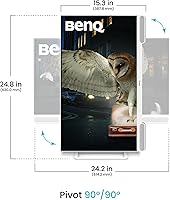
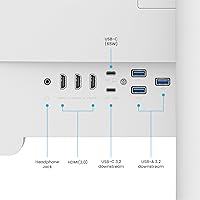
The EW2790Q runs at 2560x1440 resolution with 99% sRGB coverage, meaning text stays crisp and colors look honest without requiring calibration out of the box. The 100Hz refresh rate is a genuine step up from 60Hz — not enough for competitive shooters, but smooth for everyday scrolling and casual gaming. Three HDMI ports is unexpectedly generous at this tier, making multi-device setups simple without an external hub. The single USB-C port handles video input and laptop charging together, though buyers with power-hungry machines should confirm the output wattage before assuming it covers their needs. The built-in 5W speakers handle calls and background audio fine, but treat them as a convenience rather than a sound system. A fully adjustable stand with height, tilt, swivel, and pivot rounds things out well.
Best For
This 27-inch QHD screen is a natural fit for home office setups where one display needs to handle video calls, documents, and the occasional show after hours. MacBook and laptop users will appreciate connecting and charging with a single USB-C cable. It also suits anyone upgrading from 1080p who wants a noticeable resolution jump without committing to the cost and GPU demands of 4K. The 100Hz panel makes it workable for casual gaming too. If you run a PC alongside a console or a second laptop, three HDMI ports means no fiddling with adapters. The white design is a genuine bonus for anyone building a minimal desk aesthetic — it looks noticeably different from the standard black monitor crowd.
User Feedback
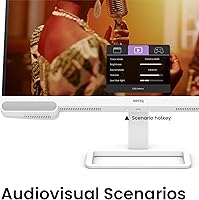
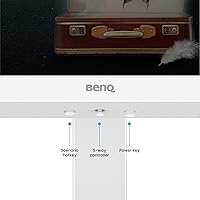
Buyers consistently praise color accuracy, stand quality, and how straightforward the single-cable USB-C setup is. The white finish draws frequent compliments — it's clearly a deciding factor for buyers assembling a clean workspace. On the critical side, the speakers earn the most recurring pushback; most reviewers say they work but recommend a separate audio solution for serious listening. A handful note the absence of DisplayPort as a real limitation, and a few raise questions about USB-C wattage for larger laptops. Backlight uniformity gets occasional mentions, which is typical at this price tier. The Scenario hotkey gets split reactions — some find it handy for quick mode switching, others never bother with it.
Pros
- 1440p resolution delivers noticeably sharper text and detail compared to a typical 1080p display.
- 99% sRGB color accuracy looks honest straight out of the box — no manual calibration needed for most users.
- Three HDMI ports let you keep multiple devices connected simultaneously, which is genuinely uncommon at this price tier.
- USB-C single-cable setup handles both video and laptop charging in one connection, keeping desks clean.
- The fully adjustable stand — height, tilt, swivel, and pivot — covers the full range for all-day comfort.
- 100Hz refresh rate makes the EW2790Q feel noticeably smoother than a standard 60Hz panel for everyday tasks.
- White colorway is a real differentiator for anyone building a clean or minimal workspace aesthetic.
- BenQ's built-in eye-care technology reduces strain during long work or study sessions.
- Matte panel surface handles reflections well in bright rooms or mixed-lighting environments.
- Build quality and stand rigidity consistently earn praise from buyers — it feels solid for the price.
Cons
- No DisplayPort output limits compatibility with certain desktop graphics cards, docks, and multi-monitor daisy-chain setups.
- USB-C charging wattage may fall short for high-power laptops — buyers with 65W or higher requirements should verify first.
- Built-in speakers disappoint for music and movie audio; they handle calls but struggle with anything more demanding.
- Panel uniformity and occasional backlight bleed have been flagged by some buyers, which is a known risk at this price point.
- No path to 144Hz or above makes this a non-starter for competitive or fast-paced gaming scenarios.
- The Scenario hotkey mode-switcher lands as a gimmick for many users — most stop using it within days.
- Only a single USB-C port means users with multiple USB-C devices will still need a hub.
- White casing shows fingerprints, smudges, and dust more readily than a standard black enclosure.
Ratings
Our AI-powered rating engine analyzed thousands of verified global buyer reviews for the BenQ EW2790Q 27-inch QHD Monitor, applying active filters to remove bot-generated, incentivized, and spam submissions before scoring. Each category below reflects genuine user sentiment — strengths are credited where they are consistently earned, and recurring pain points are never softened or omitted. The result is a transparent, balanced picture designed to help you make a confident buying decision.
Image Quality
Color Accuracy
Refresh Rate & Motion
Connectivity
Build Quality
Stand Ergonomics
Value for Money
Speaker Quality
Eye-Care Technology
Setup Experience
Design & Aesthetics
Text Sharpness
Gaming Suitability
OSD & Controls
Panel Uniformity
Suitable for:
The BenQ EW2790Q 27-inch QHD Monitor is a well-rounded choice for home office workers who want a single, tidy display that handles everything from morning spreadsheets to evening streaming without requiring a complicated setup. MacBook and laptop users will get particular value here — one USB-C cable handles both video and charging simultaneously, which keeps cable clutter down and makes connecting or disconnecting quick. The 1440p resolution is a meaningful upgrade for anyone still on a 1080p screen, making text sharper and detail richer in a way that's immediately obvious. If you're running multiple devices — say, a desktop PC alongside a gaming console or a secondary laptop — the three HDMI ports mean everything can stay plugged in without swapping cables. The white design and ergonomic stand also make it a natural fit for anyone who cares about how their workspace looks and feels over a long day.
Not suitable for:
The BenQ EW2790Q 27-inch QHD Monitor is not the right fit for serious or competitive gamers who need 144Hz or higher refresh rates — 100Hz is smooth for everyday use, but it won't satisfy anyone playing fast-paced titles where every frame matters. Professional photographers, video editors, or designers working in wide-gamut color spaces like DCI-P3 or Adobe RGB will find the 99% sRGB coverage limiting for critical, print-accurate color work. Desktop users who rely on DisplayPort — whether for daisy-chaining, higher refresh rates, or GPU compatibility — will hit a dead end since this display only offers HDMI and USB-C. Buyers with power-hungry laptops should also check USB-C wattage carefully before purchasing, as it may not fully charge high-draw machines. And if you're expecting the built-in speakers to replace a proper audio setup, they won't — they're a convenience feature, not a listening experience.
Specifications
- Screen Size: 27-inch diagonal display panel with a matte anti-glare surface coating.
- Resolution: Native QHD resolution of 2560×1440 pixels, yielding approximately 109 pixels per inch for sharp text and detail.
- Refresh Rate: Maximum refresh rate of 100Hz, offering noticeably smoother motion than standard 60Hz panels for everyday use and casual gaming.
- Color Coverage: Covers 99% of the sRGB color space, producing accurate and consistent color for productivity, media, and light creative work.
- Aspect Ratio: Standard 16:9 widescreen aspect ratio, compatible with virtually all modern video, productivity, and gaming content formats.
- Connectivity: Includes 3 HDMI ports, 1 USB-C port supporting video input and power delivery, and 1 USB 3.0 port for peripherals.
- USB-C Port: Single USB-C input carries both the display signal and laptop charging simultaneously, enabling a clean single-cable desk setup.
- Built-in Audio: Two integrated 5W speakers deliver basic stereo sound suitable for video calls and casual media playback.
- Stand Adjustment: Ergonomic stand supports height adjustment, forward and backward tilt, left and right swivel, and full 90-degree pivot rotation.
- Eye-Care Tech: BenQ proprietary eye-care technology includes low blue-light and flicker-free features intended to reduce eye fatigue during extended viewing sessions.
- Scenario Hotkey: A dedicated hardware button cycles through optimized display presets for work, study, gaming, and media viewing scenarios.
- Dimensions: The assembled unit with stand measures approximately 17 × 8 × 21 inches (width × depth × height).
- Weight: Complete unit including stand weighs approximately 9.9 pounds, making repositioning straightforward without requiring two people.
- Casing Finish: Ships in white with a clean minimal aesthetic, standing apart from the matte black standard common across most desktop monitors.
- Release Date: First made available in January 2025, making it a current-generation model with a growing base of real-world user feedback.
Related Reviews
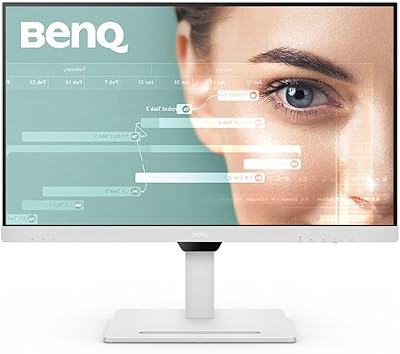
BenQ GW2790QT 27″ Productivity Monitor
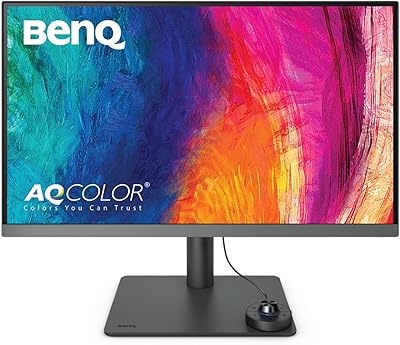
BenQ PD2706U 27-inch 4K Monitor

memzuoix 27-inch QHD 165Hz Gaming Monitor
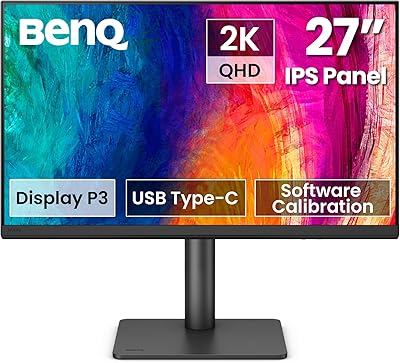
BenQ PD2706QN 27-inch QHD Monitor
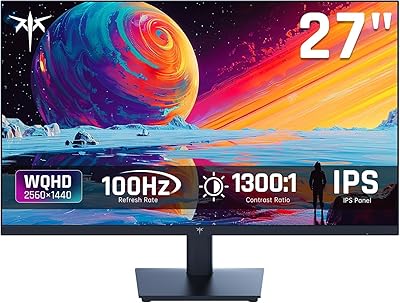
KTC H27T13 27-inch QHD IPS Monitor
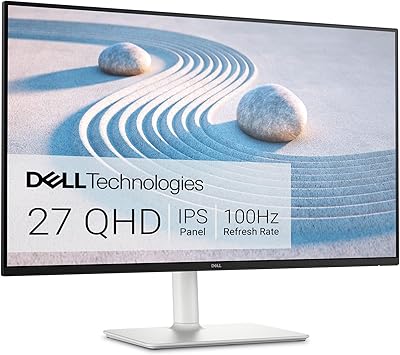
Dell S2725DS 27-inch QHD Monitor
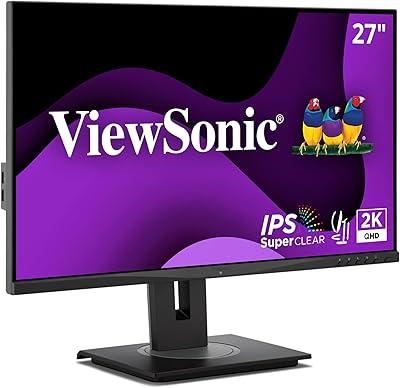
ViewSonic VG2748A-2K 27-inch QHD Monitor
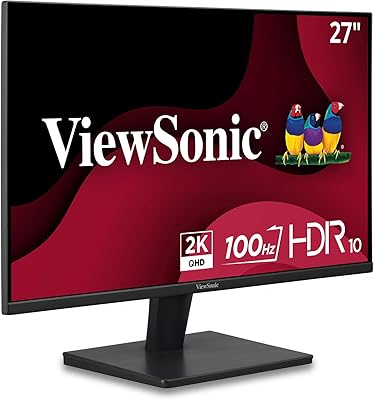
ViewSonic VS2725-2K 27-inch QHD Monitor
BenQ MOBIUZ EX270M 27-inch Gaming Monitor