
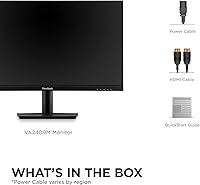
Overview
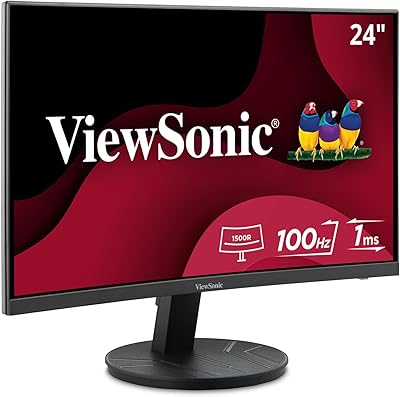
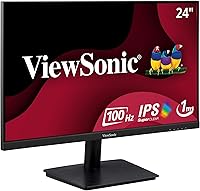
The ViewSonic VA2409M 24-inch IPS Monitor sits in a sweet spot that budget-conscious shoppers rarely find this easily — a genuine IPS panel at a price where TN screens typically dominate. ViewSonic has spent decades building reliable office displays, and that experience shows in how this one is put together. The IPS panel advantage here is practical and real: colors stay consistent whether you are looking straight on or from a wide angle, which matters more than most buyers anticipate until they actually switch. The thin-bezel design keeps the aesthetic clean, and at 75Hz, everyday scrolling and browsing feel noticeably more fluid than a standard 60Hz screen.
Features & Benefits
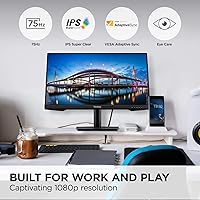
At its core, this 24-inch IPS display delivers accurate, consistent color you would typically expect to pay more for — whites look clean, text stays crisp, and the matte surface handles ambient light well enough to use comfortably near a window. The 75Hz refresh rate combined with Adaptive Sync is not a spec sheet showpiece; it simply makes everyday scrolling and video playback feel fluid without distracting tearing. For long work sessions, the Flicker-Free technology and blue light filter make a tangible difference — if you have spent years on a flickering older screen, the reduction in subliminal eye fatigue is something you actually notice. The five display presets, especially Text and Web modes, add small but genuinely useful flexibility for switching between tasks.
Best For
The VA2409M is an especially strong fit for home office workers and students who spend long stretches in front of a screen — the eye care features alone make it worth considering. If you are upgrading from an older, smaller, or TN-based monitor, the improvement in color depth and viewing angle consistency will likely catch you off guard in the best way. Casual gamers who want adaptive sync and extra smoothness without paying gaming-monitor prices will find this a comfortable middle ground. It also works well in side-by-side multi-monitor setups, where thin bezels reduce the visual gap between screens. The dual HDMI and VGA inputs make it equally accessible to newer laptops and older machines alike.
User Feedback
Across nearly 900 ratings, this ViewSonic monitor holds a 4.6-star average — genuinely strong for a budget-tier display. Buyers consistently praise the image quality at this price, especially those coming from older TN panels who notice an immediate jump in color depth and viewing consistency. Quick, painless setup is another recurring positive. The most honest criticism centers on the stand: it tilts, and that is essentially where the adjustability ends. No height adjustment and no swivel mean buyers who care about ergonomics may want to factor in a monitor arm. Overall, the sheer volume of satisfied feedback suggests the VA2409M delivers dependably on what it actually promises — clean, comfortable visuals without unnecessary fuss.
Pros
- The IPS panel delivers noticeably better color accuracy and viewing angles than TN monitors at a comparable price.
- Flicker-free backlighting and a built-in blue light filter make long work or study sessions easier on the eyes.
- The 75Hz refresh rate gives everyday browsing and video playback a smoother, more polished feel than 60Hz screens.
- Adaptive Sync eliminates screen tearing without requiring a premium graphics card to take advantage of it.
- A matte screen surface keeps reflections manageable in bright rooms and near windows.
- Thin bezels on three sides make this display a clean fit in side-by-side multi-monitor arrangements.
- Including both HDMI and VGA inputs means it works with a wide range of devices, including older desktops and laptops.
- Five display presets let you quickly shift between optimized settings for tasks like reading text or watching video.
- Setup is straightforward — buyers consistently report being up and running within minutes of unboxing.
- With a 4.6-star average across nearly 900 ratings, the VA2409M has a strong real-world track record of buyer satisfaction.
Cons
- The stand offers tilt adjustment only — no height, swivel, or pivot, which limits ergonomic flexibility for many users.
- No DisplayPort input means users with modern GPUs or multi-monitor daisy-chain setups will hit a connectivity wall.
- No USB-C port rules it out as a single-cable solution for newer laptops and mobile workstations.
- The 1080p resolution can feel limiting on a 24-inch screen for users accustomed to 1440p or higher pixel density.
- Color accuracy is solid for general use but not calibrated for professional creative work or print-accurate color matching.
- The 75Hz ceiling means competitive or fast-paced gamers will quickly outgrow this display.
- Brightness output may underwhelm users working in very bright environments or sun-filled rooms.
- The base and stand feel plasticky and lightweight, which can be a concern on cluttered or vibration-prone desks.
- No built-in speakers means an extra purchase if you need audio without reaching for headphones.
- Buyers who need VESA mounting must verify compatibility separately, as the mount situation is not prominently documented.
Ratings
The scores below reflect an AI-driven analysis of verified global buyer reviews for the ViewSonic VA2409M 24-inch IPS Monitor, with spam, bot-generated, and incentivized feedback actively filtered out to ensure accuracy. Every category captures what real users experienced after extended daily use — not just first impressions. Both the standout strengths and the honest frustrations are reflected in each score.
Image Quality
Value for Money
Eye Comfort
Refresh Rate & Smoothness
Stand & Ergonomics
Build Quality
Connectivity
Glare & Matte Finish
Setup & Ease of Use
Color Accuracy
Thin Bezel Design
Display Presets
Viewing Angles
Suitable for:
The ViewSonic VA2409M 24-inch IPS Monitor is a genuinely practical choice for anyone who spends the majority of their day in front of a screen and wants reliable image quality without a steep investment. Students working through long study sessions, remote workers juggling spreadsheets and video calls, and writers who stare at text-heavy interfaces for hours will all appreciate the eye care features — flicker-free backlighting and a blue light filter are not marketing additions here, they are things you will actually feel over a long workday. People building a dual or triple monitor setup will find the thin bezels keep the visual gap between screens minimal and tidy. Those upgrading from an old TN panel or a monitor smaller than 24 inches will likely notice an immediate, welcome improvement in color consistency and viewing angle flexibility. Even casual gamers who play slower-paced indie or strategy titles will get a smoother experience than a 60Hz screen provides, without paying the premium of a purpose-built gaming display.
Not suitable for:
The ViewSonic VA2409M 24-inch IPS Monitor is not the right tool for everyone, and it is worth being honest about where it falls short. Competitive gamers who rely on fast refresh rates and low response times should look elsewhere — 75Hz and a standard IPS response time are not built for high-stakes, reflex-driven play. Creative professionals doing color-critical work such as photo retouching, video color grading, or print design will want a display with factory calibration and wider color gamut coverage, which this monitor does not offer. Buyers who care deeply about ergonomics may find the tilt-only stand genuinely frustrating — there is no height adjustment and no swivel, so if you cannot achieve a comfortable eye-level position with the stand alone, you will need to budget for a monitor arm separately. Finally, those who want DisplayPort connectivity or USB-C passthrough for a cleaner modern desk setup will find the HDMI and VGA-only input selection limiting.
Specifications
- Screen Size: The display measures 24 inches diagonally, providing ample workspace for productivity, media consumption, and light gaming.
- Resolution: Native resolution is 1920x1080 pixels (Full HD), delivering clear, detailed imagery suitable for standard home and office tasks.
- Panel Type: Uses an IPS (In-Plane Switching) panel, which produces more accurate colors and wider viewing angles than comparable TN-based displays.
- Refresh Rate: The panel runs at 75Hz, offering smoother motion rendering than standard 60Hz monitors for everyday use and casual gaming.
- Sync Technology: Adaptive Sync (Variable Refresh Rate) is supported, which reduces screen tearing and stuttering without requiring a high-end graphics card.
- Aspect Ratio: Standard 16:9 widescreen aspect ratio, compatible with virtually all modern content formats and operating system interfaces.
- Screen Surface: Matte anti-glare coating minimizes reflections in bright environments, reducing eye strain in office or home settings with ambient lighting.
- Eye Care: Flicker-Free backlighting and a built-in Blue Light Filter are included to reduce eye fatigue during extended viewing sessions.
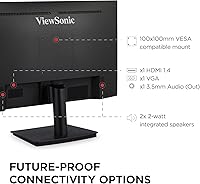
- Inputs: Connectivity includes one HDMI port and one VGA port, accommodating both modern devices and legacy computers or laptops.
- Display Presets: Five built-in view presets — Game, Movie, Web, Text, and Mono — allow quick optimization of the image for different content types.
- Bezel Design: Three-sided thin bezels keep the monitor frame minimal, making it well-suited for side-by-side multi-monitor configurations.
- Dimensions: The monitor measures 21 x 16.5 x 7.4 inches (width x height x depth) with the stand attached.
- Weight: The unit weighs 9.3 pounds including the stand, making it manageable for single-person setup and desk repositioning.
- Stand Adjustment: The included stand supports tilt adjustment only; height, swivel, and pivot adjustments are not available with the factory stand.
- Color: Available in black with a matte finish on both the panel bezel and the stand base.
- Brand: Manufactured by ViewSonic, a company with over three decades of experience producing commercial and consumer display products.
- Model Number: The exact model identifier is VA2409M, used for warranty registration, driver downloads, and compatibility verification.
- First Available: This monitor was first listed for sale in February 2023, making it a relatively recent release within ViewSonic's budget display lineup.
Related Reviews

ViewSonic VG2448A 24-inch IPS Monitor

ViewSonic VP2468a 24-Inch IPS Monitor
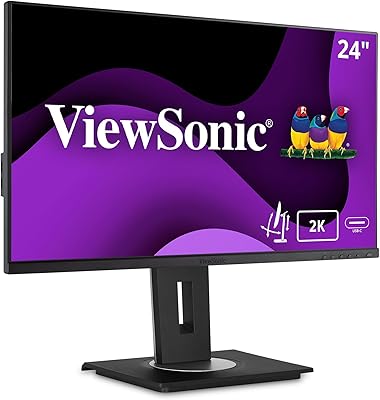
ViewSonic VG2455-2K 24-inch QHD IPS Monitor
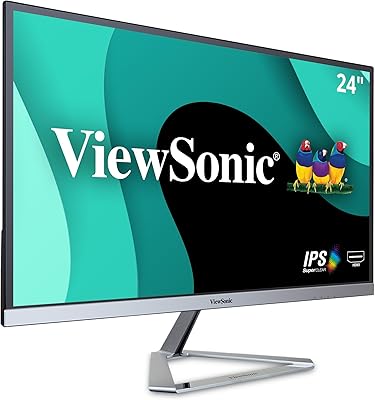
ViewSonic VX2476-SMHD 24-inch IPS Monitor
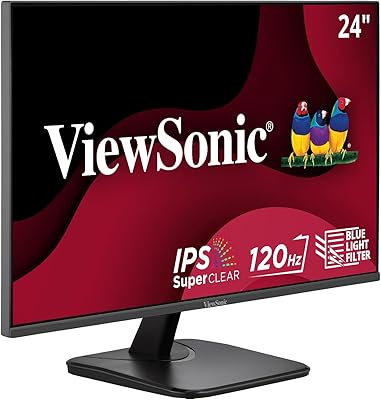
ViewSonic VA2456A-MHD 24-inch IPS Monitor
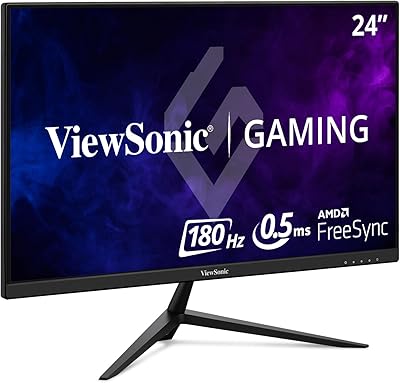
ViewSonic VX2428A 24-inch Gaming Monitor
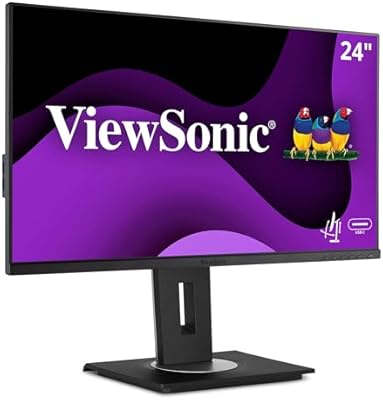
ViewSonic VG2456A 24-inch IPS Monitor
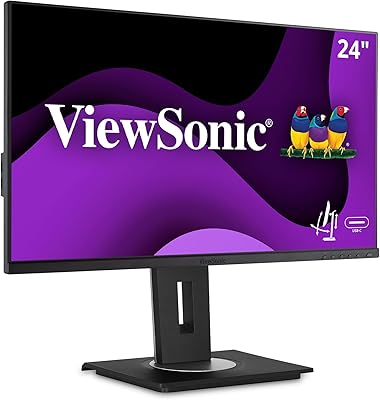
ViewSonic VG2455 24-inch Monitor
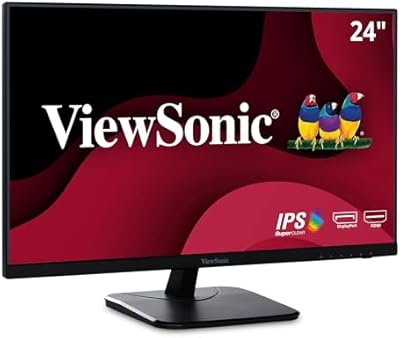
ViewSonic VA2456-MHD 24-inch IPS Monitor