
Overview
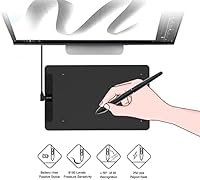
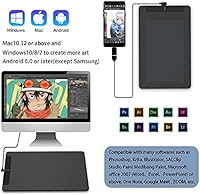
The VEIKK VK1060 10x6 Inch Drawing Tablet is a solid entry point for anyone stepping into digital art without wanting to spend a lot upfront. The 10x6-inch active area gives you enough room to draw comfortably — not cramped like smaller budget options, but not overwhelming either. One genuinely appreciated touch is the battery-free stylus, which means no mid-session charging interruptions. It works across Windows, Mac, Chrome, Linux, and even Android 6.0 devices, which is broader compatibility than you would expect at this price. That said, this is a beginner and casual-use tool — it will not replace a professional-grade setup, but it does not pretend to either.
Features & Benefits
What stands out about the VK1060 is how much pressure sensitivity you get for the price. With 8192 levels of sensitivity, your line work actually responds to how hard you press — light strokes stay thin, heavy ones fill out properly. The 60-degree tilt support is a real bonus for anyone doing shading or brush work; it lets you hold the pen at natural angles instead of stiff upright positions. The eight programmable shortcut keys help cut down on reaching for the keyboard constantly. At just 1.26 pounds and nearly paper-thin, this drawing tablet is easy to slip into a bag or share a desk with. Two OTG connectors are included for Android hookup, though Samsung phones are unfortunately excluded.
Best For
This pen tablet makes the most sense for beginner digital artists getting comfortable with tools like Krita, Clip Studio, or MediBang — software where pressure sensitivity and tilt really start to matter. Students and teachers will find it equally useful; annotations, whiteboard-style presentations, and online lessons all work well with a pen-driven input device. Freelancers doing occasional design work or document sign-offs will appreciate how plug-and-play the setup is. It also suits anyone still relying on a mouse for creative work who wants a more natural drawing experience without committing to a high-end device. Android compatibility, minus Samsung, adds some flexibility for on-the-go use — a nice extra at this price tier.
User Feedback
The VK1060 holds a 4.2-star average across roughly 99 ratings — a respectable score in a budget segment where expectations vary widely. Most buyers are happy with the pen response and how quickly the drivers install without fuss, and the working area gets consistent praise for feeling spacious compared to smaller alternatives. On the critical side, the Samsung Android exclusion catches people off guard, so if that applies to you, check before buying. A few users mention the shortcut keys feel slightly stiff out of the box and need some break-in time. Long-term durability is harder to gauge; some owners report holding up well after months of use, while others note wear appearing sooner than expected — worth keeping in mind for heavy daily use.
Pros
- The battery-free pen means you never have to stop mid-session to charge or swap batteries.
- 8192 levels of pressure sensitivity gives genuinely responsive line control that rivals pricier options.
- Broad OS support — Windows, Mac, Chrome, Linux, and Android 6.0 — covers most users without extra configuration.
- The 10x6-inch workspace feels spacious enough for comfortable drawing without dominating a desk.
- Drivers install quickly and without the headaches that plague some budget tablet brands.
- 60-degree tilt support makes shading and angled brushwork feel more natural and intuitive.
- Eight programmable shortcut keys help reduce keyboard dependency during longer creative sessions.
- At just 1.26 pounds and nearly paper-thin, this drawing tablet is easy to carry between locations.
- Two OTG connectors are included in the box for Android connectivity — a handy addition at this price.
- The 250 PPS report rate keeps pen strokes smooth and responsive even during faster drawing movements.
Cons
- Samsung Android users are completely locked out of mobile compatibility, with no workaround available.
- Long-term durability is inconsistent — some users report signs of wear appearing earlier than expected.
- Shortcut keys feel stiff and require a break-in period before they respond comfortably.
- Wired USB-only connectivity limits desk flexibility and can feel restrictive on tidy setups.
- No wireless option means the cable can become a minor but persistent annoyance during longer sessions.
- The tablet surface lacks texture depth, which may feel too slick for artists used to paper-like resistance.
- With only around 99 ratings, there is limited long-term user data to confidently assess reliability.
- The VK1060 sits in a crowded budget segment where several rivals offer comparable specs, making brand support and driver quality the real differentiator.
- No included stand or angle adjustment means you draw flat, which some users find uncomfortable over time.
Ratings
Our AI rating engine analyzed verified global buyer reviews for the VEIKK VK1060 10x6 Inch Drawing Tablet, actively filtering out incentivized, bot-generated, and duplicate submissions to surface what real users actually experienced. The scores below reflect a transparent picture of where this pen tablet genuinely delivers and where it falls short — strengths and frustrations weighted equally.
Value for Money
Pen Performance
Ease of Setup
Active Area Size
Build Quality
Pressure Sensitivity
Shortcut Keys
Tilt Functionality
OS Compatibility
Android Connectivity
Portability
Software Compatibility
Driver Software
Pen Ergonomics
Suitable for:
The VEIKK VK1060 10x6 Inch Drawing Tablet is a strong fit for beginners stepping into digital illustration for the first time, especially those exploring software like Krita, Clip Studio, or GIMP without wanting to overspend. Students and educators will find it particularly practical — the pen input makes online teaching, whiteboard-style annotations, and remote presentations noticeably more natural than using a mouse. The 10x6-inch active area is genuinely comfortable for casual daily use, and the battery-free stylus removes one more thing to think about. Freelancers handling occasional light design work, document sign-offs, or basic photo retouching will also get solid value here. Anyone running Windows, Mac, Chrome OS, Linux, or a non-Samsung Android device will find setup straightforward and broadly compatible.
Not suitable for:
Professional illustrators, concept artists, or designers who rely on a tablet for full-time, high-output work will likely find the VK1060 falls short of their needs in terms of build robustness and long-term reliability. The wired USB-only connection is a limitation for users who prefer a cleaner, cable-free desk setup. Samsung phone users should skip this one entirely — Android support explicitly excludes Samsung devices, and that is a firm hardware limitation rather than a software fix. Anyone expecting the shortcut keys to feel premium and tactile out of the box may be disappointed; they are functional but not refined. This pen tablet is also not the right choice for buyers who need a large drawing surface or who plan to use it as a primary professional tool over several years.
Specifications
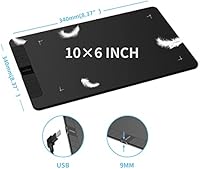
- Active Area: The tablet provides a 10x6-inch working surface, offering a comfortable mid-size drawing space suitable for most desktop setups.
- Pressure Sensitivity: The included stylus supports 8192 levels of pressure sensitivity, allowing fine control over line weight and brush dynamics in compatible software.
- Resolution: The tablet reads pen position at 5080 LPI (lines per inch), ensuring precise and accurate stroke registration across the active area.
- Report Rate: The pen communicates with the tablet at 250 PPS (points per second), keeping strokes smooth and responsive during fast drawing movements.
- Tilt Support: The stylus supports up to 60 degrees of tilt recognition, enabling natural angle-based shading and brush techniques.
- Pen Reading Height: The tablet detects the stylus from up to 10mm above the surface, providing a natural hover-and-press experience before the pen makes contact.
- Stylus Power: The stylus is entirely battery-free, requiring no charging or battery replacement during its lifespan.
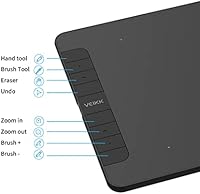
- Shortcut Keys: Eight physical shortcut keys are built into the tablet body and can each be individually remapped using the VEIKK driver software.
- Connectivity: The tablet connects to host devices via a wired USB cable; no Bluetooth or wireless option is available.
- Dimensions: The overall tablet body measures 13.39x8.27x0.04 inches, making it slim enough to slide into most laptop bags.
- Weight: The tablet weighs 1.26 pounds, keeping it light and practical for users who move between workspaces.
- OS Compatibility: Supported operating systems include Windows 7, 8, and 10, Mac OS X 10.12 or later, Chrome OS, Linux, and Android 6.0 or later (excluding Samsung devices).
- Android Connection: Android connectivity is achieved via two included OTG connectors; Samsung Android devices are explicitly unsupported and incompatible.
- Compatible Software: The tablet works with a wide range of creative applications including Photoshop, Illustrator, Clip Studio, SAI, Krita, GIMP, Corel Painter, and MediBang, among others.
- Model Number: The official model designation for this tablet is VK1060, manufactured by VEIKK.
- Availability: This tablet was first made available for purchase in November 2021 and remains an active product in the VEIKK lineup.
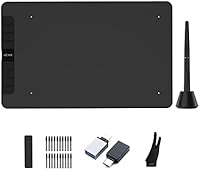
- In-Box Contents: The package includes the tablet unit, one battery-free stylus, a USB connection cable, and two OTG connectors for Android use.
Related Reviews
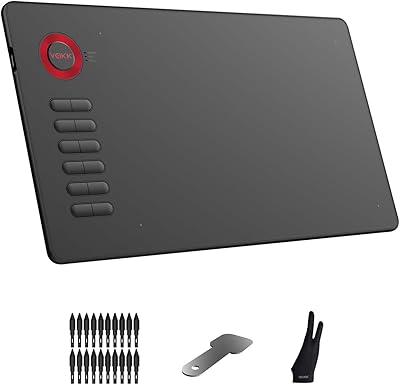
VEIKK A15 10x6 Drawing Tablet
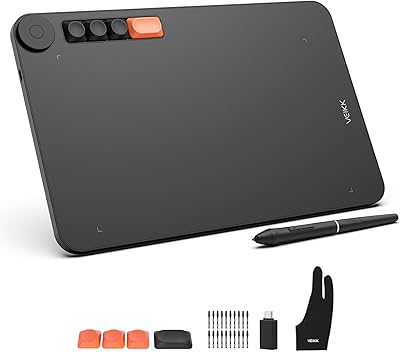
VEIKK Voila L 10x6 Graphics Drawing Tablet
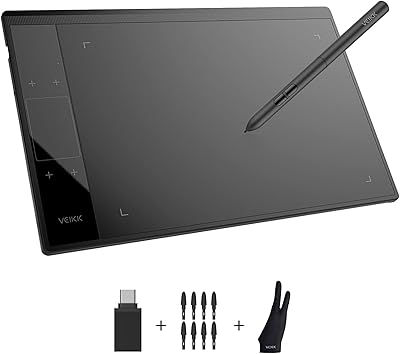
VEIKK A30 V2 Drawing Tablet
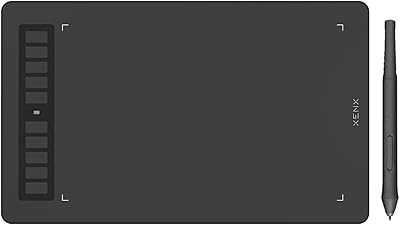
XENX P3-1060B 10x6 Drawing Tablet
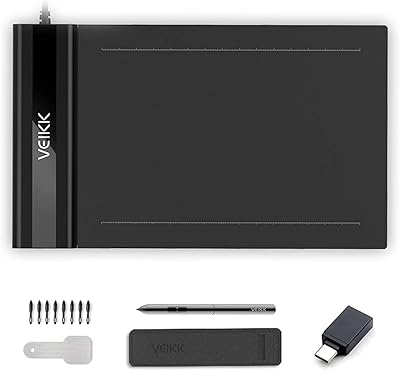
VEIKK S640 6x4 Drawing Tablet
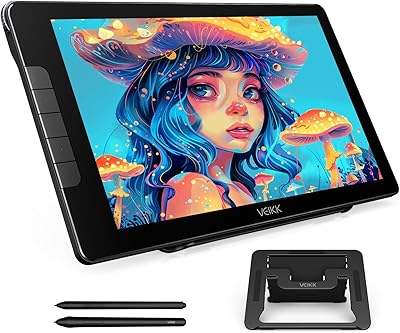
VEIKK Studio 16 15.6-inch Pen Display
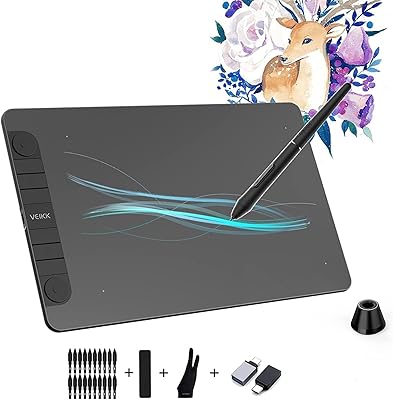
VEIKK VK1060PRO V2 Drawing Tablet
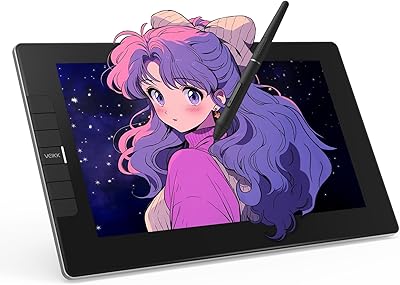
VEIKK VK1200 V2 11.6-inch Pen Display
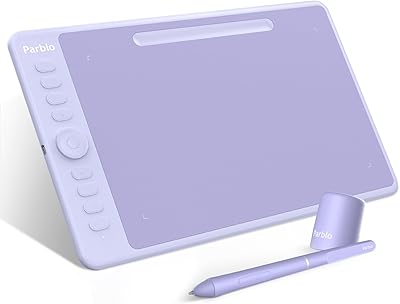
Parblo Intangbo M 10x6 Drawing Tablet