Anker A83K8 4K HDMI KVM Switch
Overview
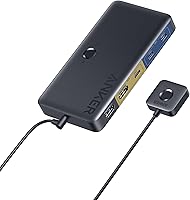
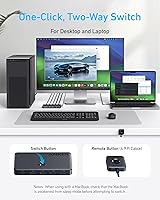
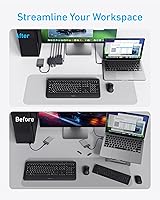
The Anker A83K8 4K HDMI KVM Switch is a compact, no-fuss solution for anyone tired of swapping cables every time they move between a laptop and a desktop. Rather than unplugging and re-plugging your monitor, keyboard, and USB peripherals repeatedly, this desktop-laptop switcher handles it all through a single hub. Anker bundles every cable you need right in the box, so setup takes minutes. The 18-month warranty and Anker's track record for reliable accessories make it a reasonably confident buy at this price tier. One important note upfront: this KVM switch is designed for one laptop, one desktop — it does not support two laptops.
Features & Benefits
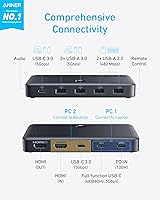
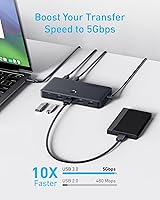
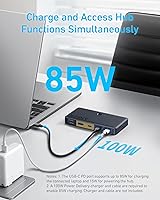
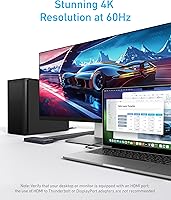
At its core, the Anker hub-switch punches well above its price class on connectivity. The 4K at 60Hz HDMI output keeps visuals sharp and fluid — no dropped frames, no compromised resolution. Five USB 3.0 ports running at 5Gbps let you keep an external drive, keyboard, mouse, and webcam all connected at once without needing a separate hub. The magnetic remote button is a genuinely clever touch: it sticks to your monitor bezel or desk edge and toggles between both computers with one press. Worth flagging clearly: the 100W Power Delivery charging only powers the PC1 laptop port. Also critical — your laptop's USB-C port must support DisplayPort alt mode for video output to work at all.
Best For
This desktop-laptop switcher hits its sweet spot for home office workers who bounce between a personal laptop and a work desktop on the same desk every day. Students and freelancers who want a tidy, minimal-cable setup without the expense of a full docking station will find it genuinely useful. It works across Mac and Windows — MacBooks, Windows laptops, even iPads with USB-C DP alt mode — making it a solid pick for mixed-platform households. If you already own a 4K monitor and simply want two computers to share it, this is an efficient way to do that. It is not the right fit for anyone needing dual-monitor output or switching between two laptops.
User Feedback
Most buyers highlight the plug-and-play setup — connecting everything and having it just work within minutes is a recurring theme in positive reviews. The magnetic button also gets consistent praise for keeping desk clutter down. That said, the most common complaint is compatibility confusion: a notable share of buyers discover too late that their laptop's USB-C port does not support DisplayPort alt mode, making video output non-functional. A few users also report a brief display handshake delay — a second or two of black screen — when toggling between machines, which is expected behavior but worth knowing in advance. Anker's customer support earns favorable mentions, with most warranty claims handled without much friction.
Pros
- All cables are included in the box, so there is nothing extra to buy before getting started.
- The magnetic remote button clips to a monitor bezel or desk edge and switches computers with a single press.
- 4K at 60Hz output is stable and sharp when connected to a compatible laptop and display.
- Five USB 3.0 ports handle a full peripheral setup — keyboard, mouse, drive, webcam — all at once.
- 100W Power Delivery on the laptop port keeps your MacBook or ultrabook charged throughout the workday.
- Setup takes under ten minutes with no drivers or software required on either Mac or Windows.
- The compact form factor adds almost nothing to desk clutter and does not need an external power brick.
- Anker's 18-month warranty and responsive customer service provide solid post-purchase reassurance.
- Works across mixed Mac and Windows environments without any compatibility configuration.
Cons
- Laptops without USB-C DisplayPort alt mode support cannot output video at all — this is a hard, non-fixable limitation.
- Audio does not switch for external speakers or headsets; manual sound output changes are still required after every toggle.
- A brief black-screen delay during display re-negotiation occurs on every single switch, which adds up with frequent use.
- The 100W laptop charging only works on the PC1 port — the desktop side receives no power passthrough whatsoever.
- The bundled USB-C to USB-C cable at 3.3 feet is too short for desks where the laptop and desktop sit far apart.
- Cables are unbraided and feel thin; several users replaced them with sturdier third-party alternatives after a few months.
- Two-laptop setups are completely unsupported, locking out a common use case with no workaround.
- No dedicated indicator light or on-screen display confirms which computer is currently active after switching.
- Some monitors with slower HDMI re-negotiation briefly enter standby mode during the switch rather than recovering instantly.
Ratings
The Anker A83K8 4K HDMI KVM Switch earned its scores through AI analysis of verified global buyer reviews, with spam, bot-submitted, and incentivized feedback actively filtered out before any score was calculated. Ratings reflect the full picture — where this desktop-laptop switcher genuinely delivers and where real buyers have run into friction. Both the standout strengths and the recurring pain points are weighted transparently in every category below.
Ease of Setup
Switching Convenience
USB-C Compatibility
Video Quality
USB Hub Performance
Laptop Charging (Power Delivery)
Build Quality
Cable Quality
Audio Passthrough
Value for Money
Desk Footprint & Portability
Warranty & Customer Support
Cross-Platform Compatibility
Display Handshake Speed
Suitable for:
The Anker A83K8 4K HDMI KVM Switch is built for people who genuinely live on two computers at the same desk — think the remote worker who uses a company-issued desktop during business hours and flips to a personal MacBook in the evenings, or the freelancer who keeps a beefy Windows tower for heavy work and a lightweight laptop for calls and travel. If you already own a good 4K monitor and resent the daily ritual of swapping HDMI cables and unplugging USB devices, this desktop-laptop switcher solves that problem cleanly and affordably. Students sharing a dorm desk between a school laptop and a gaming desktop will find it equally useful. It also works well in mixed Mac-and-Windows households where both machines need access to the same keyboard, mouse, and external display without any software configuration. Anyone whose laptop has a USB-C port that supports DisplayPort alt mode — most modern MacBooks and many recent Windows ultrabooks qualify — will get reliable, straightforward use out of this KVM switch from day one.
Not suitable for:
The Anker A83K8 4K HDMI KVM Switch is a poor fit for anyone whose laptop's USB-C port does not support DisplayPort alt mode — which covers a surprisingly wide range of budget and mid-range Windows laptops where USB-C handles only charging or data, not video. If you need to drive two monitors simultaneously, this hub-switch has no path to offer that; it is strictly a single-display solution. Power users who need instant, flicker-free switching will find the one-to-two second display re-negotiation delay frustrating if they toggle between machines constantly throughout the day. It also does not handle audio switching for external speakers or headsets, so anyone running a dedicated audio setup will still need to manually change their sound output after every switch. Finally, buyers hoping to connect two laptops — rather than one laptop and one desktop — will need to look elsewhere, as that configuration is explicitly outside what this desktop-laptop switcher supports.
Specifications
- Model Number: The official Anker model identifier for this unit is A83K8.
- HDMI Output: Supports a single HDMI display output at up to 4K resolution (3840×2160) at 60Hz refresh rate.
- USB Ports: Equipped with five USB 3.0 Type-A ports, each capable of data transfer speeds up to 5Gbps.
- Power Delivery: Accepts up to 100W Power Delivery input via the PC1 USB-C port, used exclusively to charge the connected laptop.
- Laptop Port Requirement: The laptop-side USB-C connection requires the laptop port to support both DisplayPort alternate mode and Power Delivery simultaneously.
- Compatible Computers: Designed to connect one laptop and one desktop computer only; connecting two laptops or two desktops is not supported.
- Switching Mechanism: A magnetic remote button is included and attaches via magnet to a monitor bezel or desk surface for one-press switching.
- Circuit Type: Uses a 2-way circuit design to route display and USB peripherals between exactly two connected host computers.
- Connector Types: The unit features HDMI, USB-C, and USB-A connector interfaces across its input and output ports.
- Dimensions: The main unit measures 5.3 × 2.76 × 0.74 inches, keeping desk footprint minimal.
- Weight: The KVM switch body weighs 5.28 ounces, light enough to reposition or travel with without adding meaningful bag weight.
- Included Cables: Box contents include a 3.3 ft USB-C to USB-C cable, a 4.9 ft USB-A to USB-C cable, and a 4.9 ft HDMI cable.
- Box Contents: Package includes the KVM switch unit, three cables (USB-C to USB-C, USB-A to USB-C, HDMI), the magnetic remote button, and a safety sheet.
- Warranty: Covered by an 18-month manufacturer warranty from Anker, with customer support available for defect claims.
- Brand: Manufactured and sold by Anker, a brand known for consumer electronics accessories and USB power products.
- Operating Voltage: Rated for operation at 120 volts with a current rating of 3 amps.
- Actuator Type: The remote switching button uses a magnetic actuator design with a normally open contact type.
- Contact Material: Internal switch contacts are constructed from metal for durability across repeated switching cycles.
- Operation Mode: Switching between computers operates in automatic mode, activating instantly upon a single press of the remote button.
- Driver Requirement: No software drivers or application installation are required on either connected computer for core functionality.
Related Reviews
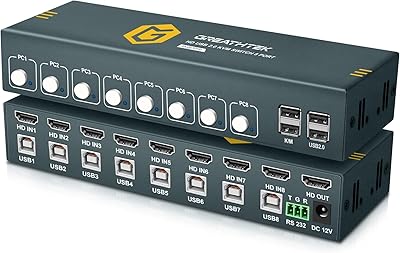
GREATHTEK 8-Port HDMI KVM Switch
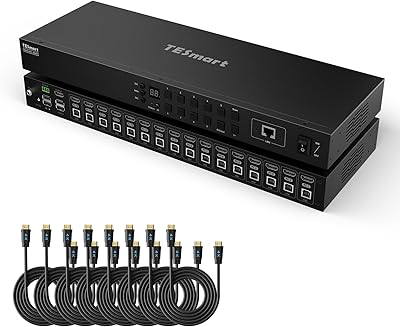
TESmart HKS1601 16-Port HDMI KVM Switch
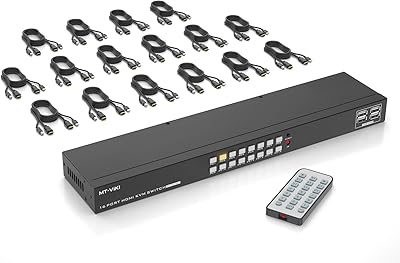
MT-VIKI MT-1601HK-C 16-Port HDMI KVM Switch
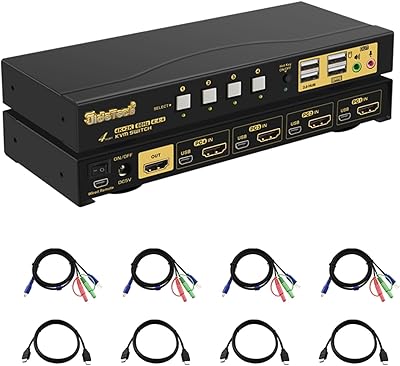
JideTech 64H2UA 4-Port HDMI KVM Switch
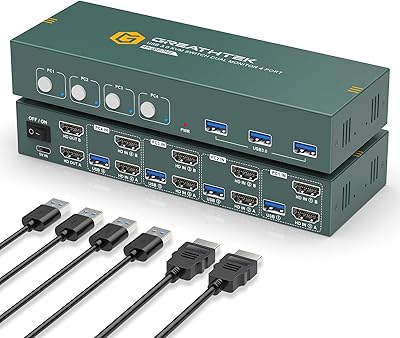
EVATEK 4-Port Dual Monitor HDMI KVM Switch
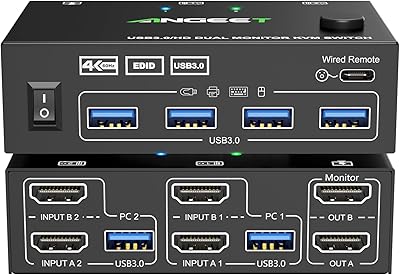
ANGEET HDMI KVM Switch 2 Monitors 2 Computers 4K@60Hz
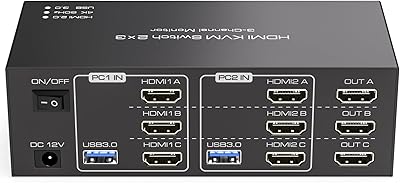
TJCXELE 3-Monitor Dual-Computer HDMI KVM Switch
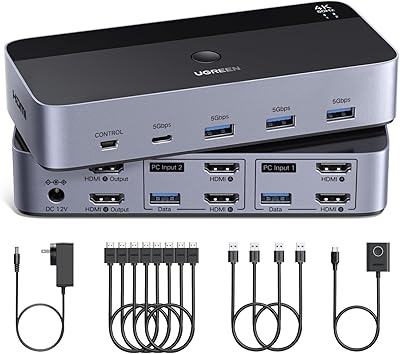
UGREEN AK500 Dual Monitor KVM Switch
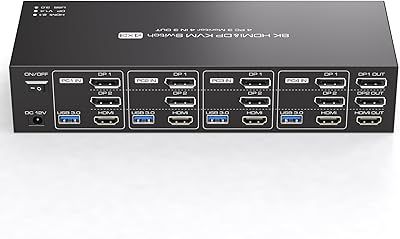
TJCXELE 4K 144Hz HDMI + DisplayPort KVM Switch for 4 Computers, 3 Monitors