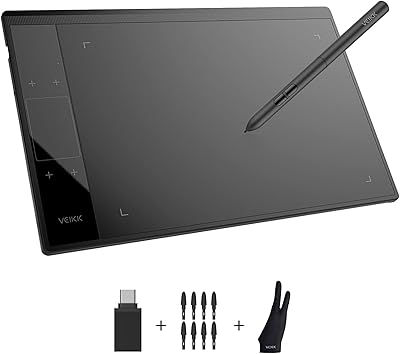
PicassoTab X11 11-inch Standalone Drawing Tablet



Overview
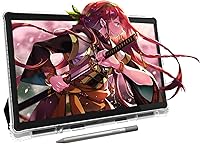
The PicassoTab X11 11-inch Standalone Drawing Tablet is built for one specific kind of person: someone who wants to start drawing digitally without the hassle of setting up a computer, installing drivers, or piecing together software separately. Running Android 14 out of the box, it works independently the moment you power it on. At its price point, it sits comfortably in mid-range territory — enough to feel like a serious tool, but clearly positioned as a learning device rather than a professional studio workhorse. The bundled app ecosystem is central to the whole experience, not an afterthought.
Features & Benefits
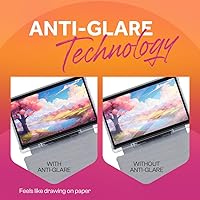
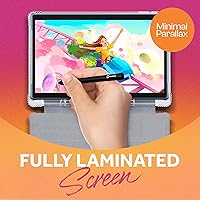
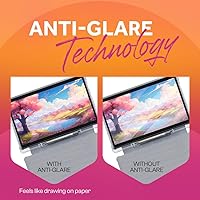
The 11-inch laminated display is one of the first things you notice — its anti-glare finish genuinely mimics the feel of drawing on paper, making longer sessions far more comfortable. The stylus offers 4096 levels of pressure sensitivity, translating light and heavy strokes into natural line variation without much fuss. Under the hood, an octa-core processor paired with 6GB of RAM keeps the drawing apps running smoothly. Storage starts at 128GB and expands via microSD. Preloaded apps include Concepts, Infinite Painter, and FlipaClip, with the Artixo tutorial app rounding things out for structured, guided learning.
Best For
This Android drawing tablet makes most sense for beginners and hobbyists who want a ready-to-use creative device without needing to own a laptop or desktop. It is a strong pick for students and younger artists getting their first real taste of digital illustration or frame-by-frame animation. Travelers will appreciate how lightweight and self-contained it is — no extra hardware required. It also works well as a gift for a creative person, since everything arrives in one box and works immediately. Experienced artists who rely on professional desktop software will likely find the Android environment too limiting.
User Feedback
Buyers consistently praise the screen clarity and how responsive the stylus feels during everyday sketching. The bundled app selection earns positive mentions for lowering the barrier to entry, especially for complete beginners. On the downside, some users report occasional stylus lag during complex brush strokes, and a handful note that Android-based drawing software carries a different workflow compared to desktop applications like Photoshop or Procreate. Build quality is generally considered solid for the price tier, though not premium. Battery life earns good marks in real-world use, typically lasting through a full creative session without needing an outlet nearby.
Pros
- Works completely independently — no laptop, PC, or Mac required at any point.
- Artixo tutorial app gives absolute beginners a structured path from day one.
- The laminated anti-glare display delivers a paper-like drawing feel that surprises buyers at this price.
- 4096 levels of pressure sensitivity produce natural, expressive line variation for casual and intermediate work.
- Preloaded apps include genuinely well-regarded tools like Infinite Painter and FlipaClip, not throwaway filler.
- 128GB of built-in storage with microSD expansion means running out of space is rarely a practical concern.
- Battery life holds up reliably through a full afternoon of drawing without hunting for an outlet.
- Lightweight and compact enough to slip into a backpack without adding noticeable bulk.
- Makes an unusually complete gift — everything needed to start creating is already in the box.
Cons
- Stylus latency becomes noticeable at faster drawing speeds, which frustrates users as their skills develop.
- Android drawing apps lack the brush engine depth and export options of professional desktop software.
- No protective carrying case is included, leaving the screen exposed during daily transport.
- Palm rejection occasionally misreads a resting hand as an intentional touch, disrupting strokes mid-session.
- The plastic build feels noticeably less premium than competing tablets in a similar price range.
- Tutorial content through Artixo plateaus quickly, leaving intermediate learners to seek outside resources.
- Third-party apps downloaded from the Play Store introduce stability issues not present with the preloaded bundle.
- Camera quality is too limited for anything beyond rough reference photography in good lighting.
Ratings
The PicassoTab X11 11-inch Standalone Drawing Tablet has been evaluated by our AI rating engine after analyzing thousands of verified buyer reviews across global markets, with spam, bot-generated, and incentivized feedback actively filtered out. The scores below reflect a candid synthesis of real user experiences — capturing what genuinely impresses buyers and where frustrations tend to surface. Both strengths and recurring pain points are represented transparently so you can make a confident, informed decision.
Display Quality
Stylus Performance
Standalone Functionality
App Ecosystem
Build Quality & Feel
Performance & Speed
Battery Life
Portability
Stylus Ergonomics
Value for Money
Learning Resources
Screen Responsiveness & Touch
Setup & Out-of-Box Experience
Camera Utility
Software Stability
Suitable for:
The PicassoTab X11 11-inch Standalone Drawing Tablet is a strong fit for anyone who wants to start creating digital art without owning a computer or navigating complicated software setups. It makes particular sense for younger students and teenagers exploring illustration or animation for the first time, since the bundled Artixo tutorial app provides enough structure to get past the intimidating blank-canvas phase. Parents looking for a meaningful creative gift will appreciate that everything — hardware, stylus, apps, and guided learning — arrives ready to use in one package. Travelers and commuters who want a portable creative outlet during downtime will find the self-contained Android setup genuinely practical. Hobbyists who draw casually and want a dedicated device that does not compete with a family laptop or work computer will feel right at home here.
Not suitable for:
The PicassoTab X11 11-inch Standalone Drawing Tablet is the wrong tool for anyone whose creative work depends on professional desktop software like Adobe Photoshop, Clip Studio Paint, or Affinity Designer, none of which are available in full form on Android. Illustrators and concept artists who have already developed a serious workflow will quickly run into the ceiling of what Android drawing apps can deliver in terms of brush engine depth, export flexibility, and plugin support. Users who have grown accustomed to the Procreate ecosystem on iPad will likely find the Android alternatives functional but frustrating by comparison. Anyone prioritizing long-term software scalability over immediate accessibility should weigh those trade-offs carefully before committing. Professional freelancers or art students in design programs who need industry-standard tools for client work or coursework should look at dedicated pen displays connected to a desktop instead.
Specifications
- Screen Size: The display measures 11 inches diagonally with a fully laminated panel that eliminates the gap between glass and screen layer.
- Resolution: The screen renders at 2000x1200 pixels, delivering Full HD clarity across the entire drawing surface.
- Display Type: The panel uses an anti-glare coating designed to reduce reflections and provide a texture that mimics drawing on paper.
- Processor: An octa-core MediaTek MTK8786 chipset clocked at 2 GHz per core handles all processing tasks on the device.
- RAM: 6GB of DDR4 RAM is installed, providing enough headroom for running multiple creative apps without significant slowdowns.
- Storage: 128GB of internal storage is included, expandable up to 1TB via a microSD card inserted into the dedicated slot.
- Operating System: The device ships with Android 14 pre-installed, functioning as a fully standalone tablet without requiring a connected computer.
- Stylus Pressure: The included stylus supports 4096 levels of pressure sensitivity, allowing fine control over line weight and stroke variation.
- Stylus Battery: The stylus is powered by one AAAA battery, which is included in the package at time of purchase.
- Battery Capacity: A 7000 mAh internal battery powers the tablet, designed to support extended drawing sessions on a single charge.
- Front Camera: An 8-megapixel front-facing camera is built into the device for video calls or self-reference photography.
- Rear Camera: A 13-megapixel rear camera is included for capturing reference images or documenting physical artwork.
- Connectivity: The tablet connects wirelessly via Wi-Fi (IEEE 802.11b/g/n) and supports Bluetooth for external accessories.
- Ports: A USB Type-C port and a microSD card slot are the two physical connection points on the device.
- Dimensions: The packaged unit measures 13.3 x 11.97 x 2.2 inches, making it compact enough for a standard backpack compartment.
- Weight: The device weighs 3.69 pounds, balancing portability with the structural rigidity expected of an 11-inch tablet.
- Preloaded Apps: Concepts, Infinite Painter, FlipaClip, and the Artixo tutorial app come preloaded on the device at the time of purchase.
- Model Number: The official model identifier is X11, manufactured by Simbans under the PicassoTab brand.
- Availability Date: This product was first made available for purchase on February 15, 2024.
- BSR Ranking: The device holds a top-50 ranking in the Computer Graphics Tablets category on Amazon at time of writing.
Related Reviews
Simbans PicassoTab XL Standalone Drawing Tablet
UGEE UE12 11.6-inch Pen Display Tablet
Simbans PicassoTab A12 12″ Standalone Drawing Tablet
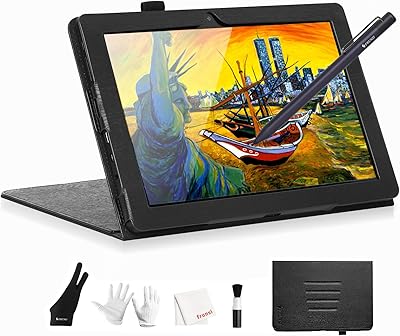
Frunsi T8 8-inch Standalone Drawing Tablet
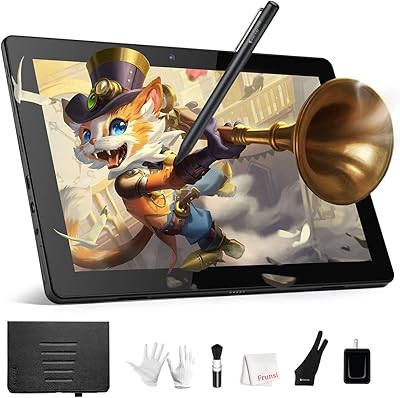
Frunsi RubensTab T11 Pro Drawing Tablet
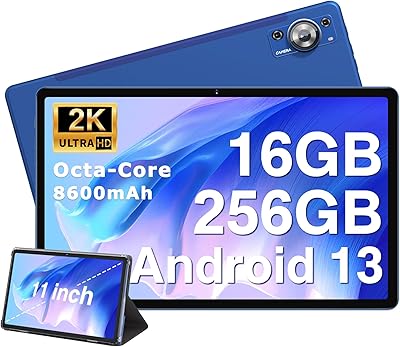
ZIOVO Z128 11-inch Android Tablet
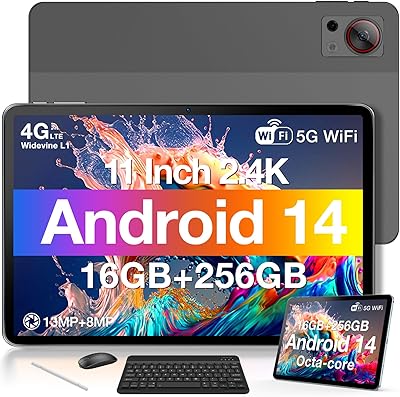
DOOGEE T30S 11-inch Android Tablet
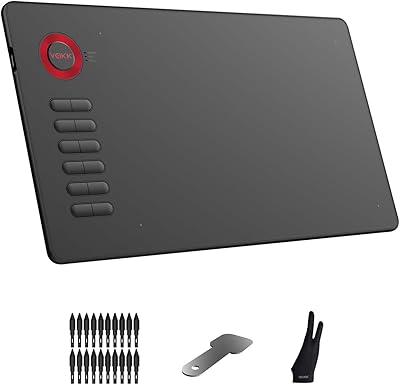
VEIKK A15 10x6 Drawing Tablet
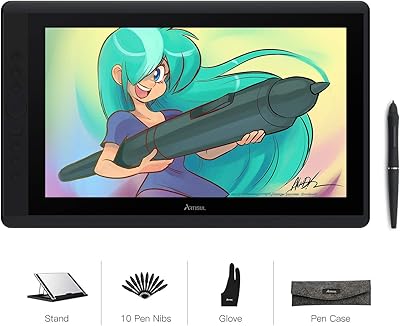
Artisul D16 15.6-inch Pen Display