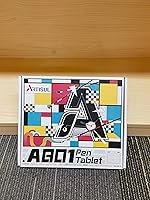
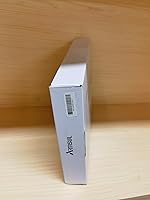
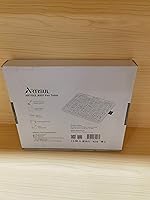
Overview
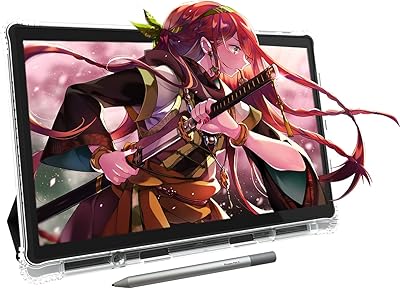
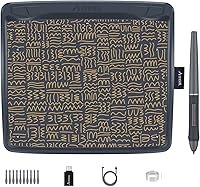
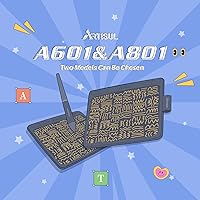
The Artisul A801 Drawing Tablet is a compact and versatile digital canvas, ideal for creators who need a portable solution for their artwork. With its 9-inch size, it strikes a balance between portability and usability, offering a battery-free stylus for uninterrupted creativity. This tablet is compatible with multiple platforms, including Windows, macOS, and Android, which makes it a flexible tool for both professionals and hobbyists alike. Weighing only 379g, it is perfect for artists on the go who require a lightweight, easy-to-carry option for sketching, digital painting, and other creative tasks.
Features & Benefits
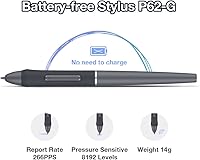
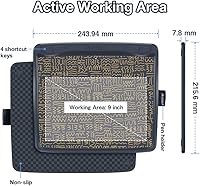
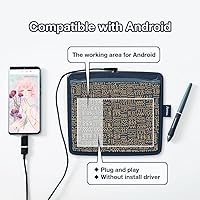
The Artisul A801 Drawing Tablet comes packed with essential features that cater to a variety of creative needs. The tablet offers 8192 levels of pressure sensitivity, allowing for nuanced and precise strokes. It includes 4 customizable shortcut keys to streamline your workflow, making repetitive tasks faster and easier. With tilt support and plug-and-play compatibility, setting it up is a breeze, especially for users on Android, as it doesn’t require additional drivers. Whether you're drawing, designing, or even gaming, the tablet’s slim design and responsive features make it a reliable tool for digital creation.
Best For
The Artisul A801 is an excellent choice for a wide range of users. It’s particularly well-suited for artists and illustrators who value portability without sacrificing performance. Its user-friendly design makes it a great option for beginners and students just starting their digital art journey. Gamers, especially those playing OSU, will appreciate the tablet's responsiveness and precision. Its compact size and lightweight nature also make it perfect for creators who need to work on the go, whether traveling or working in different spaces.
User Feedback
User feedback for the Artisul A801 is generally positive, especially for its responsive pen and natural drawing experience. Many appreciate how easy it is to set up and use, with some mentioning how well it works with mobile devices, thanks to its plug-and-play functionality. However, some users have noted that the small drawing area might be limiting for larger projects. While the tablet excels in portability, a few critics feel it could offer more advanced features found in higher-end models. Despite these minor drawbacks, users commonly praise its affordability and value for money.
Pros
- The lightweight and portable design makes it easy to carry for on-the-go use.
- Works seamlessly across Windows, macOS, and Android without the need for additional drivers.
- The 8192 pressure sensitivity levels offer precise control, making it ideal for digital artists.
- Customizable shortcut keys enhance workflow efficiency, especially for users who need quick access to tools.
- Tilt support provides a more natural and intuitive drawing experience.
- Affordably priced, offering solid performance and features for beginner artists and students.
Cons
- The 7-inch active area can feel cramped for professional artists working on detailed designs.
- Some users report that the build quality feels lightweight and not as durable as higher-end models.
- Lack of larger screen size may not meet the needs of advanced digital artists.
- The USB connection can limit flexibility for those who prefer wireless options.
- Occasional reports of minor lag when using the tablet with certain software or devices.
- Not suitable for users who need a high-performance tablet for large-scale or complex projects.
Ratings
After analyzing verified user reviews from multiple countries, languages, and platforms, we’ve compiled comprehensive insights on the Artisul A801 Drawing Tablet. All spam, bot-driven, and incentivized reviews were excluded, ensuring only authentic feedback informed the ratings. Both the strengths and weaknesses of the product are reflected in the scores, giving a balanced view of user experiences across different contexts.
Value for Money
Pen Responsiveness
Portability
Ease of Setup
Build Quality
Compatibility
Pressure Sensitivity
Shortcut Keys Customization
Tilt Sensitivity
Size of Drawing Area
Software/Driver Experience
Battery-Free Stylus Performance
Suitable for:
The Artisul A801 Drawing Tablet is an excellent option for artists, illustrators, and designers seeking portability without sacrificing functionality. Its compact 9-inch size and lightweight design make it ideal for those who need a tablet that can easily be carried for on-the-go work, such as students or freelance artists who travel frequently. Beginners and students will also appreciate its simple plug-and-play setup and compatibility across Windows, macOS, and Android, which makes it easy to integrate into existing workflows. Additionally, gamers, particularly OSU players, will benefit from the responsive pen and customizable shortcut keys for enhanced control and precision during gameplay.
Not suitable for:
This device may not be the best choice for users who require a larger working area or a more premium build quality. The 7-inch active area can feel cramped for professional artists working on larger projects or intricate designs, limiting its potential for detailed work. While the tablet performs well for casual and beginner use, advanced users may find its overall design, including the lightweight plastic build, less durable than higher-end models. Those looking for a robust, large-screen tablet for serious design work or professional-grade projects might find the Artisul A801 insufficient in terms of size and construction quality.
Specifications
- Screen Size: The tablet features a 9-inch compact screen, providing a balance between portability and usability.
- Active Area: The working area measures 7 inches, ideal for precision tasks like drawing or digital art.
- Pen Pressure Sensitivity: The tablet offers 8192 levels of pressure sensitivity, enabling fine control for detailed work.
- Pen Type: The device uses a battery-free pen, eliminating the need for charging while offering precise input.
- Tilt Support: The tablet supports tilt functionality, allowing for more natural drawing and shading effects.
- Connectivity: The device connects via USB, ensuring stable and reliable communication with your computer or mobile device.
- Compatibility: It is compatible with Windows, macOS, and Android devices, offering broad versatility across platforms.
- Shortcut Keys: The tablet includes 4 customizable shortcut keys, allowing users to assign frequently used functions for quicker access.
- Resolution: The tablet has a resolution of 5080 LPI (Lines Per Inch), providing sharp and accurate input for various creative tasks.
- Weight: Weighing only 379.4g (0.84 lb), the tablet is lightweight, making it easy to carry and use on the go.
- Plug-and-Play: The device is plug-and-play, meaning it requires no additional drivers or software to function on most operating systems.
- Operating Systems: It works seamlessly across multiple operating systems, including Windows, macOS, and Android, with no drivers needed for Android devices.
- Design: The tablet has a slim and portable design, making it ideal for users who need a device that is easy to transport.
- Material: The tablet's construction features durable materials that ensure longevity, though it remains lightweight for convenience.
- Color Options: The device does not specify color options, typically available in a standard finish suitable for professional use.
- Price: The tablet is priced affordably, offering good value for money considering its performance and features.
Related Reviews
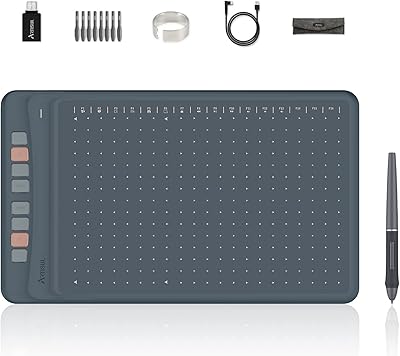
Artisul A1201 Drawing Tablet
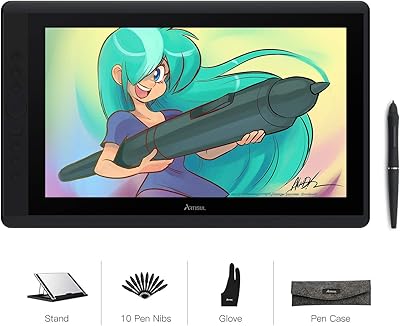
Artisul D16 15.6-inch Pen Display
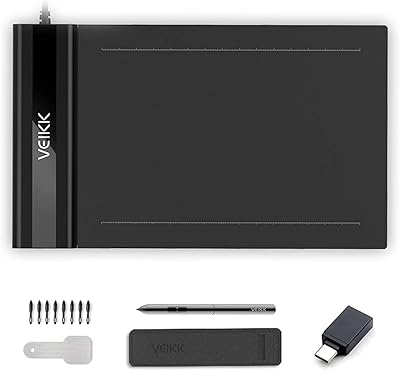
VEIKK S640 6x4 Drawing Tablet
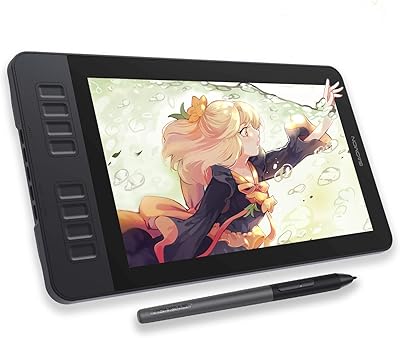
GAOMON PD1161 11.6-inch Pen Display Tablet
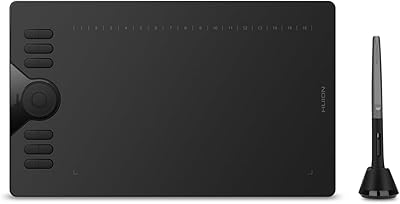
HUION HS610 Graphics Drawing Tablet
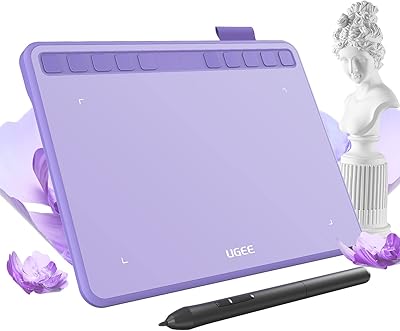
Ugee S640 Drawing Tablet
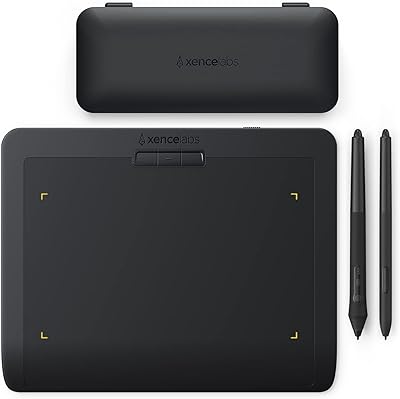
XENCELABS Pen Tablet Small Drawing Tablet
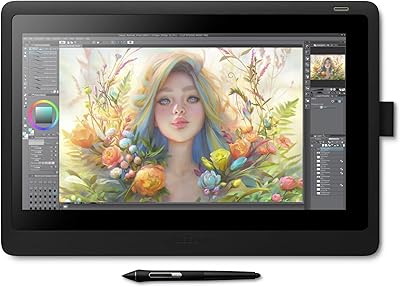
Wacom Cintiq 16 Pen Display Tablet
VEIKK VK1060PRO V2 Drawing Tablet