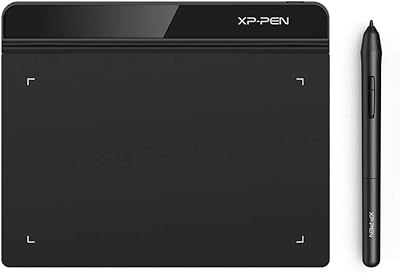
UGEE M808 10x6 Inch Drawing Tablet
Overview
The UGEE M808 10x6 Inch Drawing Tablet sits in a crowded corner of the entry-level market, competing with names like Wacom and XP-Pen for the attention of beginners and intermediate artists watching their budgets. What stands out at first is how little friction is involved in getting started — plug in the USB-C cable, install the driver, and you are drawing within minutes on Windows, Mac, Android, Chrome OS, or Linux. That broad OS compatibility is genuinely useful, not just a spec sheet bullet. Just keep expectations grounded: this pen tablet is a capable, value-oriented tool, not a substitute for professional-grade hardware.
Features & Benefits
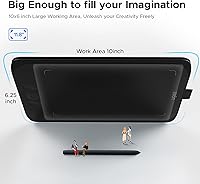
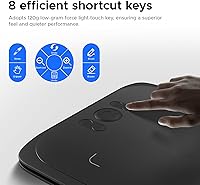
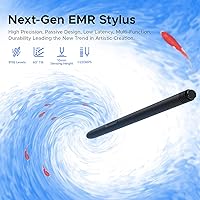
The battery-free stylus is one of the most immediately appreciated aspects of this drawing tablet — no charging, no swapping batteries, just pick it up and draw. It supports tilt, and the 16K-level pressure sensitivity means strokes respond convincingly to both the lightest feather touch and a firm, deliberate press. The 10x6.25-inch active area feels genuinely spacious; you rarely run out of room mid-stroke. The paper-like surface adds just enough texture to keep the stylus from gliding uncontrollably, which makes longer sessions feel less fatiguing. Eight customizable shortcut keys handle repetitive actions like undo and brush resizing, and the tablet works with Photoshop, Illustrator, SAI, and more straight away.
Best For
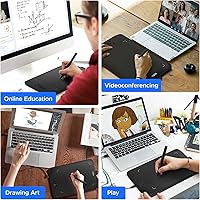
The UGEE M808 is an easy recommendation for digital art beginners who want a meaningful upgrade from drawing with a mouse without a steep financial commitment. It is also a strong pick for students taking illustration or design courses online, where a responsive tablet makes annotation and sketching far more practical than any trackpad. Teachers who mark up slides or run whiteboard sessions during remote classes will appreciate the large active area and the programmable keys. Notably, this drawing tablet is one of the few affordable options that works reliably with Android devices and Chromebooks, opening it up to users who do not work on traditional desktops.
User Feedback
Across more than 5,000 ratings averaging 4.3 out of 5 stars, the overall reception for this pen tablet leans positive, especially among first-time tablet users. The most consistent praise focuses on easy driver setup and a surface area that feels larger than the price would suggest. On the critical side, a portion of users report occasional driver quirks following OS updates, and some note connectivity inconsistencies on certain laptop configurations. A few long-term owners mention visible surface wear after months of heavy use. Users who previously owned older entry-level Wacom models tend to find the UGEE M808 comparable in responsiveness at a noticeably lower cost.
Pros
- The 10x6.25-inch active area is genuinely spacious for the price, giving artists real room to work without constantly repositioning.
- Battery-free stylus means no charging interruptions — pick it up and draw whenever you need to.
- Setup is fast and straightforward; most users are drawing within minutes of opening the box.
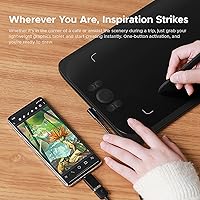
- Compatible with Android and Chromebook, which is uncommon at this price point and useful for students on non-traditional setups.
- Eight programmable shortcut keys meaningfully reduce keyboard dependency during active drawing sessions.
- Works out of the box with Photoshop, Illustrator, SAI, and CorelPainter without manual pressure sensitivity configuration.
- Tilt support on the stylus adds expressive control that is rarely found at this price in competing tablets.
- At under two pounds, this pen tablet is light enough to carry daily for classes or teaching sessions.
- The paper-like surface texture helps artists transitioning from traditional media adapt quickly without relearning muscle memory.
- Ranked among the top drawing tablets in its category with over 5,000 verified buyer ratings averaging 4.3 out of 5 stars.
Cons
- Driver software can lose shortcut key assignments after OS updates, requiring manual reconfiguration from scratch.
- Surface texture gradually smooths with heavy daily use, noticeably affecting the drawing feel over several months.
- The included nib supply is minimal — frequent users will need to purchase replacements sooner than expected.
- Pressure activation at extremely light touch levels can be inconsistent, complicating very delicate shading work.
- No carrying case or protective sleeve is included, which is a real oversight for students and mobile educators.
- Linux support is technically listed but unreliable in practice across less common distributions.
- Plastic construction feels noticeably budget-tier when handled alongside mid-range competing hardware.
- Not all Android drawing apps correctly recognize pressure sensitivity without manual configuration workarounds.
- The driver utility lacks depth and polish compared to the software ecosystems offered by Wacom or XP-Pen.
- Occasional connectivity issues on specific laptop configurations have been reported by a consistent minority of users.
Ratings
The UGEE M808 10x6 Inch Drawing Tablet has been evaluated by our AI rating system after analyzing thousands of verified global buyer reviews, with spam, bot-generated, and incentivized feedback actively filtered out. The scores below reflect an honest, balanced picture of where this pen tablet genuinely delivers and where it falls short — no inflated praise, no unfair criticism.
Value for Money
Stylus Performance
Active Area Size
Pressure Sensitivity
Driver & Software Setup
Build Quality & Materials
Surface Texture & Drawing Feel
Shortcut Keys
Compatibility & Connectivity
Portability & Form Factor
Nib & Stylus Durability
Software Compatibility
Unboxing & Included Accessories
Latency & Cursor Tracking
Suitable for:
The UGEE M808 10x6 Inch Drawing Tablet is a strong fit for anyone stepping into digital art for the first time and looking for a capable starting point without a steep financial commitment. Students taking illustration, graphic design, or animation courses will find the spacious active area and broad software compatibility genuinely practical for coursework across Photoshop, SAI, and Illustrator. Online teachers and educators who annotate slides or run live whiteboard sessions during remote classes will appreciate having a responsive, full-sized drawing surface that does not feel cramped mid-lesson. Artists who have spent years working with pencil and paper and are finally making the jump to digital will adapt quickly thanks to the textured surface and the natural feel of the battery-free stylus. It is also one of the few affordable options that works reliably with Android devices and Chromebooks, making it a viable choice for users who do not rely on a traditional Windows or Mac setup.
Not suitable for:
The UGEE M808 10x6 Inch Drawing Tablet is not the right tool for working professionals or advanced artists who depend on rock-solid driver stability, deep software integration, and premium build quality day in and day out. Illustrators who spend four or more hours drawing daily will likely encounter surface wear over time, and the included nib supply is too limited for that level of use without purchasing extras. Anyone whose workflow depends heavily on Linux will find compatibility inconsistent enough to cause real frustration. Buyers who need display functionality — meaning the ability to draw directly on a screen — should look elsewhere entirely, as this is a pen tablet without any display. If you are already using a mid-range or professional Wacom device and considering this as an upgrade, the overall hardware refinement and driver ecosystem will likely feel like a step backward rather than forward.
Specifications
- Active Area: The drawing surface measures 10x6.25 inches, providing ample room for broad strokes and detailed work without feeling restricted.
- Overall Dimensions: The tablet measures 13 x 8.27 x 0.1 inches in total, keeping the footprint compact enough for most desk setups.
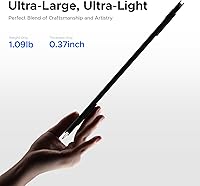
- Weight: The unit weighs 1.69 pounds, making it light enough to transport in a backpack for students or mobile educators.
- Pressure Sensitivity: The tablet uses 16K-level sensor technology delivering 8192 levels of pressure sensitivity for nuanced control over line weight and opacity.
- Stylus Type: The included stylus is fully battery-free and supports tilt recognition, requiring no charging or battery replacement during use.
- Shortcut Keys: Eight fully programmable shortcut keys are built into the tablet body, each assignable to custom functions via the driver software.
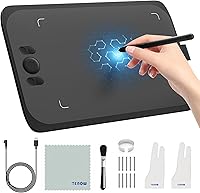
- Connectivity: The tablet connects via a USB-C port and ships with a USB-A to USB-C cable, compatible with most modern laptops and Android devices.
- Compatible OS: Supported operating systems include Windows 7 and later, Mac OS 10.10 and later, Android 6.0 and later, Chrome OS 88 and later, and Linux.
- Software Support: The tablet works with major creative applications including Adobe Photoshop, Adobe Illustrator, Clip Studio Paint, SAI, CorelPainter, and ibis Paint.
- Surface Texture: The drawing surface has a paper-like matte finish that provides tactile resistance, mimicking the feel of pencil or pen on paper.
- Interface: The tablet communicates with host devices over a standard USB interface via the included USB-A to USB-C cable.
- Model Number: The official model designation is M808 Standard, manufactured by UGEE.
- Release Date: The M808 Standard was first made available in December 2023.
- Market Ranking: The tablet holds a Best Sellers Rank of number 58 in the Computer Graphics Tablets category on Amazon at time of review.
- Nib Compatibility: The stylus uses standard replacement nibs; a small set of spare nibs is included in the box, with additional nibs available separately.
- Power Source: The tablet is bus-powered entirely through the USB connection and requires no external power adapter or batteries for either the tablet or the stylus.
Related Reviews
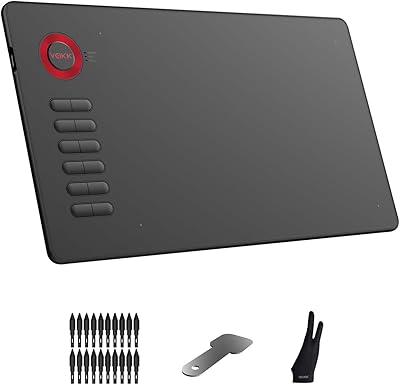
VEIKK A15 10x6 Drawing Tablet
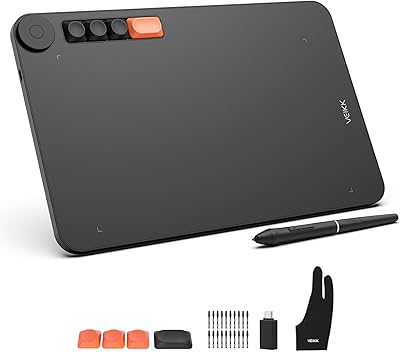
VEIKK Voila L 10x6 Graphics Drawing Tablet
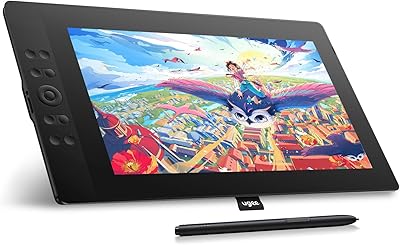
UGEE UE16 15.4-inch Pen Display
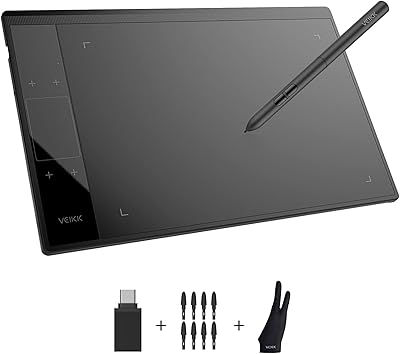
VEIKK A30 V2 Drawing Tablet
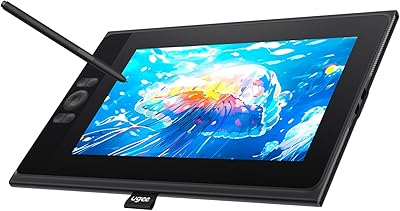
UGEE UE12 11.6-inch Pen Display Tablet
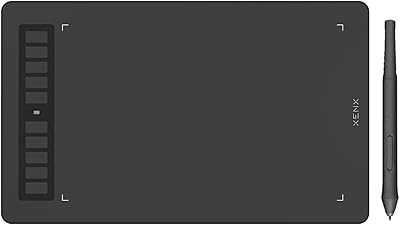
XENX P3-1060B 10x6 Drawing Tablet
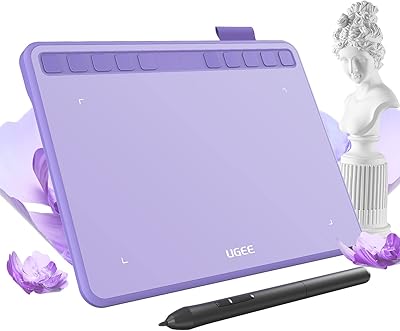
Ugee S640 Drawing Tablet
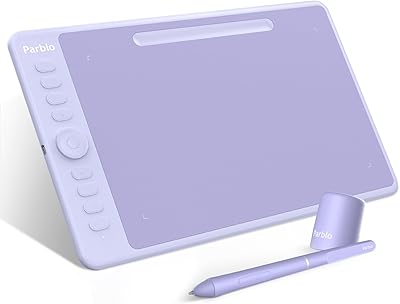
Parblo Intangbo M 10x6 Drawing Tablet
GAOMON PD2200 21.5-inch Pen Display Tablet