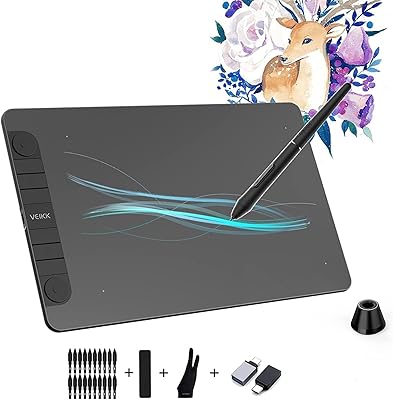
Acepen AP-901 9x6 Drawing Tablet
Overview
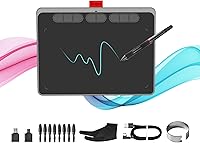
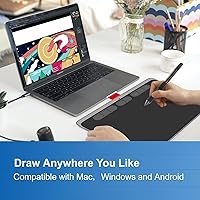
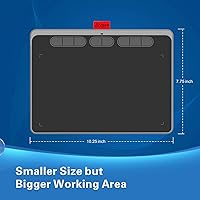
The Acepen AP-901 9x6 Drawing Tablet enters a crowded budget market with enough going for it to make beginners and hobbyists take notice. Its 9x6-inch active area hits a practical sweet spot — generous enough for real creative work, compact enough to slip into a bag without a second thought. Plug it into a USB port on your Mac or Windows machine and it is recognized almost immediately, with no elaborate setup ritual required. For online teachers wanting to annotate lessons or students just starting their digital art journey, this pen tablet offers a solid starting point without demanding a serious financial commitment.
Features & Benefits
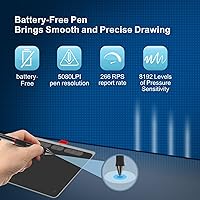
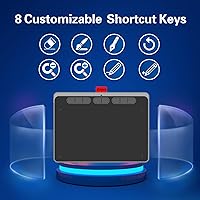
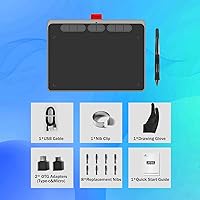
The battery-free stylus is one of the first things you notice — it is lighter than you would expect and never needs charging, which means you will not find yourself mid-sketch with a dead pen. At 8192 levels of pressure sensitivity, the Acepen tablet responds to subtle changes in hand pressure so that thin lines and bold strokes come naturally as you build confidence. The ±60° tilt response is a nice touch, letting you shade and blend in ways that fixed-angle styluses simply cannot. Eight programmable hotkeys sit along the side, ready to map your most-used shortcuts, and the drawing surface itself has a slightly textured, paper-like feel that reduces slipping during long sessions.
Best For
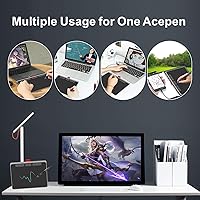
This drawing tablet makes the most sense for people who are just stepping into digital art and want to practice without putting serious money on the table. It is a natural fit for online educators and remote teachers who need a reliable way to write or annotate over slides during live sessions — the pressure-sensitive pen makes handwritten notes look far more natural than a mouse ever could. Design students who want something portable to sketch concepts between classes will find the compact footprint genuinely useful. Photo editors curious about brush-based retouching can also test the waters here without committing to a more expensive setup. Casual hobbyists into hand-lettering or digital journaling will feel right at home.
User Feedback
With just over 90 ratings and a 4.2-star average, the sample size here is modest enough that trends should be taken as directional rather than definitive. That said, the most consistent praise centers on how intuitive setup feels — most users report being up and running within minutes without hunting for obscure drivers. Value for the price is another recurring compliment. On the flip side, a handful of buyers mention the driver installation process causing initial headaches, particularly on certain Windows configurations, and customizing the hotkeys takes some trial and error before it clicks. A few longer-term users flag questions about build durability over months of daily use, which is worth keeping in mind if this is intended as a daily workhorse rather than an occasional tool.
Pros
- The battery-free stylus never needs charging, so your creative flow is never interrupted mid-session.
- 8192 levels of pressure sensitivity give beginners genuine line control well above what this price tier typically delivers.
- Plug-and-play USB setup means most users are drawing within minutes on both Mac and Windows.
- The 9x6-inch active area is roomy enough for real illustration work without overwhelming a small desk.
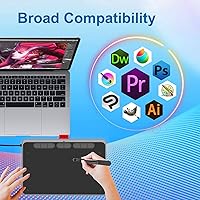
- Broad compatibility with Photoshop, GIMP, Clip Studio Paint, and SAI covers the tools most beginners actually use.
- The Acepen tablet is light enough to carry daily without adding noticeable weight to a laptop bag.
- Eight programmable hotkeys let you build a personalized shortcut layout as your workflow matures.
- The matte drawing surface has a subtle paper-like texture that helps with control during detailed linework.
- Tilt response up to ±60 degrees adds shading capability that most tablets at this price simply omit.
- A one-year warranty and lifetime customer support offer a reasonable safety net for first-time buyers.
Cons
- Driver installation can be unexpectedly complicated on certain Windows setups, particularly if other tablet drivers are already installed.
- The hotkey remapping software has a learning curve that feels steep for a product aimed squarely at beginners.
- The plastic body construction raises reasonable questions about how well this pen tablet holds up under daily use beyond the first year.
- No carrying case or protective pouch is included, which is a missed opportunity for a product marketed toward students on the go.
- Cursor-to-pen mapping can feel compressed when paired with larger or multi-monitor displays without manual driver adjustments.
- The stylus body is on the slimmer side and may feel uncomfortable during extended sessions for users with larger hands.
- Custom hotkey mappings have been reported to reset unexpectedly after driver updates, which disrupts established workflows.
- Mobile compatibility exists but is noticeably less polished and reliable than the desktop experience.
- There is no eraser nub on the tail of the pen, which is a small but real inconvenience for users accustomed to that gesture.
- Included documentation is minimal, leaving less confident users without clear guidance when setup issues arise.
Ratings
The Acepen AP-901 9x6 Drawing Tablet has been put through a rigorous AI-driven analysis of verified global user reviews, with spam, bot activity, and incentivized feedback actively filtered out to ensure the scores below reflect genuine buyer experiences. Across categories ranging from pen performance to long-term durability, both the standout strengths and the real friction points are surfaced transparently. Whether you are a first-time digital artist or a teacher looking for a reliable annotation tool, this breakdown gives you an honest picture of what to expect.
Pen Pressure Sensitivity
Stylus Comfort & Usability
Active Area Size
Driver Installation & Setup
Hotkey Customization
Tilt Response
Drawing Surface Texture
Build Quality & Durability
Software Compatibility
Value for Money
Portability
Lag & Tracking Accuracy
Ease of Use for Beginners
Warranty & Customer Support
Suitable for:
The Acepen AP-901 9x6 Drawing Tablet is a genuinely practical choice for anyone stepping into digital art for the first time and wanting a capable tool without an intimidating price tag. Students in design or illustration programs will appreciate the portable form factor — it fits comfortably alongside a laptop in any bag and works reliably on both Windows and macOS without fuss. Online educators and remote teachers who need to handwrite annotations, mark up slides, or demonstrate concepts live during video calls will find the pressure-sensitive pen far more expressive than a mouse, making lessons feel more natural and engaging. Casual hobbyists who enjoy digital journaling, hand-lettering, or light sketching will have more than enough active area and pen precision to keep their practice moving forward. Photo editors curious about brush-based retouching in Photoshop or GIMP can also use this pen tablet as a low-risk entry point before deciding whether to invest in something more advanced.
Not suitable for:
The Acepen AP-901 9x6 Drawing Tablet is not the right tool for professional illustrators or digital artists who depend on consistent, high-precision performance across long daily sessions. Users who have already worked on mid-range tablets from established brands will likely notice the difference in overall build refinement, driver stability, and long-term durability — the plastic chassis and occasional driver quirks are real trade-offs that experienced users will find harder to overlook. Anyone planning to use the tablet as their primary professional tool for client work, animation, or detailed concept art should budget for something with a stronger reliability track record. If you rely heavily on wireless freedom in your workspace, this drawing tablet's USB-only connection will feel limiting. Similarly, users who switch frequently between niche or less mainstream creative applications may run into compatibility gaps that require manual driver workarounds — which can be frustrating if you just want to open the software and get to work.
Specifications
- Active Area: The drawing surface measures 9x6 inches, providing enough working space for comfortable illustration, annotation, and design work on most standard monitor setups.
- Dimensions: The overall tablet body measures 6 x 9 x 0.01 inches, making it slim enough to slide into most laptop bags without adding noticeable bulk.
- Weight: The tablet weighs 1.54 pounds, keeping it light enough for daily transport between home, class, or a remote teaching setup.
- Pen Pressure: The included stylus supports 8192 levels of pressure sensitivity, enabling nuanced control over line weight and brush opacity across compatible creative software.
- Tilt Response: The stylus recognizes tilt angles up to ±60 degrees, allowing natural shading and blending gestures in applications that support tilt-based brush behavior.
- Stylus Type: The pen is fully battery-free, drawing power passively from the tablet itself so it never needs charging and is always ready to use.
- Hotkeys: Eight programmable shortcut keys are built into the tablet body, each fully remappable through the driver software to suit individual creative workflows.
- Connectivity: The tablet connects to a host computer via a standard USB cable, with no Bluetooth or wireless connection option available.
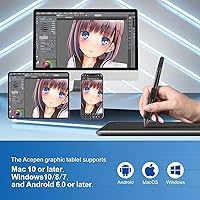
- Compatible OS: The tablet officially supports Windows and macOS operating systems, covering the majority of desktop and laptop environments used by students and creative professionals.
- Software Support: Compatible applications include Photoshop, GIMP, Clip Studio Paint, Sketchbook, SAI, Illustrator, Medibang Paint, Artflow, Pen Up, and Bamboo Paper, among others.
- Model Number: The official model identifier for this tablet is AP-901, as designated by the manufacturer Acepen.
- Brand: This tablet is manufactured and sold by Acepen, a brand focused on producing accessible drawing hardware for entry-level and hobbyist users.
- Surface Texture: The drawing surface features a matte, slightly textured finish designed to mimic the resistance of paper and improve pen control during detailed linework.
- Warranty: Acepen provides a one-year limited warranty covering manufacturing defects on the tablet hardware from the date of purchase.
- Customer Support: The manufacturer offers lifetime customer support, meaning buyers can contact Acepen for technical assistance beyond the standard warranty period.
- Market Rank: This tablet holds a Best Sellers Rank of #288 in the Computer Graphics Tablets category on Amazon, reflecting a solid presence in the entry-level segment.
- Overall Rating: The tablet carries an average user rating of 4.2 out of 5 stars based on approximately 91 verified ratings at the time of this review.
- Release Date: The AP-901 was first made available for purchase in June 2023, making it a relatively recent entry in Acepen's product lineup.
Related Reviews
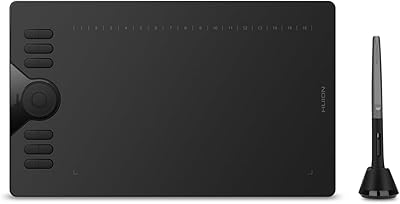
HUION HS610 Graphics Drawing Tablet
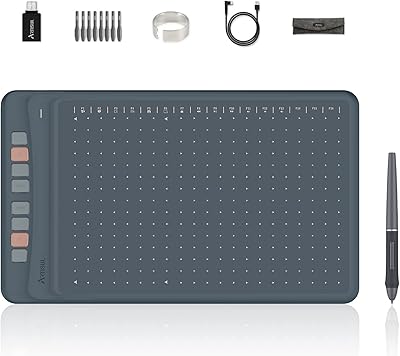
Artisul A1201 Drawing Tablet
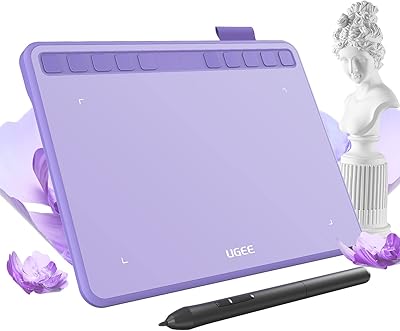
Ugee S640 Drawing Tablet
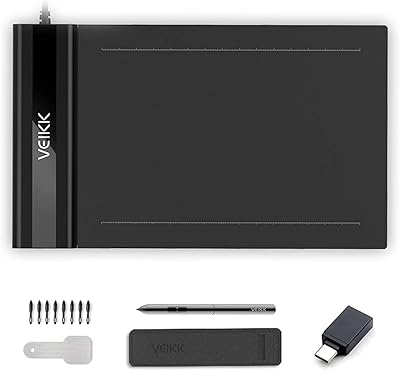
VEIKK S640 6x4 Drawing Tablet
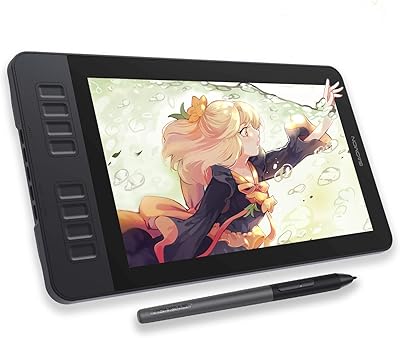
GAOMON PD1161 11.6-inch Pen Display Tablet
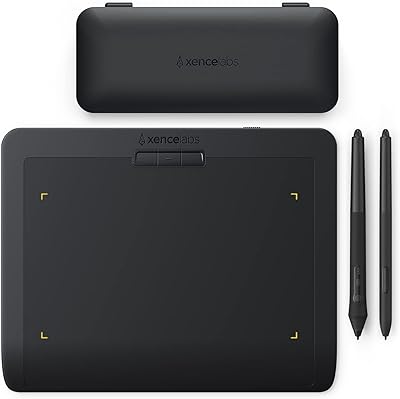
XENCELABS Pen Tablet Small Drawing Tablet
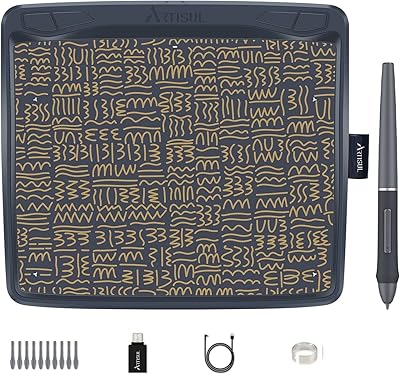
Artisul A801 Drawing Tablet
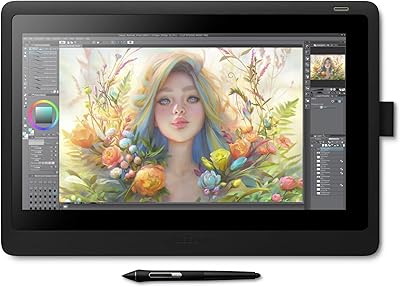
Wacom Cintiq 16 Pen Display Tablet
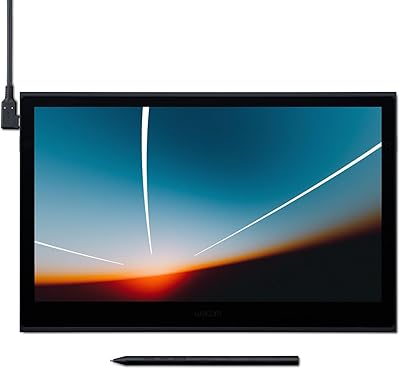
Wacom Movink 13 OLED Pen Display