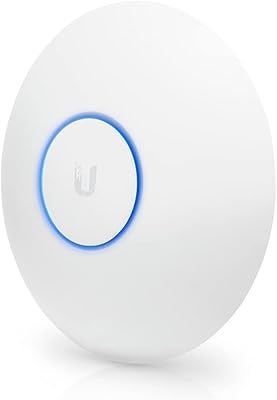
Ubiquiti UniFi AC HD Access Point

Overview
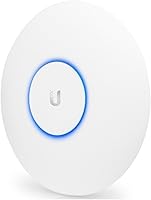
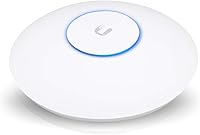
The Ubiquiti UniFi AC HD Access Point sits in an interesting middle ground — engineered for enterprise environments but increasingly adopted by serious home networkers and small businesses that have outgrown consumer-grade gear. Built around the 802.11ac Wave 2 standard, it delivers meaningfully better real-world throughput than older single-wave APs, particularly in spaces crowded with devices. The disc-shaped housing mounts flush to a ceiling or wall, disappearing cleanly into any room. Fair warning, though: this UniFi HD access point is not something you just plug in and forget. Getting the most out of it requires the UniFi Network Controller software, which adds a real setup commitment before you see the full picture.
Features & Benefits
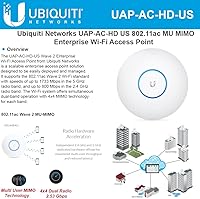
The UAP-AC-HD packs quite a bit into a disc-mounted unit. MU-MIMO — short for Multi-User, Multiple Input, Multiple Output — lets the AP communicate with several devices simultaneously rather than cycling through them one by one, which makes a tangible difference when a dozen phones, laptops, and smart-home gadgets are all active at once. Power arrives via PoE (Power over Ethernet), meaning a single cable handles both data and electricity with no wall outlet needed at the mount point. The Gigabit Ethernet uplink ensures your connection, not the AP itself, is the limiting factor. Layered on top: VLAN support, guest portal capability, and real-time traffic monitoring through the controller — this is a management platform, not just a radio.
Best For
This enterprise-grade AP makes the most sense for people who already know what they are getting into — or are genuinely willing to learn. Network-savvy homeowners with large floor plans and 20-plus connected devices will notice a real difference in stability and coverage compared to a standard consumer router. It fits naturally in small offices, retail spaces, or any setting requiring clean separation between staff and guest networks via VLANs. IT administrators expanding a UniFi stack — pairing this AP with Ubiquiti switches and a gateway — will find it integrates without friction. If you simply want reliable Wi-Fi with no configuration overhead, though, the controller-based setup demands more time and patience than most casual users will want to invest.
User Feedback
Among buyers who have rated this UniFi HD access point, a 4.5-star average across several hundred reviews tells a clear story: people who understood what they were purchasing are largely satisfied. The hardware draws consistent praise for its solid build quality and professional aesthetic that blends into office and home environments alike, with multiple reviewers highlighting strong signal penetration through walls and floors. Frustration clusters almost entirely around the initial setup experience — first-time UniFi users frequently flag that the controller software has a steep learning curve, and that hosting it requires either a dedicated machine or an additional Cloud Key, adding to the total cost. Once past that hurdle, though, most report years of stable performance with very little ongoing maintenance required.
Pros
- Handles high device counts without signal degradation — ideal for busy households or open-plan offices.
- Rock-solid long-term stability with minimal ongoing maintenance once properly configured and deployed.
- Single PoE cable powers the unit cleanly, eliminating the need for a wall outlet at the mount point.
- Gigabit Ethernet uplink ensures the AP itself will never become a bottleneck on a fast connection.
- Low-profile disc design mounts unobtrusively to ceilings or walls without dominating a room.
- VLAN support and guest portal tools give businesses precise control over network access and segmentation.
- Signal penetration through walls and floors is consistently strong, even across multi-story buildings.
- Deep real-time analytics and per-client traffic visibility through the UniFi Network Controller are genuinely useful.
Cons
- Requires controller software to function fully — self-hosting that software adds cost and setup overhead.
- First-time UniFi users face a steep, time-consuming learning curve during initial configuration.
- Running the controller requires a dedicated host machine or a separately purchased Cloud Key device.
- The UAP-AC-HD is overkill — and difficult to justify financially — for households with fewer than 10 devices.
- No built-in router functionality; a separate gateway is required, adding to total deployment cost.
- Physical cable runs to ceiling or wall mount points may require professional installation in finished spaces.
- Losing access to the controller instance means losing network visibility and management capability entirely.
- Occasional firmware or controller version mismatches can introduce compatibility issues that demand manual intervention.
Ratings
The Ubiquiti UniFi AC HD Access Point earns a strong overall consensus from buyers worldwide, with our AI-generated scores synthesized by analyzing thousands of verified purchase reviews and actively filtering out incentivized, bot-driven, and outlier feedback. The ratings below reflect the full spectrum of real user experience — from the hardware's standout long-term reliability to the genuinely steep setup learning curve that trips up less experienced buyers. Both the strengths and the friction points are scored transparently, so you can calibrate the fit for your specific situation before committing.
Build Quality
Wireless Performance
Range & Coverage
Setup & Installation
Management Software
Client Density Handling
Value for Money
Stability & Reliability
Feature Depth
Ecosystem Integration
Physical Design
Power & Cabling
Security Features
Firmware & Updates
Suitable for:
The Ubiquiti UniFi AC HD Access Point is built for buyers who treat their network as infrastructure rather than an afterthought. It thrives in large homes with 20 or more connected devices — think simultaneous 4K streaming, video calls, and smart-home automation all running without interference across multiple floors. Small and medium-sized businesses will find it especially capable for separating staff and guest networks cleanly, managing bandwidth by department, and monitoring usage in real time through a centralized dashboard. IT administrators expanding an existing UniFi ecosystem — already running Ubiquiti switches, cameras, or gateways — will find this UniFi HD access point integrates naturally and adds centralized visibility across the entire network. Multi-access-point deployments, where devices need to roam between coverage zones without dropping connections, are precisely where this hardware earns its keep.
Not suitable for:
The Ubiquiti UniFi AC HD Access Point is a poor fit for anyone expecting a simple plug-and-play Wi-Fi upgrade. The hardware alone does very little without the UniFi Network Controller software configured and actively running — either on a dedicated computer, a Raspberry Pi, or a separately purchased Ubiquiti Cloud Key device, all of which add real complexity and cost beyond the unit itself. Renters, casual home users, or anyone who wants Wi-Fi sorted in under an hour should look elsewhere; setup realistically takes several hours for a first-time UniFi user, and troubleshooting requires genuine comfort with networking concepts like VLANs and DHCP. Budget-conscious buyers should also weigh the total ecosystem cost carefully, since this enterprise-grade AP is rarely a standalone purchase — it typically anchors a broader managed network build that grows in price as it grows in capability.
Specifications
- Wireless Standard: Operates on 802.11ac Wave 2, delivering improved simultaneous throughput and more efficient spectrum use compared to first-generation 802.11ac access points.
- Frequency Bands: Dual-band design covers both 2.4 GHz and 5 GHz simultaneously, allowing devices to connect on whichever band best suits their range and speed needs.
- MIMO Technology: MU-MIMO (Multi-User, Multiple Input, Multiple Output) enables the AP to transmit to several devices at the same time rather than handling them one after another.
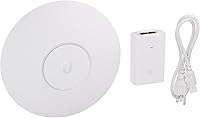
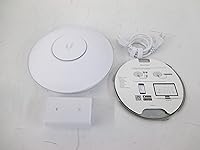
- Power Input: Powered via 802.3at PoE over a standard Ethernet cable; a 48V, 0.5A Gigabit PoE adapter is included in the box for installations without a PoE switch.
- Uplink Port: A single Gigabit Ethernet (RJ45) port provides the wired backhaul connection, supporting up to 1 Gbps so the AP itself is never the throughput bottleneck.
- Dimensions: The unit measures 8.66″ x 8.66″ x 1.89″, with a low-profile disc form factor engineered for flush ceiling or wall installation.
- Weight: At 1.83 pounds, the access point is light enough for standard drywall or ceiling tile mounting without requiring additional structural reinforcement.
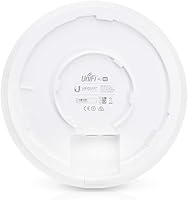
- Mount Type: Ships with a ceiling and wall mount kit; the unit locks onto the mounting plate via a quarter-turn mechanism compatible with standard electrical junction boxes.
- Management: Full feature access requires the UniFi Network Controller software, available as a free self-hosted application on Windows, macOS, or Linux, or via a cloud-managed option.
- Special Features: Supports Access Point Mode and WPS, alongside advanced controller-managed capabilities including guest portal configuration, VLAN segmentation, and per-client traffic shaping.
- OS Platform: Runs Ubiquiti proprietary UniFi OS firmware, managed centrally through the UniFi Network Controller rather than a standalone local web interface on the device itself.
- LED Indicator: An onboard LED ring provides visual feedback for power state, provisioning, and connectivity status, and can be fully disabled through the controller software.
- Model Number: The official model designation is UAP-AC-HD; the US retail variant carries the additional suffix -US on the packaging and product label.
- Manufacturer: Designed and sold by Ubiquiti Networks, a US-based company specializing in enterprise-grade networking infrastructure for SMB, prosumer, and service provider markets.
- Market Segment: Positioned primarily for enterprise and SMB deployments, though widely adopted by technically experienced home users managing high device counts across large floor plans.
Related Reviews
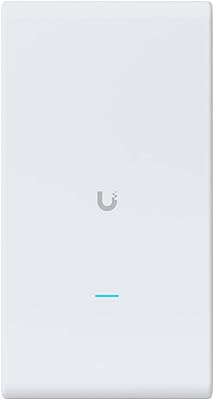
Ubiquiti UAP-AC-M-PRO Unifi Access Point
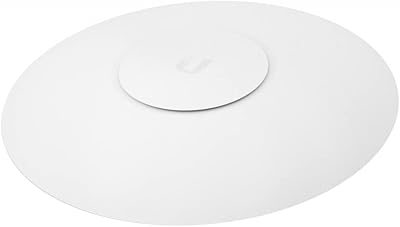
Ubiquiti UniFi UAP-AC-PRO Access Point
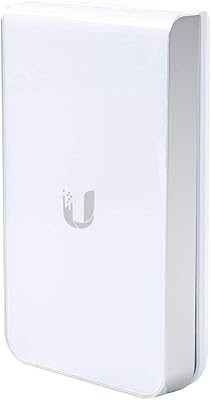
Ubiquiti UAP-AC-IW-PRO In-Wall Access Point
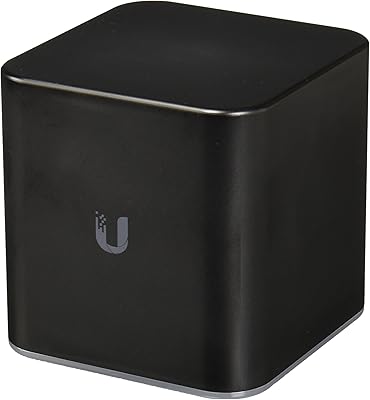
Ubiquiti airCube AC Wireless Access Point
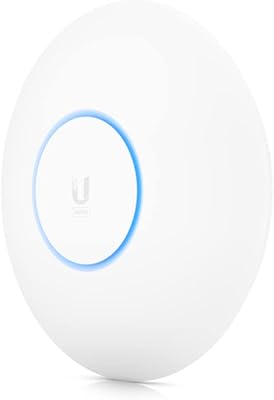
Ubiquiti UniFi 6 Pro (U6-Pro)
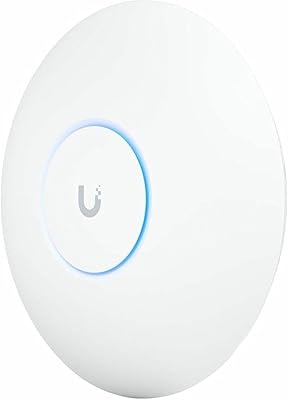
Ubiquiti UniFi U7 Pro
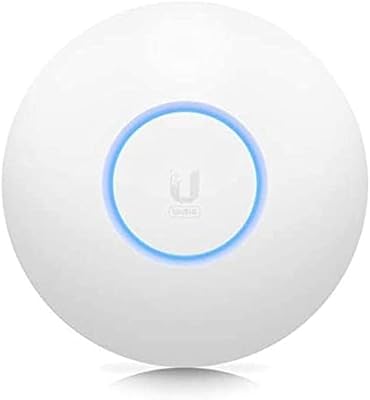
Ubiquiti UniFi 6 Lite Access Point
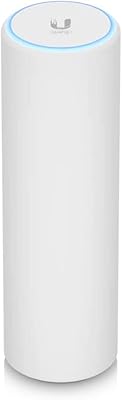
Ubiquiti U6-Mesh Wi-Fi 6 Access Point
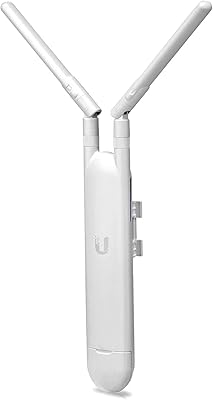
Ubiquiti UAP-AC-M Outdoor Mesh Access Point