Overview
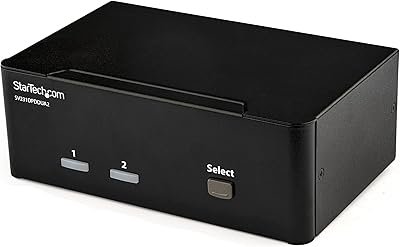
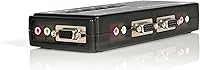
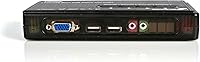
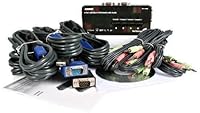
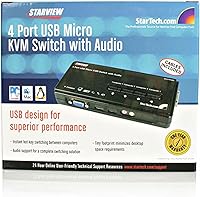
The StarTech SV411KUSB 4-Port USB KVM Switch has been around long enough to earn a real track record — and that staying power matters. This is a complete KVM kit, meaning it arrives with cables already in the box, which saves the extra sourcing step that catches buyers off guard with bare-switch alternatives. The video standard here is VGA, so it is worth being upfront: if you are expecting HDMI output, look elsewhere. For anyone still running older workstations or legacy hardware, VGA is perfectly adequate. Audio passthrough — covering both headphone and microphone signals — rounds out the package at a price tier where that feature is not always guaranteed.
Features & Benefits
The push-button port switching is genuinely convenient — press a button, you are on a different machine, no configuration required. There is no software to install and no hotkey mapping to remember, which makes initial deployment fast even for non-technical users. The bundled KVM cables are a real practical benefit; competing kits at this tier often leave you sourcing VGA and USB leads separately, adding both cost and hassle. Power comes directly from the USB bus, so no wall adapter is needed. The unit itself sits flat on your desk without requiring brackets or mounting hardware, keeping the overall footprint small and the setup clean.
Best For
This KVM kit is a natural choice for home lab enthusiasts who have accumulated two or three machines and want to stop manually swapping cables. IT professionals maintaining a small bench of test systems will find the plug-and-play setup saves real time day to day. Small offices with aging VGA monitors get more practical value here than upgrading to a pricier HDMI-based solution they do not yet need. Anyone who wants multi-PC control without touching device drivers is well served. The included cable bundle particularly benefits buyers who would otherwise spend extra assembling the right connectors — it is an all-in-one approach that keeps things straightforward from the start.
User Feedback
Sitting at 3.9 stars across nearly 300 ratings, the four-port switch earns consistent praise for how little friction the initial setup involves — buyers appreciate that everything they need arrives in the box. The recurring criticisms are worth taking seriously, though. VGA resolution limits disappoint users who have since moved to higher-resolution displays, and some report noticeable delays in USB device recognition when switching between ports. Audio switching works reliably for many, but enough users cite configuration-dependent inconsistencies to make it a qualified plus. Long-term durability is the most honest concern: a meaningful number of reviewers mention build quality degrading over time, so treat this as a solid mid-range option rather than a permanent infrastructure investment.
Pros
- Arrives as a complete kit with cables included, so you can set everything up the same day without extra purchases.
- Push-button switching is instant and requires zero software — genuinely plug-and-play out of the box.
- Controls up to four PCs from one keyboard, monitor, and mouse, cutting real desk clutter.
- Audio passthrough for both headphones and microphone is a meaningful bonus at this price tier.
- USB bus-powered operation means one fewer adapter and one fewer outlet occupied.
- The compact tabletop form factor fits easily on most desks without requiring mounting hardware.
- A long market track record and nearly 300 ratings give buyers a realistic picture of what to expect.
- StarTech is a reputable brand in connectivity hardware, and replacement support is generally accessible.
Cons
- VGA-only video output rules out compatibility with most modern monitors sold in the last several years.
- Some users report noticeable USB device recognition delays when switching between ports.
- Audio switching works inconsistently depending on PC configuration — not something you can count on universally.
- Build quality degrades for some users over time, raising questions about multi-year durability.
- Only two USB 2.0 ports limits peripheral connectivity compared to newer KVM options.
- No hotkey switching means you must physically reach for the unit every time you change machines.
- A subset of buyers have found the unit underwhelming when compared side by side with HDMI-based alternatives at similar price points.
- Windows-focused compatibility means non-Windows users may encounter untested edge cases.
Ratings
Based on AI analysis of verified global user reviews for the StarTech SV411KUSB 4-Port USB KVM Switch — with spam, bot-generated, and incentivized feedback actively filtered out — the scores below reflect an honest, balanced picture of where this KVM kit genuinely delivers and where it falls short. Strengths around setup simplicity and cable inclusivity are weighed alongside real frustrations with video standard limitations and long-term reliability, so buyers can make a fully informed decision.
Ease of Setup
Video Quality
Build Quality
USB Switching Reliability
Audio Passthrough
Value for Money
Cable Quality
Peripheral Compatibility
Software Independence
Power Convenience
Form Factor
Long-Term Durability
Market Longevity
Suitable for:
The StarTech SV411KUSB 4-Port USB KVM Switch is a practical fit for anyone managing two to four desktop computers from a single desk without wanting to deal with cable juggling every time they switch machines. Home lab users who run a personal workstation alongside a test box or server will get immediate value from the push-button switching and the included cable bundle. IT technicians maintaining a small bench of Windows machines will appreciate how quickly the whole setup comes together without driver installation or software configuration. Small offices that have not yet migrated to higher-resolution displays will find VGA entirely adequate for daily productivity tasks. If your priority is consolidating clutter and getting things working fast rather than chasing the latest display standard, this KVM kit delivers a dependable, no-nonsense solution.
Not suitable for:
The StarTech SV411KUSB 4-Port USB KVM Switch is a harder sell for anyone running modern monitors that rely on HDMI, DisplayPort, or USB-C — the VGA-only output is a firm ceiling that no workaround will fix cleanly. Creative professionals, developers working on high-resolution displays, or anyone running 1080p and above as a baseline will likely find the video signal a limiting factor. Buyers expecting rock-solid USB device recognition on every switch — particularly with complex peripherals like audio interfaces or drawing tablets — should know that delays and recognition hiccups are a documented frustration for a portion of users. If audio switching reliability is critical to your workflow, the inconsistency some users report across different PC configurations makes this a risky choice. Anyone building a setup intended to last five or more years would be better served by a newer unit with a modern video standard, since the aging hardware design of this StarTech switch is reflected in its mixed long-term durability feedback.
Specifications
- Brand: Manufactured by StarTech.com, a brand specializing in connectivity and infrastructure hardware.
- Model Number: The unit is identified by model number SV411KUSB.
- KVM Ports: Supports up to four computers via four USB KVM ports.
- Video Standard: Transmits video over VGA only; HDMI and DisplayPort connections are not supported.
- USB Ports: Includes two USB 2.0 ports for connecting keyboard and mouse peripherals.
- Audio Support: Passes both headphone output and microphone input signals between connected computers.
- Switching Method: Port selection is handled via physical push buttons on the unit; no hotkeys or software are required.
- Power Source: Draws power entirely from the USB bus, eliminating the need for a separate power adapter.
- Cables Included: Ships with a full set of KVM cables in the box, covering VGA and USB connections for all four ports.
- Dimensions: The unit measures 8.07 x 5.47 x 7.01 inches (length x width x height).
- Weight: The switch weighs 6.7 ounces, making it light enough to reposition easily on a desk.
- Mounting Type: Designed for tabletop placement; no rack-mount or under-desk bracket is included or required.
- Color: Available in black only.
- Operating System: Officially compatible with Windows; compatibility with other operating systems is not guaranteed by the manufacturer.
- Protection Rating: Carries an IP54 rating, indicating resistance to dust ingress and splash water from any direction.
- Contact Material: External housing and contact surfaces are constructed from plastic.
- Availability: The product has not been discontinued by the manufacturer as of the most recent listing data.
- User Rating: Holds a 3.9 out of 5 star average based on 287 customer ratings on Amazon.
Related Reviews
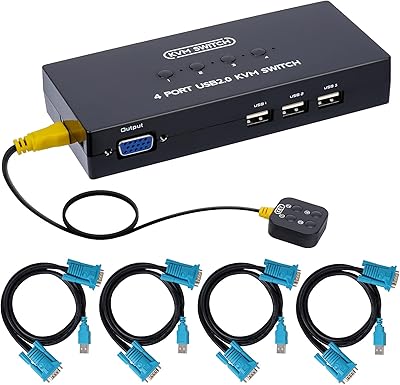
DGODRT KS204V 4-Port VGA KVM Switch

StarTech SV431HDU3A2 4-Port HDMI KVM Switch

DGODRT KS604H 4-Port HDMI KVM Switch
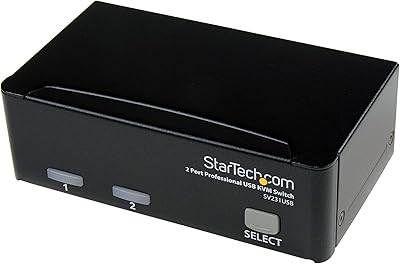
StarTech SV231USB 2-Port VGA USB KVM Switch
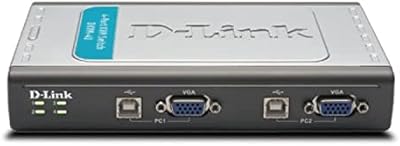
D-Link DKVM-4U 4-Port USB KVM Switch

Steetek STK-S7415H 4-Port HDMI KVM Switch
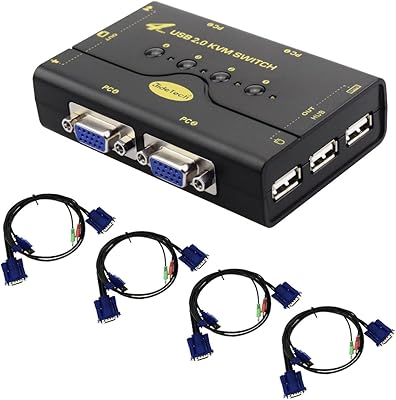
JideTech JD-41UA 4-Port VGA KVM Switch
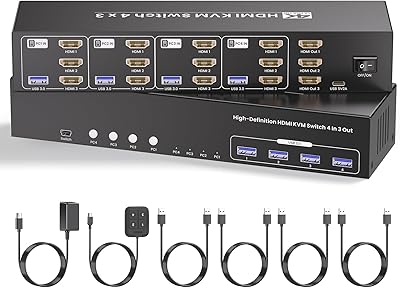
Scyniney 4-Port Triple-Monitor HDMI KVM Switch
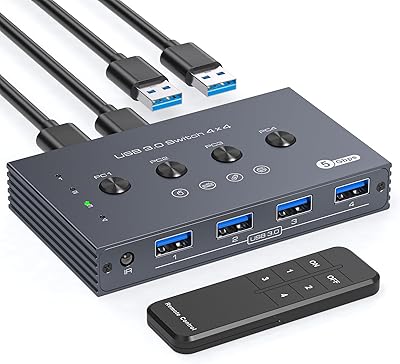
TJCXELE USB 3.0 Switch Selector 4-Port for 4 Computers