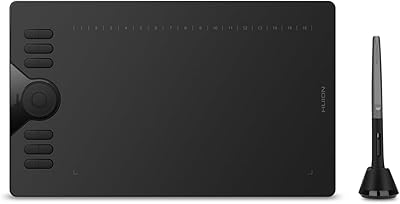
Simbans PicassoTab XL Standalone Drawing Tablet

Overview
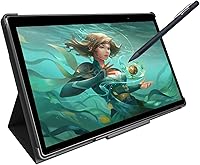
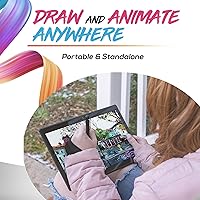
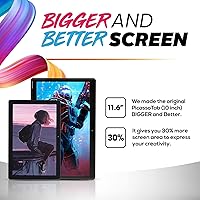
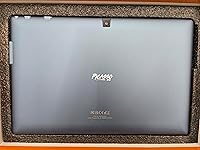
The Simbans PicassoTab XL Standalone Drawing Tablet is built around one straightforward idea: let artists draw wherever they want, without dragging a laptop or desktop into the equation. That independence is its strongest appeal. The 11.6-inch screen gives you a genuinely comfortable drawing surface — large enough to work with detail, compact enough to slip into a bag. Positioned in the mid-range price bracket, this Android drawing device sits below professional tools like Wacom's dedicated displays but well above passive sketch surfaces. Expectations should be set accordingly: it's a capable, beginner-friendly creative tool, not a replacement for a pro studio setup.
Features & Benefits
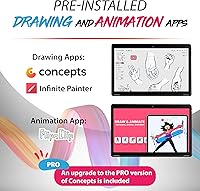
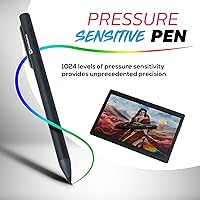
The 11.6-inch IPS touchscreen feels responsive and bright for everyday drawing, though it lacks the fully laminated surface found on higher-end tablets — you'll notice a faint gap between the pen tip and the line on screen. The included stylus supports 1024 pressure levels, which is half what professional alternatives offer, but enough to vary stroke weight naturally for beginner work. Android 11 comes preloaded with Concepts for vector drawing, Infinite Painter for brush-based work, and FlipaClip for frame-by-frame animation. The quad-core processor and 4GB of RAM handle these apps reasonably well on lighter projects; heavier files can slow things down. The 8000 mAh battery comfortably gets through a full day of casual drawing on a single charge.
Best For
The PicassoTab XL hits its sweet spot with young and beginner artists who want a dedicated creative device without the cost or complexity of a full computer setup. It works well as a school companion — portable enough for a backpack, with apps covering drawing, painting, and basic animation without extra downloads needed. Parents will appreciate that it stays focused on art rather than doubling as a general entertainment tablet. Aspiring animators in particular will find FlipaClip runs well on the larger canvas. For anyone still deciding whether digital art is worth pursuing seriously, this standalone drawing tablet offers a low-commitment way to explore the craft before committing to professional hardware.
User Feedback
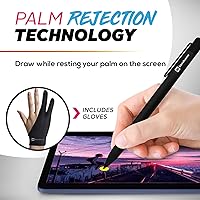
With over 1,500 ratings and a 4.2-star average, this Android drawing device earns generally positive marks from its target audience. Buyers consistently highlight the ease of setup and the fact that it works right out of the box with no software configuration required. The screen size gets particular appreciation from beginners who find smaller tablets too limiting. On the flip side, palm rejection is a recurring complaint — accidental marks from resting your hand on the screen frustrate a notable share of users. Some reviewers also flag stylus inconsistency over time, with precision degrading after extended use. App lag on complex, multi-layered projects comes up too. For beginners these trade-offs are largely acceptable; for anyone with more experience, they become harder to overlook.
Pros
- No computer required — the PicassoTab XL is fully self-contained and drawing-ready within minutes of unboxing.
- The 11.6-inch screen gives beginners a genuinely comfortable canvas that smaller budget tablets simply cannot match.
- Three preloaded apps cover illustration, natural-media painting, and frame-by-frame animation without any extra purchases.
- All-day battery life means students and hobbyists rarely need to hunt for a charger mid-session.
- Ultra-thin profile and reasonable weight make this Android drawing device easy to carry in a standard backpack.
- Micro-HDMI output lets users mirror their artwork to a TV or monitor for presentations or sharing with others.
- MicroSD expandability gives users a practical way to grow storage as project files accumulate over time.
- Zero-configuration setup removes the technical friction that often discourages first-time digital artists from getting started.
- The wide-angle IPS display stays readable from different viewing positions, which matters when sketching in varied environments.
Cons
- Palm rejection is inconsistent, leading to accidental marks that interrupt drawing flow on a regular basis.
- The non-laminated screen creates a visible gap between stylus tip and on-screen line, which affects precision work.
- Stylus nibs wear down faster than expected based on multiple user reports, adding a recurring maintenance cost.
- App performance degrades noticeably on multi-layer canvases, with lag interrupting creative momentum at the worst moments.
- Android OS blocks access to the most popular professional drawing software, limiting the device's long-term creative ceiling.
- Wi-Fi is restricted to 2.4GHz, making large app updates and cloud syncing slower than users expect from a modern device.
- Build quality concerns surface in longer-term reviews, particularly around port durability and button reliability after extended use.
- The 16:9 aspect ratio feels awkward for portrait-oriented artwork, which is the natural orientation for many beginner sketch styles.
Ratings
The Simbans PicassoTab XL Standalone Drawing Tablet has been scored by our AI system after analyzing verified buyer reviews from global markets, with spam, bot-generated, and incentivized feedback actively filtered out. The scores below reflect the honest consensus of real users — beginners, students, hobbyist animators, and gift-givers — capturing both what this device genuinely does well and where it falls short. Nothing has been softened to protect the product's image.
Portability & Form Factor
Stylus Performance
Display Quality
App Ecosystem
Performance & Speed
Build Quality & Durability
Battery Life
Value for Money
Ease of Setup
Screen Size for Drawing
Connectivity Options
Preloaded Drawing Tutorials
Storage & Expandability
Camera Utility
Suitable for:
The Simbans PicassoTab XL Standalone Drawing Tablet is genuinely well-matched to beginners and younger artists who want to explore digital creativity without the overhead of a computer setup. If you're a parent searching for a focused creative gift that won't double as a YouTube-browsing device, this standalone drawing tablet fits that brief — the preloaded apps keep the experience art-centered from the moment it's unboxed. Students who want to sketch character designs, annotate visual projects, or experiment with basic animation for school will find the 11.6-inch screen and included apps more than adequate for those tasks. Hobbyist animators specifically benefit from having FlipaClip running on a larger display, making frame-by-frame work far less cramped than it would be on a phone or small tablet. Anyone who has been curious about digital art but isn't ready to invest in a full Wacom-and-desktop setup will find the PicassoTab XL a low-risk, self-contained way to genuinely test the waters.
Not suitable for:
The Simbans PicassoTab XL Standalone Drawing Tablet is not the right call for anyone who already has intermediate or advanced drawing experience and expects professional-grade tools. The 1024-level stylus falls noticeably short compared to 4096-level pens found on competing devices, and users who rely on precise pressure control for detailed illustration or concept art will hit that ceiling quickly. Android's app ecosystem, while functional, locks out tools like Procreate entirely and offers only limited versions of software like Clip Studio Paint — a real constraint for anyone with specific software preferences. The processor and 4GB of RAM are adequate for light use but become a bottleneck on multi-layer projects, meaning artists who work on complex compositions will encounter lag at inconvenient moments. If you're already committed to digital art as a serious practice and have a computer available, a dedicated pen display or a professional-tier tablet will serve you significantly better at a comparable or only moderately higher investment.
Specifications
- Screen Size: The tablet features an 11.6″ IPS capacitive touchscreen with a 16:9 aspect ratio, offering wide viewing angles and consistent color across the drawing surface.
- Processor: Powered by a quad-core MediaTek MTK8175 processor running at 2GHz per core, handling everyday drawing tasks and light multitasking on Android.
- RAM: 4GB of DDR4 RAM is installed, which supports smooth operation for single-layer drawing sessions and light app use.
- Storage: Internal storage is 64GB, expandable up to 128GB via a microSD card slot for users who accumulate larger project files over time.
- Operating System: Runs Android 11 out of the box, giving access to the Google Play Store and a broad range of Android-compatible creative applications.
- Pen Pressure: The included stylus supports 1024 levels of pressure sensitivity, providing basic pressure variation suitable for beginner illustration and sketching.
- Battery: An 8000 mAh battery powers the device, delivering a full day of casual drawing and app use on a single charge under typical conditions.
- Front Camera: A 5MP front-facing camera is built in, suitable for video calls or basic reference photo capture in well-lit environments.
- Rear Camera: An 8MP rear camera allows users to photograph physical sketches or real-world references to import into drawing applications.
- Connectivity: Supports Wi-Fi (IEEE 802.11b/g/n on 2.4GHz), Bluetooth, and GPS, enabling wireless app updates, peripheral connections, and location services.
- Ports: The device includes a Micro-HDMI port, USB Type-C port, 3.5mm audio jack, and a microSD card slot for flexible input and output options.
- Dimensions: Physical dimensions measure 11.02 x 7.09 x 0.39 inches, keeping the profile slim enough for comfortable bag storage and one-handed transport.
- Weight: The tablet weighs 3.32 pounds, which is manageable for desk use and short carry sessions but noticeable during extended handheld drawing.
- Preloaded Apps: Concepts, Infinite Painter, and FlipaClip come preinstalled, covering vector illustration, brush-based painting, and frame-by-frame animation respectively.
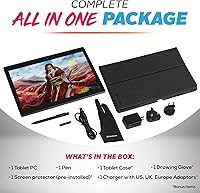
- Stylus Power: The stylus requires one AAA battery, which is included in the box, so the device is fully ready to use immediately after unboxing.
- Display Type: The IPS touchscreen supports multi-touch input and capacitive touch response, allowing both stylus and finger-based interaction across the full screen.
- Brand & Model: Manufactured by Simbans under the model designation PCXL, this device was first made available in January 2022.
Related Reviews
Simbans PicassoTab A12 12″ Standalone Drawing Tablet
PicassoTab X11 11-inch Standalone Drawing Tablet
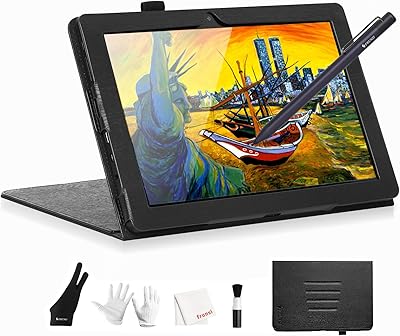
Frunsi T8 8-inch Standalone Drawing Tablet
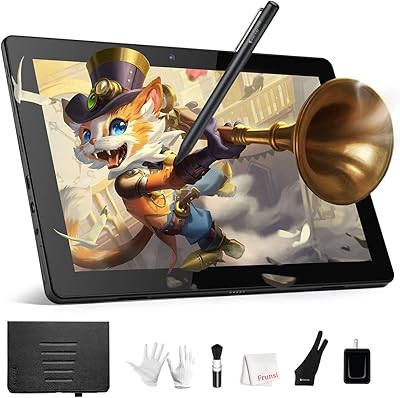
Frunsi RubensTab T11 Pro Drawing Tablet
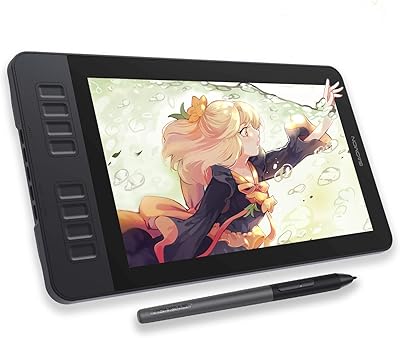
GAOMON PD1161 11.6-inch Pen Display Tablet
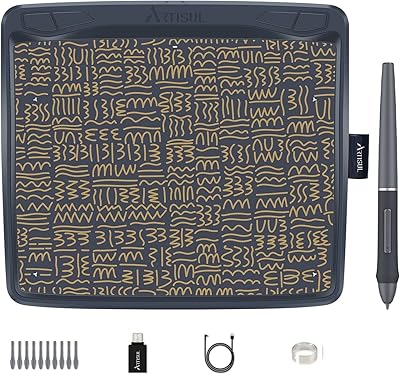
Artisul A801 Drawing Tablet
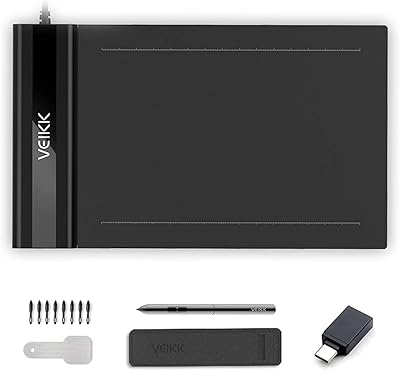
VEIKK S640 6x4 Drawing Tablet
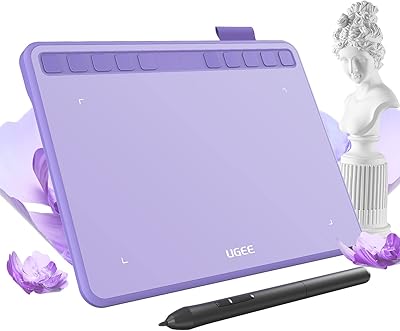
Ugee S640 Drawing Tablet
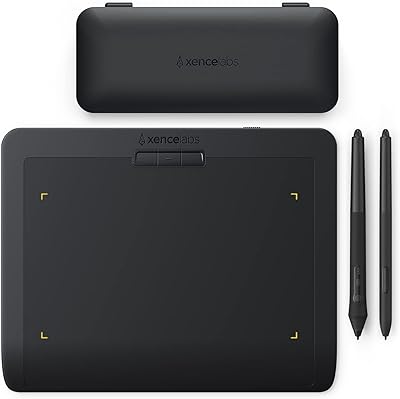
XENCELABS Pen Tablet Small Drawing Tablet