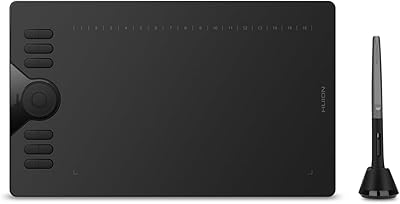
Simbans PicassoTab A12 12″ Standalone Drawing Tablet
Overview
The Simbans PicassoTab A12 12″ Standalone Drawing Tablet arrived in June 2025 as one of the few Android-based art tablets built to work entirely without a computer. Simbans has carved out a niche making accessible Android tablets for creative users, and this release sits in the mid-range tier — not a budget throwaway, but nowhere near the territory of a Wacom Cintiq or iPad Pro. Landing top 100 in Computer Graphics Tablets shortly after launch signals decent early interest. Honest expectations matter: the A12 is built for beginners and hobbyists, not professional illustrators who depend on desktop-grade software pipelines.
Features & Benefits
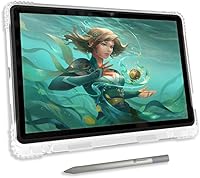
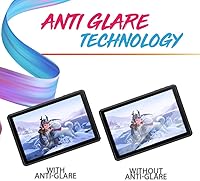
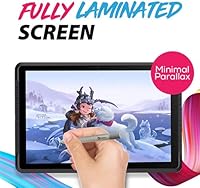
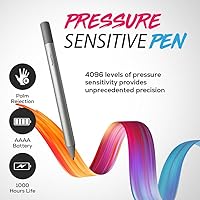
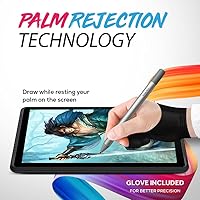
The 12-inch laminated display is arguably the A12’s strongest asset. Full HD resolution at 2000×1200 paired with an anti-glare coating gives the surface a matte, paper-like quality that eases eye strain and keeps glare at bay. Because the panel is fully laminated, there’s no gap between glass and pixels, so your stylus lands exactly where it looks like it should — a real help when sketching fine details. The 4096-level pressure stylus meets the current industry standard, giving you genuine control over stroke weight and line variation. The octa-core processor and 6GB of RAM handle Concepts and Infinite Painter without obvious stuttering, while 128GB of onboard storage and a micro-SD slot add breathing room for large art files.
Best For
The PicassoTab A12 makes the most sense for people who want to start drawing digitally without building a separate computer setup. Students and self-taught artists will appreciate the Artixo tutorial app alongside pre-loaded access to Concepts and Infinite Painter — it’s a ready-to-draw package from day one. Parents shopping for a dedicated creative tool for a teenager will find the standalone Android approach reassuring; no shared laptop required. Travelers should factor in the weight: at just under four pounds, this standalone drawing tablet is more substantial than most tablets its size, making it better suited for a desk or backpack commute than ultralight travel.
User Feedback
Because the A12 launched in mid-2025, the pool of verified buyer reviews is still limited, so early sentiment is best treated as a rough signal. Initial buyers frequently praise the out-of-the-box experience — unboxing and drawing within minutes, no configuration needed — along with the generous screen size. Where opinions cool is the Android ecosystem: artists coming from iPadOS note that certain professional illustration apps are absent or significantly weaker on Android. A few reviewers flag occasional stylus lag during complex, brush-heavy scenes. Build quality impressions are mixed; the plastic body satisfies some buyers while others expected a more solid feel for the price point.
Pros
- The fully laminated, anti-glare 12-inch screen reduces parallax noticeably and makes stylus placement feel accurate and natural.
- No computer required — the A12 works entirely on its own, which is a genuine convenience for beginners.
- 4096 levels of pressure sensitivity meets the current standard and gives real control over line weight during sketching.
- Bundled access to Concepts and Infinite Painter means you are not hunting for drawing apps on day one.
- 128GB of built-in storage, expandable via micro-SD up to 1TB, is generous for an art-focused tablet at this price.
- The Artixo tutorial app provides structured, beginner-friendly guidance rather than leaving new users to figure things out alone.
- An 8000mAh battery comfortably covers a full day of drawing sessions without needing a charger nearby.
- Android 15 keeps the software foundation current and supports a broad range of creative and utility apps from the Play Store.
- USB-C charging and connectivity adds everyday convenience and keeps cable clutter manageable.
Cons
- The Android app ecosystem has real gaps for professional illustration; several top-tier desktop drawing tools have no Android equivalent.
- At just under four pounds, this standalone drawing tablet is heavier than many buyers expect from a portable device.
- Stylus latency can become noticeable during complex, brush-heavy scenes, which may frustrate detail-oriented artists.
- Build quality uses plastic construction that some buyers find underwhelming relative to the mid-range asking price.
- The Artixo tutorial content may feel too introductory for anyone who already has a basic foundation in drawing.
- Long-term software update support from Simbans is unproven, raising questions about how the device ages over two or three years.
- The 2000×1200 resolution, while adequate, falls short of the sharper panels found on competing premium tablets at similar or slightly higher price points.
- Customer support experiences reported by early buyers are inconsistent, which adds some risk if hardware issues arise post-purchase.
Ratings
Our scores for the Simbans PicassoTab A12 12″ Standalone Drawing Tablet are generated by AI after systematically analyzing verified global buyer reviews, actively filtering out incentivized, bot-generated, and low-credibility feedback to surface genuine user sentiment. Each category reflects real-world usage patterns reported by artists, students, and hobbyists across multiple markets. Both the strengths that make this tablet worth considering and the friction points that frustrate buyers are transparently reflected in every score below.
Drawing Experience
Display Quality
Stylus Performance
Value for Money
App Ecosystem
Performance & Speed
Build Quality
Portability
Battery Life
Storage & Expandability
Out-of-Box Setup
Learning Resources
Suitable for:
The Simbans PicassoTab A12 12″ Standalone Drawing Tablet is a strong fit for anyone who wants to start drawing digitally without the added complexity and cost of a computer setup. Beginners who feel intimidated by the idea of configuring drawing software on a laptop will find real value in an Android device that launches into a usable creative environment straight out of the box. Students working on digital illustration skills will benefit from the bundled Artixo tutorials and pre-loaded access to Concepts and Infinite Painter, which together form a practical starting curriculum rather than just a sales hook. Parents shopping for a creative outlet for a motivated teenager will appreciate that the A12 operates as its own self-contained unit, not a peripheral that depends on sharing the family computer. Hobbyist sketchers who like drawing in cafes, on commutes, or during travel will get a lot from the large laminated screen and long battery life, provided they are comfortable carrying close to four pounds in their bag.
Not suitable for:
Professional illustrators or working artists who rely on industry-standard software will likely run into a wall with the Simbans PicassoTab A12 12″ Standalone Drawing Tablet fairly quickly. Android 15 is capable, but the app ecosystem for serious illustration work still lags meaningfully behind iPadOS — certain professional tools simply do not exist on Android, and those that do are sometimes feature-stripped versions of their desktop counterparts. Artists who have grown accustomed to low-latency stylus performance on a Wacom device or an iPad Pro may notice the difference during fast, detail-intensive work. Anyone expecting the build quality or display calibration accuracy of a premium device will also be setting themselves up for disappointment at this price tier. Finally, buyers who want a tablet that doubles as a full-featured Android entertainment and productivity device should know the experience is functional but not polished in the way a flagship Samsung or Apple tablet would be.
Specifications
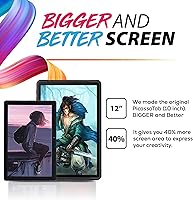
- Screen Size: The display measures 12 inches diagonally, providing a spacious drawing area that comfortably accommodates detailed illustration work.
- Resolution: The panel renders at 2000×1200 Full HD, delivering sharp enough clarity for most illustration and sketching tasks at this price tier.
- Display Type: A fully laminated, anti-glare panel eliminates the gap between glass and pixels, reducing parallax and giving the surface a matte, paper-like texture.
- Processor: An octa-core MediaTek MTK8786 chip running at 2GHz per core handles the device’s drawing apps and multitasking workload.
- RAM: 6GB of DDR4 RAM allows smooth operation of mid-weight drawing applications like Infinite Painter and Concepts without frequent stuttering.
- Storage: The A12 ships with 128GB of internal storage and accepts micro-SD cards up to 1TB for expanding file and app capacity.
- Operating System: The device runs Android 15 out of the box, providing access to the Google Play Store and a current Android security baseline.
- Stylus Pressure: The included stylus supports 4096 levels of pressure sensitivity, matching the current standard found across most mid-range drawing tablets.
- Battery: An 8000mAh battery powers the tablet through extended drawing sessions and charges via the USB Type-C port.
- Connectivity: Wi-Fi support covers IEEE 802.11b/g/n bands, and Bluetooth is included for pairing accessories such as keyboards or external speakers.
- Ports: A single USB Type-C port handles both charging and data transfer, alongside a dedicated micro-SD card slot for storage expansion.
- Front Camera: An 8MP front-facing camera supports video calls and scanning reference images directly into drawing apps.
- Rear Camera: A 13MP rear camera allows users to photograph reference material or documents for use within creative projects.
- Weight: The device weighs 3.94 lbs, which is notably heavier than most consumer tablets of comparable screen size.
- Dimensions: Packaged dimensions measure 15.98 × 9.33 × 2.09 inches, reflecting the tablet’s large-format footprint.
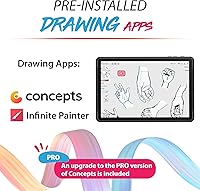
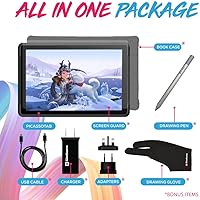
- Bundled Apps: The package includes pre-loaded access to Concepts, Infinite Painter, and the Artixo step-by-step drawing tutorial application.
- Stylus Battery: The stylus pen is powered by one AAAA battery, which is included in the box at the time of purchase.
- Brand: Simbans is the manufacturer, a brand that has focused on producing accessible Android tablets with art and creative use cases in mind.
Related Reviews
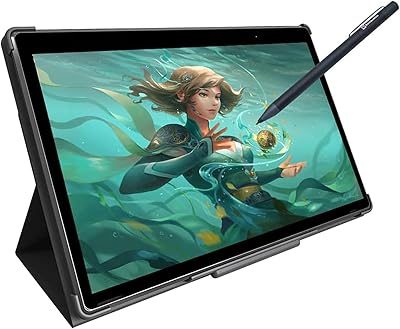
Simbans PicassoTab XL Standalone Drawing Tablet
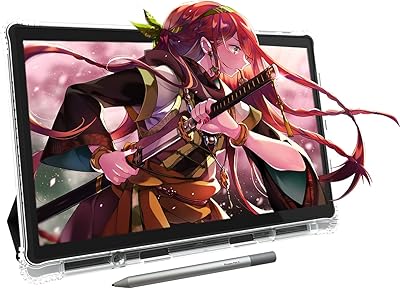
PicassoTab X11 11-inch Standalone Drawing Tablet
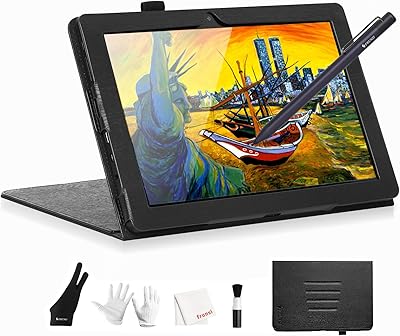
Frunsi T8 8-inch Standalone Drawing Tablet
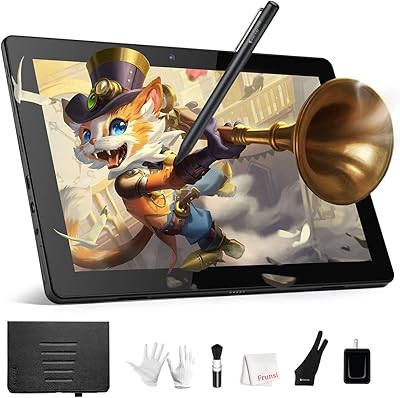
Frunsi RubensTab T11 Pro Drawing Tablet
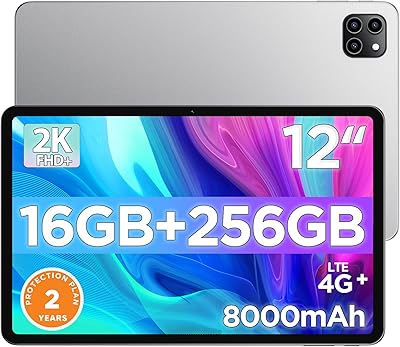
Callsky-Tab Ctab 12 12-inch Android Tablet
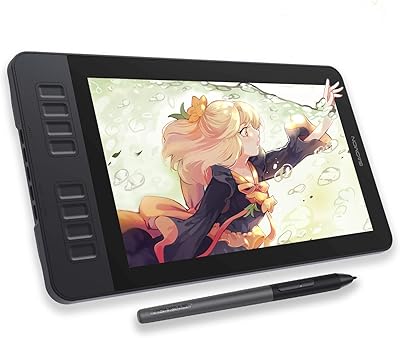
GAOMON PD1161 11.6-inch Pen Display Tablet
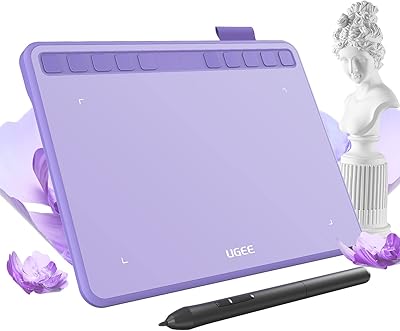
Ugee S640 Drawing Tablet
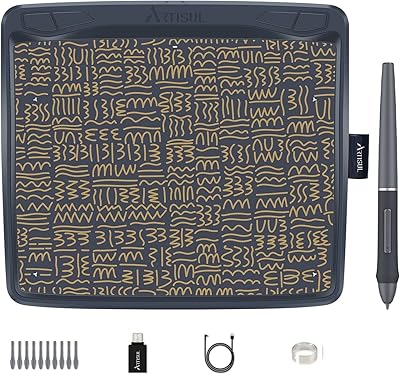
Artisul A801 Drawing Tablet
Artisul A1201 Drawing Tablet