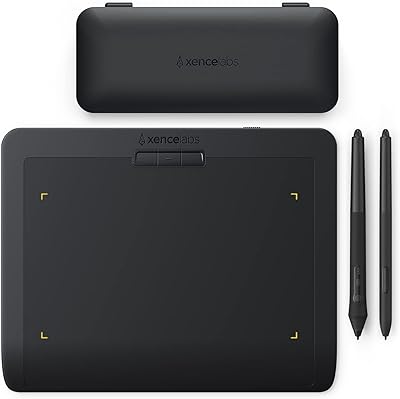
Frunsi RubensTab T11 Pro Drawing Tablet



Overview
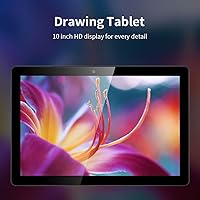
The Frunsi RubensTab T11 Pro Drawing Tablet is one of those rare devices that actually delivers on its core promise: you can pick it up, power it on, and start drawing without a computer anywhere in sight. It runs Android 12 on a 10.1-inch Full HD IPS screen, which produces genuinely crisp, color-accurate visuals for a device at this price tier. You may have found it listed under the Frunsi or RubensTab name — they refer to the same product. Think of this standalone drawing tablet as sitting comfortably between a general-purpose Android tablet and a dedicated graphics tablet, pre-loaded with drawing apps so you are not starting from zero.
Features & Benefits
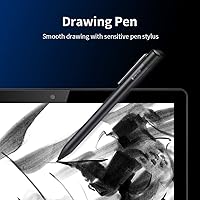
The stylus that ships with this Android art tablet deserves a mention upfront — it requires no battery, which sounds like a small detail until you have dealt with the frustration of a pen dying mid-sketch. It offers 1024 levels of pressure sensitivity, which handles the needs of most casual and intermediate artists well enough. The octa-core processor keeps things running smoothly when you have a reference image open alongside your drawing app. Battery life sits around four to five hours in practice, and the USB-C port means you can top it up from a power bank on the road. Multi-touch gestures like pinch-to-zoom work reliably, and the included adjustable stand case is more useful than you would expect.
Best For
This standalone drawing tablet is a strong fit for beginners making their first move into digital art — pre-installed apps remove that intimidating blank-slate setup experience. Students will find it genuinely useful as a dual-purpose device, good for both lecture notes and creative work between classes, all without carrying a laptop. It is also a natural choice for travelers who need a self-contained creative tool that works offline, since there is no dongle situation or software licensing tied to a specific machine. That said, it is not the right pick for professional illustrators or anyone who relies on desktop-grade software like Photoshop or Clip Studio — the Android ecosystem has limits that serious artists will run into quickly.
User Feedback
Buyers who love the RubensTab T11 Pro tend to focus on one thing above all else: the freedom to draw anywhere without hauling a laptop, and that convenience wins real points in reviews. The concerns, though, are consistent. Artists with any intermediate experience quickly bump into the 1024-level pressure sensitivity ceiling — compared to the 8192 levels found on pro-tier styluses, the difference in fine stroke control is noticeable. Palm rejection also comes up repeatedly, with some users finding it unreliable during longer sessions. The Android app ecosystem, while improving, still cannot match desktop software in terms of brush engines and export options. Battery life in real use tends to land closer to three to four hours under active drawing, not the five hours advertised.
Pros
- Works completely standalone — no laptop, no dongle, no pairing required, just power on and draw.
- Pre-installed drawing apps and tutorials mean total beginners can start creating within minutes of unboxing.
- The battery-free stylus never needs charging, removing a common and frustrating mid-session interruption.
- 10.1-inch Full HD IPS display delivers sharp, color-accurate visuals that genuinely exceed expectations at this price tier.
- USB-C charging and power bank compatibility make this Android art tablet easy to keep running during travel.
- Adjustable stand case is well-designed and useful, not the throwaway accessory bundled with most budget tablets.
- Multi-touch gestures like pinch-to-zoom and panning work reliably alongside pen input without constant mode switching.
- Android 12 base provides access to the Google Play Store, keeping the app library wide and regularly updated.
- Compact enough to slip into a backpack without dedicated padding, making it a genuinely portable daily carry.
Cons
- Palm rejection is inconsistent during longer sessions, leading to accidental marks that interrupt creative flow.
- Real-world battery life under active drawing lands closer to three to three-and-a-half hours, not the advertised five.
- The 1024-level pressure sensitivity ceiling becomes a noticeable creative limitation as soon as skills start to grow.
- Android drawing apps lack the brush engine depth and professional export options that intermediate artists depend on.
- The rear casing scratches and scuffs easily, showing wear faster than the price point might lead you to expect.
- No dedicated pen storage in the case design means the stylus is easy to misplace during travel.
- Screen glare in outdoor or high-brightness environments limits usability outside controlled indoor settings.
- Dual branding between Frunsi and RubensTab has caused confusion for some buyers trying to reach customer support.
- Post-warranty support is largely absent, and customer service response times are reported as inconsistent.
Ratings
Our AI rating system analyzed thousands of verified global purchases of the Frunsi RubensTab T11 Pro Drawing Tablet, actively filtering out incentivized reviews and bot patterns to surface what real buyers actually experienced. The scores below reflect a balanced picture — genuine strengths alongside the friction points that came up repeatedly across user feedback. Whether this standalone art tablet fits your workflow or falls short depends heavily on where you land on the beginner-to-professional spectrum, and these ratings are designed to help you figure that out.
Portability & Standalone Use
Display Quality
Stylus Performance
Palm Rejection
App Ecosystem & Software
Battery Life
Performance & Processing Speed
Build Quality & Durability
Screen Responsiveness & Touch
Included Accessories
Setup & Ease of Use
Wi-Fi & Connectivity
Value for Money
Customer Support & Warranty
Suitable for:
The Frunsi RubensTab T11 Pro Drawing Tablet is purpose-built for people who want to start creating digital art without the overhead of a computer, software licenses, or a complicated setup. It hits a sweet spot for beginners and hobbyist artists who are curious about digital illustration but are not yet ready to commit to a full desktop or laptop-based creative workflow. Students will find it particularly practical — it handles classroom note-taking just as comfortably as a quick sketch between lectures, and the Android base means the learning curve is minimal for anyone who already owns a smartphone. Travelers and commuters who want a self-contained creative outlet will appreciate the USB-C charging flexibility, especially the ability to top up from a power bank on the go. Educators running introductory art workshops or demonstrating digital tools to a class will also find this Android art tablet a cost-effective, easy-to-manage option that requires almost no technical setup before handing it to a student.
Not suitable for:
The Frunsi RubensTab T11 Pro Drawing Tablet is not the right tool for artists who have already developed their craft to an intermediate or professional level. The 1024-level pressure sensitivity ceiling is a genuine limitation — anyone accustomed to the nuance of a 4096 or 8192-level pen will feel the difference immediately in stroke tapering and shading precision, and that gap does not close with practice or app adjustments. Graphic designers and illustrators who rely on desktop software like Adobe Photoshop, Clip Studio Paint, or Affinity Designer will find Android equivalents fall short in brush engine depth, layer management, and professional export workflows. Users who need consistent palm rejection for long, uninterrupted drawing sessions should also temper their expectations, as this is a recurring pain point in real-world feedback. If your workflow demands high-performance processing for large, complex multi-layer canvases, the octa-core processor will start showing its limits sooner than you would like.
Specifications
- Display Size: The tablet features a 10.1-inch IPS panel with a Full HD resolution of 1920×1200 pixels, delivering sharp detail and accurate colors across wide viewing angles.
- Processor: An octa-core CPU powers the device, providing enough performance for multitasking between drawing applications and web browsing without significant slowdown under light workloads.
- Operating System: Runs Android 12 out of the box, giving users access to the Google Play Store and a familiar mobile interface optimized for both touch and stylus input.
- Pressure Sensitivity: The included stylus supports 1024 levels of pressure sensitivity, enabling variable line weight and basic shading control suited to beginner and casual illustration workflows.
- Stylus Type: The pen is battery-free and does not require charging or replaceable batteries, reducing maintenance and eliminating the risk of the stylus dying during a drawing session.
- Battery Capacity: A built-in 5800mAh lithium polymer battery powers the device, with a manufacturer-rated continuous use time of up to 5 hours under standard conditions.
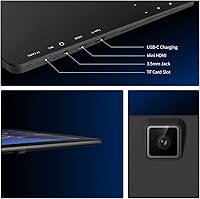
- Charging: Charges via USB-C and is compatible with portable power banks, allowing users to extend battery life during travel without needing a wall outlet nearby.
- Connectivity: Wi-Fi is the sole wireless connectivity option, enabling access to cloud storage services, app downloads, and online tutorials directly from the device.
- Touch Input: The screen supports multi-touch gestures including pinch-to-zoom, two-finger panning, and scrolling, which can be used alongside or independently of the stylus.
- Dimensions: The tablet measures 7.87 × 6.69 × 0.39 inches, keeping the overall footprint compact enough to fit comfortably in most standard backpacks and travel bags.
- Weight: The device weighs 3.08 pounds, which is manageable for desk use with the stand case but may cause hand fatigue during extended freehand holding sessions.
- Certifications: Certified under GMS, FCC, and CE standards, confirming compliance with international safety, electromagnetic compatibility, and Google software quality requirements.
- Warranty: Covered by a 12-month manufacturer warranty against hardware defects, providing a baseline level of purchase protection for the first year of ownership.
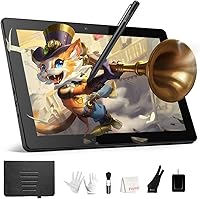
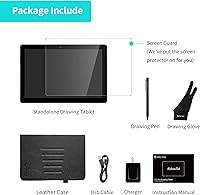
- Included Items: The package includes the tablet, battery-free stylus, an adjustable stand case, and a pre-installed suite of drawing applications with beginner tutorials.
- Preinstalled Software: Drawing apps and instructional tutorials come pre-loaded on the device, allowing users to begin creating immediately without any additional downloads or account setup.
- Brand Identity: The device is manufactured by Frunsi and sold under the RubensTab model designation, a dual-branding arrangement that can cause confusion but refers to a single product line.
- Battery Type: Uses a built-in lithium polymer cell that is not designed for user replacement, meaning battery degradation over time will require professional servicing or device replacement.
Related Reviews
Wacom Cintiq Pro 17 Pen Display
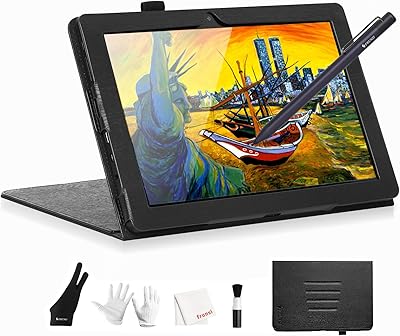
Frunsi T8 8-inch Standalone Drawing Tablet
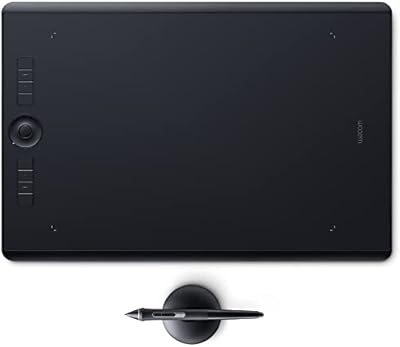
Wacom Intuos Pro Large Drawing Tablet
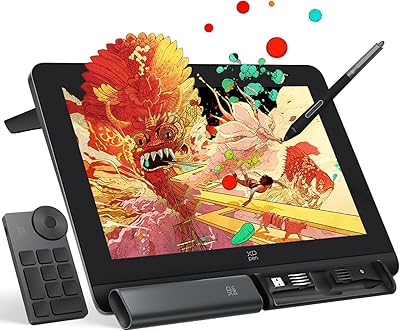
XP-Pen Artist Pro 14 Gen2 Pen Display
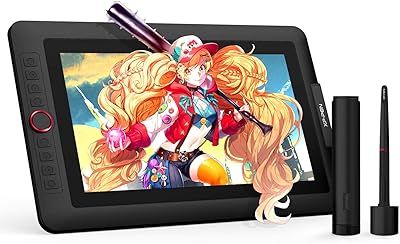
XP-Pen Artist 13.3 Pro Drawing Display Tablet
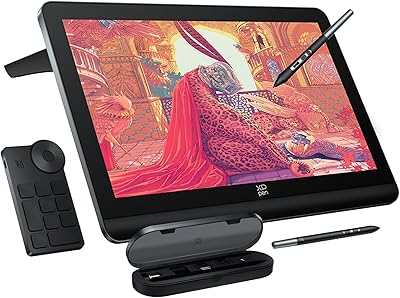
XP-Pen Artist Pro 19 Gen2 Drawing Tablet
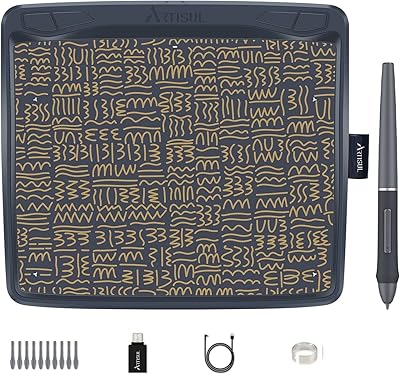
Artisul A801 Drawing Tablet
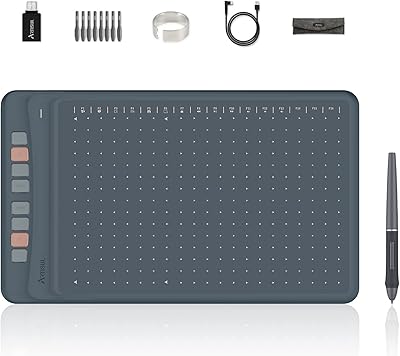
Artisul A1201 Drawing Tablet
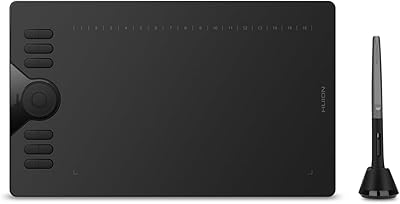
HUION HS610 Graphics Drawing Tablet