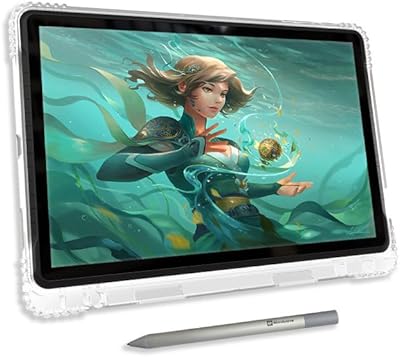
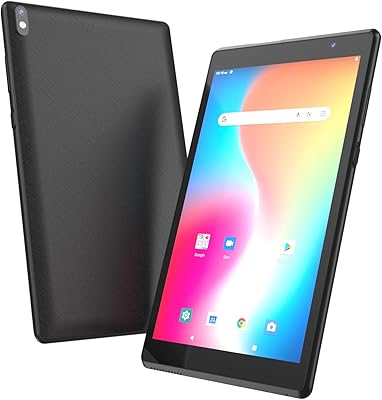
Frunsi T8 8-inch Standalone Drawing Tablet





Overview
The Frunsi T8 8-inch Standalone Drawing Tablet is designed for one specific type of person: someone who wants to draw digitally without setting up a computer. In a crowded market of pen displays that still require a laptop or desktop, this Android drawing pad takes a different approach — it runs everything on its own. The 8-inch anti-glare screen and 1200x800 resolution won't rival a professional monitor, but for sketching on a couch or during a commute, the size is genuinely convenient. Pre-installed tutorials help newcomers get started quickly, and the 4000mAh battery promises around five hours of use, though that figure varies depending on what you're running.
Features & Benefits
Under the hood, the Frunsi T8 runs on an MTK Octa-core chip with 4GB of RAM — enough to keep ibis Paint X or SketchBook running without constant lag. You can push storage well beyond the built-in 64GB by adding a TF card up to 256GB, which helps if you work with large canvases. The 1024-level pressure sensitivity is honest mid-range: casual sketchers will find it responsive, but professionals used to 8192 levels will notice the ceiling. Running Android 13 means access to the full Play Store, a real advantage over basic pen displays that do nothing without a connected PC. The stylus grip is comfortable, and connectivity via USB and Wi-Fi keeps things flexible.
Best For
This standalone drawing tablet makes the most sense for beginners and hobbyists who want to start creating digitally without the cost or complexity of a full workstation setup. It's also a solid gift choice for kids or teenagers — the pre-installed tutorials give new users a clear starting point rather than a blank screen. Students who commute or travel frequently will appreciate that everything they need fits in one device weighing just under 2.5 pounds. That said, if you're a working professional who needs precise color grading or a high-sensitivity stylus for detailed linework, this Android drawing pad will likely feel limiting. It's an entry point, not a finishing tool.
User Feedback
Buyers who pick up this standalone drawing tablet for casual use tend to come away satisfied — the setup is straightforward, and getting into a drawing app within minutes of unboxing is a real plus. Portability gets consistent praise, and the included tutorials land well with complete beginners. On the flip side, some users report occasional stylus lag during complex brushwork, and a handful mention that the display's color output doesn't match what they expected from the marketing language. App compatibility can also be hit or miss with certain third-party tools. Customer support and the one-year warranty appear responsive based on buyer mentions, which adds some peace of mind for a mid-range purchase.
Pros
- No computer needed — just power it on and start drawing, right out of the box.
- Pre-installed drawing tutorials give complete beginners a structured, frustration-free starting point.
- Android 13 OS unlocks a wide range of creative apps from the Google Play Store.
- The anti-glare screen holds up well in bright indoor environments, reducing distracting reflections.
- TF card support up to 256GB means running out of storage space is unlikely to be a real problem.
- At under 2.5 pounds, this standalone drawing tablet is genuinely easy to carry anywhere.
- Includes a pressure-sensitive stylus in the box — no separate pen purchase required.
- Wi-Fi connectivity makes downloading new apps and syncing work files straightforward.
- One-year warranty and recognized safety certifications add a layer of post-purchase confidence.
- For first-time digital artists, the all-in-one value proposition is hard to argue with at this price tier.
Cons
- Stylus lag has been reported during complex brushwork, which disrupts drawing flow at key moments.
- The 1024-level pressure sensitivity feels limiting once a user starts developing more advanced drawing habits.
- Display colors skew warm and slightly washed out, making accurate color work difficult to trust.
- Real-world battery life falls noticeably short of the five-hour claim when running demanding apps at full brightness.
- The plastic back chassis picks up scratches easily and feels less durable than the price might suggest.
- App compatibility is inconsistent — some third-party drawing tools behave unpredictably on this hardware.
- Replacement stylus nibs are not easy to source, which becomes a problem with extended daily use.
- Processing larger canvases or layered files takes longer than expected, slowing down more ambitious projects.
- Support quality varies by region, with some international buyers reporting slow or difficult warranty resolution.
- The included tutorials are too basic to remain useful beyond the first few days of ownership.
Ratings
The Frunsi T8 8-inch Standalone Drawing Tablet has been evaluated by our AI system after processing verified buyer reviews from global markets, with spam, bot-generated, and incentivized feedback actively filtered out. Scores reflect the honest distribution of real user experiences — strengths and frustrations weighted equally. Where this device earns trust and where it falls short are both surfaced transparently below.
Portability & Form Factor
Ease of Setup
Display Quality
Stylus Performance
Performance & Speed
Battery Life
App Ecosystem & Compatibility
Build Quality
Value for Money
Pre-Installed Tutorials
Storage & Expandability
Connectivity
Warranty & Customer Support
Suitable for:
The Frunsi T8 8-inch Standalone Drawing Tablet is built for people who want to start drawing digitally without committing to a full computer setup, and that audience is broader than you might think. It works well for absolute beginners — teenagers, hobbyists, or curious adults — who want a self-contained device that is ready to use from the moment it powers on. Students who commute or study away from home will appreciate that everything they need fits in one lightweight package, with no laptop required. Parents searching for a structured creative gift will find value in the pre-loaded tutorials, which give kids a genuine starting point rather than a blank canvas and a lot of confusion. Casual animators and note-takers who want Android app flexibility alongside basic drawing capability will also find this Android drawing pad a practical fit for their day-to-day needs.
Not suitable for:
The Frunsi T8 8-inch Standalone Drawing Tablet is not the right tool for anyone who draws at a professional or semi-professional level. Illustrators who rely on high sensitivity stylus input for nuanced linework and shading will quickly hit the ceiling of the 1024-level pressure response — it is a noticeable step down from the 8192-level pens found in more advanced hardware. The display, while functional, is not color-accurate enough for design work where true-to-life color output matters, such as client-facing illustration or digital product design. Anyone who already owns a capable Android tablet or iPad will likely find this standalone drawing tablet redundant and hard to justify. If your workflow involves exporting large layered files, working with complex multi-app setups, or running resource-heavy creative software, the hardware will start to show its limits fairly quickly.
Specifications
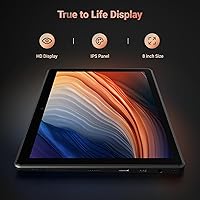
- Screen Size: The display measures 8 inches diagonally with an anti-glare glass coating designed to reduce reflections in bright environments.
- Resolution: The screen runs at 1200x800 pixels, providing reasonably crisp detail for casual sketching and coloring at this display size.
- Operating System: The tablet ships with Android 13 pre-installed, giving users access to the Google Play Store and a wide range of creative applications.
- Processor: An MTK Octa-core CPU handles all processing tasks, balancing everyday drawing app performance with power efficiency.
- RAM: 4GB of RAM is built in, which is sufficient for running a single drawing application smoothly under typical usage conditions.
- Internal Storage: 64GB of onboard storage comes standard, with support for TF card expansion up to 256GB for users who need more space.
- Pressure Sensitivity: The included stylus supports 1024 levels of pressure sensitivity, suited to beginner and casual drawing workflows.
- Battery: A 4000mAh lithium-ion battery is built in, with a manufacturer-estimated runtime of approximately 5 hours depending on screen brightness and app intensity.
- Connectivity: The tablet connects via USB and Wi-Fi, covering both wired file transfer and wireless app downloads or cloud syncing.
- Weight: The device weighs 2.44 pounds, keeping it portable enough for commuting or drawing sessions away from a fixed workspace.
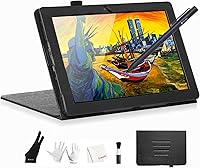
- Stylus: A pressure-sensitive stylus pen is included in the box, requiring no separate purchase to begin drawing immediately after setup.
- Certifications: The tablet holds GMS, FCC, UKCA, and CE certifications, confirming it meets recognized safety and quality standards across multiple regions.
- Warranty: Frunsi provides a one-year limited warranty covering manufacturing defects, with customer support available for after-sales service requests.
- Special Features: Designed for standalone operation, the tablet functions entirely without a connected computer, and ships with drawing app tutorials pre-installed.
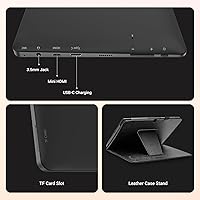
- Expandable Storage: A TF card slot supports microSD cards up to 256GB, useful for artists who accumulate large project files or reference libraries over time.
Related Reviews
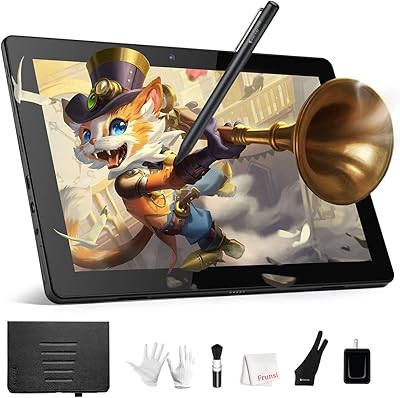
Frunsi RubensTab T11 Pro Drawing Tablet
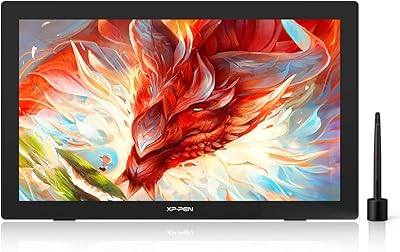
XP-Pen Artist 24 FHD 23.8-inch Pen Display
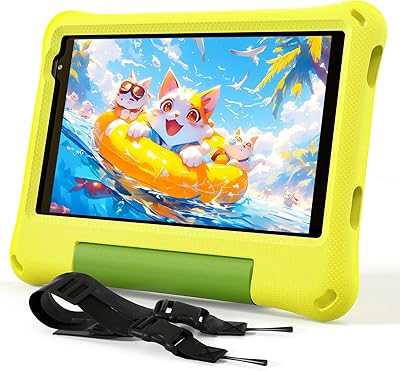
CALLSKY-NOTE Cpad 8 8-Inch Kids Tablet
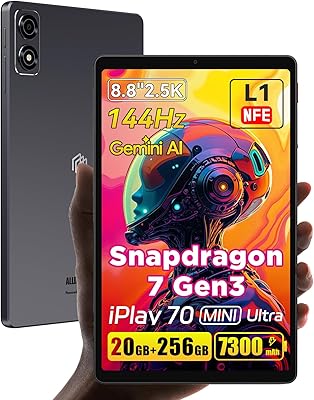
ALLDOCUBE iPlay 70 mini Ultra 8.8-inch Tablet
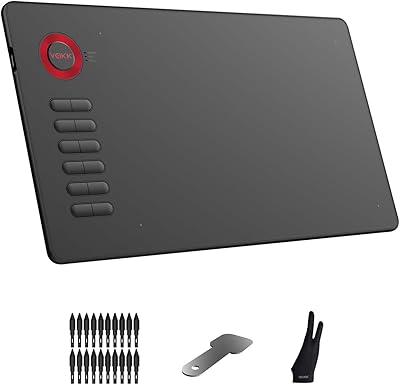
VEIKK A15 10x6 Drawing Tablet
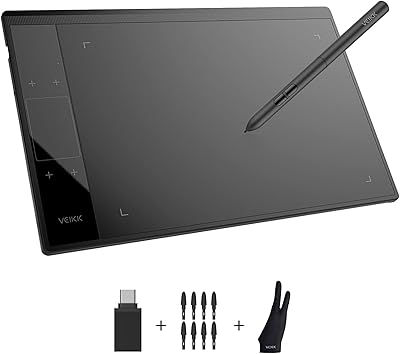
VEIKK A30 V2 Drawing Tablet
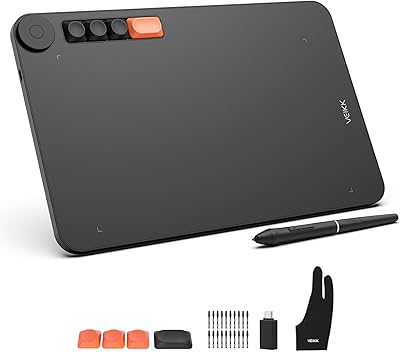
VEIKK Voila L 10x6 Graphics Drawing Tablet
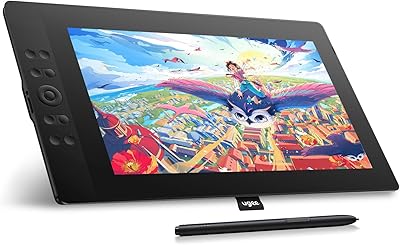
UGEE UE16 15.4-inch Pen Display
ATOZEE ATCP80 8-inch 32GB Android Tablet