
Overview
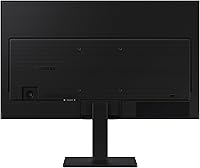
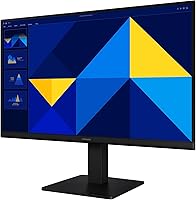
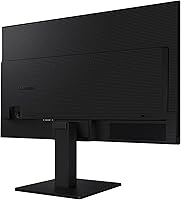
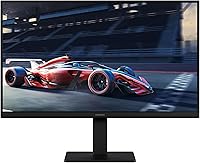
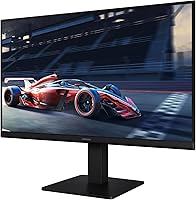
The Samsung S30GD 22″ FHD Monitor arrived in late 2024 as a straightforward, no-frills option from a brand that needs little introduction. At 22 inches with a slim bezel design and a weight just under five pounds, it fits comfortably on cramped desks without demanding attention. Samsung isn't positioning this as a powerhouse — and that's fine. It's a capable everyday display built for people who want reliable performance at a price that doesn't sting. Walk in expecting color-accurate professional work or ultra-fast refresh rates, and you'll be let down. Walk in expecting a solid, clean-looking screen for daily tasks, and it genuinely delivers.
Features & Benefits
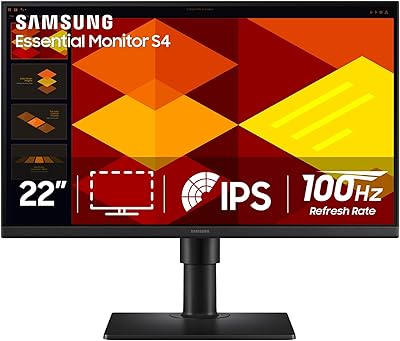
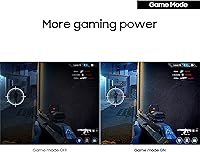
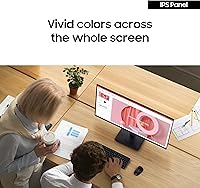
The IPS panel is the real highlight — colors stay consistent whether you're looking straight on or from a side angle, a genuine advantage over cheaper TN alternatives at this price range. The 100Hz refresh rate won't compete with dedicated gaming monitors, but coming from a standard 60Hz screen, you'll notice smoother scrolling and slightly crisper motion during video. The built-in Game Mode lets you tweak contrast quickly, which is handy without being extraordinary. On the comfort side, a flicker-free backlight and reduced blue light output make extended sessions noticeably easier on the eyes. Dual HDMI and VGA inputs round things out with solid connectivity flexibility.
Best For
This Samsung monitor makes the most sense for students and remote workers who need a dependable primary screen or an affordable second display without a major investment. The compact 22-inch footprint suits smaller desks and dorm setups where space is genuinely tight. Casual gamers upgrading from 60Hz will appreciate the step up to 100Hz — not a transformation, but a real, noticeable difference in everyday use. The retained D-Sub port is a quiet but practical inclusion for anyone still running older hardware. And if eye fatigue is a real concern during long daily sessions, the low blue light and flicker-free operation genuinely help over time.
User Feedback
With over 850 ratings and a 4.5-star average, buyer satisfaction here is difficult to dismiss as luck. Most owners highlight out-of-the-box color quality, a painless setup process, and a design aesthetic that looks more expensive than it is. That said, two criticisms surface consistently. The tilt-only stand frustrates users who expect height or pivot adjustments — a real ergonomic limitation that becomes obvious during long work days. The glossy screen coating draws complaints too; near windows or in bright rooms, reflections can interfere with visibility. Still, the broad consensus is that this 22-inch IPS display offers genuine name-brand quality at a price point where that's far from guaranteed.
Pros
- IPS panel delivers consistent, natural-looking colors without the washed-out effect common in cheaper monitors at this price range.
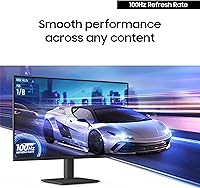
- The 100Hz refresh rate is a genuine, noticeable upgrade over standard 60Hz panels for everyday browsing, video, and casual gaming.
- Flicker-free backlight and low blue light output make long screen sessions noticeably less fatiguing on the eyes.
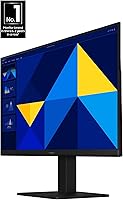
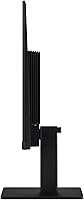
- Ultra-thin bezels and a slim profile give this 22-inch IPS display a clean look that punches above its price tier aesthetically.
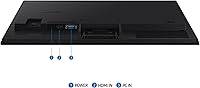
- Dual HDMI and VGA inputs mean it works with both current hardware and older machines without needing an adapter.
- Setup is fast and straightforward — most buyers report being up and running within minutes of unboxing.
- At under five pounds, it is easy to reposition, carry between rooms, or mount if needed.
- Game Mode lets you adjust image settings quickly without navigating deep into a complex on-screen menu.
- Strong brand reliability and a fresh late-2024 release date offer reasonable confidence in long-term support and build quality.
Cons
- The tilt-only stand offers zero height, swivel, or pivot adjustment, which is a real ergonomic drawback for desk workers.
- The glossy screen coating reflects ambient light noticeably, making it a poor choice for bright or window-facing workspaces.
- 1080p resolution on a 22-inch panel is acceptable but starts to show its limits if you sit close or do detail-heavy work.
- No height-adjustable stand means buyers who want proper ergonomics will need to budget extra for a monitor arm.
- Only two input ports total — HDMI and VGA — leaving no USB-C or DisplayPort option for modern laptops and workstations.
- The included cable selection is minimal, which may require additional purchases depending on your existing setup.
- No adaptive sync support limits appeal for anyone who plays graphics-intensive games and wants tear-free visuals.
Ratings
Our AI rating system analyzed verified global buyer reviews for the Samsung S30GD 22″ FHD Monitor, actively filtering out incentivized, bot-generated, and outlier submissions to surface what real everyday users consistently experience. The scores below reflect a transparent picture of where this display genuinely performs and where it falls short — no inflated averages, no overlooked frustrations.
Value for Money
Image Quality
Eye Comfort
Stand & Ergonomics
Build Quality
Gaming Performance
Screen Reflections
Connectivity
Setup Experience
Design & Aesthetics
Brightness & Contrast
Viewing Angles
Port Durability
Suitable for:
The Samsung S30GD 22″ FHD Monitor is a practical fit for anyone who needs a reliable, good-looking screen without spending serious money. Students setting up a dorm or apartment desk will appreciate the compact footprint and the fact that it simply works out of the box with minimal fuss. Remote workers who spend long hours in front of a screen will find the flicker-free backlight and blue light reduction genuinely useful over time, not just a marketing checkbox. Casual gamers who are still on a 60Hz panel will notice a real difference moving to 100Hz — nothing dramatic, but smooth enough to matter for everyday play. It also makes a strong case as a secondary display for a home office setup, or as a first upgrade for anyone still running an older machine through a VGA connection.
Not suitable for:
Buyers with more demanding expectations should think carefully before committing to the S30GD. Creative professionals who need accurate, calibrated color reproduction for photo editing, video grading, or design work will quickly find the display's capabilities fall short of what those tasks require. Serious gamers chasing high refresh rates or adaptive sync technology will need to look elsewhere entirely, as this monitor is not built for competitive play. Ergonomics-conscious users who rely on height adjustment, swivel, or pivot should be aware the stand only tilts — a frustrating limitation if you have a fixed desk setup or any neck and posture concerns. Finally, anyone working in a bright room with natural light behind them may find the glossy panel coating creates enough glare to become a daily annoyance.
Specifications
- Panel Type: This monitor uses an IPS (In-Plane Switching) panel, which provides consistent color accuracy and wider viewing angles compared to TN alternatives.
- Screen Size: The display measures 22 inches diagonally, offering a compact footprint well-suited for smaller desks and dual-monitor setups.
- Resolution: Native resolution is 1920 x 1080 pixels (Full HD), delivering standard 1080p clarity for everyday productivity and casual media consumption.
- Aspect Ratio: The panel uses a 16:9 widescreen aspect ratio, which is the standard format for HD video content and most modern applications.
- Refresh Rate: The display runs at 100Hz, providing slightly smoother motion than standard 60Hz panels during video playback and casual gaming.
- Panel Shape: The screen is flat (non-curved), which suits general office work and multi-source viewing where consistent geometry matters.
- Screen Surface: The panel features a glossy coating, which enhances color vibrancy but can produce reflections in brightly lit environments.
- Connectivity: The monitor includes one HDMI port and one D-Sub (VGA) port, supporting both modern and legacy device connections.
- Included Cable: An HDMI cable is included in the box, allowing immediate connection to compatible devices without additional purchases.
- Stand Adjustment: The included stand supports tilt adjustment only, with no height, swivel, or pivot options available out of the box.
- Eye Care: The display incorporates a flicker-free backlight and reduced blue light output to minimize eye strain during extended use.
- Game Mode: A dedicated Game Mode allows quick on-screen adjustments to contrast and color settings to improve scene visibility in games.
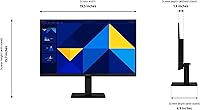
- Dimensions: The monitor measures 6.89 x 19.29 x 15.75 inches (D x W x H) with the stand attached.
- Weight: The full unit weighs 4.63 pounds, making it lightweight and easy to reposition or transport between workspaces.
- Color: The monitor is available in black with a slim-bezel design intended to complement modern minimalist desk setups.
- Brand & Series: Manufactured by Samsung, this display belongs to the S30GD series under model number LS22D304GANXZA.
- Availability: The monitor first became available in December 2024, placing it among the more recently released options in its category.
- Power Input: The monitor operates at 14 volts, consistent with standard external adapter power delivery for displays of this size class.
Related Reviews
Samsung S30GD 27″ FHD IPS Monitor
Samsung S30GD 24″ FHD IPS Monitor
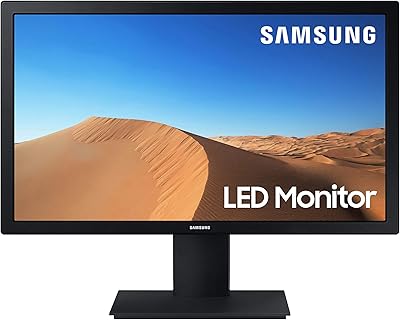
Samsung S33A 22-Inch FHD Monitor
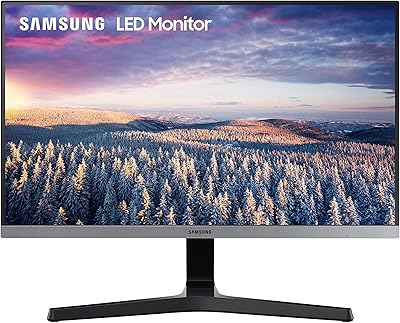
Samsung SR35 27-inch FHD Monitor
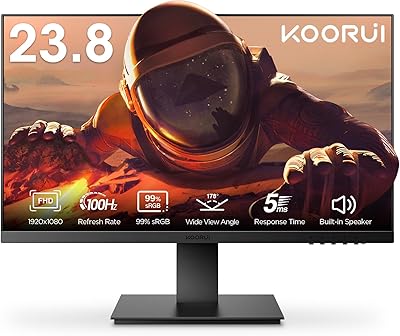
KOORUI P01 24-inch FHD Monitor
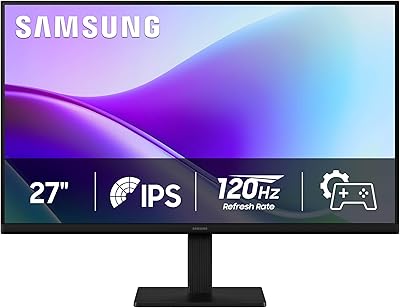
Samsung 27″ S32GF FHD IPS Monitor
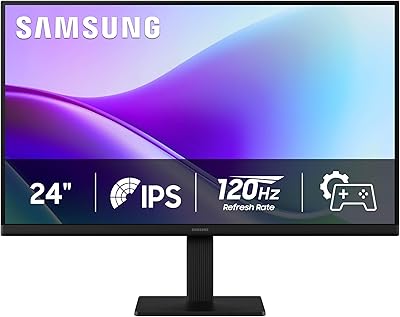
Samsung 24″ S32GF FHD IPS Monitor
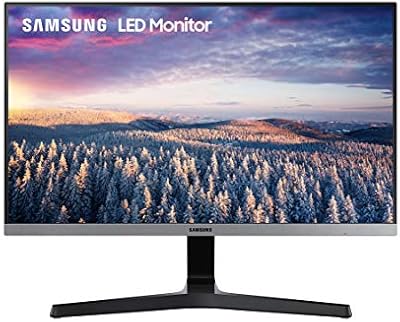
Samsung S22R350FHN 22-inch IPS Monitor
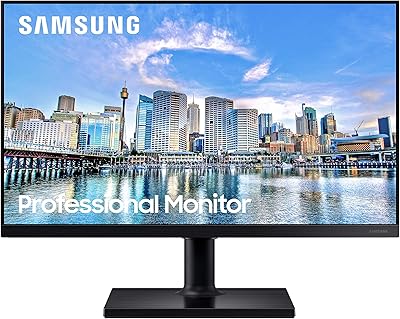
Samsung FT45 24-Inch FHD IPS Monitor