

Overview
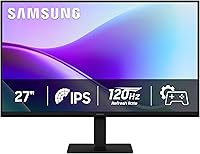
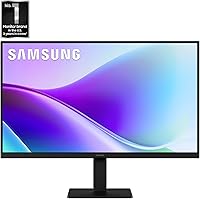
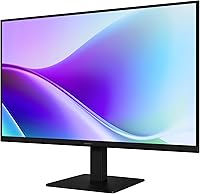
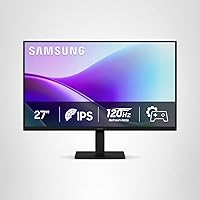
The Samsung 27″ S32GF FHD IPS Monitor sits at the practical, no-nonsense end of Samsung's display lineup — the kind of screen that doesn't try to impress enthusiasts but does a solid job for everyone else. At 27 inches with a 1080p resolution, pixel density is acceptable at typical desk distances, though if you sit close or work with fine text all day, you may notice it isn't as sharp as a higher-resolution panel. The slim bezel design and relatively lightweight build make it easy to place on a compact desk or pair with a second screen. Realistic expectations matter here: this is a value-tier display, not a color-grading workstation or serious gaming rig.
Features & Benefits
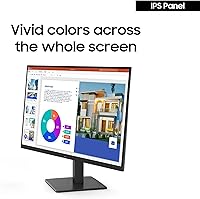
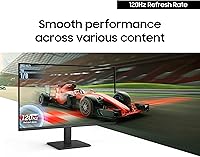
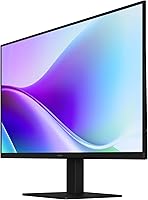
The IPS panel is the real highlight at this price point. Unlike TN screens, it holds color consistency even when you shift your viewing angle — useful if you share your screen or simply don't sit perfectly centered. The 120Hz refresh rate won't put this in the same league as dedicated gaming monitors, but it does make everyday use noticeably smoother: scrolling through long documents, watching video, casual play. Flicker Free technology and Eye Saver Mode handle extended sessions better than most budget panels, reducing the kind of eye fatigue that creeps up after hours at a desk. The ultra-thin bezels keep things looking clean, especially in a dual-display arrangement.
Best For
This 27-inch Samsung display makes the most sense for people who need a reliable, comfortable everyday screen without a heavy investment. Students doing research and coursework, remote workers handling video calls and documents, and home office users stepping up from a cramped laptop screen will all find it practical. Casual gamers get a genuine benefit from the 120Hz panel without paying for features they won't use. It also works well as a secondary monitor in a dual-display setup — the slim bezels keep the gap between screens minimal. If you are buying your first monitor from a name brand and want solid warranty backing, the S32GF is a reasonable place to start.
User Feedback
With a 4.4-star average across more than 100 ratings, this Samsung IPS monitor lands solidly in positive territory. Buyers consistently mention how good the image looks relative to what they paid, and many note that setup is straightforward right out of the box. Eye comfort gets called out specifically — people working long hours appreciate that it doesn't leave them with headaches. On the critical side, some users flag that the stand offers limited adjustability, with no height adjustment, which can be a real inconvenience depending on your desk arrangement. A handful of reviewers also note that 1080p across 27 inches shows its limits for close-up detail work. Overall, the value-for-money sentiment clearly dominates.
Pros
- IPS panel delivers consistent color and wide viewing angles that budget TN screens simply cannot match.
- The 120Hz refresh rate makes scrolling, video, and casual gaming noticeably smoother than a standard 60Hz display.
- Flicker Free and Eye Saver Mode make a real difference during long work or study sessions.
- Ultra-thin bezels look noticeably more premium than the price tag suggests.
- Setup is fast and frustration-free — most users are up and running in under ten minutes.
- Lightweight build makes repositioning or mounting straightforward without needing help.
- Samsung’s brand backing provides confidence in warranty support and long-term reliability.
- The S32GF earns strong value-for-money praise from buyers who compared it against alternatives at a similar price.
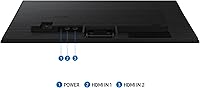
- Multiple input options make it easy to switch between a laptop, desktop, or console without cable swapping.
- Completely silent operation — no fan noise, even after hours of continuous use.
Cons
- At 27 inches, 1080p resolution shows its limits for close-up work or fine text rendering.
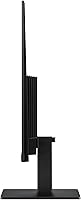
- No height adjustment on the stand is a recurring and legitimate complaint from users building ergonomic setups.
- The glossy screen surface causes significant reflections in bright or window-facing rooms.
- No USB-C connectivity, which is increasingly expected for laptop users at this price point.
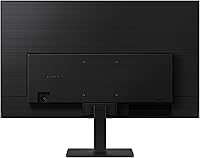
- The on-screen menu buttons are positioned on the back of the panel and are awkward to navigate by feel.
- No adaptive sync support limits appeal for anyone who also plays games with variable frame rates.
- The plastic rear casing and base feel noticeably cost-cut compared to the front-facing slim design.
- Eye Saver Mode applies a heavy warm color shift with limited fine-tuning, making it unsuitable during color-sensitive tasks.
- Color calibration out of the box skews slightly cool and requires manual adjustment for accurate results.
- Competitive or performance-focused gamers will find 120Hz underwhelming compared to faster panels available nearby in price.
Ratings
The Samsung 27″ S32GF FHD IPS Monitor earns a solid overall standing based on AI-driven analysis of verified global buyer reviews, with spam, bot activity, and incentivized feedback actively filtered out to keep the scores honest. Across categories ranging from everyday image quality to ergonomics, the S32GF shows clear strengths for its target audience — but also some real trade-offs that are worth knowing before you buy. Both the highlights and the frustrations are reflected transparently in the scores below.
Image Quality
Refresh Rate Performance
Eye Comfort
Value for Money
Stand & Ergonomics
Build Quality
Screen Surface & Glare
Gaming Features
Setup & Installation
Connectivity
Color Accuracy
Viewing Angles
Noise & Heat
Brand Reputation & Support
Suitable for:
The Samsung 27″ S32GF FHD IPS Monitor is a practical fit for anyone who needs a dependable, comfortable everyday screen without stretching their budget. Students pulling long study sessions will appreciate the eye comfort features, which genuinely reduce fatigue compared to cheaper panels that skip flicker control entirely. Remote workers and home office users upgrading from a laptop screen or an aging 21-inch display will find the jump to 27 inches with an IPS panel immediately worthwhile for productivity. Casual gamers who want smoother motion than a standard 60Hz monitor provides — without spending significantly more — will find the 120Hz refresh rate a meaningful step up for everyday titles. The slim bezels also make the S32GF a smart pick as a secondary monitor in a dual-display setup, where the thin frame keeps the visual gap between screens minimal and the overall desk aesthetic clean.
Not suitable for:
The Samsung 27″ S32GF FHD IPS Monitor is not the right tool for users whose work depends on display precision or high-end performance. Photographers, graphic designers, and video editors will find 1080p across 27 inches too soft for detailed work, and the lack of factory calibration means color accuracy straight out of the box is not up to professional standards. Competitive gamers who prioritize response time, adaptive sync, or refresh rates above 120Hz should look elsewhere, as this monitor was not built for that use case. Anyone who needs a fully ergonomic setup will likely be frustrated by the stand, which offers tilt only — no height adjustment, no swivel, and no pivot means you may need to spend extra on a monitor arm just to get the screen at eye level. The glossy panel surface is also a genuine limitation if your workspace gets significant natural light, as reflections can be distracting enough to affect usability.
Specifications
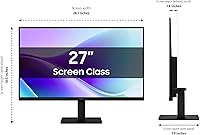
- Screen Size: The display measures 27 inches diagonally, offering a comfortable amount of screen real estate for productivity and casual gaming without requiring a large desk footprint.
- Panel Type: Uses an IPS (In-Plane Switching) panel, which provides wider viewing angles and more consistent color reproduction compared to TN alternatives in this price range.
- Resolution: Native resolution is 1920x1080 (Full HD 1080p), delivering standard high-definition clarity suitable for everyday computing tasks at typical viewing distances.
- Refresh Rate: Supports a maximum refresh rate of 120Hz, offering smoother motion rendering compared to standard 60Hz panels for video playback, scrolling, and casual gaming.
- Aspect Ratio: Features a standard 16:9 widescreen aspect ratio, compatible with virtually all modern content formats, operating systems, and display output configurations.
- Screen Surface: The panel uses a glossy screen surface, which enhances color vibrancy under controlled lighting but can produce noticeable reflections in bright or window-facing environments.
- Bezel Design: Ultra-thin bezels on three sides of the panel create a cleaner visual profile and make this monitor well-suited for side-by-side dual-display configurations.
- Flicker Free: Incorporates Samsung’s Flicker Free technology, which eliminates screen flicker across all brightness levels to reduce eye strain during extended viewing sessions.
- Eye Saver Mode: Eye Saver Mode reduces blue light emission from the panel, helping to minimize visual fatigue for users who spend many consecutive hours in front of the screen.
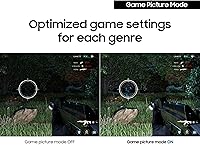
- Game Picture Mode: Includes genre-specific picture presets and a Game Picture Mode that adjusts image scaling and contrast settings to optimize different types of game content.
- Dimensions: The monitor measures 7.87 x 24.1 x 18.5 inches (depth x width x height) with the stand attached, fitting comfortably on most standard desk surfaces.
- Weight: The full unit including the stand weighs 6.61 pounds, making it lightweight enough to reposition easily or mount on a third-party monitor arm without difficulty.
- Color & Finish: Available in black with a matte plastic chassis finish on the rear, while the front bezel maintains a sleek, minimal appearance consistent with Samsung’s current design language.
- Model Number: The official model identifier is LS27F320GANXZA, which should be referenced when searching for compatible accessories, spare parts, or warranty support documentation.
- Voltage: The monitor is rated for 240 volts input, and buyers outside North America should verify regional power compatibility or use an appropriate voltage adapter.
- Brand & Series: Manufactured by Samsung under the S3 series (S32GF family), positioned at the accessible, value-oriented end of Samsung’s 2025 monitor lineup.
- Availability Date: The monitor became available for purchase in June 2025, making it a current-generation product with active manufacturing and retail support.
- User Rating: Holds a 4.4 out of 5 star average based on 112 verified ratings on Amazon, placing it in the top 160 monitors in the Electronics category at time of review.
Related Reviews
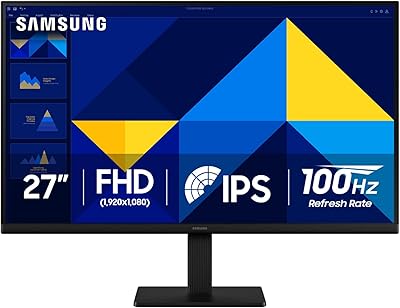
Samsung S30GD 27″ FHD IPS Monitor
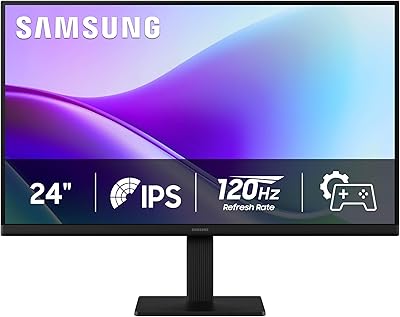
Samsung 24″ S32GF FHD IPS Monitor
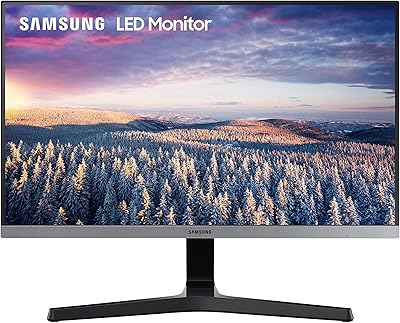
Samsung SR35 27-inch FHD Monitor
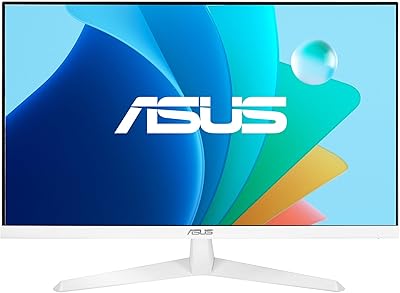
ASUS VY279HF-W 27″ FHD IPS Monitor
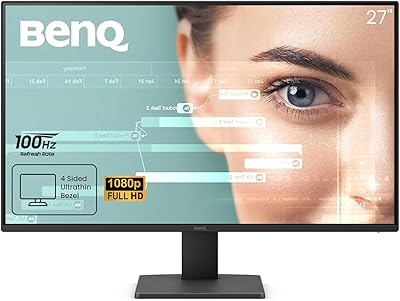
BenQ GW2791 27-inch FHD IPS Monitor
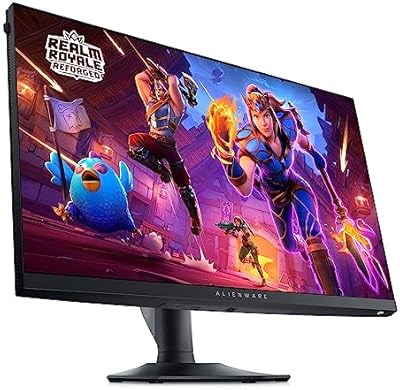
Alienware AW2724HF 27″ Gaming Monitor
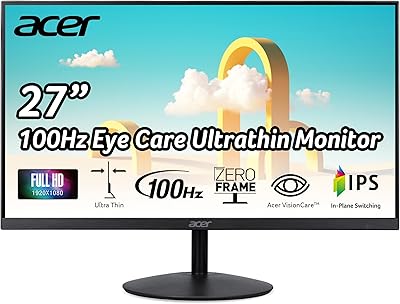
Acer SB272 27-inch FHD IPS Monitor
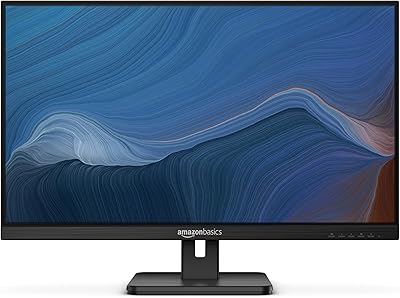
Amazon Basics 27E2UA 27-inch IPS Monitor
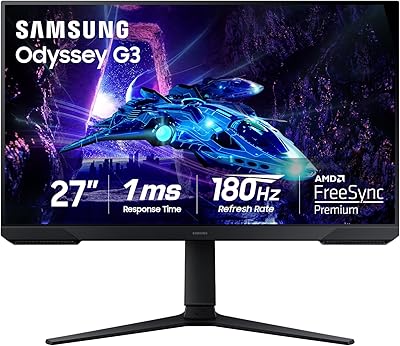
Samsung Odyssey G3 G30D 27″ Gaming Monitor