Samsung S22R350FHN 22-inch IPS Monitor
Overview
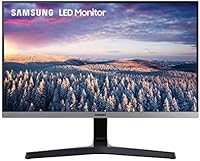
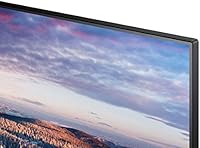
The Samsung S22R350FHN 22-inch IPS Monitor is exactly what it sounds like: a no-nonsense, business-grade display built for people who need reliable screen real estate without overspending. Samsung Business has never been about flash, and this IPS display reflects that philosophy — clean lines, a slim bezel design, and a 1080p panel that handles spreadsheets, documents, and video calls with quiet competence. At its price point, it sits comfortably in the entry-level IPS tier, competing on substance rather than spectacle. For buyers tired of trading image quality for affordability, it makes a reasonable case.
Features & Benefits
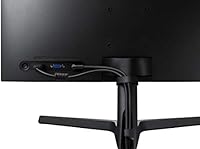
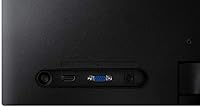
What makes the S22R350FHN worth a look is its IPS panel technology, which delivers a wide 178-degree viewing angle both horizontally and vertically — meaning colors stay consistent whether you're looking straight on or glancing from the side. The 75Hz refresh rate won't matter much for spreadsheets, but it does make scrolling and casual browsing noticeably smoother than a standard 60Hz panel. For anyone who logs long hours at a desk, the built-in Eye Saver Mode and flicker-free backlight are genuinely useful, not just marketing checkboxes. Connectivity covers both HDMI and legacy VGA, which is handy in older office environments, and the 75x75 VESA mount support means you can ditch the stand entirely for a cleaner setup.
Best For
This Samsung business monitor makes the most sense for home office workers who want a plug-and-play display without a learning curve — connect it via HDMI and you're up in minutes. It's also a natural fit for small businesses deploying multiple monitors at once, where keeping the per-unit cost down matters more than premium features. Students and light users doing research, writing, or streaming will find the image quality more than adequate. It also works well as a secondary screen in a dual-monitor arrangement, where the slim bezels help the two displays sit close together without a distracting gap. Just don't expect it to satisfy creative professionals who need precise color output.
User Feedback
Across nearly 1,750 ratings, this IPS display holds a 4.6-star average — which, for a monitor in this tier, is genuinely impressive and not something to dismiss. Most buyers highlight the easy setup and how sharp the image looks right out of the box, with no tinkering required. The critiques that surface consistently are around the stand: it tilts, and that's about it — no height adjustment, no pivot, nothing that lets you dial in the ergonomics properly. A few users also note that VGA signal quality is softer than HDMI, so sticking to HDMI is the smarter call. Color performance earns praise for casual use but falls short for anything photo- or design-related.
Pros
- IPS panel delivers consistent colors and wide viewing angles that hold up well for everyday office work.
- The 75Hz refresh rate makes scrolling and general use feel noticeably smoother than older 60Hz monitors.
- Eye Saver Mode and flicker-free backlight are practical features that actually reduce fatigue during long sessions.
- Setup is genuinely quick — unbox, connect via HDMI, and you are working within minutes.
- VESA 75x75 support gives you real flexibility to wall-mount or use a monitor arm instead of the included stand.
- Including a VGA port alongside HDMI makes this IPS display compatible with a wider range of older office hardware.
- Slim bezels give the monitor a cleaner, more modern look than you typically expect at this price point.
- Samsung Business backing means reliable build quality and better long-term support than many no-name alternatives.
- Strong aggregate rating across a large number of verified buyers adds genuine confidence to the purchase.
- Compact footprint and light weight make it easy to reposition or take to a different workspace.
Cons
- The stand only tilts — no height adjustment, swivel, or pivot, which is a real ergonomic drawback for daily use.
- VGA signal quality is noticeably softer than HDMI; buyers relying on VGA should temper their expectations.
- No adaptive sync support, so users doing any casual gaming will see screen tearing at higher frame rates.
- Color accuracy is adequate for office tasks but falls short for photo editing or any color-sensitive creative work.
- At 21.5 inches, screen real estate is tighter than the 24-inch and 27-inch options now common at similar price points.
- No USB hub or built-in audio output, which limits desk cable management options for some setups.
- The stand feels noticeably basic and plasticky compared to monitors even slightly higher up in price.
- Only a single HDMI port means switching between two HDMI sources requires manual cable swapping.
Ratings
The scores below reflect our AI-driven analysis of verified global buyer reviews for the Samsung S22R350FHN 22-inch IPS Monitor, with spam, incentivized, and bot-flagged submissions actively filtered out before any scoring was applied. Each category is evaluated independently to surface both where this display genuinely earns its reputation and where real-world buyers consistently hit friction. Nothing is smoothed over — the pain points are scored as honestly as the strengths.
Image Clarity
Color Accuracy
Viewing Angles
Refresh Rate & Smoothness
Eye Comfort
Stand & Ergonomics
Build Quality
Connectivity
Setup Experience
Value for Money
VESA & Mounting
Response Time
Screen Real Estate
Suitable for:
The Samsung S22R350FHN 22-inch IPS Monitor is a strong match for anyone whose primary display needs revolve around productivity rather than performance. Home office workers who spend their days in browser tabs, documents, and video calls will find the 1080p IPS panel more than adequate — it's sharp, comfortable to look at, and easy to set up without any technical fuss. Students on a budget get a reliable, brand-backed display that won't embarrass itself on Zoom or strain their eyes during late-night study sessions. Small businesses and corporate IT teams deploying multiple workstations will also appreciate the consistent quality and the flexibility of VESA mounting, which makes it easy to wall-mount or pair with monitor arms in tighter office environments. If you're running a dual-monitor setup and need a clean secondary screen that doesn't clash visually, the slim bezel design fits that role neatly too.
Not suitable for:
The Samsung S22R350FHN 22-inch IPS Monitor has clear limits, and being upfront about them saves buyers from a frustrating experience. Photographers, video editors, and graphic designers should look elsewhere — this IPS display at this price tier doesn't have the color accuracy or calibration depth that color-critical work demands. Gamers chasing high frame rates will also be disappointed; 75Hz is a modest ceiling, and there's no adaptive sync support to smooth out tearing. Ergonomics-conscious users who need to fine-tune their screen height or rotate to portrait mode will find the tilt-only stand genuinely limiting over long work periods. And anyone hoping to use it with a newer device that has dropped legacy ports should know that VGA image quality noticeably softens compared to HDMI — it works, but it's not the experience this display is capable of.
Specifications
- Screen Size: The panel measures 21.5 inches diagonally (21.8-inch native panel), providing a comfortable viewing area for productivity and general use.
- Resolution: Native resolution is 1920x1080 (Full HD 1080p), delivering clear, sharp text and images for everyday office and home use.
- Panel Type: Uses an IPS (In-Plane Switching) panel, which provides consistent color reproduction and wide viewing angles compared to TN alternatives.
- Refresh Rate: Supports a 75Hz refresh rate, offering noticeably smoother motion than standard 60Hz displays during scrolling and casual use.
- Response Time: Rated at 5ms response time, which is adequate for productivity work and casual browsing but not optimized for competitive gaming.
- Viewing Angle: Offers 178° horizontal and 178° vertical viewing angles, meaning color and brightness remain stable when viewed from the sides or above.
- Aspect Ratio: Standard 16:9 widescreen aspect ratio, compatible with all modern content formats and productivity layouts.
- Connectivity: Includes one HDMI port and one legacy VGA port, covering both modern and older device connections without any additional adapters for most setups.
- VESA Mount: Compatible with 75x75mm VESA mounting standard, allowing wall mounting or use with a third-party monitor arm.
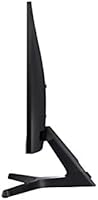
- Stand Adjustment: The included stand supports tilt adjustment only; height, swivel, and pivot adjustments are not available without a third-party arm.
- Eye Care: Equipped with Eye Saver Mode (blue light reduction) and a flicker-free backlight to reduce eye strain during extended use.
- Screen Surface: Features a flat, non-curved screen with a matte-finish panel surface that minimizes glare in bright office environments.
- Dimensions: Assembled unit measures 19.2 inches wide, 15.6 inches tall, and 9.3 inches deep, making it a compact fit for most standard desks.
- Weight: Complete unit with stand weighs approximately 8 pounds, light enough to reposition or transport without difficulty.
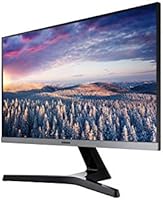
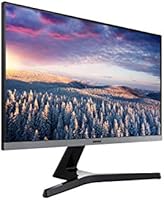
- Color & Finish: Available in black with a silver bezel accent, giving it a clean, professional look that suits both home offices and corporate environments.
- Brand & Series: Manufactured by Samsung Business under the S-series lineup, with model designation S22R350FHN targeting the business and productivity monitor segment.
Related Reviews
Dell P2214H 22-Inch IPS Monitor
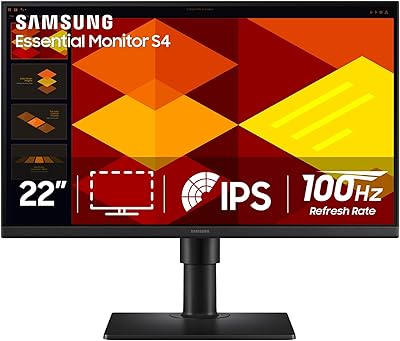
Samsung S40GD 22-inch Business Monitor
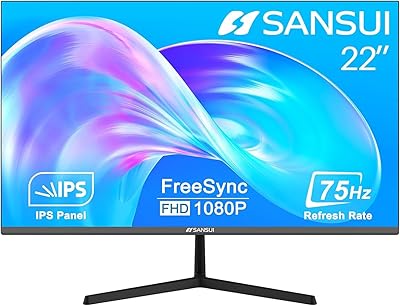
SANSUI ES-22X3 22-inch IPS Monitor
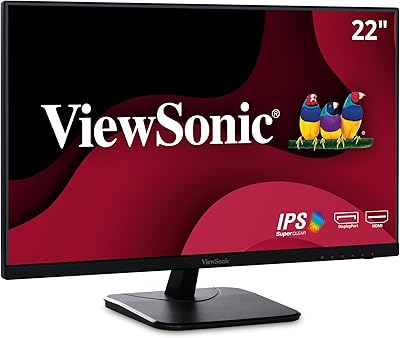
ViewSonic VA2256-MHD 22-inch IPS 1080p Monitor
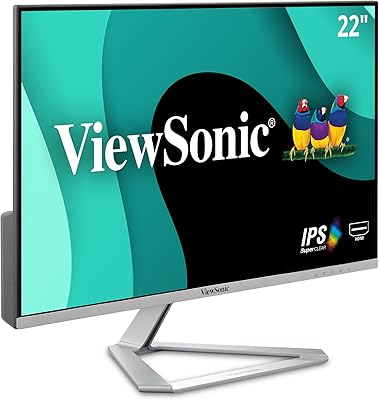
ViewSonic VX2276-SMHD 22-Inch IPS Monitor
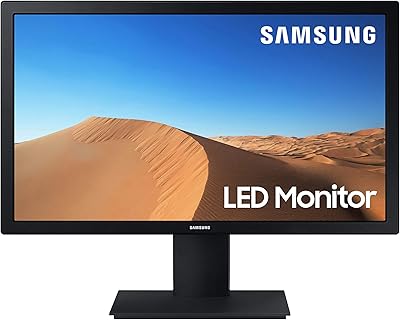
Samsung S33A 22-Inch FHD Monitor
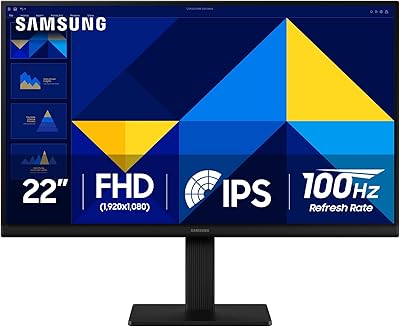
Samsung S30GD 22″ FHD Monitor

Gigastone LM-27FF51 27-Inch IPS Monitor
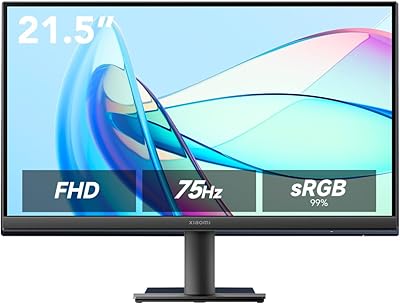
Xiaomi A22i 22-Inch FHD Monitor
