Samsung Odyssey G70B 32-inch 4K Gaming Monitor
Overview
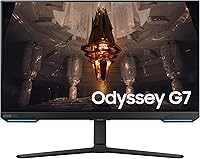
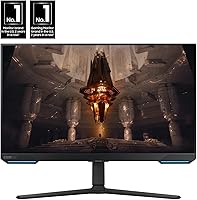
The Samsung Odyssey G70B 32-inch 4K Gaming Monitor arrived in late 2022 as Samsung's answer to gamers who refused to choose between crisp visuals and smooth performance. It sits in the upper tier of the Odyssey lineup, targeting players who spend hours in open-world or story-driven titles rather than purely chasing milliseconds in competitive shooters. What sets it apart isn't just the spec sheet — the built-in Samsung Gaming Hub turns it into something closer to a smart gaming appliance than a traditional display. That said, a 3.2-star average across nearly 200 reviews is hard to ignore, and any honest look at this monitor has to reckon with what's driving that number.
Features & Benefits
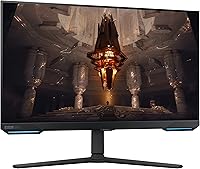
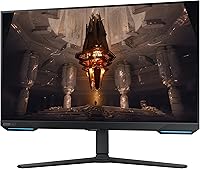
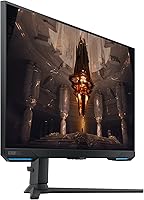
The 4K IPS panel is where this Odyssey panel earns its keep. At 32 inches with a 3840x2160 resolution and a 178-degree viewing angle, sprawling open-world environments look sharply detailed — colors hold up even when you're sitting slightly off-center. The 144Hz refresh rate and 1ms response time sound ideal together, but hitting both at native 4K demands serious GPU muscle; realistically, you're looking at an RTX 4080 or RX 7900-class card for a consistent experience. Both Nvidia and AMD users benefit from dual sync support, covering G-Sync compatibility and FreeSync Premium Pro. The DisplayHDR 400 certification improves contrast over SDR, but don't expect the deep blacks you'd get from higher-tier HDR implementations — that distinction matters.
Best For
This Samsung gaming monitor makes the most sense for PC gamers running a capable GPU who want a meaningful visual upgrade from 1080p or 1440p without moving to an ultra-wide format. Console players and cloud gaming fans also have good reason to consider it — the built-in Gaming Hub provides direct access to streaming services with no PC required. Light photo or video editing alongside gaming is reasonable here too, thanks to the accurate IPS panel. Pure competitive players chasing maximum frame rates at any cost will likely find better-suited options elsewhere. The ergonomic stand offering height, tilt, and swivel adjustments is a genuine long-session advantage that many monitors at this size skip entirely.
User Feedback
The G70B 32-inch carries a 3.2-star average from nearly 200 reviews — not a figure to overlook. Positive feedback consistently highlights out-of-the-box color accuracy, sharp image clarity, and a well-built chassis that feels appropriately premium. Where things get more mixed: a meaningful share of negative reviews mention backlight bleed, frustration with the Gaming Hub's occasional sluggishness, and HDR expectations that DisplayHDR 400 simply cannot meet. Several buyers also raise questions about stable 144Hz performance at native 4K without a top-tier GPU in place. The complaints aren't universal, and some stem from mismatched expectations rather than outright defects — but they're consistent enough to factor into your decision.
Pros
- Stunning 4K IPS image quality with accurate colors straight out of the box.
- Wide 178-degree viewing angle keeps the picture consistent even from off-center seating.
- Dual sync support covers both Nvidia and AMD GPU owners with no compromise.
- The Samsung Gaming Hub adds genuine cloud gaming utility without requiring a connected PC.
- Fully adjustable ergonomic stand with height, tilt, and swivel is rare at this screen size.
- 1ms response time keeps motion reasonably crisp for fast-paced gaming scenarios.
- 32-inch 4K at 16:9 hits a practical sweet spot between immersion and desk space.
- Build quality is widely praised in positive reviews — the chassis feels appropriately premium.
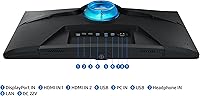
- DisplayPort and HDMI connectivity alongside two USB 3.0 ports covers most modern setups.
Cons
- Achieving stable 144Hz at native 4K demands a flagship-tier GPU most buyers may not own.
- DisplayHDR 400 certification delivers underwhelming HDR results compared to higher-grade standards.
- A 3.2-star average from nearly 200 reviews signals reliability and consistency concerns worth taking seriously.
- Backlight bleed has been reported across multiple units, suggesting panel uniformity is not consistent.
- The Samsung Gaming Hub can feel sluggish, with occasional connectivity and responsiveness issues noted.
- Brightness tops out at 350 cd/m², which limits HDR impact and visibility in brightly lit rooms.
- No built-in speakers, which is a minor but notable omission at this price tier.
- Static contrast ratio of 1000:1 is typical for IPS but lags noticeably behind VA or OLED alternatives.
- Firmware-related complaints appear in user reviews, suggesting software polish has not always matched the hardware ambition.
Ratings
The scores below were generated by AI after analyzing verified buyer reviews for the Samsung Odyssey G70B 32-inch 4K Gaming Monitor from multiple global sources, with spam, bot activity, and incentivized feedback actively filtered out. Each category reflects what real users reported after extended use — both the highlights and the frustrations. The results are intentionally transparent: strong areas are credited, and recurring pain points are scored accordingly.
Image Quality
HDR Performance
Gaming Performance
Panel Consistency
Samsung Gaming Hub
Build Quality
Ergonomics & Stand
Connectivity
Refresh Rate at 4K
Color Accuracy
Value for Money
Software & Firmware
Setup & Installation
Viewing Comfort
Suitable for:
The Samsung Odyssey G70B 32-inch 4K Gaming Monitor is a strong match for PC gamers who already own or plan to invest in a high-end GPU and want to trade up from a 1080p or 1440p display without committing to an ultra-wide footprint. At 32 inches with a native 4K IPS panel, it rewards players who spend most of their time in visually rich single-player titles — open-world games, RPGs, and cinematic experiences where image sharpness and color accuracy genuinely shift how the game feels. Cloud and console gamers also have a compelling reason to look here, since the built-in Samsung Gaming Hub provides direct access to streaming services like Xbox Cloud Gaming and GeForce Now without needing a PC attached. Creative professionals who double-dip between work and gaming will appreciate the accurate IPS output for light photo or video editing tasks. Anyone who values a fully adjustable ergonomic stand — height, tilt, and swivel — over a locked or limited mount will find this one of the more comfortable setups to live with daily.
Not suitable for:
Competitive esports players who prioritize maximum frame rates above all else should look elsewhere — the G70B 32-inch is not engineered for the 240Hz-and-above refresh territory that titles like Valorant or CS2 players often demand. Running this Odyssey panel at its full 4K resolution and 144Hz simultaneously requires a top-tier GPU; buyers with mid-range cards will likely need to drop resolution or refresh rate, which undercuts the core value proposition. Those with high expectations around HDR performance should also temper their enthusiasm: DisplayHDR 400 is an entry-level certification, and the contrast and brightness output will disappoint anyone accustomed to OLED or full-array local dimming panels. Buyers sensitive to backlight uniformity issues may find the panel lottery frustrating, as user reports suggest inconsistency across units. If budget is the primary driver and smart features like the Gaming Hub hold no appeal, there are competing 32-inch 4K monitors in the same class worth comparing before committing.
Specifications
- Screen Size: The display measures 32 inches diagonally, offering a large viewing area well-suited to 4K content at typical desktop viewing distances.
- Resolution: Native resolution is 4K UHD at 3840x2160 pixels, delivering four times the pixel density of a standard 1080p panel.
- Panel Type: Uses an IPS (In-Plane Switching) panel, which provides consistent color reproduction and wide viewing angles compared to TN alternatives.
- Refresh Rate: Supports a maximum refresh rate of 144Hz, enabling smoother motion in games when paired with a sufficiently powerful GPU.
- Response Time: Rated at 1ms response time (GtG), which helps reduce motion blur and ghosting during fast-paced gameplay sequences.
- HDR Support: Certified to DisplayHDR 400, an entry-level HDR standard that improves contrast over SDR but does not support local dimming or deliver deep blacks.
- Brightness: Typical brightness is rated at 350 cd/m², which is adequate for indoor use but limits HDR punch in well-lit environments.
- Contrast Ratio: Static contrast ratio is 1000:1 (typical), which is standard for IPS panels but falls behind VA or OLED displays in dark scene reproduction.
- Viewing Angle: Horizontal and vertical viewing angles both reach 178 degrees, meaning color and contrast hold up well even from off-center positions.
- Sync Technology: Supports both Nvidia G-Sync compatibility and AMD FreeSync Premium Pro, covering variable refresh rate functionality for users on either GPU platform.
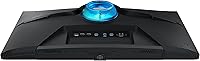
- Connectivity: Includes HDMI, DisplayPort, and two USB 3.0 ports, providing flexible options for connecting a PC, console, or peripherals.
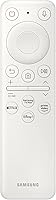
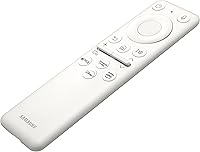
- Smart Features: The built-in Samsung Gaming Hub provides direct access to cloud gaming platforms including Xbox Cloud Gaming and GeForce Now without requiring a connected PC.
- Aspect Ratio: Standard 16:9 aspect ratio on a flat panel, keeping the form factor familiar and compatible with all conventional gaming and productivity content.
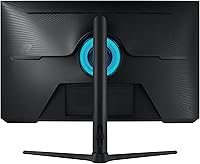
- Stand Adjustments: The included ergonomic stand supports height adjustment, tilt, and swivel, allowing for a wide range of positioning to suit different desk setups.
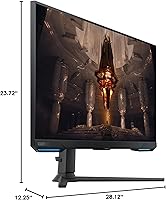
- Dimensions: With the stand attached, the monitor measures approximately 28.12 x 23.72 x 12.25 inches (width x height x depth).
- Weight: The full unit including stand weighs 18.3 pounds, which is typical for a 32-inch monitor and manageable for most standard desk surfaces.
- Game Bar: An on-screen Game Bar overlay lets users monitor FPS, adjust response time settings, and change picture modes without exiting their game.
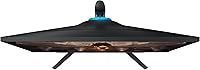
- Surface Type: The screen surface is flat (non-curved), which maintains geometric accuracy across the panel and suits both gaming and productivity use.
Related Reviews
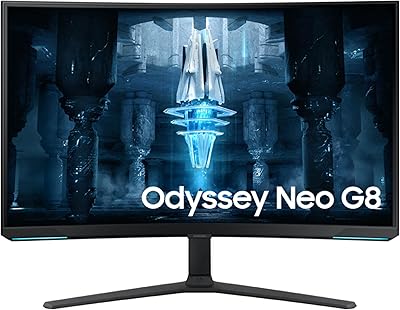
Samsung 32″ Odyssey Neo G8 Gaming Monitor
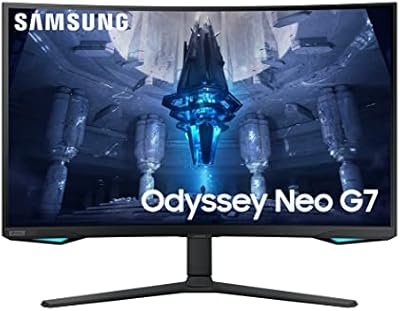
Samsung 32″ Odyssey Neo G7 Gaming Monitor
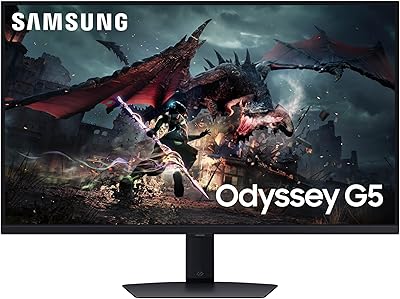
Samsung Odyssey G50D 32-inch QHD Gaming Monitor
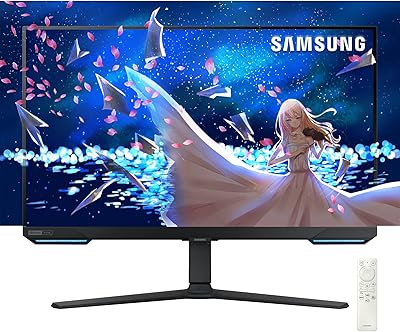
Samsung Odyssey G7 28-inch 4K Gaming Monitor
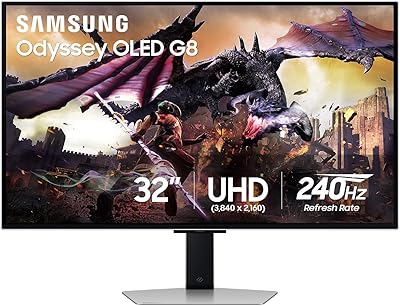
Samsung Odyssey G8 32″ OLED Gaming Monitor
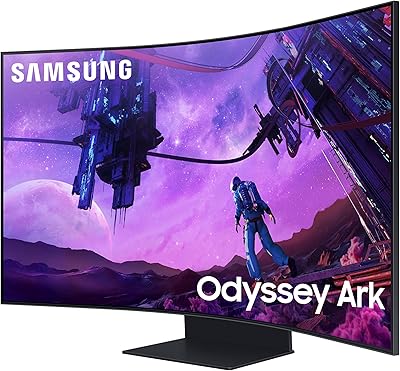
Samsung 55-inch Odyssey Ark Curved Gaming Monitor
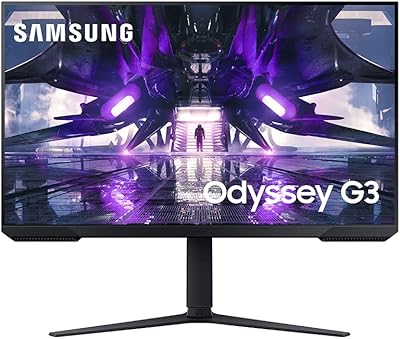
Samsung Odyssey G32A 32″ Gaming Monitor
Samsung 32″ UJ59 4K UHD Monitor
Samsung Odyssey G55C 32″ Curved Gaming Monitor
