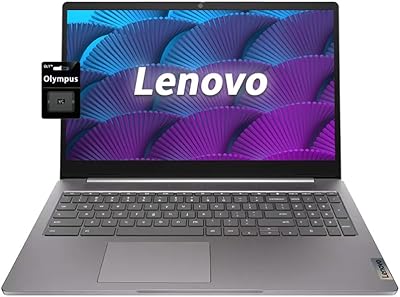
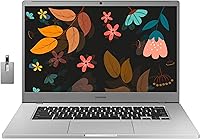
Samsung Chromebook 4+ 15.6″, Intel Celeron N4000, 4GB RAM, 64GB eMMC



Overview
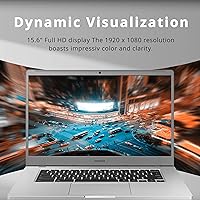
The Samsung Chromebook 4+ 15.6″, Intel Celeron N4000, 4GB RAM, 64GB eMMC offers a reliable, affordable solution for everyday computing needs. With a 15.6″ Full HD display, this Chromebook provides vibrant visuals for work, study, and casual entertainment. At just 2.98 lbs, it’s a lightweight option for those constantly on the go. Running Chrome OS, this laptop is designed to handle web-based tasks with ease, offering a simple, streamlined experience. While it may not be suited for heavy workloads, it strikes a balance between performance and portability, making it a great option for light users.
Features & Benefits
This Chromebook boasts a Full HD LED display that delivers crisp, clear visuals, perfect for everyday tasks and media consumption. Powered by the Intel Celeron N4000 processor and equipped with 4GB of RAM and 64GB of eMMC storage, it provides solid performance for web browsing, document editing, and light multimedia work. The long-lasting battery ensures that users can work or stream content for hours without needing to recharge. For basic media consumption and web browsing, the integrated Intel UHD Graphics 600 offers smooth visuals, making it an ideal option for casual entertainment.
Best For
The Samsung Chromebook 4+ is perfect for students and light office workers who need a budget-friendly laptop for everyday tasks. It’s also well-suited for those who prioritize portability and need a reliable device for web-based applications like Google Docs, email, and browsing. Its simple and straightforward design makes it a solid choice for users who don’t require powerful specs for heavy multitasking or gaming. With its sleek, affordable design, it’s also ideal for anyone looking for a no-fuss laptop for basic work or entertainment.
User Feedback
The Samsung Chromebook 4+ generally receives positive feedback, especially for its ease of use and simplicity. Many users appreciate its fast performance for everyday tasks, making it a solid option for students and casual users. However, some reviewers note that the 4GB RAM and 64GB storage can be limiting for multitasking or running memory-heavy applications. Additionally, while the display is well-regarded for its size, a few users mention that the screen could be a bit brighter in direct sunlight. Overall, it’s praised for its balance of price, portability, and functionality for light use.
Pros
- This Chromebook offers excellent value for users on a budget, making it ideal for students and casual users.
- Its lightweight design (2.98 lbs) makes it easy to carry around, perfect for people on the go.
- The Full HD display provides clear visuals, enhancing the viewing experience for media and video calls.
- Battery life lasts for an entire day of light work, perfect for students or office workers needing reliable performance throughout the day.
- It operates smoothly for basic tasks like browsing, email, and document editing, offering ease of use with Chrome OS.
- The device’s affordability is a major draw for users who don’t need high-end specs but still require a dependable, everyday laptop.
Cons
- With only 4GB of RAM and 64GB of eMMC storage, this device struggles with heavy multitasking and large file management.
- Some users find the display brightness insufficient for outdoor use or brightly lit environments.
- The Intel UHD Graphics 600 is limited, which may not be ideal for users wanting to run graphic-heavy applications or games.
- The storage capacity might feel restrictive for users needing to store large files or install numerous apps.
- While the battery is long-lasting, power users or those running resource-intensive tasks might find it underwhelming.
- This Chromebook may not be the best option for professional users who rely on more demanding software or multitasking capabilities.
Ratings
The scores for the Samsung Chromebook 4+ 15.6″, Intel Celeron N4000, 4GB RAM, 64GB eMMC were derived by analyzing verified user feedback from multiple platforms and languages worldwide. All spam, incentivized, and low-quality reviews were excluded to ensure accurate and unbiased insights. While many users praise its affordability, portability, and ease of use, there are some common concerns, particularly about its storage and performance during multitasking. Both strengths and pain points are reflected in the following scores, representing a diverse range of experiences from global users.
Value for Money
Display Quality
Battery Life
Portability
Ease of Use
Performance for Everyday Tasks
Multitasking Performance
Build Quality
Storage Capacity
Graphics Performance
Connectivity
Customer Support
Suitable for:
The Samsung Chromebook 4+ 15.6″, Intel Celeron N4000, 4GB RAM, 64GB eMMC is an excellent choice for budget-conscious users who need a simple, portable device for everyday tasks. It's particularly well-suited for students, light office workers, or those who primarily use web-based applications, such as email, document editing, and online browsing. Its lightweight design and long-lasting battery make it ideal for people on the go, whether commuting, traveling, or working remotely. The Full HD display enhances the experience for media consumption and video calls, while the device’s affordability keeps it within reach for those on limited budgets looking for a reliable, no-frills laptop.
Not suitable for:
However, the Samsung Chromebook 4+ may not be the best option for power users or those who require more robust performance. With only 4GB of RAM and 64GB of eMMC storage, it struggles with multitasking or handling more resource-intensive applications. Users who need to store large files, run multiple apps at once, or use demanding software like video editing tools or advanced games may find the device underwhelming. Additionally, its graphics performance and screen brightness may not meet the needs of those who require higher visual fidelity or a brighter display for outdoor use. This laptop is better suited for simple, day-to-day tasks rather than heavy computing workloads.
Specifications
- Screen Size: The Chromebook features a 15.6-inch Full HD (1920x1080) display for clear and sharp visuals.
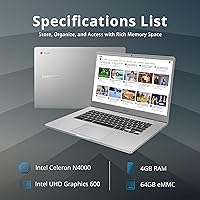
- Processor: Powered by an Intel Celeron N4000 processor, offering budget-friendly performance for everyday tasks.
- Memory: Equipped with 4GB of DDR3 RAM, suitable for light multitasking and daily use.
- Storage: Provides 64GB of eMMC storage, ideal for cloud-based applications and light local storage needs.
- Graphics: Intel UHD Graphics 600 for basic media consumption and web usage, but not suitable for gaming or intensive graphics tasks.
- Battery Life: Long-lasting battery capable of providing up to 10 hours of continuous use, making it ideal for full-day portability.
- Operating System: Runs on Chrome OS, designed for easy access to web-based apps and services.
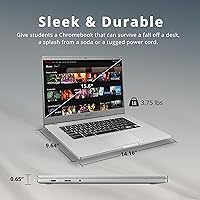
- Weight: Weighing just 2.98 lbs, the device is lightweight and easy to carry for on-the-go use.
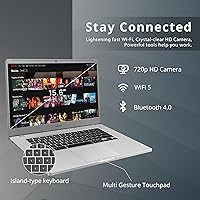
- Connectivity: Supports Wi-Fi 5 and Bluetooth for seamless wireless connections to networks and peripherals.
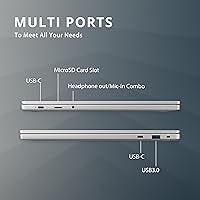
- Ports: Includes 2 USB Type-C ports, 1 USB-A 3.0 port, and a headphone jack for various connectivity options.
- Camera: Features an HD webcam for video calls, ideal for remote learning and meetings.
- Audio: Integrated speakers provide clear audio for video conferencing, media, and general use.
- Dimensions: Measures 14.2″ x 9.6″ x 0.7″, offering a spacious screen in a compact form factor.
- Expandability: Supports external storage through USB and SD cards, allowing for additional storage expansion.
- Security: Includes built-in security features such as automatic updates and verified boot to keep data safe.
- Warranty: Comes with a 1-year limited warranty for peace of mind against defects and hardware failures.
- Color Options: Available in a sleek, neutral color option that suits a variety of professional and casual environments.
- Software Compatibility: Fully compatible with Google’s suite of apps (Docs, Drive, etc.) and supports Android apps via the Google Play Store.
- Processor Speed: The Intel Celeron N4000 operates at speeds of up to 2.6 GHz for basic computing tasks.
Related Reviews
Samsung Chromebook 4 11.6″ Laptop
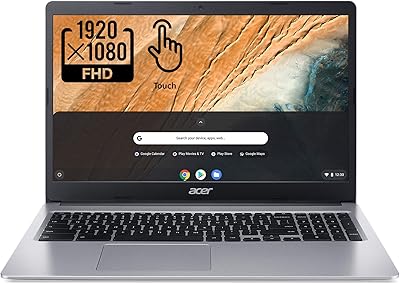
Acer Chromebook 315 15.6″ Laptop
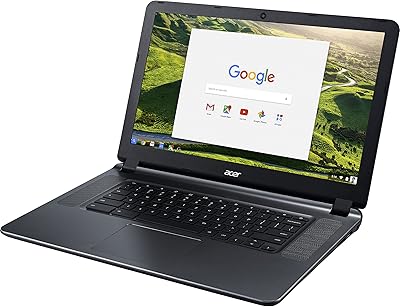
Acer Chromebook 15 CB3-532-C42P, Intel Celeron N3060, 15.6″, 4GB RAM, 16GB eMMC
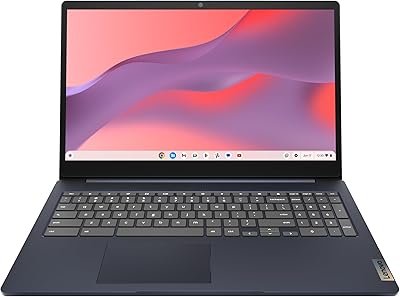
Lenovo IdeaPad 3i Chromebook 15.6″ (8GB RAM, 64GB eMMC)
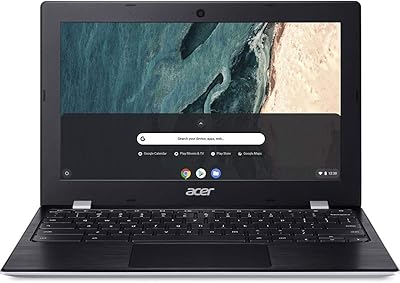
Acer Chromebook 311 11.6-inch Laptop
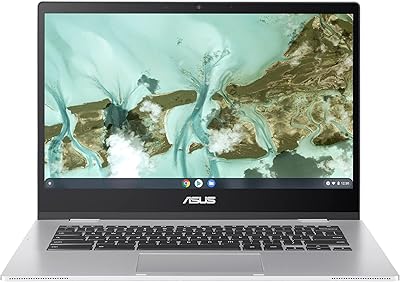
ASUS Chromebook CX1 14-inch Laptop
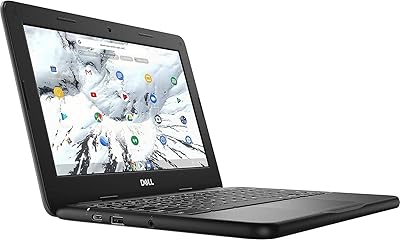
Dell 3100 11.6-inch Touchscreen Chromebook
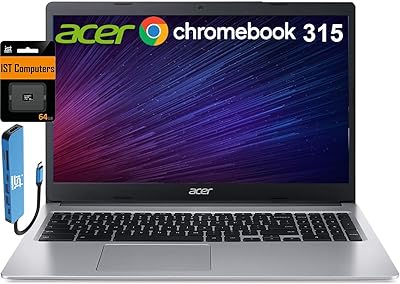
Acer Chromebook 315 15.6-inch Laptop
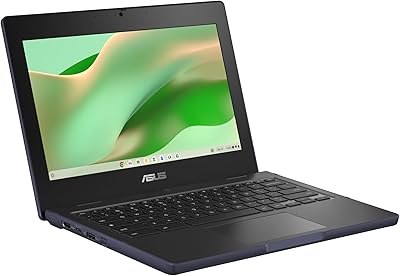
ASUS Chromebook CR11 11.6-inch Ruggedized Laptop