






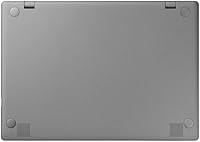
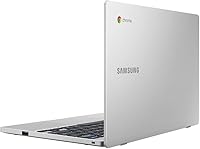
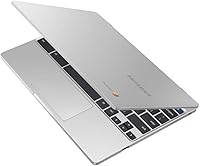
Overview
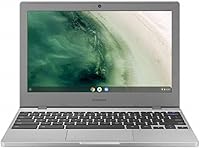
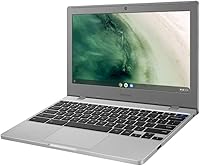
The Samsung Chromebook 4 11.6″ Laptop is a compact, no-frills machine built for people who need reliable everyday computing without spending a fortune. It slips easily into a backpack and doesn't wear you out on longer commutes. Chrome OS is the big differentiator — it's not Windows, and that matters. You won't install traditional desktop software, but if your day revolves around a browser and Google's suite of apps, that's rarely a problem. Samsung claims military-grade durability, meaning the machine has been tested to handle drops, dust, and temperature swings better than most budget competitors. Just go in with clear expectations: this is a capable entry-level device, not a workhorse.
Features & Benefits
For a budget laptop, the Chromebook 4 punches above its weight in a few specific areas. The Gigabit Wi-Fi connection is genuinely quick for this price range — streaming, video calls, and cloud storage syncing all feel snappy. The Intel Celeron processor and four gigabytes of RAM handle browser-based tasks and Google Docs without complaint, though opening a dozen tabs simultaneously will slow things down noticeably. Storage is tight, so embracing Google Drive is non-negotiable. Boot times are impressively fast thanks to the eMMC drive, and Chrome OS security handles virus protection automatically with no manual updates needed. Google Assistant adds a handy voice shortcut layer on top.
Best For
This Samsung budget laptop makes the most sense for a pretty specific group of buyers. Students are the obvious fit — it handles assignments, research, and video calls reliably, and Chrome OS means there's almost no setup or maintenance involved. Parents shopping for a durable first laptop for younger kids will appreciate the tough build and the fact that malware is essentially a non-issue. If your work is entirely browser-based — think Google Workspace, Zoom, or Slack — you can use the Chromebook 4 as a capable daily driver. It also works well as a lightweight travel companion or a simple, portable second machine for a family member.
User Feedback
Buyers consistently praise the quick startup time and how little fuss the setup involves — most people are up and running within minutes of unboxing. The build quality earns genuine compliments, with many noting it feels sturdier than expected at this price point. Where frustration appears: the local storage fills up faster than people anticipate, and the machine can stutter when too many browser tabs are open at once. Battery life is solid in practice, though real-world use tends to fall noticeably short of the advertised figure. A handful of Windows users also report a steeper-than-expected Chrome OS learning curve, particularly around file management and app availability.
Pros
- Boots up in seconds, making it ready to use almost instantly every single time.
- Chrome OS handles security automatically — no antivirus subscriptions or manual updates needed.
- The build quality feels surprisingly solid and sturdy for a laptop in this price range.
- Gigabit Wi-Fi delivers noticeably fast wireless speeds compared to most competitors at this tier.
- Lightweight and slim enough to carry comfortably in a backpack all day without strain.
- Google Assistant integration adds a genuinely useful hands-free shortcut for quick tasks.
- Setup takes minutes — plug in, sign into a Google account, and you are ready to go.
- Two USB 3.0 ports provide enough connectivity for everyday peripherals without needing a hub.
- Cloud-first design keeps the machine running smoothly over a long lifespan with fewer slowdowns.
Cons
- Local storage fills up quickly for anyone not fully committed to storing files in the cloud.
- Real-world battery life falls meaningfully short of the manufacturer's advertised figure.
- Opening more than six or seven browser tabs simultaneously causes noticeable performance slowdowns.
- Switchers from Windows often face an unexpected adjustment period with Chrome OS file management.
- The display resolution looks soft compared to sharper screens available on rival devices.
- No access to traditional desktop software is a hard dealbreaker for many professional workflows.
- Four gigabytes of RAM leaves little headroom for multitasking beyond basic browsing and Docs.
- The 11.6-inch screen size, while portable, can feel cramped during extended writing or research sessions.
- No optical drive and limited local storage make offline media consumption inconvenient without planning ahead.
Ratings
The Samsung Chromebook 4 11.6″ Laptop has been scored by our AI system after processing thousands of verified global buyer reviews, with spam, incentivized submissions, and bot activity actively filtered out before analysis. The scores you see here reflect the honest range of real user experiences — where this machine genuinely impresses and where it falls short. Both sides of the picture are represented transparently so you can make a confident, informed decision.
Value for Money
Build Quality
Performance
Storage Capacity
Battery Life
Display Quality
Keyboard & Trackpad
Portability
Wi-Fi Connectivity
Chrome OS Experience
Setup & Ease of Use
Security & Privacy
Audio Quality
Durability Over Time
Suitable for:
The Samsung Chromebook 4 11.6″ Laptop was clearly designed with a specific type of buyer in mind, and for that buyer, it genuinely delivers. Students from middle school through college will find it handles the core demands of academic life — writing papers, joining video calls, researching online, and collaborating in Google Docs — without any meaningful friction. Parents shopping for a first laptop for younger children will appreciate the durable chassis, the near-zero virus risk that Chrome OS provides, and the fact that there's very little to configure or maintain. It's equally well-suited to seniors or casual users who simply want to browse, video chat with family, and check email without the complexity of a traditional Windows setup. Remote workers who live inside a browser and rely on cloud-based tools like Google Workspace, Zoom, or Slack will find this Chromebook a perfectly adequate daily machine. Anyone needing a lightweight, affordable backup laptop for travel or shared family use will also get solid value here.
Not suitable for:
The Samsung Chromebook 4 11.6″ Laptop is a poor fit for anyone whose work or hobbies demand more than a browser can offer. If you need to run Windows-only software — professional creative tools, specialized business applications, PC games, or local development environments — Chrome OS simply cannot help you, and no workaround fully bridges that gap. Power users who routinely juggle many browser tabs, streaming, and active downloads simultaneously will hit the limits of the processor and RAM faster than expected. The onboard storage is intentionally lean, so anyone who prefers keeping large local file libraries — photos, videos, music collections — will find it frustrating without a disciplined shift to cloud storage. Students in programs requiring specific Windows or Mac software installations should also steer clear. And if a sharp, color-accurate display matters to you for design, photo editing, or media consumption, the modest screen resolution on this machine will likely leave you wanting more.
Specifications
- Display: The 11.6″ HD screen outputs at 1366 x 768 pixel resolution, suitable for everyday browsing and document work.
- Processor: Powered by an Intel Celeron N4000 dual-core processor running at a base clock of 1.1 GHz with burst capability.
- RAM: Equipped with 4GB of DDR4 SDRAM running at 2133 MHz to handle light multitasking and browser-based workflows.
- Storage: Includes 32GB of eMMC solid-state storage, which delivers fast boot times but requires cloud storage for most files.
- Operating System: Runs Chrome OS, Google's browser-centric platform with built-in security, automatic updates, and Google Assistant support.
- Wi-Fi: Supports 802.11ac Gigabit Wi-Fi for fast, reliable wireless connectivity well above the baseline at this price tier.
- USB Ports: Provides two USB 3.0 ports for connecting peripherals, external drives, or other accessories at high transfer speeds.
- Audio Output: Features one 3.5mm audio-out port for connecting wired headphones or external speakers.
- Weight: Weighs approximately 3.8 lbs, keeping it manageable for daily commutes and backpack carry throughout a school day.
- Dimensions: Measures 11.33 x 7.96 x 0.66 inches, giving it a slim, compact footprint that fits easily in most bags.
- Battery: Houses a built-in Lithium Polymer battery rated by the manufacturer for extended use, though real-world endurance varies.
- Graphics: Uses integrated Intel graphics built into the Celeron processor, adequate for video playback and light visual tasks.
- Durability: Certified to meet military-grade durability standards, meaning it has been tested against drops, dust, and temperature extremes.
- Color: Available in a Platinum Titan finish, offering a neutral, professional appearance that resists looking obviously budget-grade.
- Optical Drive: Does not include an optical drive, reflecting the cloud-first design philosophy of the Chrome OS platform.
Related Reviews

Samsung Chromebook 2 XE500C12-K01US 11.6-inch Laptop
Samsung Chromebook 4+ 15.6-inch Laptop
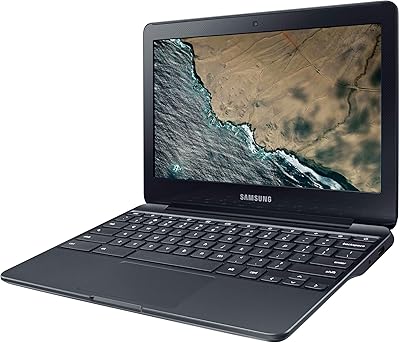
Samsung Chromebook 3 11.6″ Laptop
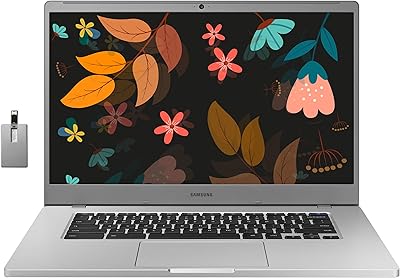
Samsung Chromebook 4+ 15.6″, Intel Celeron N4000, 4GB RAM, 64GB eMMC
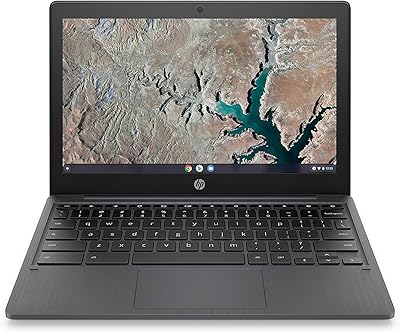
HP Chromebook 11a 11.6-inch Laptop
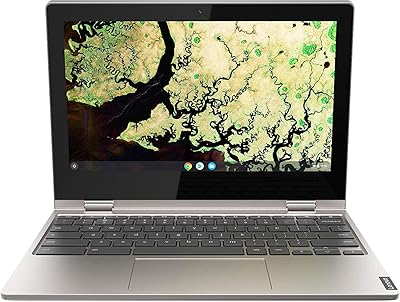
Lenovo Chromebook C340 11.6″ 2-in-1 Laptop

Acer Chromebook 315 15.6-inch Laptop
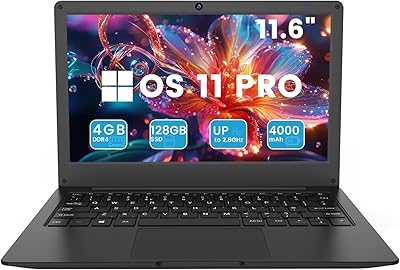
Azeyou CG11Q6-US 11.6-inch Laptop
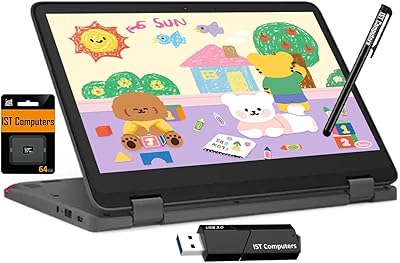
Lenovo Chromebook 300e Yoga 11.6″ 2-in-1