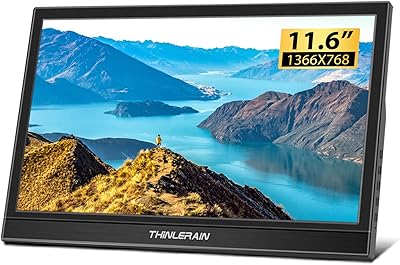
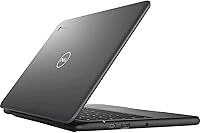
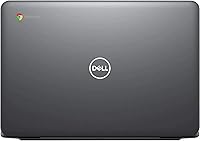
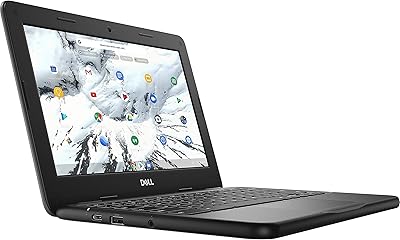
Dell 3100 11.6-inch Touchscreen Chromebook
Overview
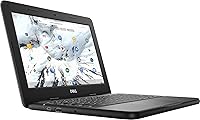
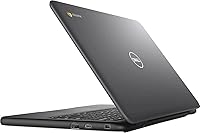
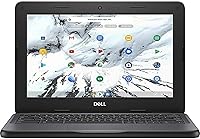
The Dell 3100 11.6-inch Touchscreen Chromebook is a renewed budget laptop built squarely for students and light everyday users who want reliability without a premium price tag. Dell originally designed the 3100 line for education environments — it's built to handle the bumps and drops of a school bag — so you're not getting a flimsy machine. Chrome OS keeps things simple: no antivirus to manage, no bloated software, and updates happen quietly in the background. That said, this refurbished laptop is best understood as a starter or secondary device. If you need to run Windows applications, this isn't your answer, and setting those expectations early matters.
Features & Benefits
The touchscreen on this Chromebook is one of its more practical selling points — tapping through Google Slides or pinch-zooming a webpage feels natural, especially for younger users. The Intel Celeron N4020 isn't a speed demon, but it handles browser tabs, YouTube, and Google Docs without frustrating lag, which covers most people's daily needs. Four gigabytes of RAM sounds modest, but Chrome OS is lean enough that multitasking across five or six tabs rarely causes issues. The onboard storage fills up faster than you'd expect, so leaning on Google Drive from day one isn't optional — it's essential. Connectivity is solid, with two USB-C ports, a USB 3.1 slot, and reliable dual-band Wi-Fi.
Best For
This Chromebook hits its stride in specific hands. K-12 students using Google Classroom will feel right at home — the touchscreen is particularly handy for annotating assignments or flipping through digital textbooks. Seniors or remote workers who spend their day in a browser, checking email, video calling, or managing spreadsheets, will find it more than capable. It's also a practical pick for families needing a shared secondary machine for casual web use. Travelers appreciate how lightweight and low-maintenance it is — no surprise OS updates hijacking your productivity. Anyone moving away from Windows should know there's a learning curve, but most users adapt comfortably within a week.
User Feedback
Buyers who pick up the Dell 3100 in renewed condition tend to be pleasantly surprised — most report minimal cosmetic wear and solid build quality that reflects the machine's original school-market durability. Battery life gets consistent praise, with many users squeezing through a full school or work day on a single charge. That said, screen brightness draws regular complaints and can struggle in well-lit rooms. The keyboard earns decent marks for moderate typing sessions, though the trackpad gets mixed reviews. Storage anxiety is a recurring theme: buyers who skipped setting up cloud storage early often found themselves running out of space within months. Overall sentiment leans positive for what you pay.
Pros
- Durable education-grade build holds up better than most budget laptops in its price range.
- The touchscreen is responsive and adds real convenience for students annotating documents or browsing casually.
- Chrome OS stays fast and smooth on modest hardware, keeping everyday tasks feeling snappy.
- Dual USB-C ports and USB 3.1 connectivity cover modern peripheral needs without dongles.
- Battery life consistently impresses users, often lasting a full school or work day on one charge.
- Renewed units typically arrive in better cosmetic condition than buyers expect, offering strong value.
- Bluetooth 5.0 and dual-band Wi-Fi deliver reliable wireless connections for video calls and streaming.
- Lightweight enough at around 4 pounds to carry comfortably in a backpack all day.
- Zero-maintenance OS means no virus scares, no forced restarts, and no complicated updates to manage.
Cons
- 32GB of storage fills up alarmingly fast if you try to save files locally rather than using the cloud.
- Screen brightness struggles in well-lit rooms and makes outdoor use uncomfortable.
- The trackpad receives mixed reviews and can feel imprecise during extended work sessions.
- Chrome OS offers no path to running Windows applications, which is a hard stop for many buyers.
- The 1366x768 resolution looks noticeably soft compared to modern full HD screens.
- Refurbished condition means battery health varies — some units show reduced capacity over time.
- The Celeron processor noticeably slows down when more than eight or ten browser tabs are open simultaneously.
- Webcam quality at 1MP is serviceable at best and will disappoint in lower-light environments.
- No cellular connectivity option means you are fully dependent on available Wi-Fi when traveling.
Ratings
The Dell 3100 11.6-inch Touchscreen Chromebook has been scored by our AI after processing thousands of verified global buyer reviews, with spam, bot-submitted, and incentivized feedback actively filtered out before analysis. The scores below reflect where this refurbished Chromebook genuinely earns its keep — and where real users consistently ran into frustration. Both sides of the story are represented here, because honest buying decisions require both.
Value for Money
Build Quality
Performance
Storage Adequacy
Display Quality
Battery Life
Touchscreen Responsiveness
Keyboard Comfort
Trackpad Quality
Webcam Quality
Connectivity & Ports
Wi-Fi Stability
Renewed Condition Satisfaction
Software & OS Experience
Suitable for:
The Dell 3100 11.6-inch Touchscreen Chromebook is genuinely well-matched for students in grades K through 12 who spend most of their school day inside Google Classroom, Docs, and Meet — the touchscreen alone makes it noticeably easier to annotate, swipe, and interact compared to a standard trackpad-only laptop. Seniors and non-technical users who primarily browse the web, check email, and video call family will find Chrome OS refreshingly low-drama, since there are no driver updates, no antivirus subscriptions, and no confusing system menus to navigate. Families needing a shared secondary machine for homework help, recipe browsing, or casual streaming will get solid daily utility without worrying too much about accidental damage, given its education-grade build. Remote workers who live inside a browser and rely on cloud tools like Google Workspace or Notion will rarely run into meaningful performance walls. Budget-conscious travelers who want a lightweight carry-along device — one they wouldn't lose sleep over if it got bumped or stolen — will also find this refurbished laptop a practical fit.
Not suitable for:
The Dell 3100 11.6-inch Touchscreen Chromebook is a poor choice for anyone who depends on Windows-specific software — programs like Adobe Premiere, Microsoft Office desktop apps, or specialized business tools simply will not run on Chrome OS, and no amount of workarounds will fully bridge that gap. Power users who regularly work with large spreadsheets, edit high-resolution photos, or run multiple demanding apps simultaneously will hit a ceiling quickly with the Celeron processor and 4GB of RAM. The 32GB of onboard storage is genuinely tight, and buyers who are not comfortable managing files through Google Drive or a USB drive will find themselves frustrated within weeks. The 1366x768 screen resolution and modest brightness also make this Chromebook a poor match for anyone who values sharp visuals for photo editing, detailed design work, or outdoor use in sunlight. If you need a single, capable machine to handle everything — school, creative work, and entertainment — this refurbished device will leave you wanting more.
Specifications
- Screen Size: The display measures 11.6 inches diagonally with a 1366x768 HD resolution and an integrated touchscreen layer.
- Processor: Powered by an Intel Celeron N4020 dual-core processor running up to 2.8GHz, designed for efficient everyday computing tasks.
- RAM: Equipped with 4GB of LPDDR4 memory running at 2400MHz, which is well-suited for Chrome OS multitasking.
- Storage: Includes 32GB of eMMC flash storage, a fast and silent alternative to traditional hard drives for storing apps and local files.
- Operating System: Runs Chrome OS, Google's cloud-centric operating system that prioritizes browser-based apps and automatic system updates.
- Graphics: Uses integrated Intel UHD Graphics, adequate for HD video playback, casual browsing, and basic image viewing.
- Wireless: Features Intel Dual Band Wireless AC 9560 (802.11ac) Wi-Fi for fast and reliable wireless connectivity on both 2.4GHz and 5GHz bands.
- Bluetooth: Supports Bluetooth 5.0, enabling stable connections to wireless mice, keyboards, headphones, and other peripherals.
- Ports: Includes two USB-C ports, one USB 3.1 port, and one USB 2.0 port for connecting a broad range of modern and legacy accessories.
- Webcam: Built-in 1MP front-facing camera with integrated microphone, suitable for video calls and remote learning sessions.
- Weight: Weighs approximately 4 pounds, making it portable enough for daily commutes and backpack carry without significant strain.
- Condition: Sold as Amazon Renewed, meaning the unit has been inspected, tested, and cleaned to meet functional standards before resale.
- Color: Available in Black with a matte finish typical of Dell's education-line hardware.
- Power: Operates on corded electric power at 125 volts and charges via one of the USB-C ports.
- Optical Drive: No optical drive is included, which is standard for modern slim Chromebooks of this class.
- Memory Type: Uses DDR4 SDRAM architecture, which offers improved power efficiency compared to older DDR3 modules.
- Webcam Resolution: The integrated rear webcam captures at 1MP resolution, intended primarily for standard-definition video conferencing.
- Brand and Series: Manufactured by Dell under the Chromebook 3100 series, originally designed and tested for K-12 educational deployment.
Related Reviews
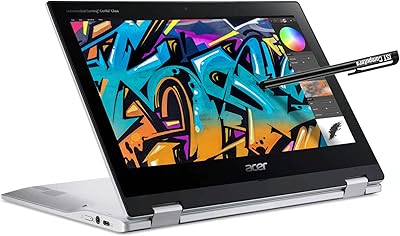
Acer Spin 311 2H

Samsung Chromebook 2 XE500C12-K01US 11.6-inch Laptop
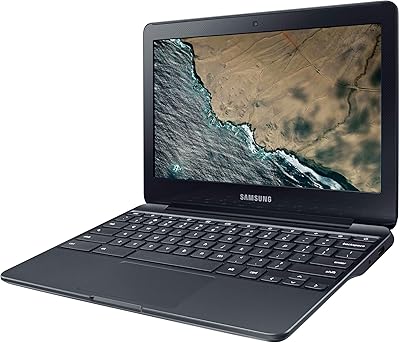
Samsung Chromebook 3 11.6″ Laptop
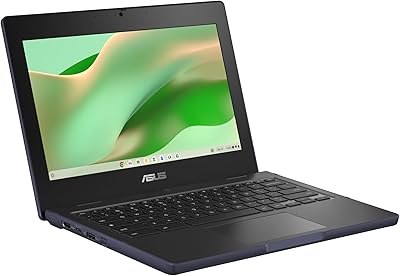
ASUS Chromebook CR11 11.6-inch Ruggedized Laptop
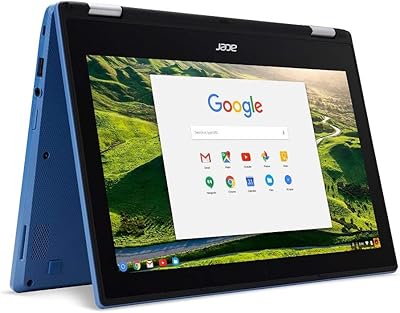
Acer Chromebook R11 11.6-inch Touchscreen Chromebook
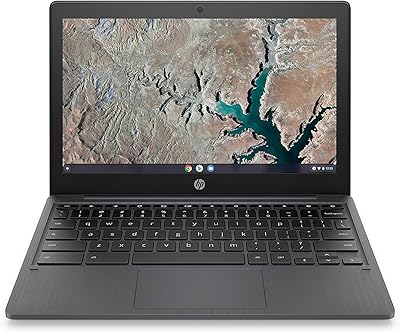
HP Chromebook 11a 11.6-inch Laptop
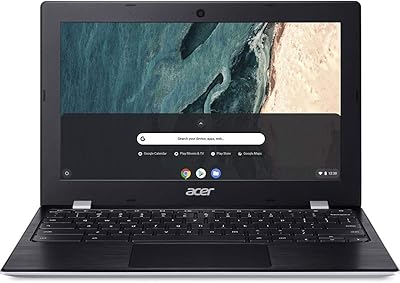
Acer Chromebook 311 11.6-inch Laptop
Lenovo Chromebook C340 11.6″ 2-in-1 Laptop
Dell Chromebook 3100 11.6-inch Laptop