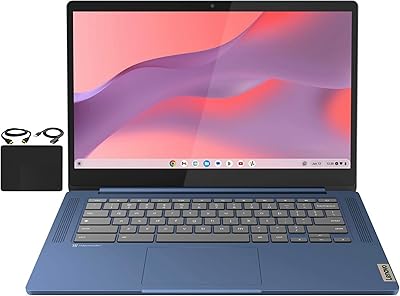
Lenovo IdeaPad 3i Chromebook 15.6″ (8GB RAM, 64GB eMMC)




Overview
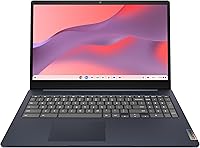
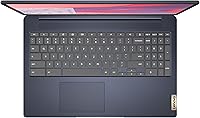
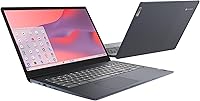
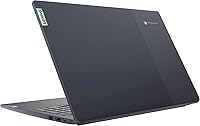
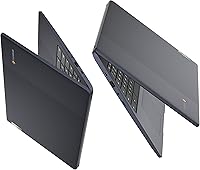
Finding a balance between affordability and usable power is tricky in the Chrome OS market, but the Lenovo IdeaPad 3i Chromebook 15.6" (8GB RAM, 64GB eMMC) manages it well. Most entry-level models skimp on memory, yet this 15.6-inch Chromebook doubles the standard to 8GB, making a noticeable difference when jumping between tabs. It sports a clean Abyss Blue finish that looks professional enough for an office desk without feeling overly flashy. While the 64GB of local storage is modest, the cloud-centric design ensures that most of your work stays synced and accessible. It serves as a low-maintenance daily driver for anyone who spends their day inside a browser. This Lenovo laptop feels like a calculated tool for web-based productivity rather than just another plastic budget machine.
Features & Benefits
The standout feature here is undoubtedly the 1080p Full HD display, which avoids the washed-out look typical of cheaper 720p panels. Text remains sharp on the screen, which is a massive relief during long research sessions or while managing dense spreadsheets. Under the hood, the fanless Intel Celeron N4500 processor keeps things completely silent, a huge plus for quiet study environments. You can expect about 10 hours of battery life, which comfortably covers a full day of classes or remote work without hunting for an outlet. Connectivity is also handled well with a USB-C port that supports modern peripherals and fast data transfers. Combined with the extra RAM, the IdeaPad 3i handles multitasking with a fluidity that its 4GB competitors simply cannot match in real-world scenarios.
Best For
This Lenovo laptop is a primary candidate for students who live inside Google Workspace and need a reliable screen for late-night essays. It also fits the needs of remote workers who require a secondary, secure device specifically for browser-based tasks. Because of the large display, it is particularly well-suited for home users who want to stream video or manage family emails without squinting at a tiny 11-inch screen. While the 5.49-pound weight means it is not the most portable option for constant travel, it is perfect for desk-heavy usage where screen real estate is the priority. If you value visual clarity over high internal storage, this machine offers a very logical trade-off that makes sense for the modern, cloud-connected user.
User Feedback
Owners often highlight the snappy boot-up times and the overall responsiveness of the system, noting that it feels much faster than expected for the price point. The Full HD resolution receives frequent praise from those who were tired of the blurry displays found on other budget-friendly alternatives. However, the feedback is not without its critiques. Some users mention that the 5.49-pound chassis feels a bit heavy if you are constantly moving from room to room. Others pointed out that the 64GB of storage requires a shift toward Google Drive for larger files, though most find this a fair compromise. Despite these minor gripes, it is consistently viewed as a high-value pick for anyone fully committed to the Chrome ecosystem and looking for a larger workspace.
Pros
- The 8GB of system memory ensures much smoother performance when juggling multiple web applications simultaneously.
- A 1080p Full HD display offers significantly better image sharpness than the 720p screens typically found in this price bracket.
- The fanless internal design means this 15.6-inch Chromebook operates in total silence even under a full workload.
- Users can expect a solid 10 hours of battery life, making it a dependable choice for a full school day.
- The Abyss Blue finish provides a professional, modern look that resists fingerprints better than many glossy plastic laptops.
- Includes a dedicated numeric keypad which is a major convenience for students and professionals handling data entry tasks.
- The Lenovo IdeaPad 3i Chromebook 15.6″ (8GB RAM, 64GB eMMC) features modern USB-C connectivity for faster charging and data peripherals.
- Chrome OS provides a secure and fast-booting experience that requires almost no technical maintenance or manual updating.
Cons
- The 5.49-pound weight makes the IdeaPad 3i less convenient for those who need to carry their laptop all day.
- A 64GB storage capacity fills up quickly if you plan to install numerous offline Android apps or large media files.
- The lack of a backlit keyboard makes typing in dimly lit environments or late at night quite difficult.
- Audio quality from the integrated speakers is relatively thin and lacks the depth needed for a great movie experience.
- The 720p webcam produces grainier images in low-light settings compared to the higher-resolution cameras on premium devices.
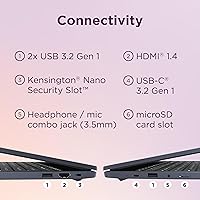
- The absence of an HDMI port means you will likely need to purchase an additional adapter for external monitors.
- The chassis is primarily plastic, which lacks the rigid and premium feel of more expensive aluminum alternatives.
- Screen brightness is adequate for indoor use but can struggle to overcome glare when working in direct sunlight.
Ratings
Our system analyzed thousands of global verified reviews for the Lenovo IdeaPad 3i Chromebook 15.6″ (8GB RAM, 64GB eMMC) to provide a transparent look at its performance. By filtering out incentivized feedback and bot-generated spam, these AI-synthesized scores reflect genuine user experiences, highlighting both the standout benefits and the common frustrations shared by real buyers.
Display Quality
Multitasking Performance
Battery Endurance
Build & Portability
Value for Money
Keyboard & Typing Experience
Connectivity & Ports
Audio & Webcam Quality
Thermal Management
Chrome OS Experience
Storage Speed
Security Features
Suitable for:
The Lenovo IdeaPad 3i Chromebook 15.6″ (8GB RAM, 64GB eMMC) is an excellent match for students and remote workers who primarily operate within a browser-based ecosystem. Its 8GB of RAM is a significant upgrade over the standard 4GB found in budget laptops, allowing for smoother multitasking across dozens of open tabs. Home users looking for a large-screen device for streaming video, managing emails, and handling basic documents will appreciate the visual clarity of the Full HD display. It also serves as a reliable, low-maintenance option for anyone who wants a secure, fast-booting computer that stays current with automatic updates. If your daily tasks center on Google Workspace or cloud-based research, this 15.6-inch Chromebook provides the necessary workspace and speed to stay productive.
Not suitable for:
Power users requiring specialized desktop software for video editing, heavy local gaming, or complex local data processing should look elsewhere, as the Lenovo IdeaPad 3i Chromebook 15.6″ (8GB RAM, 64GB eMMC) is strictly limited by the capabilities of Chrome OS. With only 64GB of eMMC storage, it is not built for those who need to store large libraries of high-resolution photos or offline 4K movies. Buyers who prioritize portability for frequent travel may find the 5.49-pound weight and large footprint a bit cumbersome for airplane tray tables or small backpacks. Additionally, if your work requires a backlit keyboard for late-night sessions or a high-end webcam for professional-grade recording, this model’s budget-focused hardware may feel restrictive. It is not intended for anyone who needs the high-speed file transfers of an NVMe SSD or the sheer processing grunt of a high-end Windows machine.
Specifications
- Display: The laptop features a 15.6″ Full HD anti-glare display with a resolution of 1920x1080 pixels.
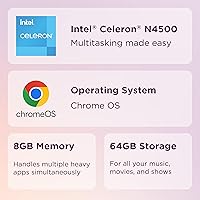
- Processor: It is powered by an Intel Celeron N4500 dual-core processor with a 1.1 GHz base frequency.
- Memory: This model includes 8GB of LPDDR4X RAM for enhanced multitasking capabilities.
- Storage: Local storage is provided by a 64GB eMMC flash memory module.
- Operating System: The device runs on Google Chrome OS, which features automatic updates and built-in virus protection.
- Battery Life: The integrated battery is rated for up to 10 hours of usage on a single charge.
- Weight: The total weight of the device is approximately 5.49 lbs.
- Dimensions: The physical footprint measures 14.25 x 9.57 x 0.75 inches.
- Connectivity: The chassis includes USB 3.2 Gen 1 and USB-C 3.2 Gen 1 ports for data and peripherals.
- Wireless: Networking is supported through integrated 802.11ac Wi-Fi and Bluetooth technology.
- Webcam: A front-facing 720p HD camera is located above the display for video conferencing.
- Audio: Sound is delivered via dual stereo speakers and includes a combined headphone/microphone jack.
- Color: The exterior casing is finished in an Abyss Blue color scheme.
- Keyboard: The layout features a full-sized keyboard including a dedicated numeric keypad.
- Graphics: Visual processing is handled by integrated Intel HD Graphics.
Related Reviews
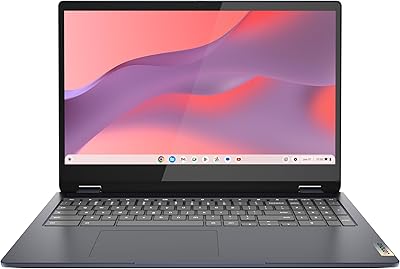
Lenovo IdeaPad Flex 3i Chromebook 15″
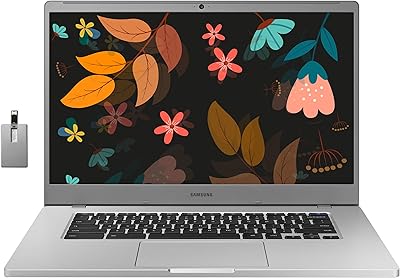
Samsung Chromebook 4+ 15.6″, Intel Celeron N4000, 4GB RAM, 64GB eMMC
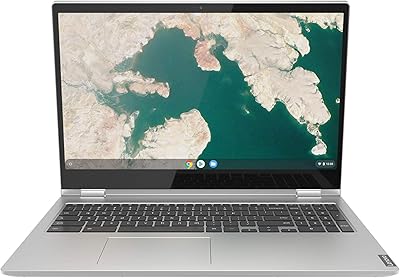
Lenovo Chromebook C340 15.6″ 2-in-1 Laptop
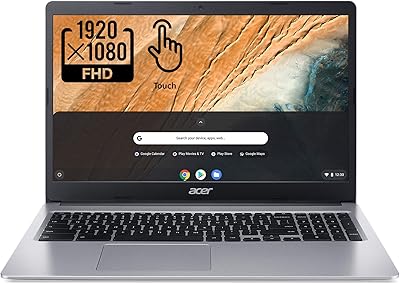
Acer Chromebook 315 15.6″ Laptop
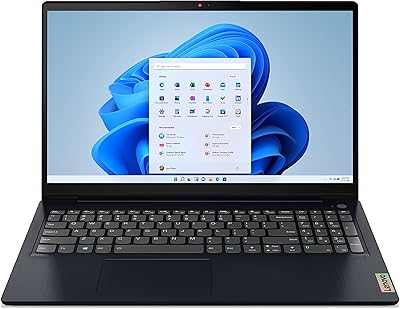
Lenovo IdeaPad 3 15.6-inch Laptop
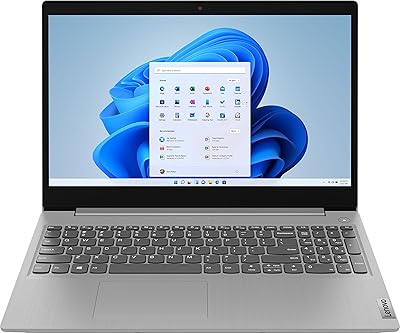
Lenovo IdeaPad 3 15.6″ Laptop
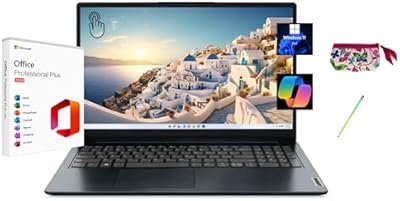
Lenovo IdeaPad 1 15.6″ Touchscreen Laptop
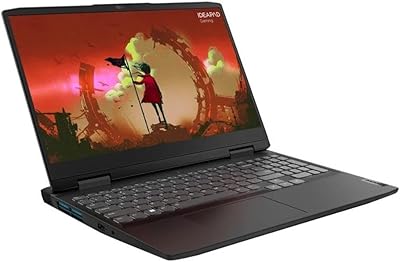
Lenovo IdeaPad Gaming 3 RTX 3050 Laptop
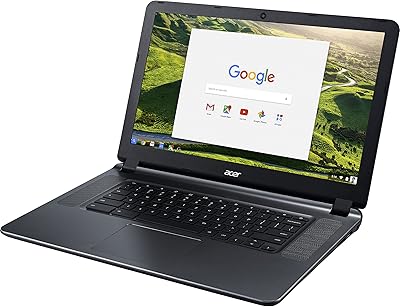
Acer Chromebook 15 CB3-532-C42P, Intel Celeron N3060, 15.6″, 4GB RAM, 16GB eMMC