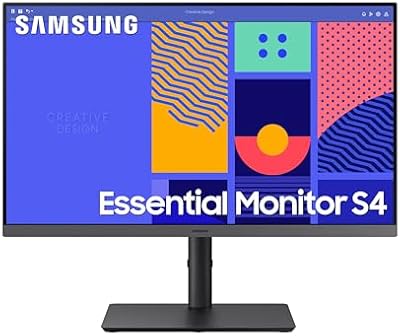
Samsung M50D 27-inch Smart Monitor

Overview
The Samsung M50D 27-inch Smart Monitor is Samsung's 2024 answer to a real question: what if your desk display could also replace your living room TV? Built around a 27-inch VA flat panel running at FHD 1080p and 60 Hz, it sits in the mid-range space, competing with LG's smart displays and similar all-in-one screens. Raw display specs are honest rather than impressive — pixel density at this size is noticeable if you sit close. Where this Samsung screen stands apart is the depth of its smart platform, not the panel itself.
Features & Benefits
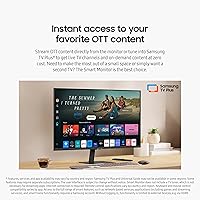
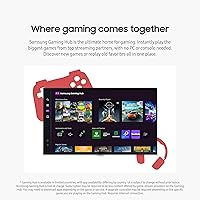
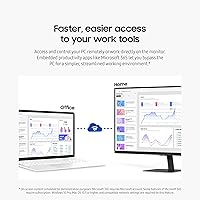
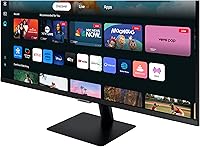
The M50D packs a surprisingly full smart platform for something that looks like an ordinary office display. Samsung Gaming Hub lets you stream titles from services like Xbox Cloud and NVIDIA GeForce Now — no console required, though a fast and stable internet connection is non-negotiable. Samsung TV Plus adds free live channels on top of standard streaming app access. The built-in 10W speakers are genuinely usable for a bedroom or small office, sparing you an extra purchase. Light productivity users get embedded Microsoft 365 access and remote PC control, while SmartThings integration and workout tracking function as thoughtful extras rather than core draws.
Best For
This smart monitor hits a sweet spot for anyone squeezing a workspace and an entertainment setup into one room. Dorm residents and studio apartment dwellers get the most obvious value — one display handles desk work and evening streaming without a separate TV. Casual cloud gamers will appreciate the Gaming Hub, though anyone serious about frame rates will want a dedicated display instead. Remote workers who already rely on Microsoft 365 can lean on embedded apps for occasional tasks. The Galaxy ecosystem benefits — shared mouse and keyboard across devices — are real, but only relevant if you already own compatible Samsung hardware.
User Feedback
Across its 572 ratings, the M50D holds a solid 4.4-star average, and the praise in reviews is often specific. Buyers consistently highlight standalone TV functionality as the standout surprise — several mention abandoning a separate television after setting this up. Quick, painless setup also earns repeated mentions. Criticism is predictable but fair: at 27 inches, 1080p feels soft to users coming from QHD panels, and the 60 Hz cap frustrates anyone gaming beyond casual streaming titles. A handful of reviewers flag the stand's limited height adjustment and note that a single USB-A port feels restrictive for a display positioned as a full desk hub.
Pros
- Acts as a fully functional smart TV without any external box, streaming stick, or PC connected
- Samsung TV Plus delivers free live television channels at no ongoing subscription cost
- Built-in 10W speakers are genuinely adequate for a bedroom or small office setup
- Gaming Hub gives casual cloud gamers instant access to major streaming game libraries
- Easy, quick setup that most buyers report completing in under 15 minutes
- Accessibility features — magnification, color switching, audio descriptions — are rare at this price tier
- SmartThings integration lets you manage compatible smart home devices right from the display
- Matte screen surface handles reflections well in brighter rooms
- Strong 4.4-star rating across hundreds of verified buyers points to consistent real-world satisfaction
- Compact footprint makes it a natural fit for tight desk setups or multipurpose rooms
Cons
- 1080p resolution feels noticeably soft at 27 inches, especially for users upgrading from a QHD panel
- 60 Hz refresh rate is a firm limitation that cuts off any serious gaming use case
- Single USB-A port is insufficient for users who regularly connect multiple peripherals
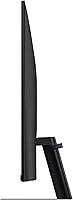
- Stand offers limited ergonomic adjustment, with no height flexibility reported by several buyers
- Cloud gaming through Gaming Hub is only as good as your internet connection — unreliable bandwidth kills the experience
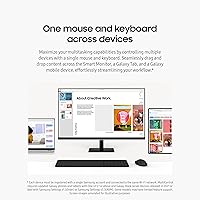
- Multi-device keyboard and mouse sharing only works with Samsung Galaxy phones and tablets, not other brands
- Smart platform features add value mainly within the Samsung ecosystem, limiting appeal for non-Samsung households
- No USB-C port, which is increasingly expected for modern laptop and device connectivity
- Workout tracking and smart home features feel underdeveloped as primary use cases and require compatible Samsung wearables
- At this screen size and resolution, fine text rendering may cause eye strain during long work sessions
Ratings
Our AI rating system analyzed verified global buyer reviews for the Samsung M50D 27-inch Smart Monitor, actively filtering out incentivized, duplicate, and bot-generated feedback to surface what real everyday users actually experience. The scores below reflect both the genuine strengths that keep buyers satisfied and the recurring pain points that caused frustration — nothing is glossed over. Whether this Samsung screen fits your needs or falls short depends heavily on how you plan to use it, and these ratings are designed to make that call easier.
Smart Platform Depth
Value for Money
Display Quality
Cloud Gaming Experience
Built-in Audio
Setup Experience
Ergonomics & Stand
Connectivity & Ports
Accessibility Features
Multi-Device Workflow
Smart Home Integration
Build & Materials
Streaming Picture Quality
Productivity Performance
Suitable for:
The Samsung M50D 27-inch Smart Monitor was built for people who need one display to do the work of two devices. Studio apartment dwellers and dorm room occupants get the clearest value — it replaces both a computer monitor and a standalone TV without eating extra space or requiring separate remotes and inputs. Casual streamers will feel right at home, since Netflix, Prime Video, and free live TV through Samsung TV Plus are all accessible without plugging in a laptop or set-top box. Cloud gamers who play occasionally and are not chasing high frame rates will find the Gaming Hub a convenient way to jump into titles without owning a console. Remote workers who live in Microsoft 365 can handle light tasks directly on the screen, and Samsung Galaxy device owners get a meaningful productivity boost from shared keyboard and mouse support across their phone or tablet.
Not suitable for:
Buyers who prioritize display quality above all else should think carefully before committing to this screen. At 27 inches, FHD 1080p resolution produces noticeable softness compared to QHD or 4K alternatives in the same price range, which is a real daily irritant for anyone doing detailed photo work, reading dense text, or gaming up close. The 60 Hz refresh rate is a hard ceiling that makes the M50D a poor fit for competitive or fast-paced gaming regardless of the platform being used. The Gaming Hub's appeal also depends entirely on a fast, reliable internet connection — users in areas with inconsistent bandwidth will find cloud gaming frustrating rather than convenient. Port selection is lean, with just one USB-A and one HDMI, so users who juggle multiple peripherals or external devices will hit limits fast. Finally, buyers who do not already own Samsung Galaxy hardware will find several of the advertised multi-device features simply irrelevant to their setup.
Specifications
- Screen Size: The display measures 27 inches diagonally, making it large enough for dual-purpose monitor and TV use at typical desk distances.
- Panel Type: Uses a VA (Vertical Alignment) flat panel, which delivers deeper blacks and better contrast than IPS panels at a comparable price.
- Resolution: Native resolution is FHD 1920x1080 pixels, which is adequate for streaming and general use but noticeably soft when viewed up close at this screen size.
- Refresh Rate: Runs at a fixed 60 Hz refresh rate, suitable for everyday computing and casual streaming but not recommended for fast-paced or competitive gaming.
- HDR Support: Supports HDR10, allowing compatible streaming content to display a wider range of brightness and color detail than standard dynamic range sources.
- Built-in Speakers: Integrated stereo speakers deliver 10W of total output, providing functional audio for streaming and casual use without requiring external speakers.
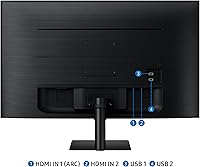
- Connectivity: Includes one HDMI port and one USB-A port for connecting external devices; an HDMI cable is included in the box.
- USB 3.0 Ports: Equipped with one USB 3.0 port, enabling reasonably fast data transfer and peripheral connections, though the single port limits simultaneous connections.
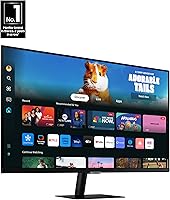
- Smart Platform: Runs Samsung's smart monitor OS with access to Samsung Gaming Hub, Samsung TV Plus, and major OTT streaming apps natively without a PC or streaming device.
- Productivity Apps: Microsoft 365 is embedded directly on the monitor, allowing basic document and spreadsheet work without a connected computer.
- Multi-Device Control: Supports shared keyboard and mouse input across the monitor, compatible Samsung Galaxy tablets, and Galaxy mobile devices simultaneously.
- Smart Home: Integrates with Samsung SmartThings, including a 3D Map View interface for managing and monitoring compatible smart home devices from the screen.
- Accessibility Tools: Includes built-in low-vision aids such as screen magnification, color switching, and audio descriptions for TV settings navigation.
- Health Tracking: Pairs with a compatible Galaxy Watch to display real-time workout metrics on screen while streaming fitness or entertainment content simultaneously.
- Screen Surface: Features a matte screen coating that reduces glare and reflections, improving visibility in rooms with ambient light sources.
- Dimensions: The unit measures 7.6 x 24.2 x 17.9 inches (D x W x H) with the stand attached.
- Weight: Weighs 10.6 pounds including the stand, making it manageable for a single person to position and adjust on a desk.
- Aspect Ratio: Standard 16:9 widescreen aspect ratio, consistent with the format used by most streaming services and productivity applications.
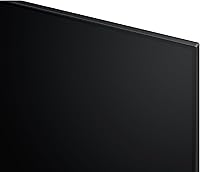
- Color: Available in Black, with a relatively slim bezel design suited for modern desk and bedroom setups.
- Release Year: Launched in June 2024 as part of Samsung's updated M-series smart monitor lineup for that model year.
Related Reviews
Samsung M50D 32-Inch FHD Smart Monitor
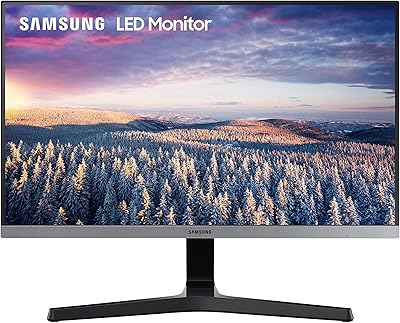
Samsung SR35 27-inch FHD Monitor
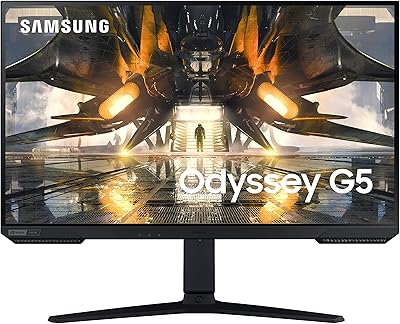
Samsung Odyssey G50A 27-inch Gaming Monitor
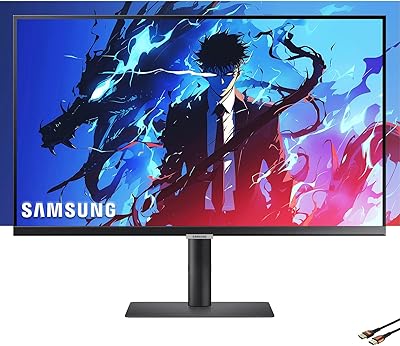
Samsung S8 27-inch 4K IPS Monitor

Samsung S39C 27-Inch Curved Gaming Monitor
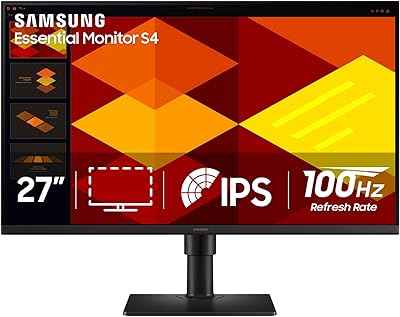
Samsung S40GD 27-inch Business Monitor
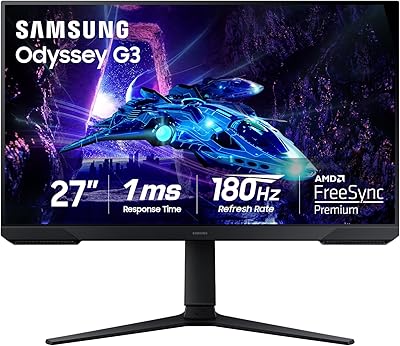
Samsung Odyssey G3 G30D 27″ Gaming Monitor

Samsung Odyssey G50D 27-Inch Gaming Monitor
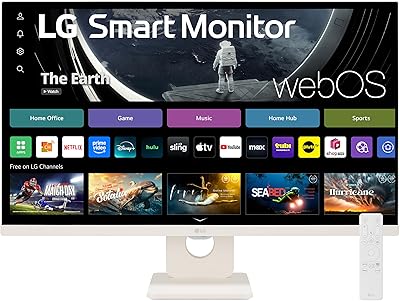
LG 27SR50F-W 27-Inch Smart Monitor