Rii K18 Plus Wireless Keyboard with Trackpad
Overview
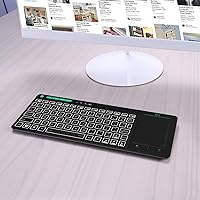
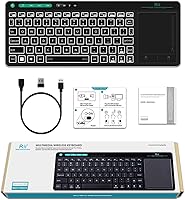
The Rii K18 Plus Wireless Keyboard with Trackpad is a compact, versatile wireless keyboard designed for seamless use across multiple devices. This rechargeable keyboard features a built-in trackpad, making it an ideal solution for users who need more than just a standard keyboard. Its long battery life and lightweight design allow for easy use on the go, while its compatibility with Android TV, PCs, Smart TVs, and other devices ensures wide accessibility. The multi-functional design is perfect for those seeking a portable, all-in-one media control solution.
Features & Benefits
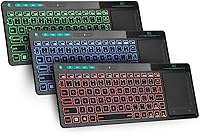
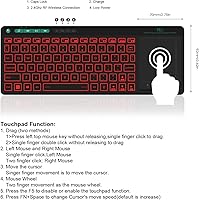
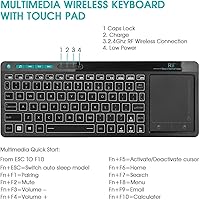
This wireless keyboard offers a variety of features that enhance its usability. The 3-color backlighting ensures visibility in dark environments, while the large, multi-touch trackpad provides precise control and gestures for effortless navigation. Its compact size and lightweight design make it incredibly portable, allowing users to carry it anywhere without sacrificing functionality. Additionally, the keyboard is compatible with a range of operating systems, including Windows, Mac OS, and Android, ensuring that it can work with various devices for maximum flexibility.
Best For
The Rii K18 Plus is best suited for users who need a reliable, portable keyboard for streaming media or light gaming. Whether you're controlling your Android TV, Smart TV, or PC, this keyboard offers a seamless experience with its integrated trackpad. It's also a great choice for those who prefer a wireless solution that combines the functionality of both a keyboard and a trackpad, making it perfect for users who want to reduce clutter or simplify their setup.
User Feedback
Many users appreciate the backlit keyboard feature, which makes it easy to type in dark rooms. The large trackpad has also received positive reviews for its convenience, particularly for media control and navigation. However, some users have reported issues with compatibility on certain Smart TV models, with specific functions not working as expected. Overall, the feedback has been largely positive, with users highlighting the product's portability and the value of having both a keyboard and trackpad in one compact device.
Pros
- This wireless keyboard is compact and easy to carry, making it ideal for travel or quick setups.
- The built-in multi-touch trackpad offers smooth, precise control for media and cursor management.
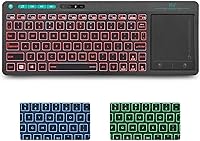
- The 3-color backlighting ensures readability in dark environments, adding convenience for late-night use.
- Rechargeable lithium-ion battery provides long-lasting power, reducing the need for frequent charging.
- Compatible with a wide range of devices, including Android TV, PCs, and Smart TVs, making it versatile.
- Lightweight design is comfortable for extended use, especially for users on the go.
Cons
- Some users report compatibility issues with specific Smart TV models, limiting its effectiveness in certain setups.
- The compact keyboard layout can be uncomfortable for users with larger hands or those who type extensively.
- Trackpad gestures may not always register perfectly, particularly in more demanding applications like gaming.
- Certain functions or buttons might not work well on all operating systems, leading to occasional frustration.
- While the compact design is convenient, it may not be ideal for those who prefer a full-size keyboard experience.
- The build quality is good but might not withstand heavy-duty use in rugged or high-traffic environments.
Ratings
After analyzing verified user feedback from multiple languages and platforms, we've compiled ratings for the Rii K18 Plus Wireless Keyboard with Trackpad. Our analysis filters out spam, bot, incentivized, and off-topic reviews, ensuring that only authentic and high-quality feedback influences the scores. Both the strengths and pain points are reflected in these ratings, providing a balanced view of this wireless keyboard's performance and usability across different devices and environments.
Battery Life
Trackpad Performance
Portability
Build Quality
Compatibility
Ease of Use
Backlighting
Responsiveness
Long-Term Value
Smart TV Compatibility
Value for Money
Media Control
Suitable for:
The Rii K18 Plus Wireless Keyboard with Trackpad is an ideal choice for users looking for a compact, multi-functional keyboard that works across multiple devices and operating systems. It’s especially suitable for media enthusiasts, such as those who stream content on Android TV, PCs, or Smart TVs, thanks to its built-in trackpad and easy media controls. People who value portability will also appreciate its lightweight design, making it a great option for those frequently on the go, such as travelers or remote workers. The long-lasting rechargeable battery further adds to its convenience, making it perfect for users who need a reliable device without worrying about frequent charging during extended sessions.
Not suitable for:
This keyboard may not be the best fit for users who require a more traditional, full-sized keyboard experience. The compact layout and small key spacing can be uncomfortable for those with larger hands or who type for long periods. Additionally, while it works well with most Android TVs and PCs, some users have reported compatibility issues with specific Smart TV models, which could limit its effectiveness for certain setups. Users expecting flawless trackpad performance for precise tasks may also find the occasional sensitivity or gesture lag problematic, especially in more demanding scenarios like gaming or heavy media editing.
Specifications
- Connectivity: The keyboard connects wirelessly via a 2.4G wireless receiver, ensuring reliable performance across compatible devices.
- Trackpad: Features a large multi-touch trackpad that allows for precise control and supports gestures for smooth navigation.
- Backlighting: The keyboard has 3-color backlighting (red, blue, green) for easy visibility in low-light conditions.
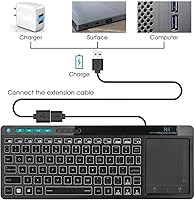
- Battery: Equipped with a rechargeable lithium-ion battery that provides extended usage between charges.
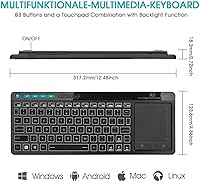
- Operating Systems: Compatible with a wide range of operating systems, including Windows, Mac OS, and Android.
- Dimensions: The keyboard measures 12.48″ in length, 4.86″ in width, and 0.72″ in height.
- Weight: Weighs 15.8 oz, providing a lightweight yet sturdy build for ease of use and portability.
- Material: Constructed from aluminum, offering a durable and premium feel while maintaining a lightweight profile.
- Compatibility: Supports a variety of devices, including Android TV, PCs, Smart TVs, and tablets, ensuring broad usage flexibility.
- Special Features: Includes media shortcut keys for quick access to common functions like play/pause, volume control, and more.
- Media Control: The trackpad and media shortcut keys enable convenient media control for streaming and entertainment.
- Wireless Range: Offers a standard wireless range of up to 33 feet, providing flexible usage across rooms or larger spaces.
- Rechargeability: Features a rechargeable battery, reducing the need for disposable batteries and ensuring cost-efficiency over time.
- Design: Compact and ergonomic design ensures comfort for extended use, especially when using for streaming or gaming.
- Compatibility with Smart TVs: Although compatible with most Smart TVs, some models may experience connectivity issues due to device-specific compatibility limitations.
Related Reviews
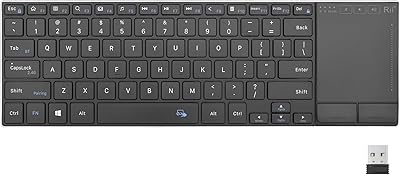
Rii K22S Wireless Bluetooth Touchpad Keyboard
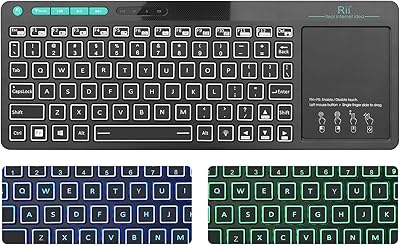
Rii RT518S Wireless Keyboard
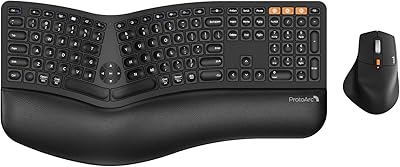
ProtoArc EKM01 Plus Ergonomic Keyboard Mouse Combo
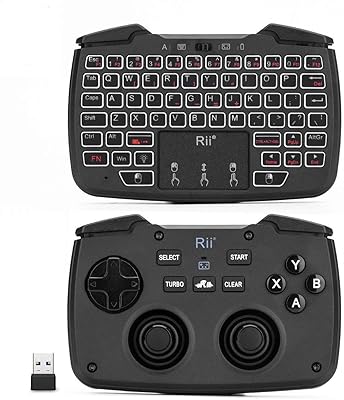
Rii RK707 3-in-1 Wireless Game Controller Keyboard

Arteck HW192 Wireless Keyboard and Mouse Combo
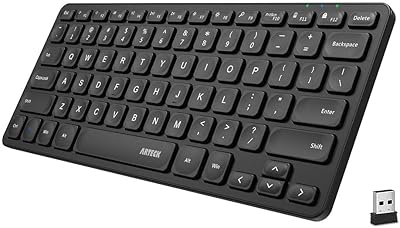
Arteck HW305 Wireless Keyboard
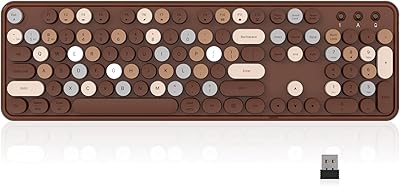
Links9+ Retro Typewriter Wireless Keyboard
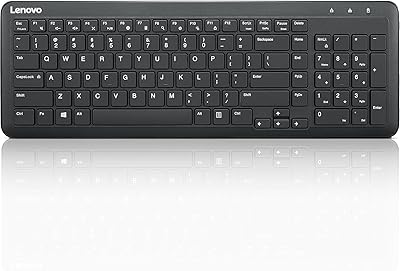
Lenovo 300 Wireless Keyboard
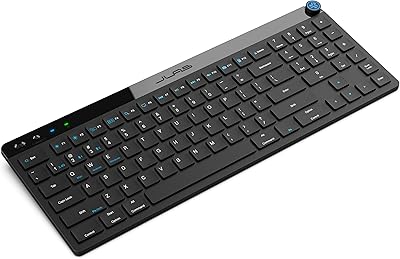
JLab JBuds Wireless Keyboard
