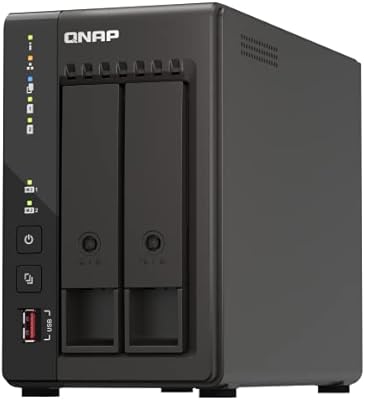
QNAP TS-932PX-4G 9-Bay NAS
Overview
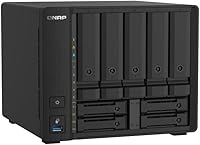
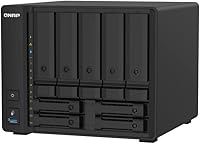
The QNAP TS-932PX-4G 9-Bay NAS sits squarely in the prosumer-to-SMB sweet spot, targeting users who need serious network throughput and enough bays to grow their storage over time. The hybrid bay design — five 3.5-inch slots for bulk HDDs and four 2.5-inch slots for SSDs — lets you build tiered storage without bolting on extra hardware. The quad-core ARM Cortex-A57 processor handles multi-user workloads capably, though it is not a powerhouse for heavy transcoding. At this price tier, buyers rightly expect more than raw hardware, and the QTS software ecosystem delivers real depth through snapshots, containers, and cloud integration that cheaper units simply cannot match.
Features & Benefits
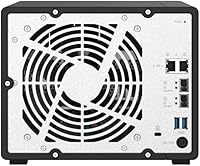
The headline feature is networking. Dual 10GbE SFP+ ports mean you can run link aggregation to a capable switch or connect directly to a high-speed workstation, which makes a tangible difference when moving large files. Two additional 2.5GbE RJ45 ports handle the rest of the office without forcing a full switch upgrade. RAM starts at 4 GB but scales to 16 GB, which matters if you plan to run containers or virtual machines alongside file sharing. Three USB 3.2 Gen 1 ports cover external backup drives, and SATA 6Gb/s across every bay keeps drive speeds from ever becoming the bottleneck in day-to-day operation.
Best For
This QNAP unit makes the most sense for creative professionals and small studios that regularly push large video files across a local network — at 10GbE speeds, transfer times drop noticeably compared to standard gigabit setups. Home lab builders and IT admins who want 10GbE without extra switch costs will find direct-attach connections to compatible workstations a practical workaround. Small businesses needing file storage, backups, and lightweight virtualization on one box will appreciate the consolidated footprint. The tiered storage angle is also compelling: SSDs in the 2.5-inch bays act as a read/write cache, giving spinning HDDs a meaningful speed boost for frequently accessed data.
User Feedback
Owners consistently praise the 10GbE throughput in real-world use, with many reporting sustained transfer speeds that justify the step up from cheaper units. The hybrid bay layout draws positive comments too, especially from users who added SSD cache drives after initial setup. Where things get mixed is QTS itself: veterans love its depth, but first-timers often find the interface dense and the learning curve steeper than expected. Fan noise under sustained load is a recurring gripe in home-office settings — it is genuinely audible. A minority flag minor drive compatibility hiccups. Those cross-shopping against the Synology DS1621+ often land here specifically for native 10GbE ports, which Synology requires a paid expansion card to match.
Pros
- Native dual 10GbE SFP+ ports deliver genuinely fast local transfers without buying extra hardware.
- The hybrid bay layout handles bulk HDD storage and SSD caching on a single device.
- Nine bays provide serious storage room to grow without adding external expansion.
- RAM is upgradeable to 16 GB, giving the unit a longer useful lifespan for heavier workloads.
- QTS covers snapshots, RAID, containers, cloud sync, and surveillance under one software roof.
- The metal chassis feels durable and built for long-term continuous operation.
- USB 3.2 ports make external backup drives easy to connect for off-NAS local copies.
- Long-term owners report stable uptime and consistent firmware support over multiple years.
- Direct-attach 10GbE to a compatible workstation bypasses the need for an expensive managed switch.
- Both SFP+ and 2.5GbE RJ45 ports coexist, letting the unit serve mixed-speed network environments simultaneously.
Cons
- Ships without drives and with only 4 GB RAM, so the real out-of-pocket cost climbs quickly after purchase.
- QTS has a steep learning curve that genuinely frustrates first-time NAS owners during setup.
- Fan noise under sustained heavy load is noticeable enough to bother users in quiet home-office spaces.
- 10GbE potential is wasted without compatible SFP+ cables and a switch, adding unplanned infrastructure costs.
- The 2.5-inch bays are limited to SATA SSDs — no NVMe option for buyers wanting faster cache performance.
- ARM architecture rules out smooth 4K transcoding and limits how many containers can run simultaneously.
- Occasional firmware updates have caused app configuration conflicts requiring manual fixes from affected users.
- No PCIe expansion slot limits future hardware upgrades compared to some competing prosumer units.
- QNAP has faced past security vulnerabilities, and staying protected demands consistent, timely firmware maintenance.
- Drive compatibility with newer SSD models in the 2.5-inch bays occasionally lags behind community expectations.
Ratings
The QNAP TS-932PX-4G 9-Bay NAS earns a nuanced scorecard built from AI analysis of verified global buyer reviews, with spam, bot activity, and incentivized submissions actively filtered out before scoring. Across categories ranging from raw network performance to daily usability, the ratings transparently reflect what real owners praised loudest and where frustrations surfaced most consistently. No category has been softened — the pain points are scored just as honestly as the strengths.
Network Performance
Storage Flexibility
Software Ecosystem (QTS)
Value for Money
Build Quality & Hardware
Noise & Thermal Management
RAM & Processing Performance
Setup & Initial Configuration
Drive Compatibility
Connectivity & Port Selection
Backup & Data Protection
App & Container Support
Long-Term Reliability
Comparison vs. Synology DS1621+
Suitable for:
The QNAP TS-932PX-4G 9-Bay NAS was built for buyers who have genuinely outgrown standard gigabit storage and need their local network to stop being the bottleneck. Creative professionals and small video production studios will feel the difference immediately — transferring large RAW footage libraries or multi-track project files over a direct 10GbE connection is a qualitatively different experience from waiting on standard gigabit speeds. Home lab enthusiasts and IT administrators who want native 10GbE without spending extra on a PCIe expansion card will find the hardware value here compelling and straightforward. Small businesses that want to consolidate file sharing, scheduled backups, lightweight container workloads, and cloud sync onto a single device — rather than running separate appliances — are exactly the audience this unit was designed around. It also rewards buyers who plan ahead: the four 2.5-inch bays offer a credible SSD caching path that keeps the whole storage pool feeling responsive as data volumes grow over time.
Not suitable for:
The QNAP TS-932PX-4G 9-Bay NAS is a poor fit for anyone who expects to set it up in thirty minutes and never think about it again. Users without prior NAS experience or basic networking knowledge will likely find QTS genuinely frustrating during initial configuration — the software is powerful, but it does not hold your hand, and Synology DSM remains the more approachable alternative for less technical households. Buyers placing a NAS in a home office, bedroom, or living room should think carefully about fan noise: under sustained heavy workloads, this unit is audibly present in a quiet environment, which is a dealbreaker for noise-sensitive setups. If 10GbE connectivity is not a priority in your current workflow, the price premium over capable mid-range NAS units is difficult to justify — there are more affordable nine-bay options that serve pure file-sharing duties just as well. Finally, anyone expecting robust 4K media transcoding or heavy virtual machine performance should look toward x86-based NAS platforms instead, as the ARM processor has real ceilings when CPU-intensive tasks pile up.
Specifications
- Processor: Powered by an AnnapurnaLabs Alpine AL324 ARM Cortex-A57 quad-core processor running at 1.7GHz, which handles multi-user file sharing and lightweight containerized workloads without bottlenecking network throughput.
- RAM: Comes standard with 4 GB of SODIMM DDR4 memory installed, with a single slot expandable up to 16 GB for users running virtualization, containers, or multiple simultaneous QTS applications.
- Total Bays: Provides nine drive bays in a hybrid configuration: five 3.5-inch bays designed for high-capacity HDDs and four 2.5-inch bays suited for SSDs used in tiered storage or caching roles.
- Drive Interface: All nine bays use SATA 6Gb/s connections, ensuring full rated drive speeds are available regardless of whether a bay is occupied by a spinning hard drive or a solid-state drive.
- 10GbE Ports: Equipped with two 10GbE SFP+ ports that support link aggregation or direct high-speed connections to compatible workstations and managed switches.
- 2.5GbE Ports: Includes two 2.5GbE RJ45 ports for mid-speed network connectivity, allowing the unit to serve standard office clients or older network infrastructure alongside its high-speed ports.
- USB Ports: Features three USB 3.2 Gen 1 Type-A ports for connecting external backup drives, direct-attach storage devices, or USB dongles for expanded functionality.
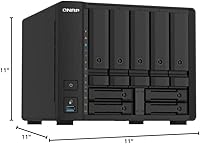
- Dimensions: The unit measures 11″ deep by 11″ wide by 11″ tall, making it a compact cube-form enclosure suitable for a desk shelf or short rack with an appropriate adapter.
- Weight: The diskless chassis weighs 7.9 pounds, a figure that will increase substantially once nine drives are installed and should be factored into any shelf or rack load calculation.
- Material: The enclosure is constructed from a metal chassis, contributing to structural rigidity, passive heat dissipation, and a build quality consistent with the unit's prosumer positioning.
- Operating System: Runs QNAP QTS, a full-featured NAS operating system that includes RAID management, snapshot protection, cloud sync, Docker container support, and an app center with dozens of installable services.
- Voltage: Supports universal input voltage ranging from 100 to 240 volts, making it compatible with power standards across North America, Europe, Asia, and most other global regions.
- Drive Included: Sold as a diskless unit, meaning no hard drives or SSDs are included and must be purchased separately before the system can store any data.
- RAID Support: QTS supports multiple RAID configurations including RAID 0, 1, 5, 6, 10, and JBOD, giving administrators flexibility to balance redundancy and usable capacity based on their risk tolerance.
- Color: Available in black, with a matte metal finish that blends into typical server closet or home lab environments without drawing visual attention.
- Model Number: The official model designation is TS-932PX-4G-US, which identifies both the nine-bay hybrid layout and the 4 GB RAM configuration as shipped from the factory.
- Brand: Manufactured by QNAP, a Taiwan-based network storage company with an established presence in the prosumer and small-business NAS market since the mid-2000s.
Related Reviews
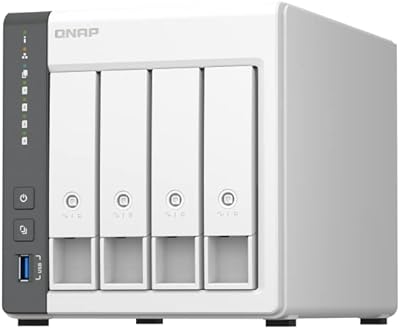
QNAP TS-433-4G 4-Bay NAS

QNAP TS-435XeU-4G 4-Bay Rackmount NAS
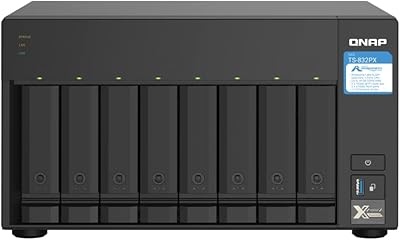
QNAP TS-832PX-4G 8-Bay NAS
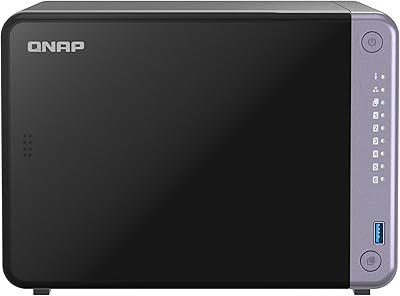
QNAP TS-632X 6-Bay Desktop NAS
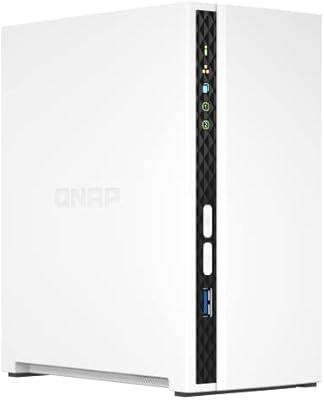
QNAP TS-233 2-Bay NAS Drive
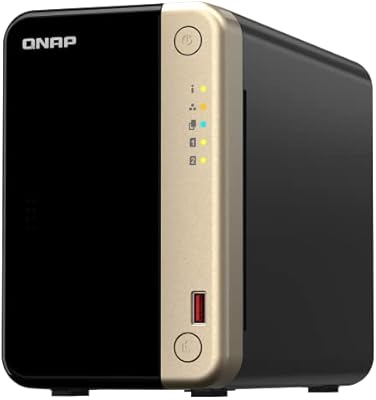
QNAP TS-264 8G 2-Bay Desktop NAS
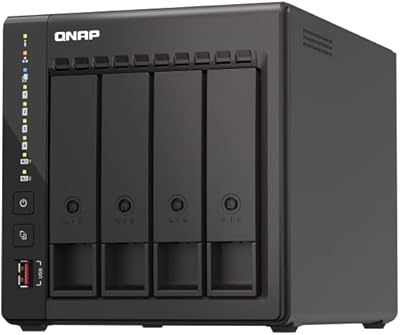
QNAP TS-453E 4-Bay NAS
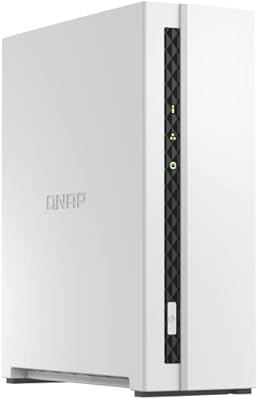
QNAP TS-133 1-Bay Desktop NAS Drive
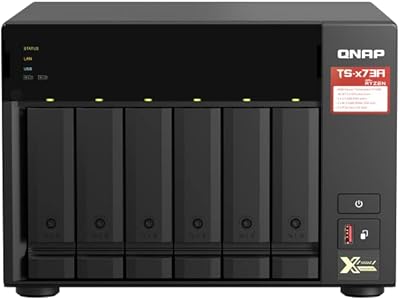
QNAP TS-673A-8G 6-Bay NAS