

Overview
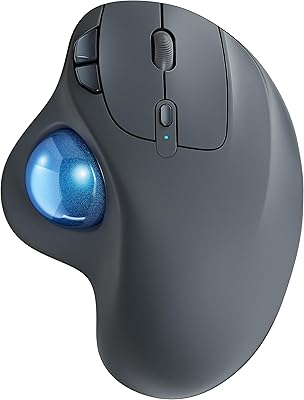
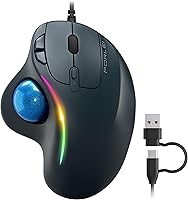
The PORLEI TM551 Wired Trackball Mouse is a budget-friendly pick for anyone tired of wrist pain but not ready to spend big on a premium peripheral. The defining feature is the 34mm thumb-controlled trackball — you move the cursor by rolling a ball with your thumb rather than sliding the whole device across a desk. Setup is instant: plug in and go, no drivers needed, and it works on both Windows and Mac. There is even RGB lighting if you want a bit of color on your desk. Just be clear-eyed: with a maximum 1200 DPI, this is built for everyday tasks, not gaming or detailed creative work.
Features & Benefits
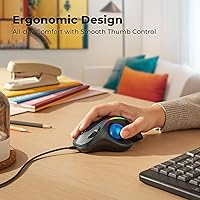
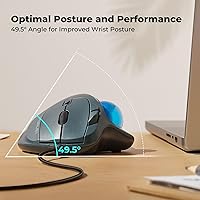
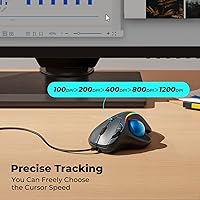
The sculpted shell holds your hand at a natural resting angle, so your wrist does not rotate the way it does with a standard mouse — a real difference after a few hours of use. Five DPI settings run from a very slow 100 up to 1200, letting you dial in cursor speed for spreadsheet precision or quicker browsing without touching any software. The 1.8-meter cable offers both USB-C and USB-A ends, covering modern laptops and older desktops equally well. Better still, this wired ergonomic mouse works on your lap, a couch cushion, or even carpet — no mouse pad required. The trackball pops out for easy cleaning, and the RGB glow looks sharp, though lighting colors cannot be customized through any app.
Best For
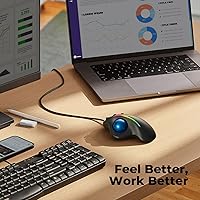
This thumb trackball mouse is a strong fit for office workers and students dealing with wrist or shoulder tension — the thumb-driven design takes strain off the forearm in ways a regular mouse simply does not. It also suits anyone working in a tight space, since there is no need to sweep the device around a desk. Couch workers and frequent travelers will appreciate that it functions well on uneven or soft surfaces. Mac users should flag one real limitation: the back and forward navigation buttons don't work on macOS, which is worth knowing before buying. And if you have been curious about trackballs but hesitant to invest heavily, this is a sensible low-cost entry point before stepping up to a pricier model.
User Feedback
With over 750 ratings averaging 4.5 stars, the PORLEI trackball has built a genuinely solid reputation among buyers, particularly around how comfortable it feels and how quickly people adapt to thumb-control — even those who had never used a trackball before. Plug-and-play setup draws consistent praise. On the critical side, users with large or dual-monitor setups find that 1200 DPI feels limiting when covering a lot of screen real estate quickly. Some longer-term reviewers note the scroll wheel losing tactile crispness over time. Power users also point to the non-programmable buttons as a constraint. For the intended use case, most buyers feel the value holds up — just do not expect it to outperform its price tier.
Pros
- Thumb-controlled design keeps the whole hand stationary, meaningfully reducing wrist and forearm fatigue.
- Plug-and-play setup requires zero driver installation — just connect and start working.
- Dual USB-C and USB-A cable covers both modern and older machines without any adapters.
- Works on virtually any surface, including carpet, cushions, and your lap.
- Five DPI steps give enough range for switching between careful document editing and faster general browsing.
- The trackball pops out cleanly, making routine maintenance quick and genuinely easy.
- RGB lighting adds personality to a plain desk without requiring any software to activate.
- At this price point, the ergonomic relief it offers is hard to match in the wired trackball category.
- Broad compatibility with Windows and macOS means it works across most home and office setups.
- Lightweight at 7.4 ounces, making it comfortable even during extended use.
Cons
- Maximum 1200 DPI is noticeably limiting for anyone using a large monitor or a dual-screen setup.
- Back and forward navigation buttons are completely non-functional on macOS — a real workflow blocker for some.
- No software support means RGB lighting cannot be customized; you get what you get.
- All buttons are non-programmable, which will disappoint anyone used to remapping inputs.
- The scroll wheel has drawn complaints about losing tactile feedback after extended use.
- A 34mm trackball is on the smaller side and may feel underpowered for users with larger hands.
- No wireless option means you are always tethered, which limits flexible positioning.
- Not suited for precision creative work such as photo editing or illustration, where fine cursor control matters.
- Build quality reflects the budget price — do not expect the same durability as mid-range or premium trackballs.
- New trackball users may find the thumb-control adjustment period uncomfortable for the first few days.
Ratings
The scores below for the PORLEI TM551 Wired Trackball Mouse were generated by our AI after analyzing thousands of verified global buyer reviews, with spam, bot activity, and incentivized feedback actively filtered out. Every category reflects both what real users praised and what genuinely frustrated them — nothing is glossed over. The result is an honest, data-grounded picture of where this wired ergonomic mouse delivers and where it falls short.
Ergonomic Comfort
Tracking Precision
DPI Versatility
Build Quality
Ease of Setup
Surface Flexibility
Button Functionality
RGB Lighting
Cleaning & Maintenance
Mac Compatibility
Value for Money
Learning Curve
Cable Quality
Suitable for:
The PORLEI TM551 Wired Trackball Mouse is a practical choice for anyone whose wrists or shoulders have started complaining after long hours at a desk. Because the cursor is controlled entirely by your thumb rolling a 34mm ball, your hand stays still and your forearm stops making the constant sweeping motions that cause repetitive strain over time. Students, remote workers, and office users who spend most of the day in documents, spreadsheets, or browsers will find the five DPI settings more than adequate for those tasks. It is also a genuinely good fit for people working in cramped setups — small desks, shared tables, or even a couch — since there is no surface movement required at all. If you have been curious about trackballs but reluctant to spend heavily on a premium model without knowing whether the format suits you, this is a low-risk way to find out.
Not suitable for:
The PORLEI TM551 Wired Trackball Mouse will frustrate buyers who need high-speed, high-precision cursor control across large or multiple monitors, since the 1200 DPI ceiling simply does not cover that ground comfortably. Gamers should look elsewhere entirely — the tracking speed, non-programmable buttons, and fixed lighting make it unsuitable for any genre that demands fast reactions or custom button mapping. Mac users who rely heavily on browser back and forward navigation will hit a real wall, as those buttons are non-functional on macOS, which is not a minor inconvenience if that is part of your daily workflow. Power users who want software control over button assignments, DPI profiles, or RGB colors will find this wired ergonomic mouse too rigid. And anyone expecting a high-end build quality or a scroll wheel that holds up to heavy use long-term should set their expectations accordingly for the price tier.
Specifications
- Brand: Manufactured by PORLEI under model number TM551.
- Dimensions: The mouse body measures 5.71 x 2.28 x 4.41 inches, offering a compact ergonomic footprint.
- Weight: The device weighs 7.4 ounces, keeping it light enough for extended desktop or lap use.
- Trackball Size: A 34mm removable thumb-operated trackball controls all cursor movement.
- DPI Range: Five selectable DPI levels are available: 100, 200, 400, 800, and 1200.
- Sensor Type: An optical sensor with 3-point positioning technology drives cursor tracking precision.
- Cable Length: The attached cable measures 1.8 meters, providing generous reach from laptop or desktop.
- Connectivity: The cable terminates in both a USB-A and a USB-C connector, supporting a wide range of host devices.
- Connection Type: Fully wired with plug-and-play operation; no drivers or software installation required.
- OS Compatibility: Compatible with Windows and macOS, though the Back and Forward buttons do not function on macOS.
- Lighting: Built-in RGB lighting provides static color illumination; no software customization is available.
- Button Count: Includes left click, right click, scroll wheel click, DPI switch, and Back/Forward navigation buttons.
- Programmability: All buttons are non-programmable and cannot be remapped through any companion software.
- Trackball Removal: The trackball can be physically removed for cleaning with a soft cloth, then reseated without tools.
- Surface Use: The stationary design allows use on any surface including fabric, carpet, and uneven laps without requiring a mouse pad.
- BSR Ranking: Ranked #4 in the Computer Trackballs category on Amazon at the time of evaluation.
Related Reviews
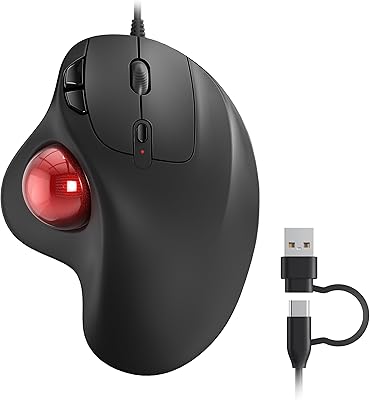
Nulea M509 Trackball Mouse
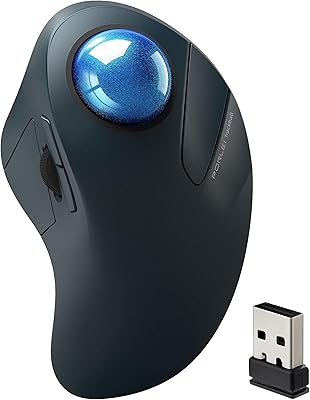
PORLEI TM550 Wireless Trackball Mouse
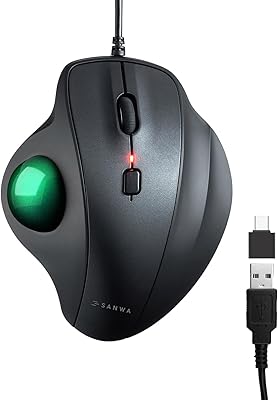
SANWA GMATB128GR Ergonomic Trackball Mouse

seenda Wireless Trackball Mouse

SABLUTE Wireless Trackball Mouse
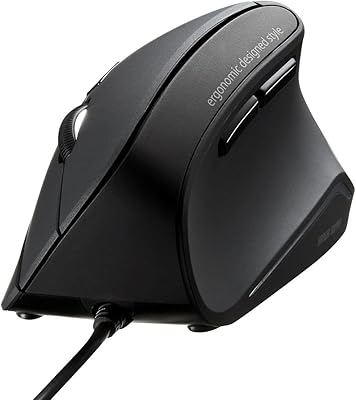
SANWA GMAERG9N2 Wired Vertical Mouse
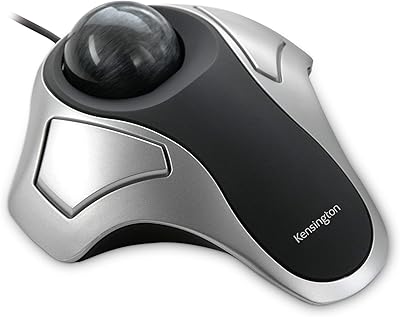
Kensington Orbit Trackball Mouse
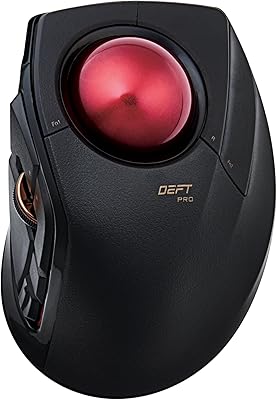
ELECOM DEFT PRO Trackball Mouse
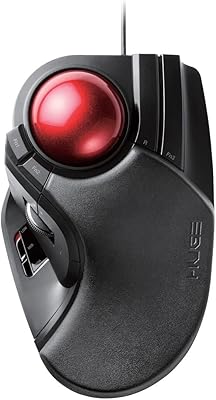
ELECOM HUGE Wired Finger Trackball Mouse