
Overview
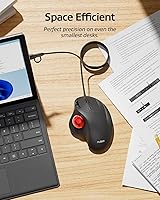
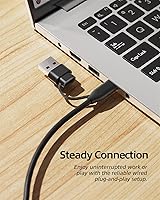
The Nulea M509 Trackball Mouse is an entry-level wired trackball built for anyone looking to cut down on wrist and arm movement without spending a lot. Trackball mice occupy a niche category, and good ones can get expensive fast — so finding a capable option at a budget price point is worth noting. What helps the M509 stand out practically is its dual USB-A and USB-C cable, meaning it works with older desktops and newer laptops without needing a separate adapter. No drivers, no software to configure — you plug it in and it works. Expectations should be calibrated accordingly: this is a solid everyday peripheral, not a high-end workstation tool.
Features & Benefits
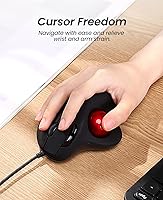
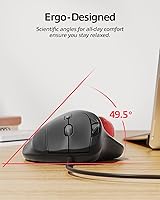
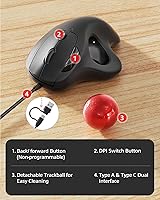
The core idea behind this trackball mouse is simple: instead of sliding the whole device across your desk, you roll the ball with your thumb to move the cursor. That approach tends to keep your wrist in a more neutral position, which may reduce strain over long sessions. The six-button layout covers the basics — left, right, scroll wheel, and back/forward navigation — though none of the buttons are programmable, which is a notable limitation for power users. DPI can be adjusted for different sensitivity levels, handy when switching between detail-oriented tasks and casual browsing. The 5.9-foot cable is longer than most budget peripherals offer, and the palm-rest shape keeps the hand in a fairly natural position throughout the day.
Best For
This wired trackball makes the most sense for office workers and students who spend long hours at a desk and have started noticing wrist or forearm discomfort. It also works well for anyone cramped for space — the stationary design means you only need room for the device itself, not a wide sweep area around it. If you have been curious about trackballs but did not want to spend heavily on a first try, the M509 is a reasonable entry point. It runs on both Mac and Windows with zero setup, which removes compatibility friction entirely. Those who dislike managing wireless batteries or dealing with dropped connections will also appreciate the simple wired approach.
User Feedback
People who have switched to this trackball mouse often report a genuine improvement in day-to-day comfort, especially those coming from standard mice that demanded a lot of arm movement. The learning curve is real — most users say it takes a few days before thumb control starts to feel natural, so first-time trackball users should go in with patience. On the critical side, some reviewers note the ball can feel slightly imprecise after extended use, and it may not satisfy anyone who needs tight accuracy for graphic design or photo editing. The scroll wheel and button resistance draw mixed reactions, with some users wanting more tactile feedback. Debris around the socket is occasionally flagged as a minor but recurring maintenance concern.
Pros
- Stationary design may reduce wrist and forearm strain during long desk sessions.
- Dual USB-A and USB-C cable works across modern laptops and older desktops without an adapter.
- Plug-and-play setup requires zero driver installation on both Windows and macOS.
- The 5.9-foot cable is generously long for most desk configurations.
- Compact footprint suits tight workspaces where a traditional mouse would be impractical.
- Button clicks are relatively quiet, making it office- and library-friendly.
- Solid everyday tracking performance for browsing, email, and document work.
- Affordable entry point for anyone curious about trying a trackball for the first time.
- The ergonomic palm-rest shape keeps the hand in a neutral position throughout the day.
Cons
- No button programmability at all — a real limitation for anyone with a customized workflow.
- Trackball precision falls short for graphic-intensive or pixel-level tasks.
- Scroll wheel feels light and lacks satisfying tactile resistance.
- Ball socket accumulates debris over time and needs periodic cleaning to stay smooth.
- The unbraided cable can develop kinks with repeated repositioning.
- Button responsiveness may degrade slightly after extended months of heavy daily use.
- First-time trackball users should expect a genuine adjustment period of several days.
- Plastic shell shows scuffs and fingerprints with regular handling.
- Limited official documentation makes troubleshooting on non-standard setups harder than it should be.
Ratings
The Nulea M509 Trackball Mouse scores below reflect AI-driven analysis of verified global buyer reviews, with spam, bot activity, and incentivized feedback actively filtered out. Across thousands of real-world responses, both the genuine strengths and the recurring frustrations of this wired trackball are represented without sugar-coating. The result is an honest snapshot of how everyday users — from desk-bound office workers to first-time trackball converts — actually experience this peripheral over time.
Ergonomic Comfort
Trackball Precision
Build Quality
Ease of Setup
Cable & Connectivity
Button Layout & Usability
Scroll Wheel Feel
Learning Curve
Value for Money
Compatibility
Noise Level
Long-Term Durability
Size & Portability
Suitable for:
The Nulea M509 Trackball Mouse is a strong fit for office workers, students, and remote professionals who spend long hours at a desk and have started noticing wrist or forearm discomfort from conventional mouse use. Because the hand stays stationary while the thumb does the work, it may meaningfully reduce repetitive strain for people in data entry, research, or administrative roles. Anyone working in a physically constrained setup — a small apartment desk, a crowded studio workstation, or even a tray table on a long flight — will appreciate that it needs almost no surrounding space to operate. It is also a smart entry point for curious buyers who want to try a trackball without committing serious money to the experiment. Mac and Windows users who bounce between machines will find the dual USB-A and USB-C cable removes the usual compatibility friction entirely, and the zero-driver setup means it is ready to go the moment it is plugged in.
Not suitable for:
The Nulea M509 Trackball Mouse is not the right tool for anyone who needs precise, pixel-level cursor control — graphic designers, digital illustrators, video editors, and CAD users will likely find the tracking accuracy frustrating under demanding conditions. Power users who rely heavily on programmable buttons or custom macro assignments for their workflow will hit a hard wall immediately, as none of the six buttons can be remapped. The scroll wheel, while functional, lacks the tactile resistance that experienced users tend to prefer, which may feel like a step backward for anyone coming from a quality conventional mouse. Users who work across multiple mobile locations will also find the nearly 6-foot wired cable more of a nuisance than a convenience. And anyone expecting the build refinement or tracking smoothness of established premium trackball brands should temper those expectations — this is a budget peripheral, and it performs and feels accordingly.
Specifications
- Brand: Manufactured and sold under the Nulea brand.
- Model Number: The exact model designation for this device is M509.
- Connectivity: Connects via a physical wired cable — no wireless or Bluetooth option is included.
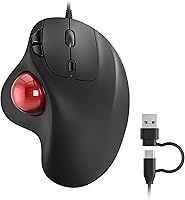
- Interface: Uses a 2-in-1 cable with both a USB Type-A and USB Type-C connector on a single cord, allowing connection to a wide range of devices.
- Cable Length: The attached cable measures 5.9 feet (approximately 1.8 meters), providing generous reach for most standard desk setups.
- Control Type: Cursor movement is controlled by a thumb-operated trackball, keeping the device stationary during use.
- Button Count: Features six physical buttons: left-click, right-click, scroll wheel click, DPI toggle, and dedicated back and forward navigation buttons.
- Programmable Buttons: None of the six buttons support remapping or custom programming — all functions are fixed at the hardware level.
- DPI Settings: Offers adjustable DPI sensitivity levels; exact numeric values are not officially disclosed by the manufacturer.
- Dimensions: The device measures 5.83 x 4.41 x 2.40 inches, making it a compact option relative to many full-size mice.
- Weight: The mouse weighs 7.4 oz (approximately 210 grams), giving it a moderately solid feel without being heavy.
- Compatibility: Officially compatible with Windows and macOS operating systems across laptops, desktops, and most standard computing setups.
- Driver Requirement: No drivers or software installation are required — the device operates as a plug-and-play peripheral on supported systems.
- Movement Detection: Uses trackball-based movement detection technology rather than optical or laser surface scanning.
- Release Date: First made available for purchase in November 2023.
- Package Dimensions: The retail packaging measures 5.83 x 4.41 x 2.40 inches, sized closely to the device itself.
- Color Option: Available in a red accent colorway, designated as A-Red by the manufacturer.
- Power Source: Draws power directly from the connected USB port — no batteries or external power supply are needed.
Related Reviews
Nulea M501
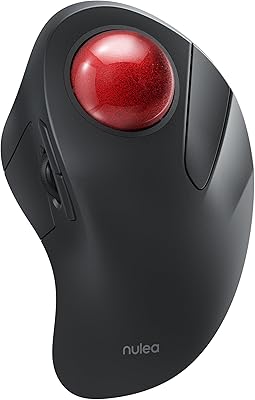
Nulea M505 Wireless Trackball Mouse

SABLUTE Wireless Trackball Mouse

seenda Wireless Trackball Mouse
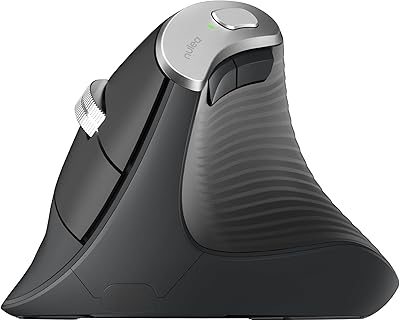
Nulea M510 Vertical Mouse
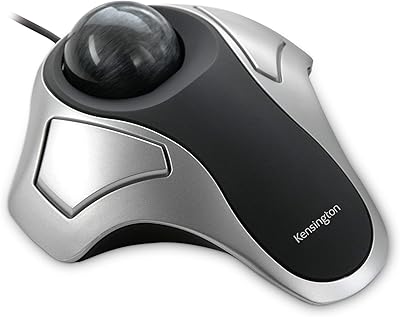
Kensington Orbit Trackball Mouse
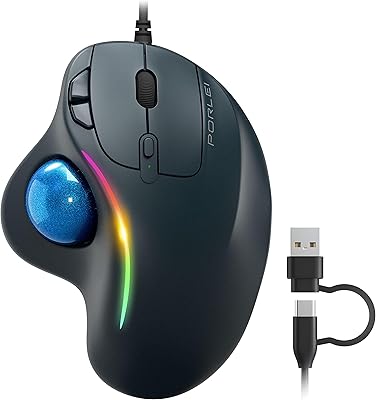
PORLEI TM551 Wired Trackball Mouse
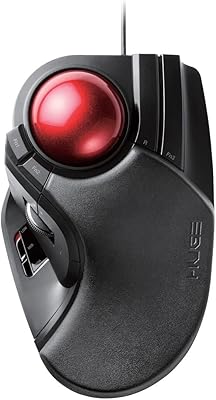
ELECOM HUGE Wired Finger Trackball Mouse
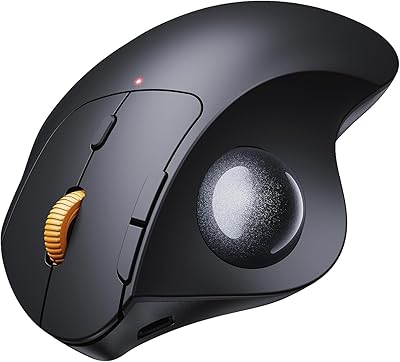
ProtoArc EM04 Wireless Thumb Trackball Mouse