Overview
The seenda Wireless Trackball Mouse enters the budget ergonomic market as a practical option for anyone whose wrists have started to protest the daily grind of traditional mouse use. It sits comfortably in the affordable tier of trackball devices — not challenging the Logitech MX Ergo for precision or build quality, but not pretending to either. The defining characteristic is its thumb-controlled trackball, which keeps your whole hand stationary while your thumb handles all the cursor work. Think of it as a solid, no-frills daily driver for office tasks and web browsing — dependable enough for long sessions, but not engineered for graphic design or gaming demands.
Features & Benefits
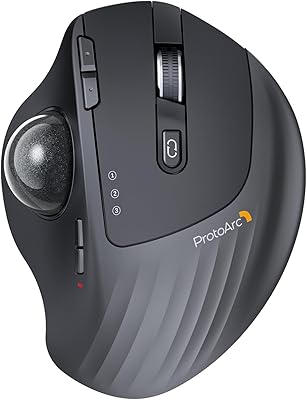
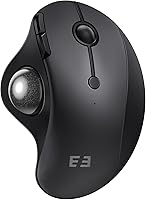
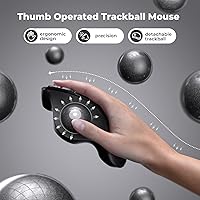
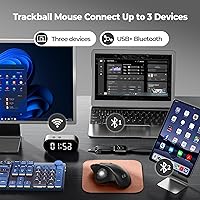
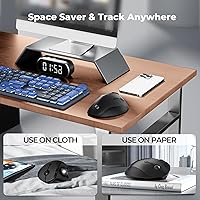
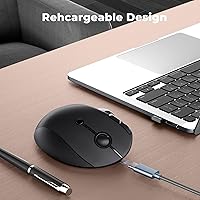
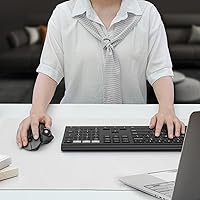
The most useful thing about this ergonomic mouse day-to-day is that your hand barely moves. The thumb-operated ball handles all cursor travel, which takes real strain off your wrist and forearm during long work sessions. Three-device connectivity — via Bluetooth or the included 2.4G USB dongle — means switching between your desktop, laptop, and tablet is a single button press on the back of the device. The built-in rechargeable battery is a genuinely appreciated touch at this price; no hunting for AA batteries mid-workday. The contoured shell fits a right-handed palm naturally, and the sensor reads reliably whether you are working on a wooden desk or a fabric lap tray.
Best For
This trackball mouse makes the most sense for desk workers with wrist fatigue — the kind of person who has noticed soreness creeping in after a full day of mousing around. It is also a strong pick for anyone juggling multiple machines; the three-device pairing removes the friction of constant reconnecting. Travelers and people with cramped workspaces will appreciate that it needs zero clearance to move — just set it down and roll. Mac users can get solid use out of it, but should know upfront that the Forward and Back browser navigation buttons do not work reliably on macOS. For Windows and Android users, there are no such caveats.
User Feedback
Across nearly a thousand ratings, the seenda trackball earns consistent praise for wrist comfort and the ease of hopping between paired devices — two things buyers clearly care about most. Build quality draws positive comments given the price point. That said, the feedback is not without honest criticism. New trackball users frequently note an adjustment period; rolling a ball with your thumb feels unfamiliar for the first few days. The scroll wheel gets mixed reviews for feel and responsiveness. Battery life appears solid for most users, with reports of weeks between charges being common. Mac users, however, consistently flag the broken Forward and Back function as a genuine annoyance worth factoring in before buying.
Pros
- Thumb-controlled trackball keeps your wrist stationary, actively reducing strain during long work sessions.
- Pairs with up to three devices and switches between them instantly with a single button press.
- Built-in rechargeable battery lasts weeks per charge — no disposable batteries to stock or replace.
- Works on virtually any surface, including fabric and your own lap, without a mousepad.
- The seenda Wireless Trackball Mouse sits at a budget price point that makes ergonomic relief accessible without a big commitment.
- Compact and stationary footprint is ideal for small desks, shared spaces, and travel bags.
- Plug-and-play setup via USB dongle or Bluetooth requires no driver installation on most systems.
- Build quality feels noticeably more solid than the price tag suggests, with consistent button response.
- Full button functionality works flawlessly on Windows and Android right out of the box.
- Weeks of real-world use between charges reported consistently by long-term buyers.
Cons
- The Forward and Back navigation buttons do not work reliably on macOS — a significant limitation for Mac users.
- New trackball users typically face several days of adjustment before cursor control feels natural.
- No on-device DPI adjustment means you cannot switch sensitivity profiles for different tasks or displays.
- The scroll wheel feels hollow and imprecise, noticeably weaker than the rest of the device.
- Strictly right-handed design leaves left-handed users with no compatible option in this lineup.
- The USB dongle has no dedicated storage slot, making it easy to misplace during travel.
- The pairing mode button is located on the underside of the mouse, which can be awkward to find by feel.
- Sensor precision falls short for detail-oriented tasks like photo editing or fine graphic work.
- Bluetooth reconnection after sleep can occasionally lag, breaking workflow momentum at inconvenient moments.
- Plastic shell shows fingerprints and surface wear more visibly than matte-finish alternatives.
Ratings
The seenda Wireless Trackball Mouse has been evaluated by our AI rating system after processing hundreds of verified global buyer reviews, with spam, bot submissions, and incentivized feedback actively filtered out. The result is an honest scorecard that reflects where this ergonomic trackball genuinely delivers — and where real users have run into friction. Both strengths and recurring pain points are transparently represented below.
Ergonomic Comfort
Trackball Precision
Multi-Device Connectivity
Battery Life
Build Quality
macOS Compatibility
Windows Compatibility
Scroll Wheel Feel
Ease of Setup
Learning Curve
Portability
Value for Money
Right-Hand Ergonomics
Cursor Speed & Sensitivity
Suitable for:
The seenda Wireless Trackball Mouse is a strong fit for right-handed office workers and remote professionals who spend six or more hours a day at a computer and have started feeling the cumulative toll on their wrist and forearm. If your desk is cluttered, small, or shared — think a home office corner, a standing desk with limited surface, or a café table — the stationary footprint removes a real daily annoyance. People who regularly switch between two or three machines will find the one-button device hopping genuinely useful rather than gimmicky. It is also a sensible first trackball for anyone curious about the ergonomic benefits but not ready to spend significantly more on a premium option like the Logitech MX Ergo. Windows and Android users get the fullest experience with all buttons functioning as expected, and travelers who want a reliable pointing device that works on a lap, a fabric armrest, or a cramped economy tray table will appreciate how little space and attention it demands.
Not suitable for:
Mac users who depend on browser Forward and Back navigation should think carefully before buying — this is a confirmed, persistent limitation that the manufacturer acknowledges, and for anyone whose workflow involves constant back-and-forth between web pages, it will be a daily irritation rather than a minor footnote. Left-handed users are simply out of luck, as the entire ergonomic shell and thumb-ball placement assume a right-handed grip with no variation available. Anyone looking for precision cursor control — photo retouching, illustration, detailed CAD work — will find the sensor resolution insufficient for fine movements at this price tier. Gamers should look elsewhere entirely; this ergonomic mouse is not built for the reaction speed or accuracy that fast-paced gaming demands. Finally, buyers who prefer a traditional scroll wheel with satisfying tactile feedback may find that particular component frustrating enough to reconsider, as it is consistently the weakest physical element on the device.
Specifications
- Brand: Manufactured and sold by seenda, a peripheral accessories brand focused on budget-friendly input devices.
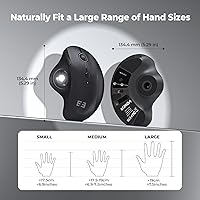
- Dimensions: The mouse measures 5.31″ x 3.98″ x 2.13″, offering a compact form factor suitable for small desk setups.
- Weight: The device weighs 7 ounces, making it light enough for travel without feeling flimsy in hand.
- Connectivity: Connects via Bluetooth or an included 2.4G USB receiver, giving users flexibility depending on their device's available ports.
- Multi-Device: Supports pairing with up to 3 devices simultaneously, with switching handled by a dedicated mode button on the underside.
- Ball Control: Features a thumb-operated trackball positioned on the left side of the shell, designed for right-handed use only.
- Battery Type: Powered by a built-in rechargeable Lithium-Ion battery that is non-removable and pre-installed at the factory.
- Charging: Recharges via an included USB charging cable; the mouse can typically be used during charging depending on cable length.
- OS Support: Compatible with Windows, macOS, and Android operating systems; Linux compatibility is not officially confirmed by the manufacturer.
- macOS Limitation: The Forward and Back navigation buttons are not fully functional on macOS — basic cursor movement and clicking work normally.
- Surface Compat.: The stationary design works on desks, tables, fabric surfaces, and even directly on the user's hand or lap.
- Color: Available in Black; no other color variants are currently listed by the manufacturer for this model.
- Design Style: Contoured ergonomic palm-rest shell shaped to support a natural right-handed grip during extended computing sessions.
- Sensor Type: Uses trackball-based movement detection, translating physical ball rotation into cursor movement rather than optical surface scanning.
- Package Contents: The box includes the trackball mouse, a 2.4G USB receiver, a USB charging cable, and a user manual.
- BSR Ranking: Ranked #128 in the Computer Mice category on Amazon at the time of evaluation, reflecting strong sales volume.
- User Rating: Holds a 4.3 out of 5 star average across 917 verified ratings on Amazon, indicating broadly positive reception.
- Item Weight Unit: Declared weight of 7 ounces (approximately 198 grams) covers the mouse body with battery included.
Related Reviews

SABLUTE Wireless Trackball Mouse

seenda Ergonomic Vertical Wireless Mouse

seenda Wireless Keyboard and Mouse Combo
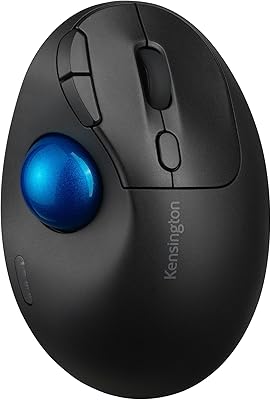
Kensington TB450 Wireless Trackball Mouse
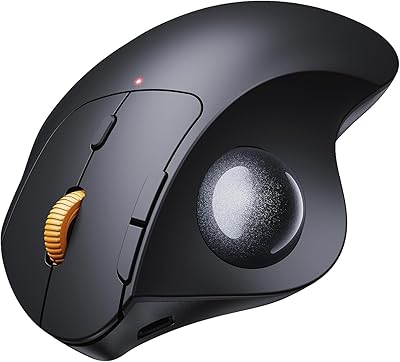
ProtoArc EM04 Wireless Thumb Trackball Mouse
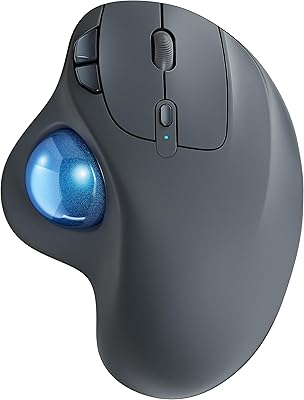
Nulea M501
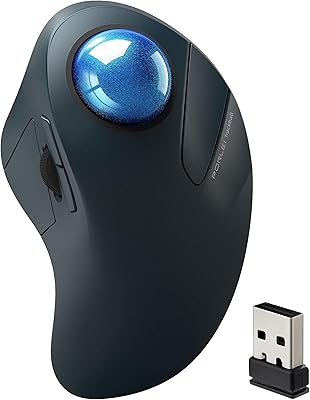
PORLEI TM550 Wireless Trackball Mouse
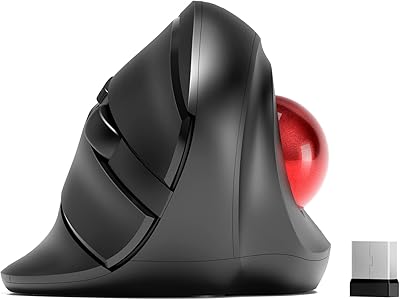
MicroPack V02 Trackball Wireless Mouse
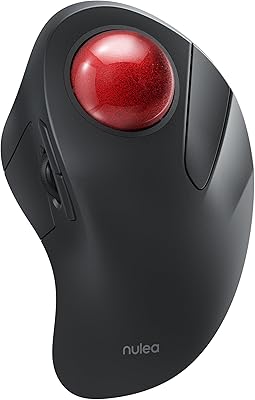
Nulea M505 Wireless Trackball Mouse