Kensington Orbit Trackball Mouse
Overview
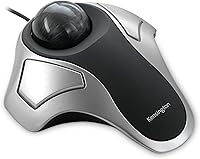
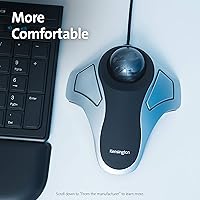
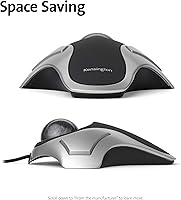
The Kensington Orbit Trackball Mouse has been around long enough to earn a quiet, loyal following — and that staying power says something real. Trackballs appeal to people who want to move a cursor without dragging their entire arm across a desk, making them especially attractive to anyone managing wrist fatigue or working in a tight space. This wired trackball sits at the accessible end of Kensington's lineup, making it a low-risk way to try the format without a significant financial commitment. The wired USB connection keeps setup dead simple, and the ambidextrous design means it works straight out of the box for either hand.
Features & Benefits
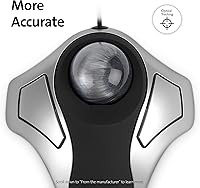
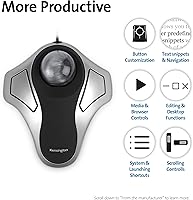
The optical tracking on this trackball mouse is noticeably more consistent than older ball-and-roller mechanisms — less stuttering, more predictable cursor response. The scroll ring wraps around the ball and lets you scroll by rotating it with a finger, which takes a few days to feel natural but becomes oddly satisfying once it clicks. The two-button layout is minimal, though KensingtonWorks software lets you remap what is there. It works natively with Windows, macOS, and ChromeOS, so platform switching causes no headaches. The compact stationary base is a genuine advantage — the device stays put while you use it, making a cramped desk or small tray table a workable setup.
Best For
The Kensington Orbit is probably best suited to three types of people. If you are dealing with wrist strain or RSI symptoms, reducing hand travel can genuinely help — though it is not a cure, and results vary person to person. Left-handed users will find it immediately comfortable, which is rarer than it should be in the peripheral world. It is also a smart pick for anyone sitting at a cluttered or undersized desk who simply cannot swing a mouse around freely. And if you have been curious about trackballs but hesitant to spend heavily on a first attempt, this wired trackball offers a worthwhile low-cost entry point.
User Feedback
Across thousands of reviews, comfort improvement is the most consistent theme — people who switched from a traditional mouse often mention that wrist tension decreased noticeably after a few weeks of use. Build quality draws praise too; quite a few reviewers mention using the same unit daily for three or more years without issues. That said, the scroll ring divides opinion — some find it intuitive, others find it stiff or imprecise, especially for fine vertical scrolling. The two-button layout is the most polarizing aspect; power users coming from programmable multi-button mice frequently call it a step back. Most agree the adjustment period runs one to two weeks.
Pros
- Genuinely ambidextrous design gives left-handed users a rare comfortable option out of the box.
- The stationary base means it works on small, cluttered, or awkward desk surfaces without issue.
- Optical tracking is noticeably more reliable and consistent than older mechanical ball-roller mechanisms.
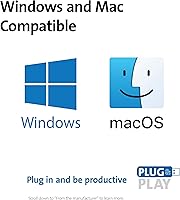
- Plug-and-play USB setup requires zero driver installation across Windows, macOS, and ChromeOS.
- Build quality holds up well over years of daily use, making the long-term cost per year quite reasonable.
- KensingtonWorks software allows button remapping for users who want to optimize the minimal layout.
- The scroll ring keeps your hand in one position during long reading or scrolling sessions.
- Wired connection means no batteries, no wireless dropouts, and no pairing headaches.
- Many users report meaningful wrist tension reduction after a consistent two-week adjustment period.
- A two-year warranty and lifetime customer support back the purchase with practical long-term reassurance.
Cons
- The two-button layout is a real limitation for users accustomed to multi-button productivity mice.
- The scroll ring feels stiff and imprecise to a notable portion of users, especially during slow scrolling.
- The flat, low-profile shell offers no lateral palm support, which can cause finger fatigue on long sessions.
- KensingtonWorks software has shown inconsistent device recognition on macOS after system updates.
- The cable stiffness can slightly tug the device if routed at an awkward angle from the USB port.
- The ball socket area collects grime steadily and needs periodic cleaning to prevent tracking degradation.
- New users unfamiliar with trackballs often mistake normal learning-curve frustration for a product defect.
- The silver and black finish attracts fingerprints and smudging faster than the design probably warrants.
- Linux users get basic plug-and-play function at best; full software support is effectively unavailable.
- Users with larger hands may find the compact dimensions feel cramped regardless of which hand they use.
Ratings
The Kensington Orbit Trackball Mouse has been scored by our AI system after processing thousands of verified global buyer reviews, with spam, bot activity, and incentivized feedback actively filtered out before any analysis began. The scores below reflect what real users consistently praised and where they ran into genuine frustrations — nothing is glossed over to make the product look better than it is.
Ergonomic Comfort
Tracking Accuracy
Scroll Ring Usability
Build Quality & Durability
Button Layout & Customization
Ambidextrous Design
Setup & Plug-and-Play Experience
Desk Footprint
Learning Curve
Cable & Connectivity Reliability
Value for Money
OS & Platform Compatibility
Cleaning & Maintenance
Suitable for:
The Kensington Orbit Trackball Mouse is a particularly good fit for anyone who spends long hours at a desk and has started noticing wrist or forearm discomfort — it reduces the sweeping arm movements that contribute to strain, though it should be seen as a potential aid rather than a guaranteed remedy. Left-handed users will find it immediately welcoming, since the symmetric design does not force an awkward grip the way most ergonomic mice do. It also works well for people operating in physically constrained spaces: a cluttered desk, a narrow tray table, or a shared workstation where a traditional mouse would need constant repositioning. Office workers who spend most of their day in spreadsheets, documents, or browser-based tools — tasks that reward steady cursor control over speed — tend to adapt to the trackball format quickly and appreciate the consistency it offers. If you have been curious about trackballs but unwilling to spend heavily on a first attempt, this wired trackball sits at a price point that makes experimentation feel low-risk.
Not suitable for:
The Kensington Orbit Trackball Mouse is a harder sell for users who rely on a multi-button mouse setup for daily productivity. If forward and back browser buttons, programmable macros, or side buttons are part of your regular workflow, the two-button layout will feel like a meaningful downgrade rather than a trade-off worth making. Gamers should look elsewhere entirely — this device was not designed for fast reflex-based tracking, and the optical sensor does not perform well under the rapid, wide-range movements that gaming demands. Users who expect to be immediately productive should also temper their expectations: the adjustment period is real, typically running one to two weeks, and buyers who do not give themselves that runway often abandon it prematurely. Those who do a lot of precise creative work — photo editing, digital illustration, fine design layout — may find the tracking accuracy insufficient for the pixel-level control those tasks require.
Specifications
- Connectivity: The device connects via a wired USB cable, requiring no drivers or wireless setup for basic operation.
- Tracking Technology: Optical tracking is used to detect ball movement, providing more consistent cursor response than older mechanical roller-based designs.
- Button Count: Two customizable buttons are included, with function remapping available through the KensingtonWorks software.
- Scroll Ring: A scroll ring encircles the trackball and allows vertical scrolling by rotating a finger around the ball's perimeter.
- Dimensions: The device measures 7.9 x 6 x 1.7 inches, giving it a compact, low-profile footprint suitable for small desk setups.
- Weight: The unit weighs 9.5 ounces, substantial enough to stay firmly in place during use without additional anchoring.
- Design Orientation: The symmetric ambidextrous design accommodates both left-handed and right-handed users without any physical adjustment.
- Power Source: Power is supplied entirely through the wired USB connection, eliminating the need for batteries or external charging.
- OS Compatibility: The device works natively with Windows, macOS 10.8 and later, and ChromeOS 44 and later without requiring driver installation.
- Customization Software: KensingtonWorks software is available for button remapping and device configuration on supported operating systems.
- Color: The device is finished in a Silver and Black colorway using a hard plastic shell construction.
- Form Factor: The stationary base design keeps the device fixed in one position on the desk surface during normal operation.
- Warranty: A two-year limited manufacturer warranty is included with the device at the time of purchase.
- Customer Support: Kensington provides lifetime customer support for this product, independent of the standard warranty coverage period.
- Manufacturer: The device is designed and manufactured by Kensington, a peripheral brand with a long-standing presence in the ergonomic input device category.
- Part Number: The model identifier for this device is K64327F, with the EU variant listed as K64327EU.
- Release Date: This product was first made available on June 29, 2004, and has remained in active production since that date.
- Language Support: Product documentation and packaging are provided in English, French, and Spanish.
Related Reviews
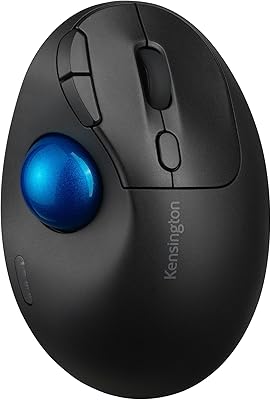
Kensington TB450 Wireless Trackball Mouse
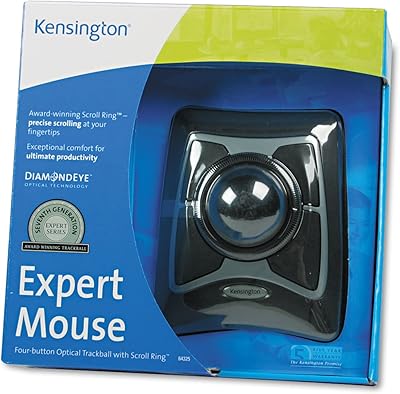
Kensington Expert Mouse Optical Trackball

seenda Wireless Trackball Mouse

SABLUTE Wireless Trackball Mouse
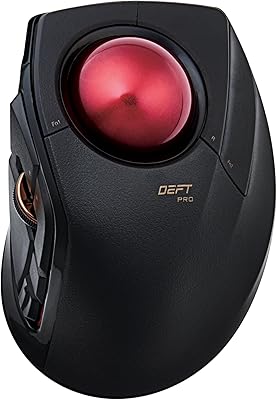
ELECOM DEFT PRO Trackball Mouse
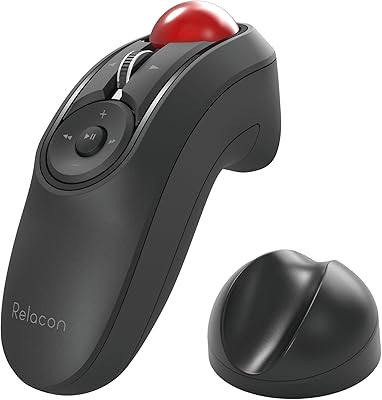
ELECOM Relacon M-RT1BRXBK Handheld Trackball
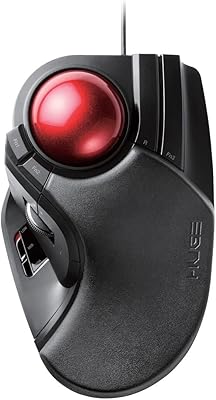
ELECOM HUGE Wired Finger Trackball Mouse
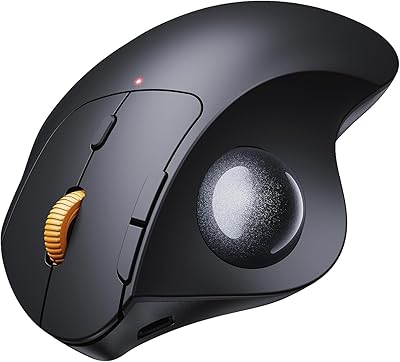
ProtoArc EM04 Wireless Thumb Trackball Mouse
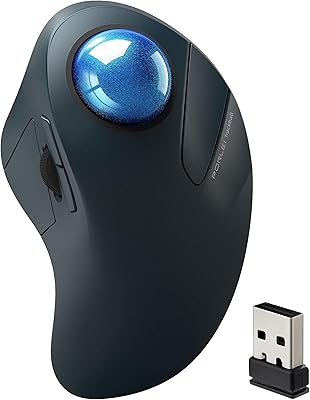
PORLEI TM550 Wireless Trackball Mouse