
Overview
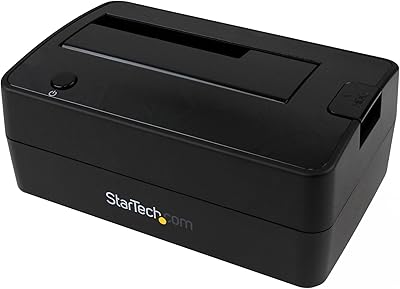
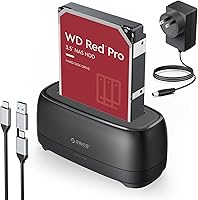
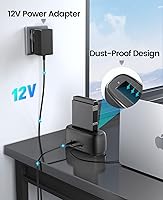
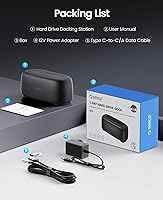
The ORICO DD18C3 Hard Drive Docking Station is a no-frills, single-bay dock that lets you plug in any 2.5-inch or 3.5-inch SATA drive without cracking open a PC case. The oval ABS body is compact enough to sit unobtrusively on a desk, and the silicone base keeps it from sliding around during use. Worth noting upfront: drives sit exposed in the slot — this is an open dock, not an enclosure, so portability is not really the point. It ships with a 1-meter 2-in-1 cable covering both USB-C and USB-A hosts, a genuinely useful inclusion at this price tier. Tool-free drive swaps mean you are up and running in under a minute.
Features & Benefits
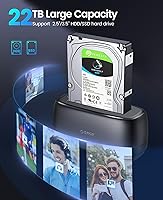
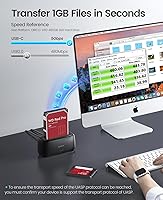
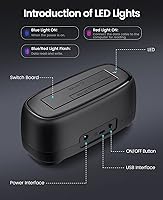
At 5 Gbps with UASP, the ORICO dock moves data noticeably faster than older docks without that protocol — though real-world throughput is always capped by the drive itself, not the interface. Support for drives up to 22TB means you will not be replacing this dock anytime soon as storage capacities grow. S.M.A.R.T. and Trim protocol support is a quiet but practical bonus, letting compatible utilities monitor drive health or maintain SSD performance over time. The 10-minute auto-sleep is a small but thoughtful touch that helps reduce unnecessary spin-up wear during idle periods. An LED indicator tells you at a glance whether the drive is active — no software needed.
Best For
This single-bay drive dock is a practical fit for a specific kind of user — someone who regularly needs to access drives outside a running machine. Think IT technicians pulling data off retired office laptops, home users digging through archived HDDs from years past, or anyone prepping drives for disposal by wiping or verifying contents first. It also works well as an affordable storage expansion option for PS4 and PS5 owners with a spare 3.5-inch drive sitting unused. For USB-C-only laptop users who lack internal bays entirely, this is about as straightforward as external drive access gets. Keep in mind: one drive at a time, no RAID, no NAS functionality.
User Feedback
The most consistent praise from buyers centers on ease of setup and the convenience of the bundled 2-in-1 cable — not needing to source a separate adapter is a small thing that users clearly appreciate. Build quality gets a generally positive reception, though a handful of buyers have noted the drive slot feels slightly loose with certain 3.5-inch HDDs. The auto-sleep has drawn mixed reactions: most find it useful, but some report it triggers too quickly during low-activity transfers. A few compatibility issues have surfaced with older or very high-capacity drives, so checking your specific model beforehand is sensible. That said, value for money is the dominant theme — most buyers are not comparing this to multi-bay docks at twice the price.
Pros
- Tool-free drive insertion means swapping between drives takes seconds, no kit required.
- The bundled 2-in-1 cable covers both USB-C and USB-A hosts out of the box — a practical time-saver.
- UASP support delivers a real throughput boost over standard USB 3.0 docks when the drive supports it.
- 22TB capacity ceiling means the dock will not become obsolete as high-capacity desktop drives grow more common.
- S.M.A.R.T. and Trim protocol support lets you monitor drive health and maintain SSD performance using third-party utilities.
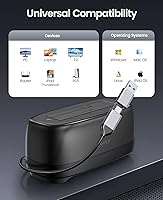
- Broad compatibility across Windows, macOS, Linux, iPadOS, Android, and even PS4/PS5 makes it genuinely versatile.
- The LED activity indicator gives instant read/write status feedback without installing any software.
- Auto-sleep after 10 minutes of inactivity helps reduce unnecessary wear on spinning hard drives.
- Compact footprint and non-slip silicone base make it easy to park on a busy desk without taking up much space.
Cons
- Drives sit fully exposed in the open slot, making this dock unsuitable for travel or dusty environments.
- The 10-minute auto-sleep can interrupt low-activity transfers, which frustrates some users during long copy sessions.
- Drive retention in the slot has been reported as slightly loose with certain 3.5-inch HDDs, raising minor stability concerns.
- Only one drive can be connected at a time — there is no multi-bay or simultaneous access option.
- Compatibility issues have surfaced for a subset of older HDD models and some very high-capacity drives.
- Actual transfer speeds are limited by the connected drive, so the 5 Gbps ceiling is rarely reached with mechanical HDDs.
- The ABS plastic construction feels lightweight, which may not inspire confidence during extended or heavy-duty use.
- No power adapter is included for 3.5-inch drives in some regional variants — worth confirming before purchase.
Ratings
The scores below for the ORICO DD18C3 Hard Drive Docking Station were generated by our AI engine after systematically analyzing thousands of verified global buyer reviews, actively filtering out incentivized, duplicate, and bot-generated submissions to surface what real users actually experienced. Every category reflects both the genuine strengths and the documented frustrations that emerged consistently across independent purchasers. Nothing has been softened — if a pattern of complaints existed, it is reflected in the score.
Ease of Setup
Transfer Speed
Drive Compatibility
Build Quality
Auto-Sleep Behavior
Cable & Port Design
Value for Money
OS & Device Compatibility
LED Indicator
Portability
Noise & Heat
S.M.A.R.T. & Trim Support
Power Delivery
Suitable for:
The ORICO DD18C3 Hard Drive Docking Station is a strong fit for anyone who needs occasional, no-fuss access to bare SATA drives without the hassle of screwdrivers or enclosure housings. Home users with a drawer full of old laptop or desktop drives will find it particularly useful for pulling archived files, verifying contents before disposal, or running a quick backup to a spare HDD. IT technicians and enthusiasts will appreciate the S.M.A.R.T. monitoring compatibility and UASP-backed transfer speeds, which make drive diagnostics and cloning prep noticeably faster than on older docks. PS4 and PS5 owners sitting on an unused 3.5-inch drive have a cost-effective path to expanded console storage here. Anyone working from a USB-C-only laptop who needs a direct, plug-and-play bridge to legacy SATA hardware will also find this dock covers that gap cleanly.
Not suitable for:
Users expecting this dock to function as a NAS, RAID array, or multi-drive enclosure will be disappointed — it handles exactly one drive at a time, full stop. The ORICO DD18C3 Hard Drive Docking Station is also not a great choice for anyone who needs to move drives between locations frequently, since the open-slot design leaves drives fully exposed during use, making transport impractical and risky. If your workflow demands always-on, long-duration transfers without interruption, the 10-minute auto-sleep may become a frustration rather than a feature. Users with very old HDD models or less common high-capacity drives should verify compatibility before purchasing, as a subset of buyers have reported recognition issues with specific hardware. Finally, those looking for a polished, premium-feel peripheral with tight build tolerances may find the plastic construction and drive retention feel underwhelming compared to pricier alternatives.
Specifications
- Form Factor: Single-bay open dock design accommodates one bare 2.5-inch or 3.5-inch SATA drive at a time, with the drive remaining exposed rather than enclosed during use.
- Drive Interface: Compatible with SATA I, II, and III hard drives and solid-state drives in both 2.5-inch and 3.5-inch form factors.
- Host Interface: Connects to host devices via USB 3.0 Type-A or USB 3.0 Type-C, with a 1-meter 2-in-1 cable included to support both port types.
- Transfer Speed: Rated at up to 5 Gbps with UASP (USB Attached SCSI Protocol) support; actual throughput varies depending on the connected drive's read/write performance.
- Max Capacity: Supports single drives with a storage capacity of up to 22TB, covering the majority of currently available desktop hard drives.
- Protocols: Supports UASP for faster burst transfers, Trim for SSD maintenance, and S.M.A.R.T. for drive health monitoring via compatible third-party utilities.
- Auto-Sleep: Automatically enters a low-power sleep state after 10 consecutive minutes of drive inactivity to reduce power draw and minimize unnecessary spindle wear.
- LED Indicator: A built-in LED activity light provides real-time visual feedback on drive read/write status without requiring any driver or software installation.
- OS Compatibility: Works with Windows, macOS, Linux, iPadOS, and Android operating systems; no additional drivers are required on most platforms.
- Device Support: Compatible with PCs, laptops, Smart TVs, Smart Routers, and PlayStation 4 and PlayStation 5 consoles via the USB port.
- Included Cable: Ships with one 1-meter 2-in-1 USB-C to USB-A data cable, eliminating the need to source a separate adapter for most host devices.
- Dimensions: The dock measures 6.38 x 4.65 x 2.83 inches, providing a compact desktop footprint suitable for most workspaces.
- Weight: The unit weighs 5.3 ounces (approximately 150g), making it lightweight and easy to reposition on a desk.
- Body Material: Outer shell is constructed from ABS (Acrylonitrile Butadiene Styrene) plastic with a dust-resistant silicone surface treatment and a non-slip silicone base.
- Installation: Tool-free drive insertion — drives slot in and out without screws, brackets, or additional hardware, allowing quick swaps between multiple drives.
Related Reviews
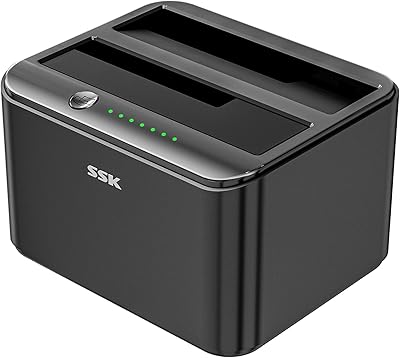
SSK DK103 Dual Bay Hard Drive Dock
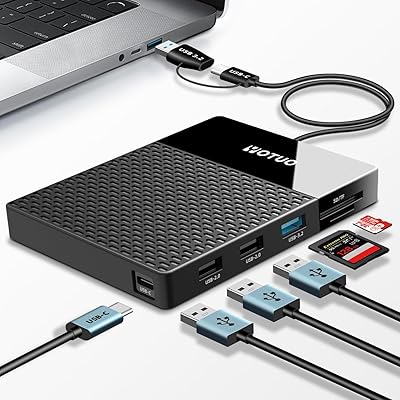
YOTUO 500GB USB-C Hub External Hard Drive
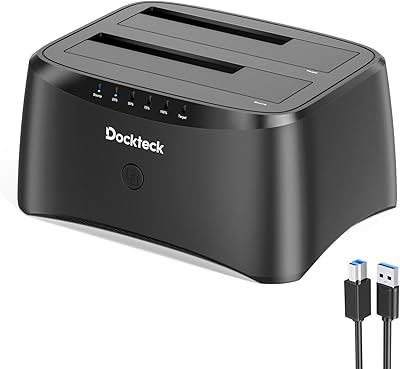
dockteck Dual Bay Hard Drive Docking Station
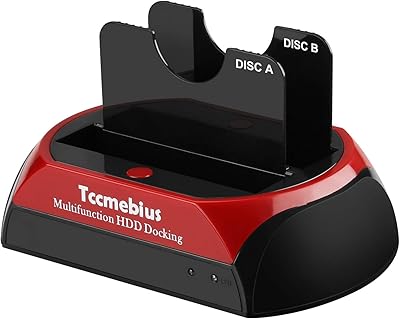
Tccmebius TCC-S868 Dual-Slot USB 3.0 Docking Station
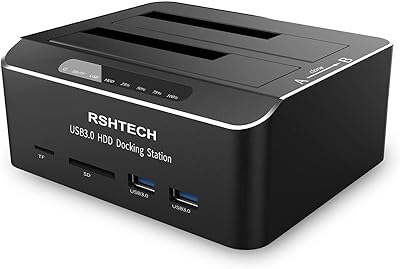
RSHTECH RSH-DS02 Dual Bay Hard Drive Dock
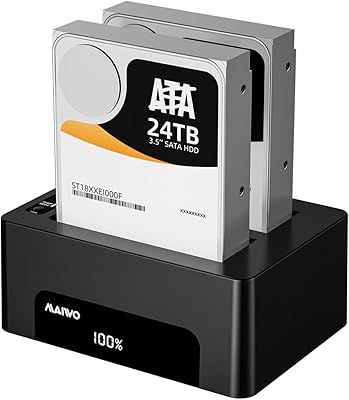
MAIWO Dual-Bay Hard Drive Docking Station
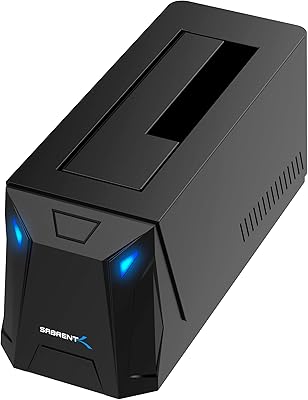
SABRENT DS-UC1B USB-C Hard Drive Docking Station
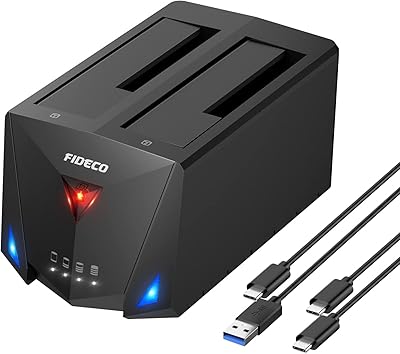
FIDECO YPZ220C Dual Bay USB 3.2 Gen 1 Hard Drive Docking Station
CineRAID CR-H212 Dual-Bay 2.5″ RAID Enclosure